QUICK ANSWER
Separate “no power” from “one dock function fails.”
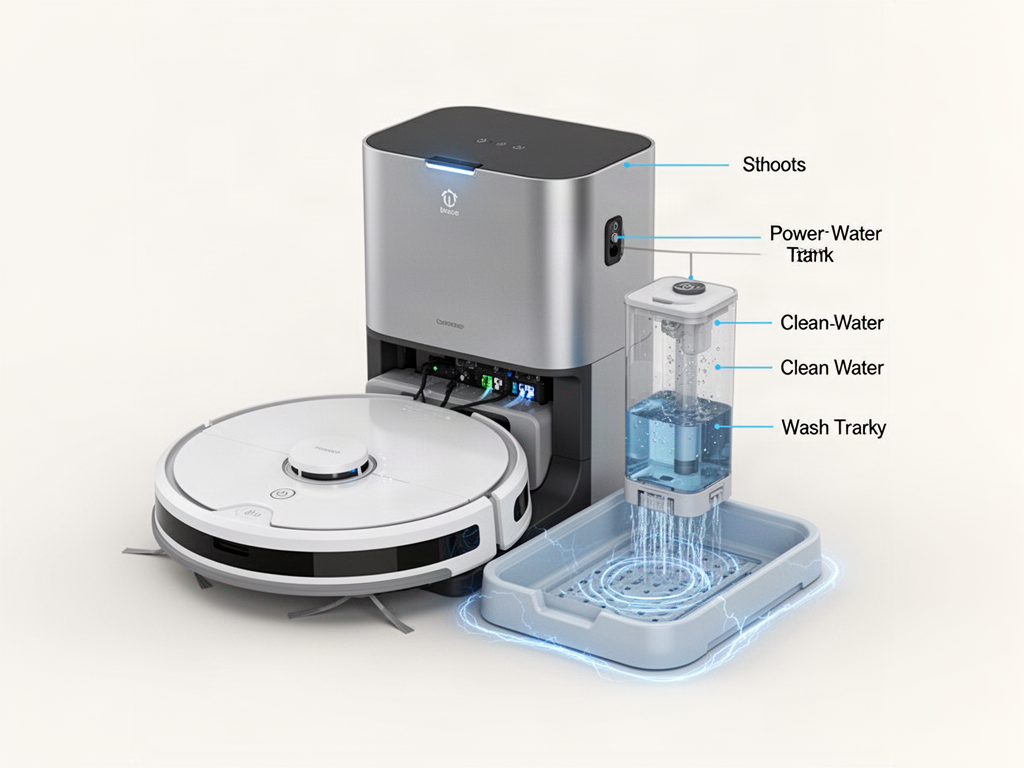
A dead station starts with power checks. A powered station with wash or water errors points instead to tanks, washboard or visible sensors.
INTERACTIVE DIAGNOSIS
What part of the dock is failing?
STEP 1 OF 2
Does the base station show any sign of power?
Powered dock safety
Do not remove electrical covers or probe internal dock wiring. Disconnect power before cleaning serviceable parts.
Related guides
WAS THIS GUIDE HELPFUL?
Rate this guide
No account needed. Your rating helps us improve the most useful troubleshooting guides.