QUICK ANSWER
Check base power before blaming the battery.
Dreame’s official L10s Ultra guidance starts with the power cord, rear power switch and charging contacts.
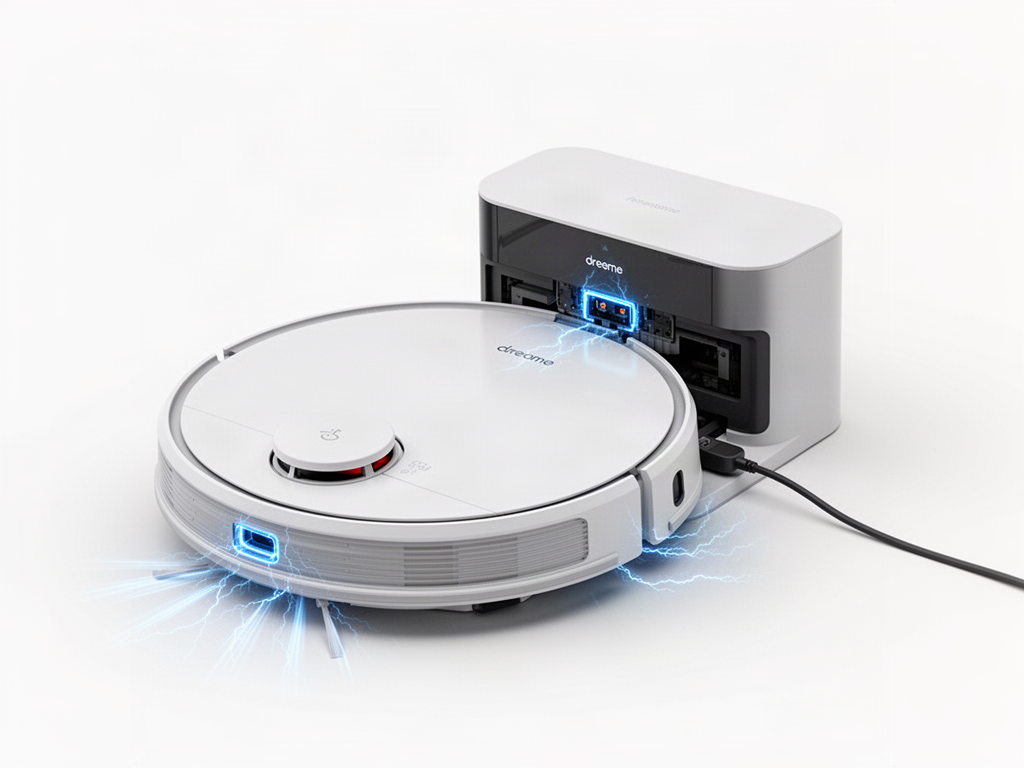
INTERACTIVE DIAGNOSIS
Find why charging will not start
STEP 1 OF 2
Is the base station powered on?
Check the cord, wall outlet and rear power switch.
Stop before internal electrical work
If power and contacts are confirmed but charging still fails, avoid opening the battery or powered base.
Related guides
WAS THIS GUIDE HELPFUL?
Rate this guide
No account needed. Your rating helps us improve the most useful troubleshooting guides.