DREAMEL10S ULTRATANK ERROR
Dreame L10s Ultra Water Tank Not Detected
Use this guide when the dock says the clean-water tank is missing, incorrectly installed or unavailable.
QUICK ANSWERRemove and reseat the tank before anything else.
Dreame’s support guidance starts with tank installation and recognition checks before deeper repair.
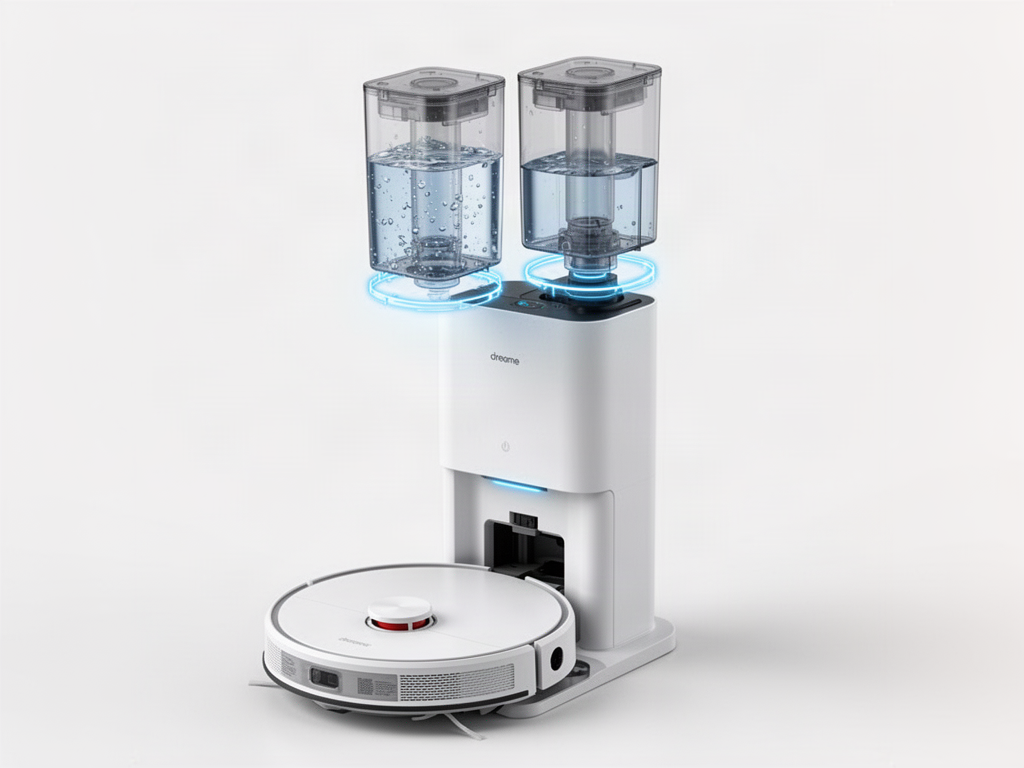 Visual check: the tank should sit fully and evenly in its bay; inspect the seating area for debris before reinstalling it.
Reseat the clean-water tank, then restart the dock.
Remove the tank, inspect the seating area, close the tank lid fully and set it back down evenly.
Do not bypass tank detection
A persistent recognition error can involve a sensor or dock-side fault. Do not defeat the sensor or open powered dock electronics.
Related guides
WAS THIS GUIDE HELPFUL?Rate this guide
No account needed. Your rating helps us improve the most useful troubleshooting guides.
Be the first to rate this guide