Begin with the quick checks. Stop if a step requires tools or experience you do not have.
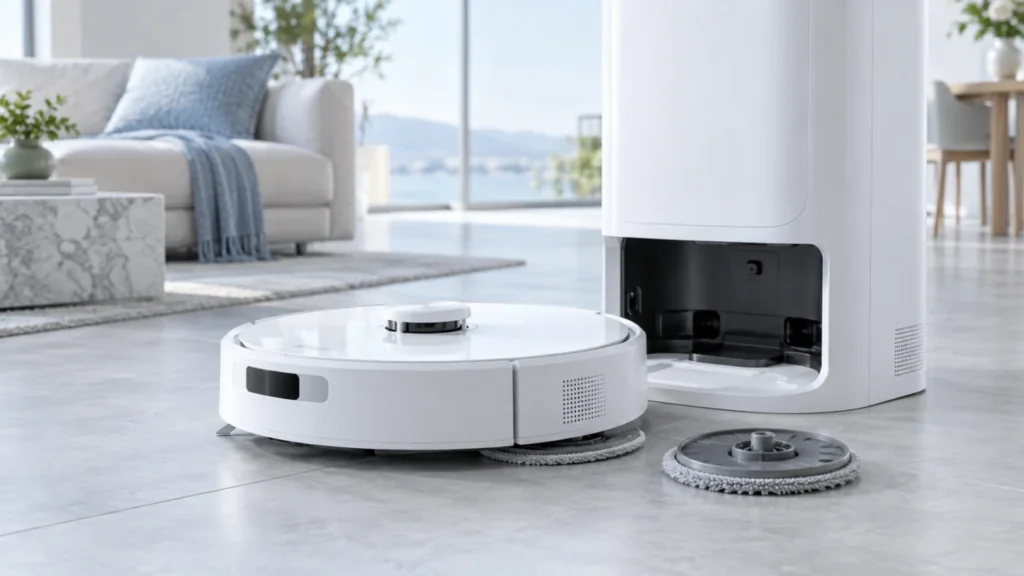
If a Dreame X40 Ultra mop pad holder falls off, first note where it ends up. A disc left at the base may be part of the model’s automatic mop-removal routine for carpet cleaning. A holder dropping on the floor during mopping needs a different check: pad condition, magnetic attachment, debris at the mounting point, and the route where it detached.
Not sure which check to try next?
Follow guided questions and report what changes after each check.
Start step-by-step diagnosisPause the cleaning task before handling the underside. Keep fingers away from moving parts, and never run the robot upside down. Inspect the parts with the robot stopped; when reinstalling a holder, follow Dreame’s support guidance to have the robot powered on, since its magnetic attachment may not engage properly when it is off.
First separate a dock routine from a loose holder
- Both holders stay at the dock before a vacuum-only carpet run: Check the selected mop-removal mode. The X40 Ultra can deliberately leave its mops behind.
- One holder drops on open hard floor: Compare that side’s pad, magnet and mounting area with the secure side.
- It drops at a threshold, rug edge or cable: Clear that route or set an appropriate restricted area, then repeat a short test.
- It remains in the dock when a mopping task begins: Observe one complete departure and pickup cycle; address a docking problem if the robot cannot align.
1. Check the pad and holder separately
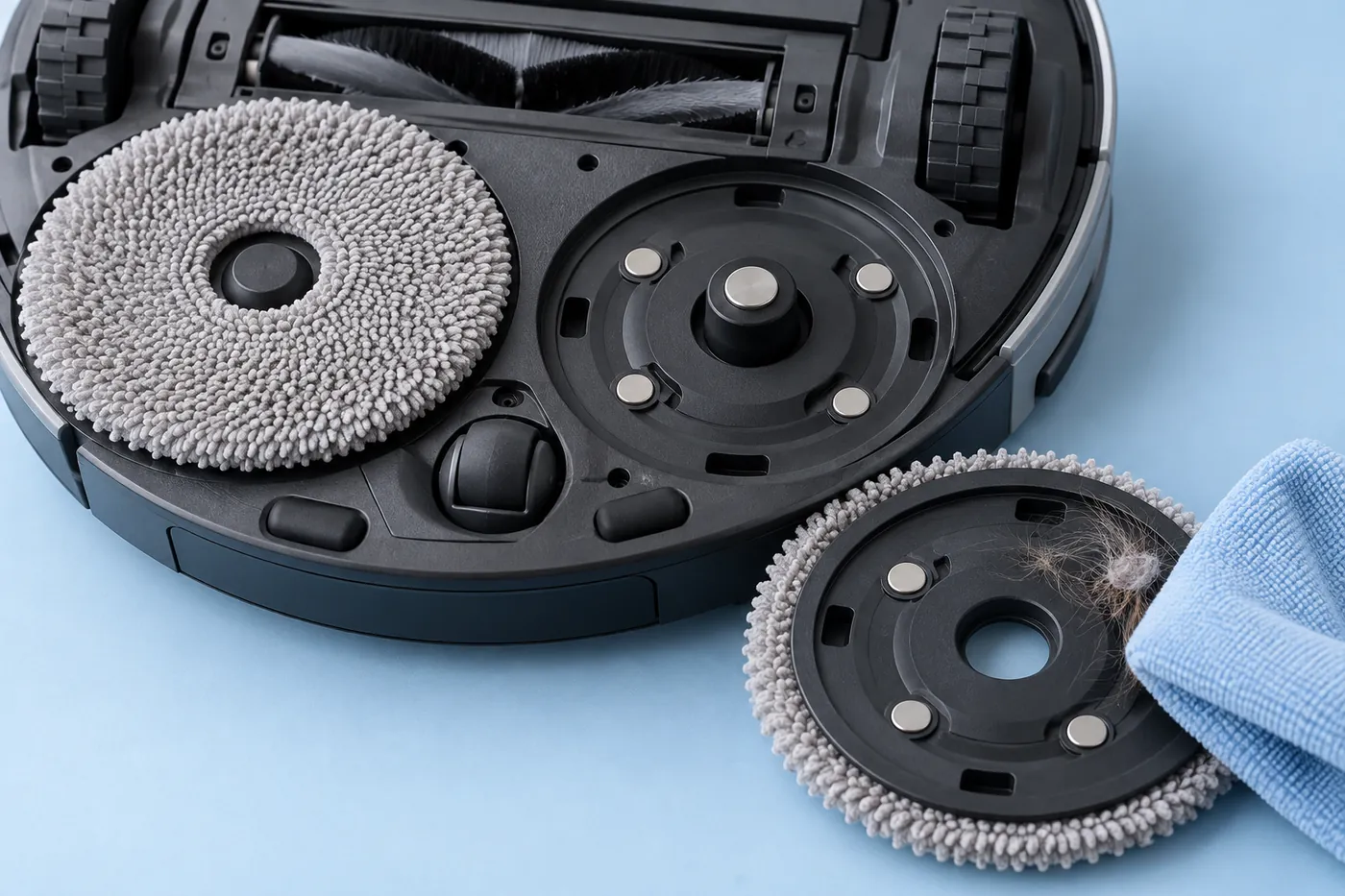
Move the robot away from the dock and pause it. Remove the loose holder and compare it with the other one. Look for a cracked or distorted disc, a loose insert, visible rust at its magnet, or debris around the attachment point. Check whether the cloth pad itself is stretched, bunched, worn or poorly attached. Dreame recommends replacing a heavily used pad first and checking the holder magnet if detachment continues.
Remove reachable hair or lint with a soft dry cloth. Keep water, oil, glue and sharp tools out of the robot-side socket. Do not force a damaged holder into place or open the robot body.
2. Reinstall after the robot has powered on
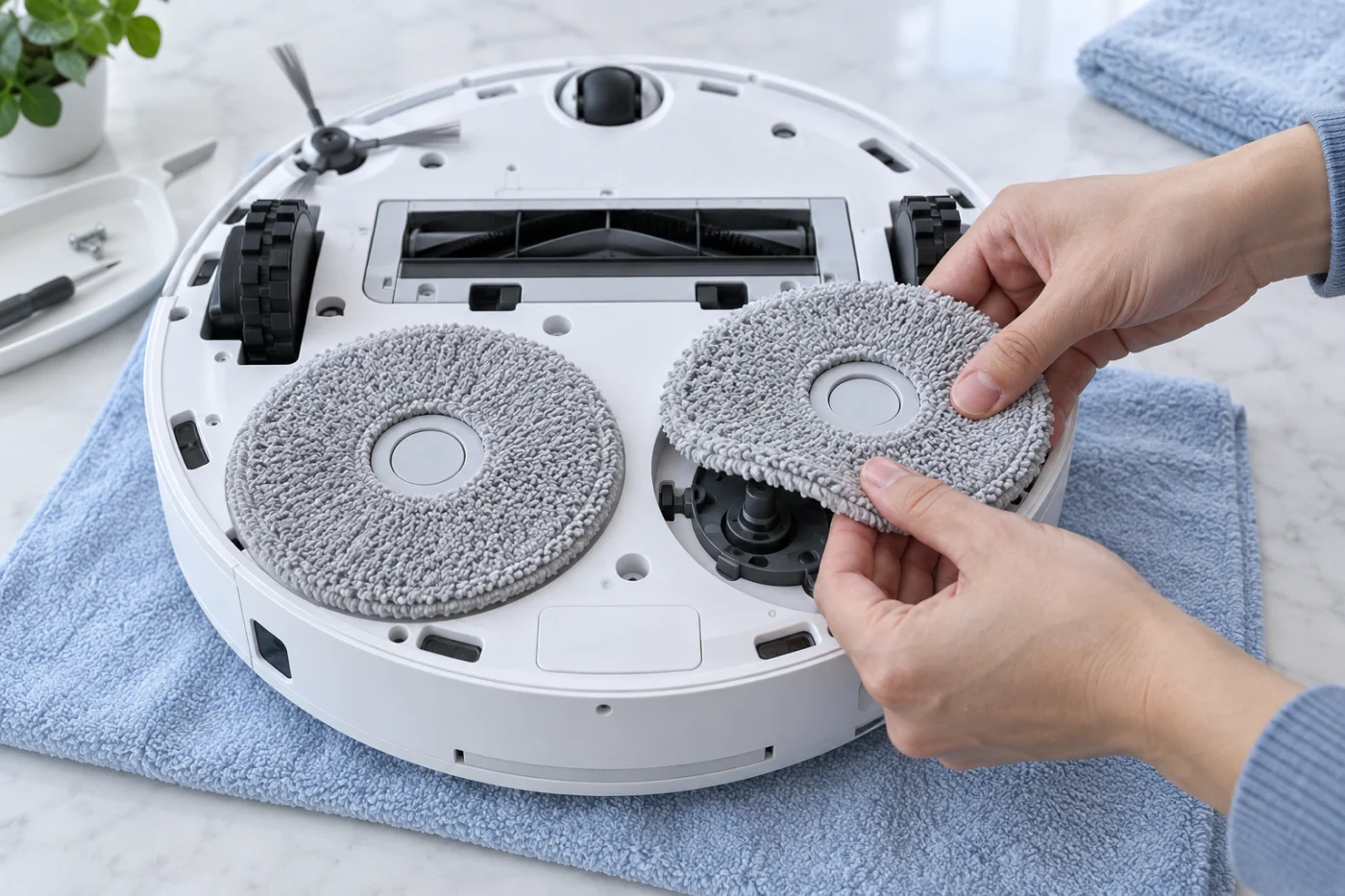
Restart the robot if needed and wait until it has finished starting up. Dreame’s holder troubleshooting says to reinstall the mop holder after the robot is on; fitting it while the robot is switched off may prevent proper magnetic attachment. With the robot stopped and upright or supported securely according to its manual, align the holder with its mount and let it attach without twisting or excessive force. Keep fingers clear of the discs before starting a task.
Compare how both sides sit. A holder that immediately drops while the other remains attached may have weak or damaged magnetic hardware. Dreame suggests checking the magnets, trying the left and right pads to narrow down whether the fault follows a removable part, and using compatible genuine pads. Do not swap whole holders unless the parts and instructions for your exact model allow it.
3. Run one short controlled test
Choose a small, clear hard-floor area near the base and start a mopping task. Record whether the same side releases before rotation, during floor contact, at a particular obstacle, or during docking. Remove cords and loose objects first. Dreame recommends restricted areas where carpets, thresholds or small steps can catch a holder.
If the holder only stays behind during a selected carpet vacuuming mode, check the X40 Ultra’s mop-removal setting before buying a replacement. Dreame lists automatic mop removal as a feature of this model. If it fails to retrieve a holder for mopping or cannot align with the station, use the X40 Ultra docking guide.
What did the short test show?
Only the cloth detaches: Reattach it flat or replace a worn pad.
The plastic holder falls on clear floor: Check its magnet and visible damage; contact Dreame if it will not attach securely.
It falls at one obstacle: Clear or restrict that route and retest.
It is left at the dock: Compare the active cleaning mode with the X40 Ultra’s automatic mop-removal behavior.
When to stop testing
If a known-compatible holder repeatedly falls off on the same side, its magnet looks rusty, the robot-side mount is damaged, or the dock mishandles it after a controlled test, contact Dreame support. Send a photo of both holders, the app message and a short video showing the stage of detachment. Do not glue the holder to the robot: the X40 Ultra is designed to remove mops for certain cleaning modes.
References: Dreame X40 Ultra product features, Dreame holder installation guidance and Dreame’s pad and magnet checks.