Dreame
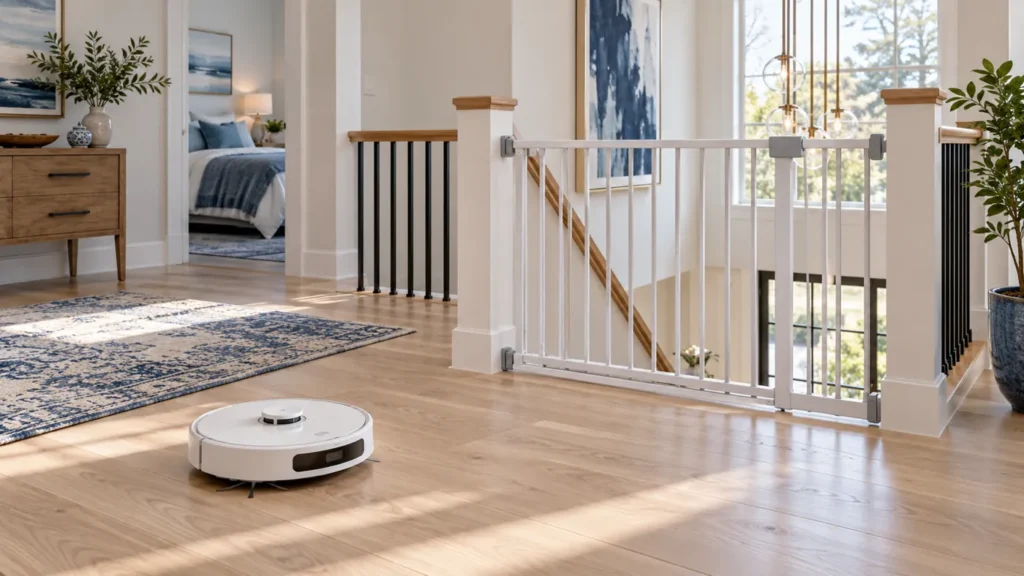
How to Use Dreame L10s Ultra on Multiple Floors
Use Dreame L10s Ultra on multiple floors with separate maps, safe carrying, vacuum-only cleaning and the right setup for station services.
Brand troubleshooting
Troubleshooting guides for Dreame robot vacuum cleaners.
Matching guides
Start with the closest symptom. Each guide begins with safe checks before disassembly.
Use Dreame L10s Ultra on multiple floors with separate maps, safe carrying, vacuum-only cleaning and the right setup for station services.
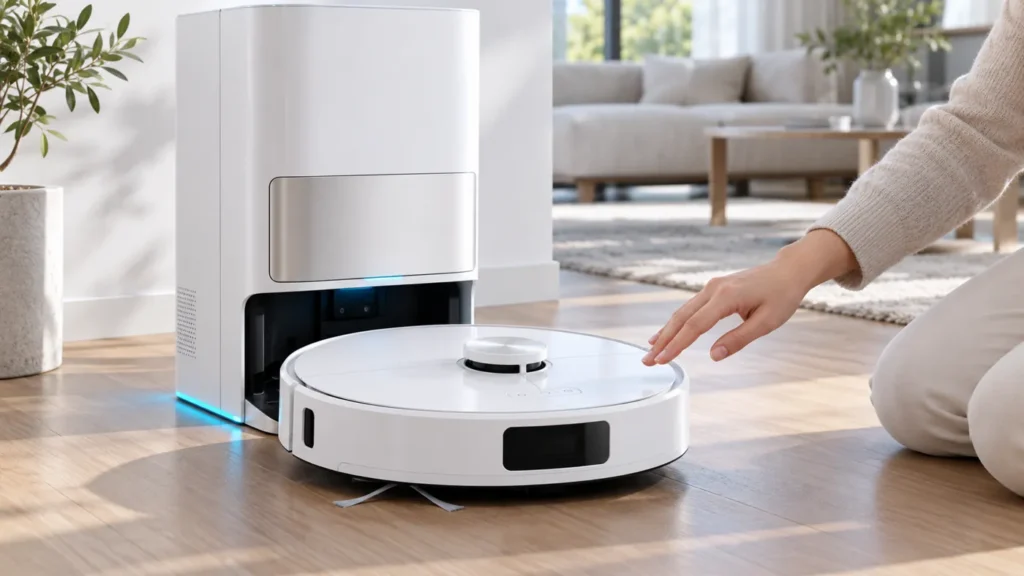
Reset your Dreame L10s Ultra safely: choose a restart, Wi-Fi reset or factory reset, and understand what happens to cleaning data and settings.
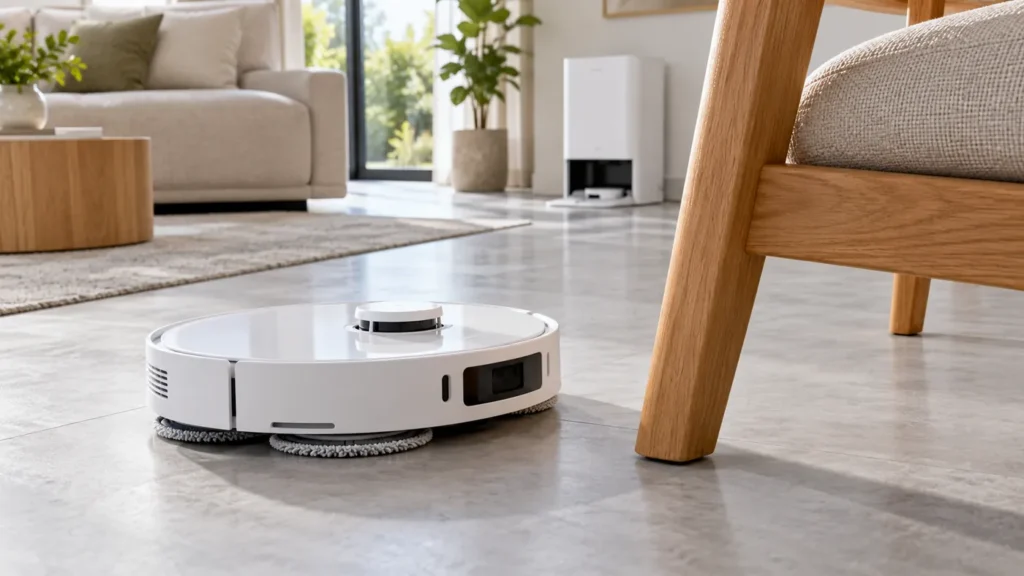
Dreame L10s Ultra obstacle avoidance not working? Clean the front sensors, improve room lighting and compare a clear test area before checking firmware.
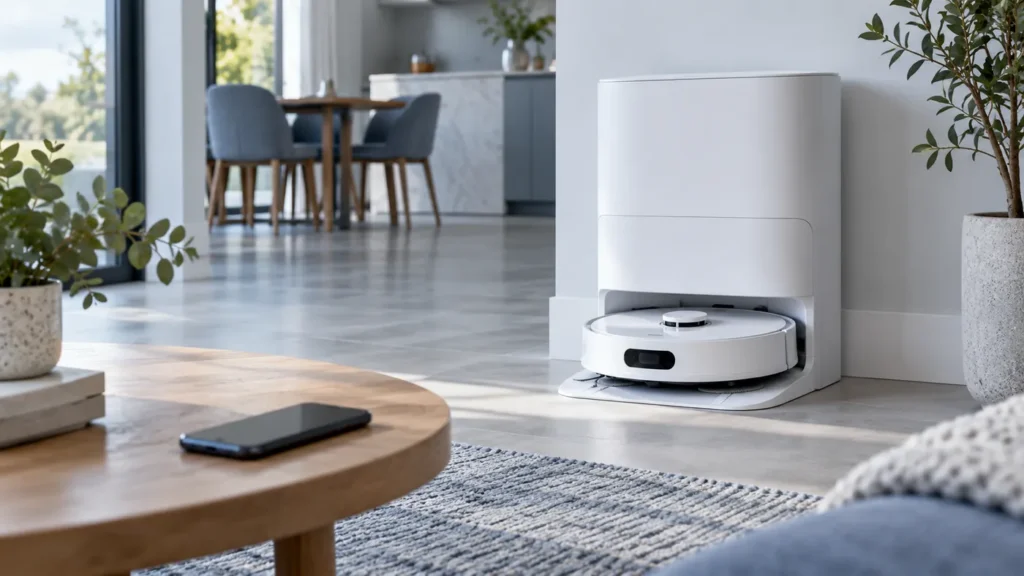
Dreame L10s Ultra firmware update failed? Confirm charging, battery above 15% and stable Wi-Fi, then check the update status before retrying.
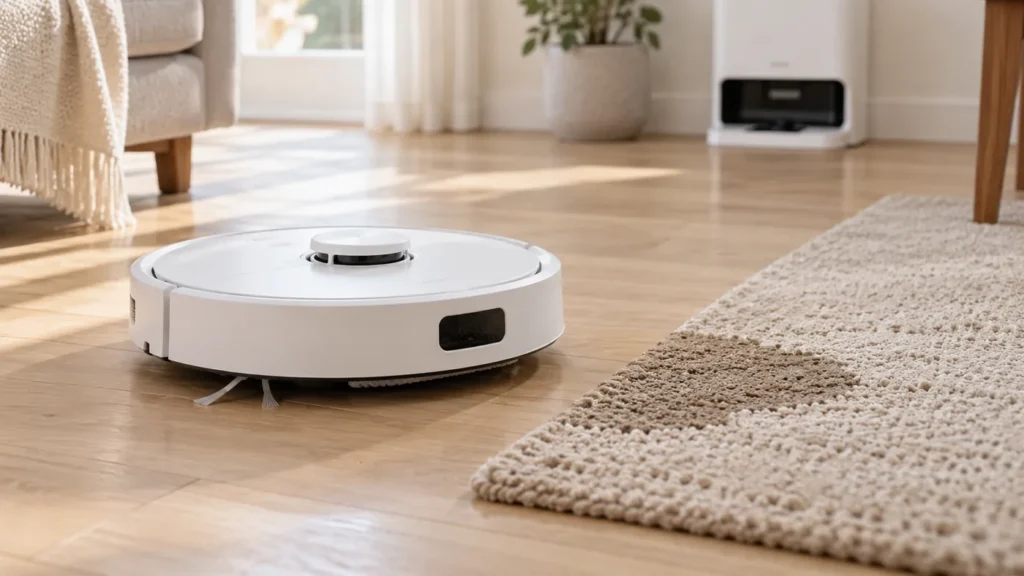
Dreame L10s Ultra gets carpet wet while mopping? Check carpet recognition, map restrictions and mop fit, then separate carpet vacuuming from wet cleaning.
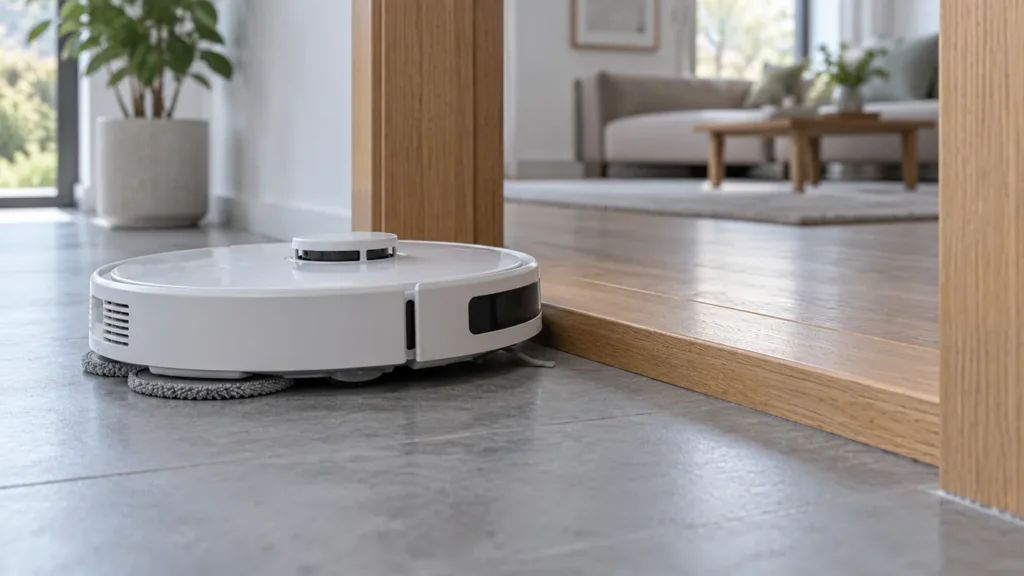
Dreame L10s Ultra says its wheels are suspended? Check floor contact, clean the cliff sensors and inspect the driving wheels before testing on a flat floor.
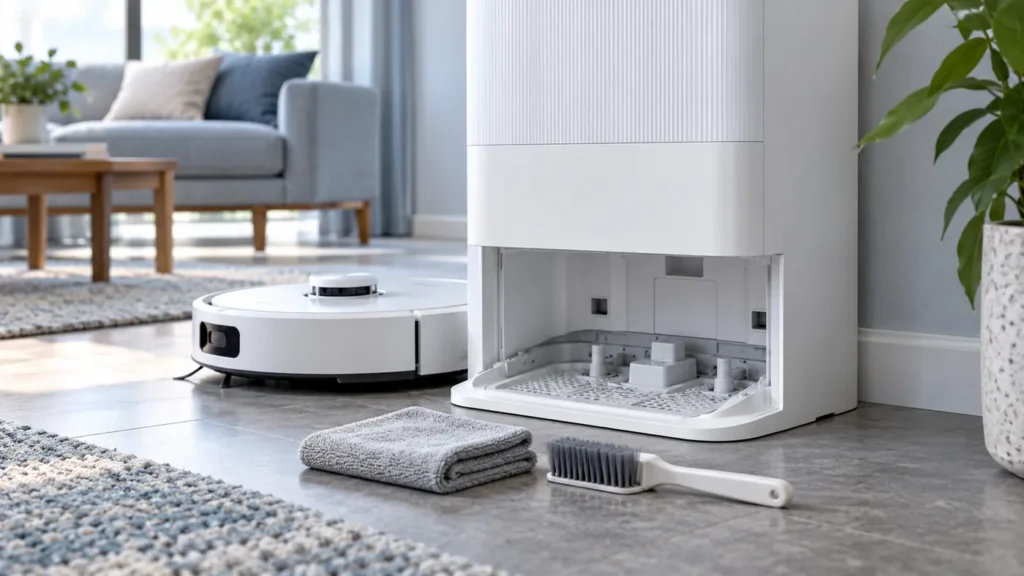
Clean the original Dreame L10s Ultra washboard and accessible drain area, check the dirty-water tank seal, and test drainage after reassembly.
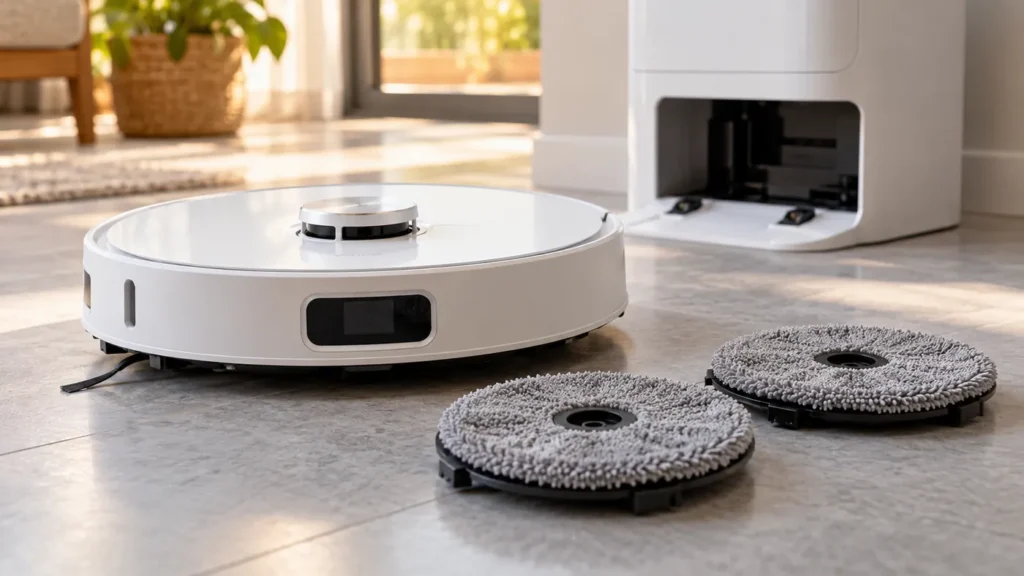
Dreame L10s Ultra mop pads not spinning? Check the cleaning mode, removable holders and mounting areas, then test again before considering a reset.
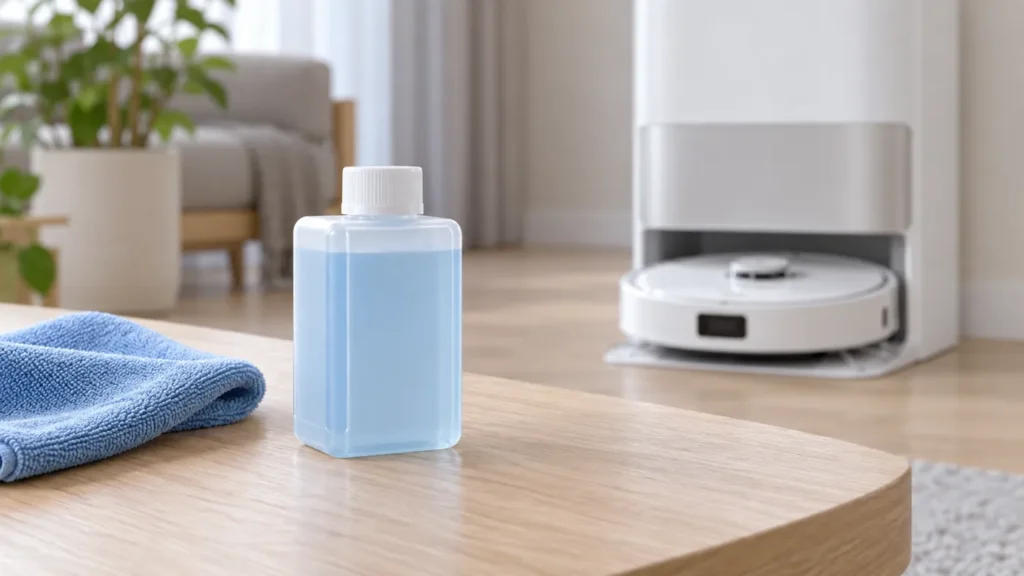
Install the original Dreame L10s Ultra cleaner bottle: remove its cap and seals, prepare the station inlet, fit the bottle, and reinstall the water tanks.
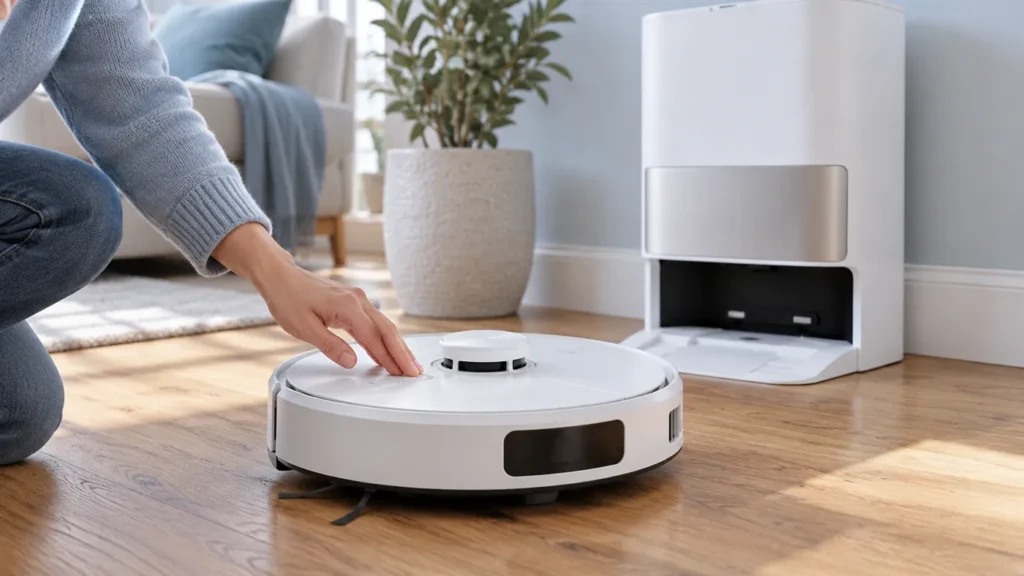
Dreame L10s Ultra won’t turn off? Move it off the charging base, try the three-second power hold, and use the manual’s restart steps if it is frozen.