QUICK ANSWER
Check whether the pads are wet immediately after station washing.
That separates a station water problem from a robot-side mopping or settings issue.
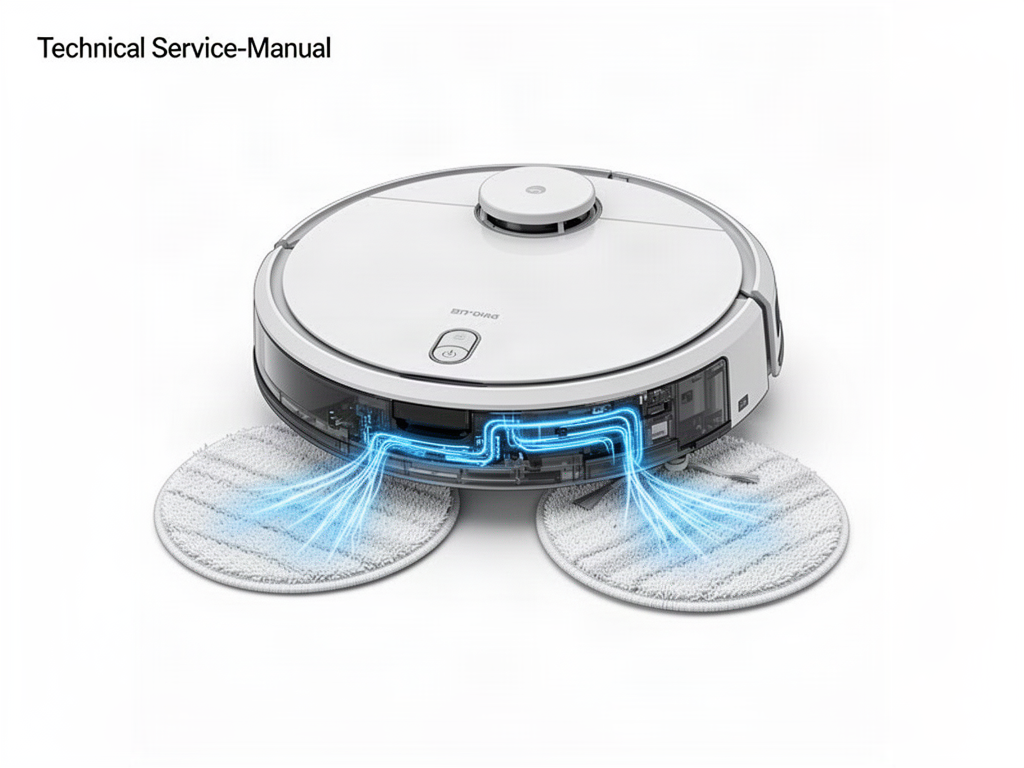
Are both mop pads properly wet immediately after a wash cycle?
Do not force water through internal lines
If normal station washing works but the pads repeatedly dry out despite correct settings, arrange service.
OFFICIAL REFERENCE
ECOVACS T20 OMNI support
Use the official T20 OMNI support center for current station, mopping-pad, cleaning and maintenance guidance before deeper service.
Open official ECOVACS support