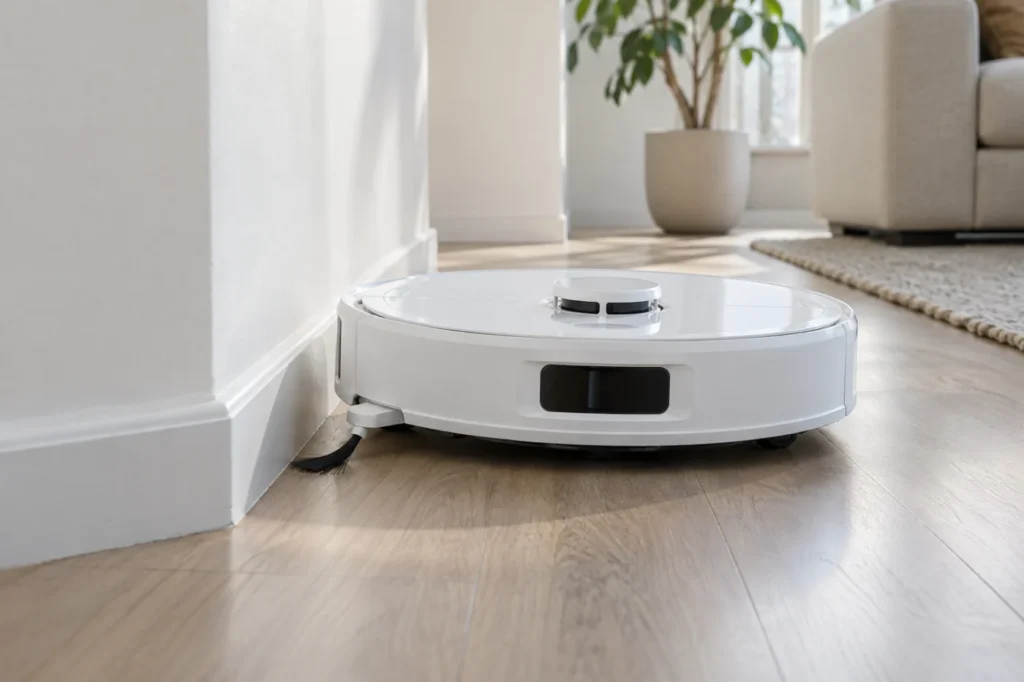
Begin with the quick checks. Stop if a step requires tools or experience you do not have.
Quick answer: If the Qrevo Curv side brush does not spin during a cleaning run, turn the robot off, remove the brush’s screw, clear hair from the removable brush and mounting point, then reinstall it. If the brush spins but does not extend, check FlexiArm Design Extended Cleaning in the Roborock app. The arm is not designed to extend at every corner or on every wall pass.
Not sure which check to try next?
Follow guided questions and report what changes after each check.
Start step-by-step diagnosisWatch a short run on clear hard flooring before removing anything. A stopped brush and an arm that stays retracted call for different checks. Roborock distinguishes these symptoms in the Qrevo Curv user manual.
Which movement is missing?
The brush does not rotate during cleaning
Test on clear hard flooring. If it remains still, stop and power off the robot, then remove and clean the brush as described below. Check any error shown in the app.
It rotates, but the arm does not extend
Check the FlexiArm Design Extended Cleaning setting and watch several accessible wall corners during a normal run. One missed corner does not prove a fault.
It rattles, sits crooked, or turns unevenly
Stop the task. Inspect the screw, brush hub and bristles for damage or trapped hair; do not keep running it while it catches.
If the brush does not spin
Move the robot off the dock and switch it off. Place it upside down on a soft towel without putting pressure on the raised LiDAR unit. Use a fitting screwdriver to remove the side-brush screw, lift off the brush, and clear visible hair or thread around its hub and mounting point. Reinstall the brush and tighten the screw securely. This is Roborock’s specified side-brush maintenance procedure. Keep liquids and lubricant out of the mount; do not pry open the extension mechanism.
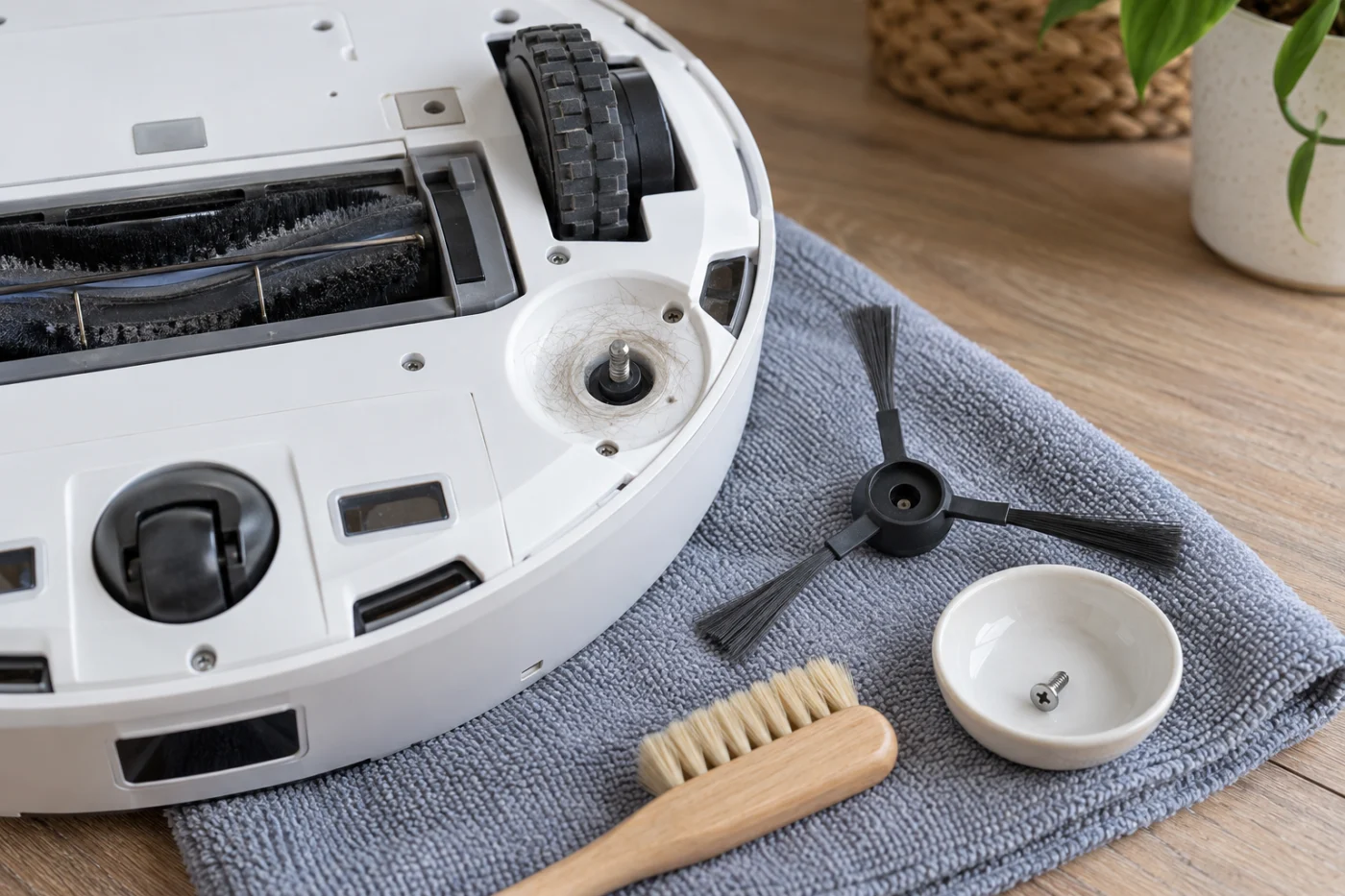
Check that the brush sits flat, the screw holds, and the bristles or hub are not broken. Replace a damaged brush with a compatible part. Then place the robot upright and observe another short cleaning run. Do not force the motor by hand or test the brush with the robot inverted.
Roborock recommends cleaning the side brush monthly and replacing it every 3–6 months, sooner if it wears abnormally. If the cleaned, correctly installed brush still does not rotate during a normal run, record the app error and a short video for support.
If it spins but does not extend
In the app, look for FlexiArm Design Extended Cleaning and enable it. The extendable mop is a separate feature with a different setting. Observe more than one suitable corner and a few wall passes: Roborock explicitly says the side brush does not extend every time.
With the robot off, look for visible hair, thread, or debris in the arm’s accessible gap. Remove only what you can reach without taking off a housing panel. Do not pull or push the arm by force. If it never extends with the setting enabled during repeated normal cleaning, or clicks and jams, contact Roborock with a video of the behavior and the app setting.
What to do if both checks fail
A cracked hub, missing screw, damaged extension arm, or persistent brush error needs model-specific service rather than disassembly at home. Tell Roborock Support whether the brush fails to rotate, fails to extend, or does both. If the problem is with the pair of central rollers, use our separate Qrevo Curv main-brush guide.