Roborock
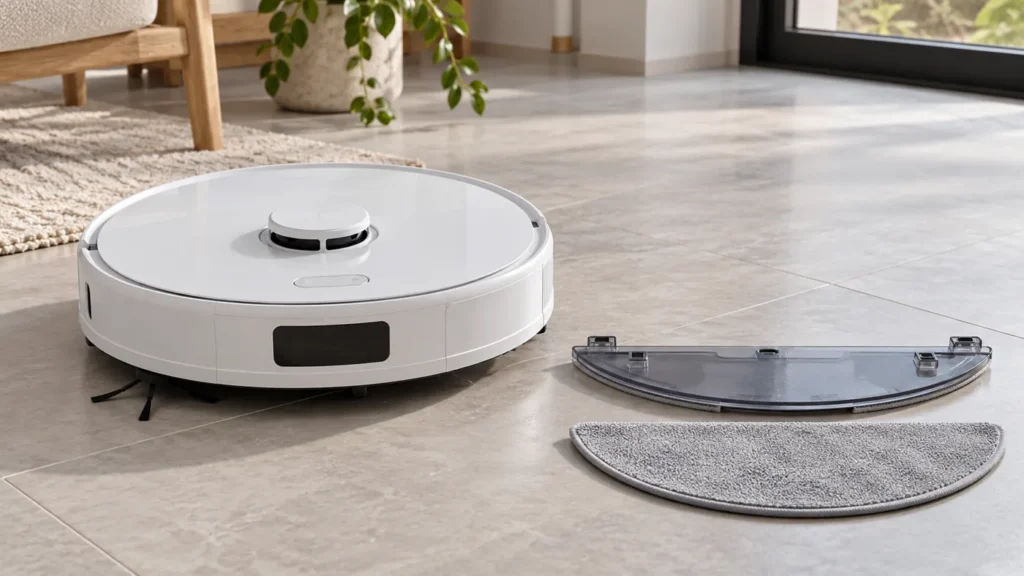
How to Replace Roborock S8 Mop Cloth
Replace the original Roborock S8 VibraRise mop cloth: remove the holder, fit a damp replacement securely, and check it on a short mopping run.
Brand troubleshooting
Troubleshooting guides for Roborock robot vacuum cleaners.
Matching guides
Start with the closest symptom. Each guide begins with safe checks before disassembly.
Replace the original Roborock S8 VibraRise mop cloth: remove the holder, fit a damp replacement securely, and check it on a short mopping run.
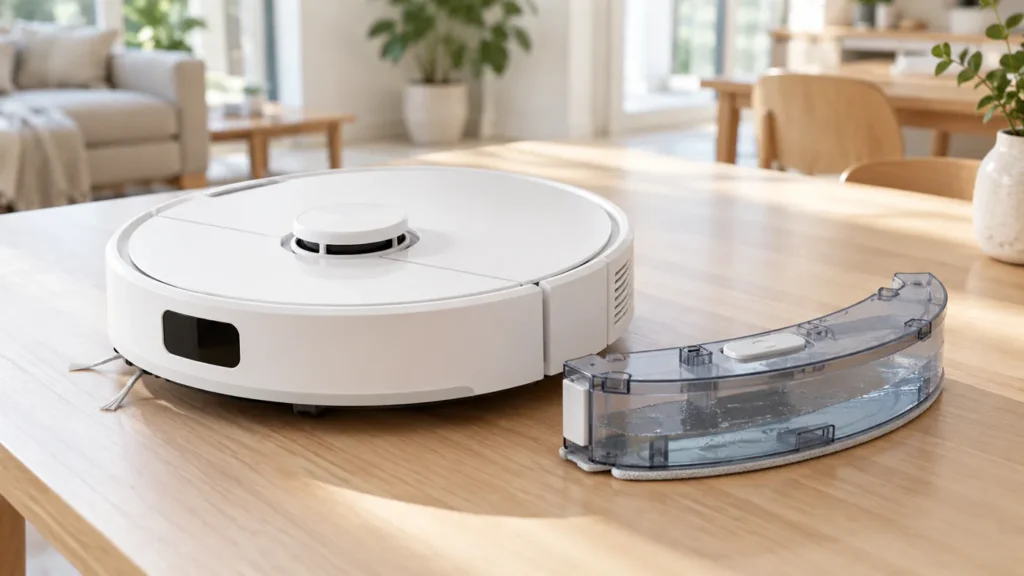
Clean the Roborock S8 water tank safely: remove it, rinse with clean water, check the stopper, and reinstall it before testing mopping.
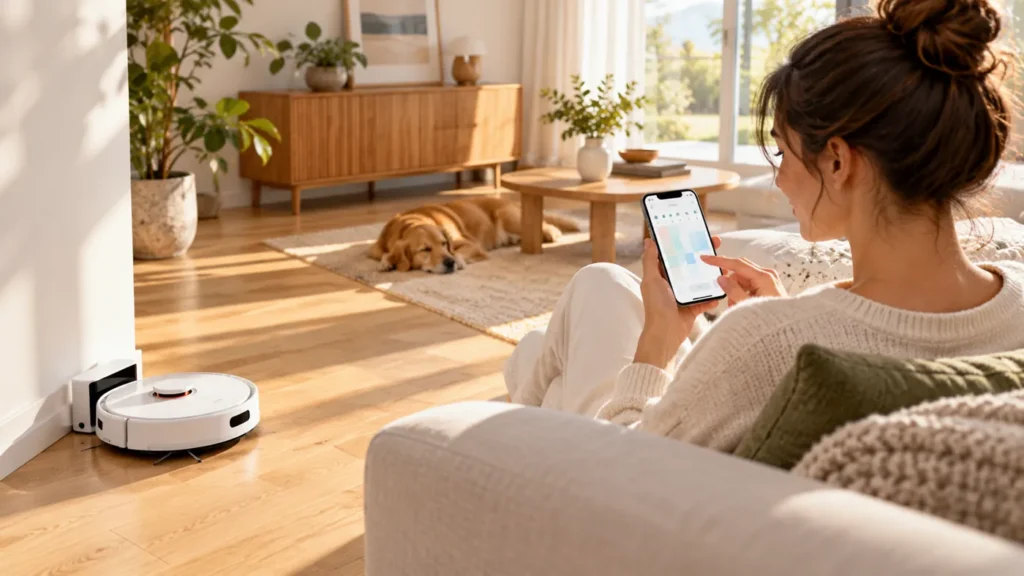
Fix Roborock S8 scheduled cleaning issues by checking charge, saved times, repeat days and room selections, then running one supervised test task.
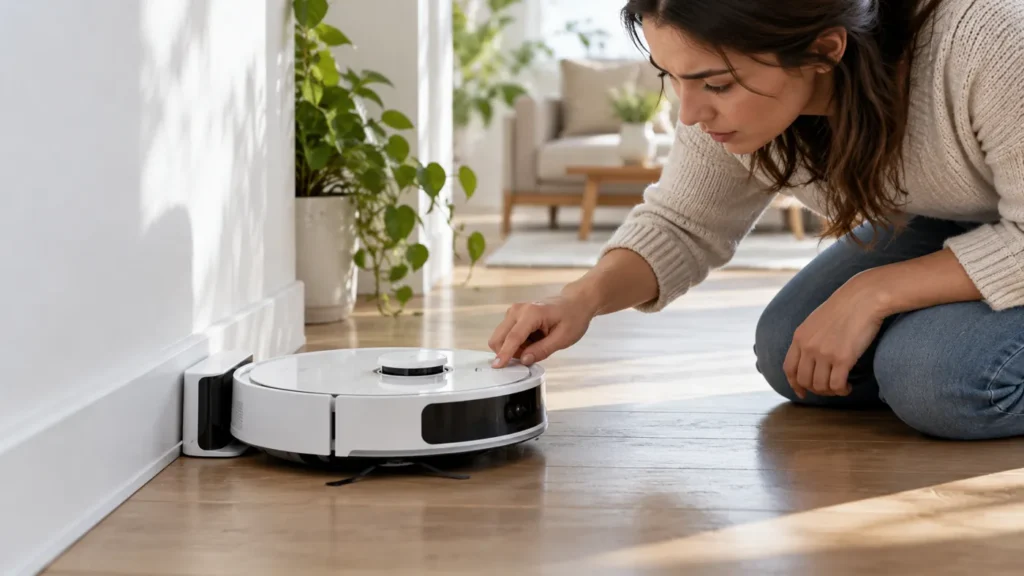
Roborock S8 won’t turn on? Check dock power, charging contacts, temperature and child lock before resetting settings or replacing the battery.
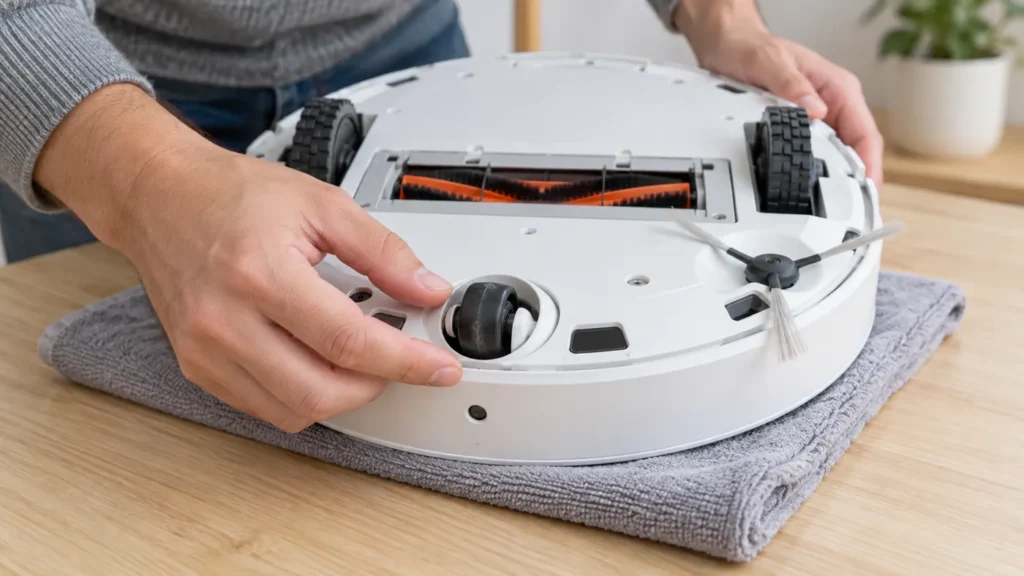
Clean the Roborock S8 front wheel and axle, remove trapped hair, dry the parts and refit them securely while leaving the wheel bracket in place.
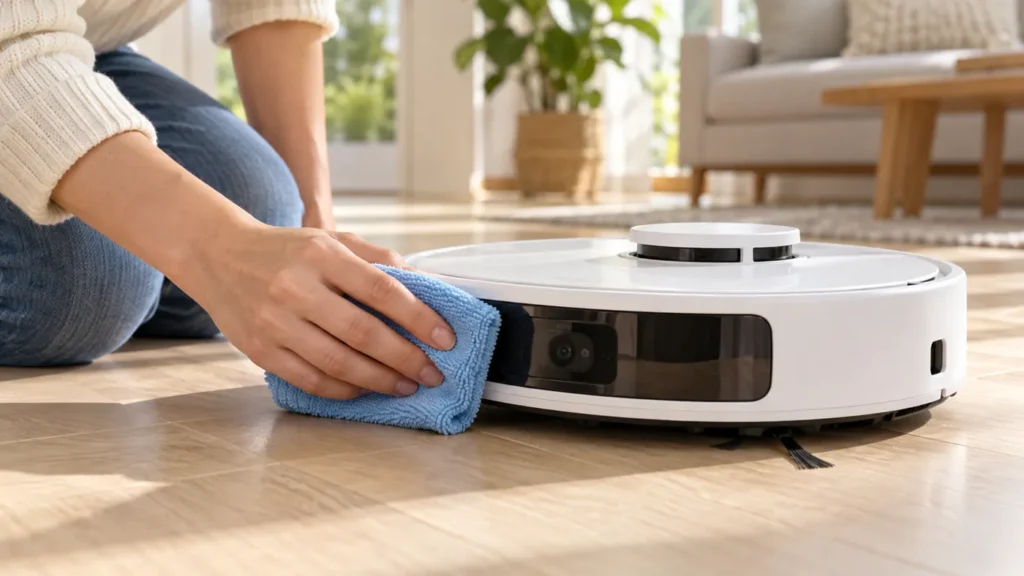
Clean Roborock S8 sensors with a soft, dry cloth. Find the front, wall, carpet and cliff sensors, then check whether navigation or alerts improve.
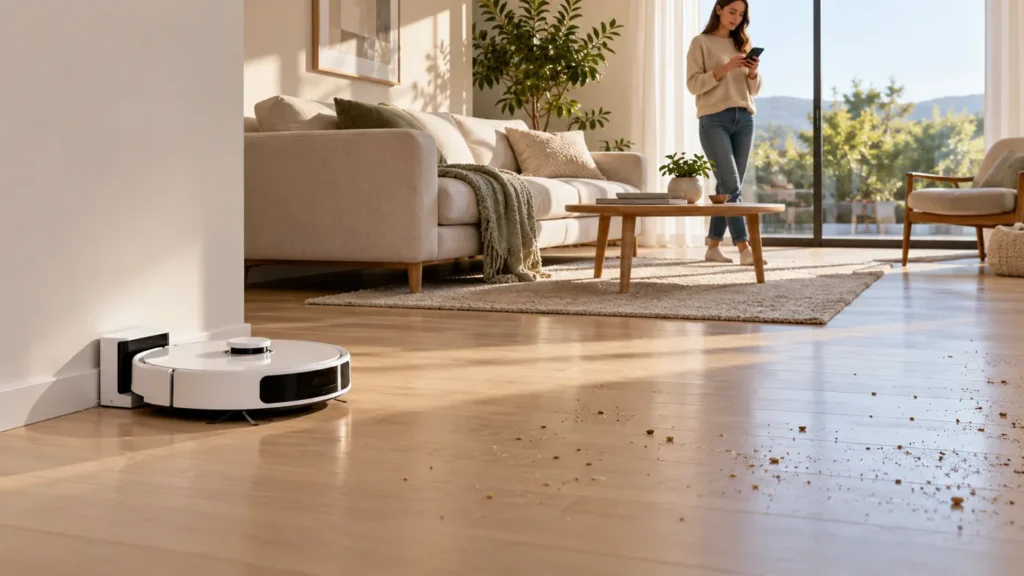
Roborock S8 not resuming after charging? Check Do Not Disturb, manual docking, charging status and whether the original cleaning task is still active.
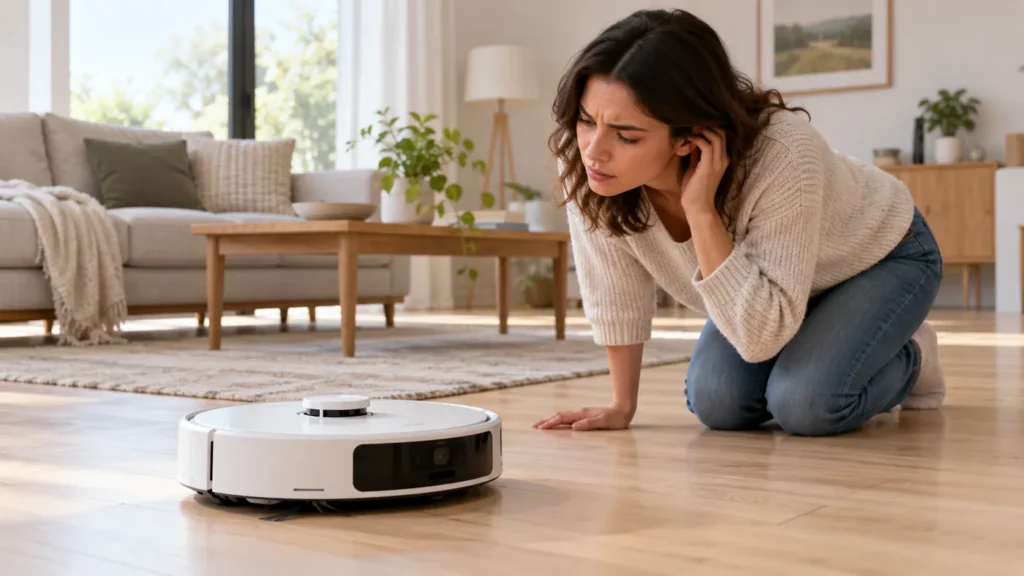
Roborock S8 making noise? Check the bin, filter, brush fit, wheels and mop mount, then compare short tests to identify when the sound occurs.
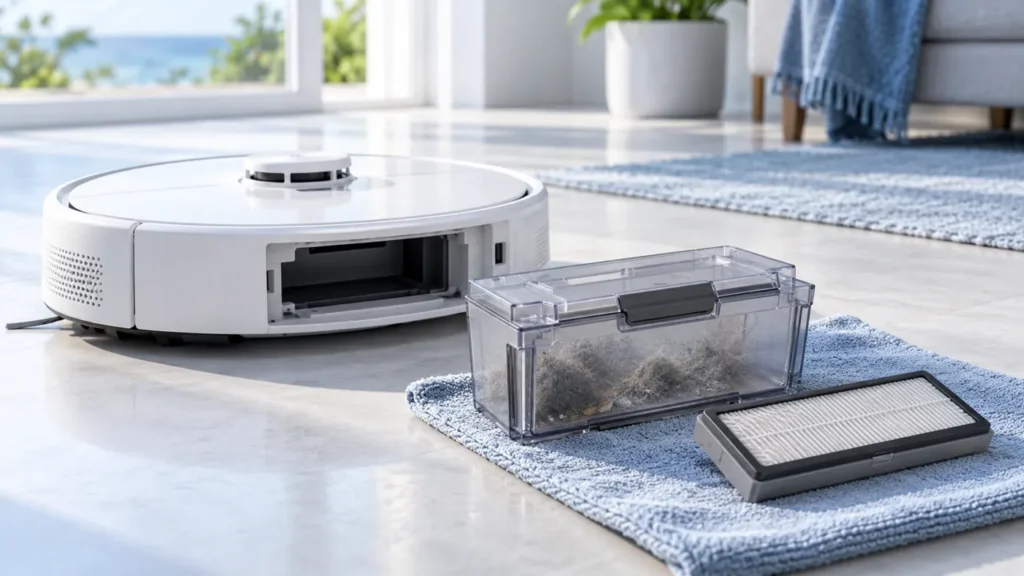
Clean the Roborock S8 dust bin and washable filter with clear rinsing steps, drying guidance, maintenance intervals and checks before reinstalling.
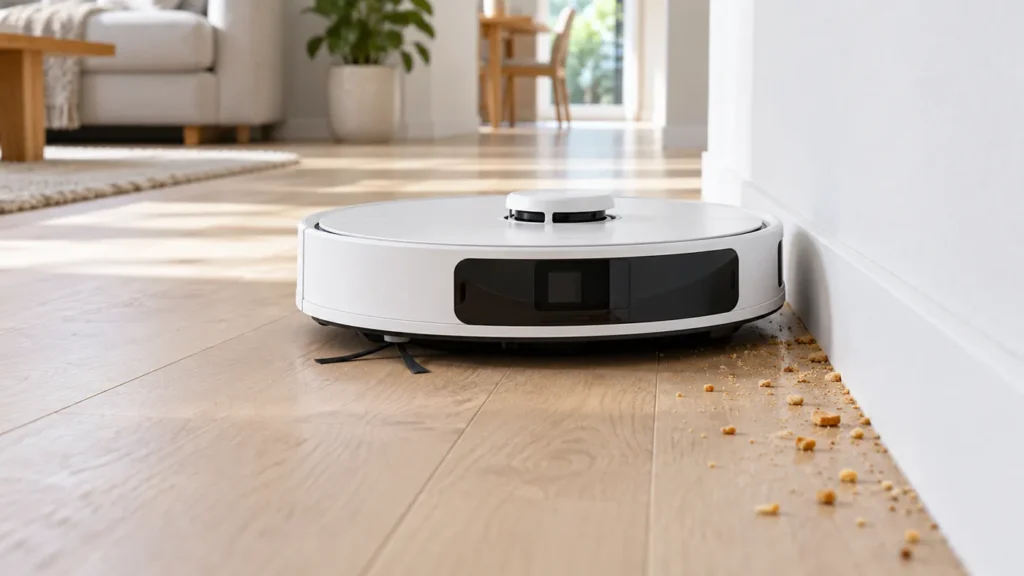
Roborock S8 side brush not spinning? Check hidden tangles, the mounting screw and brush fit, then run a short hard-floor test before replacing parts.