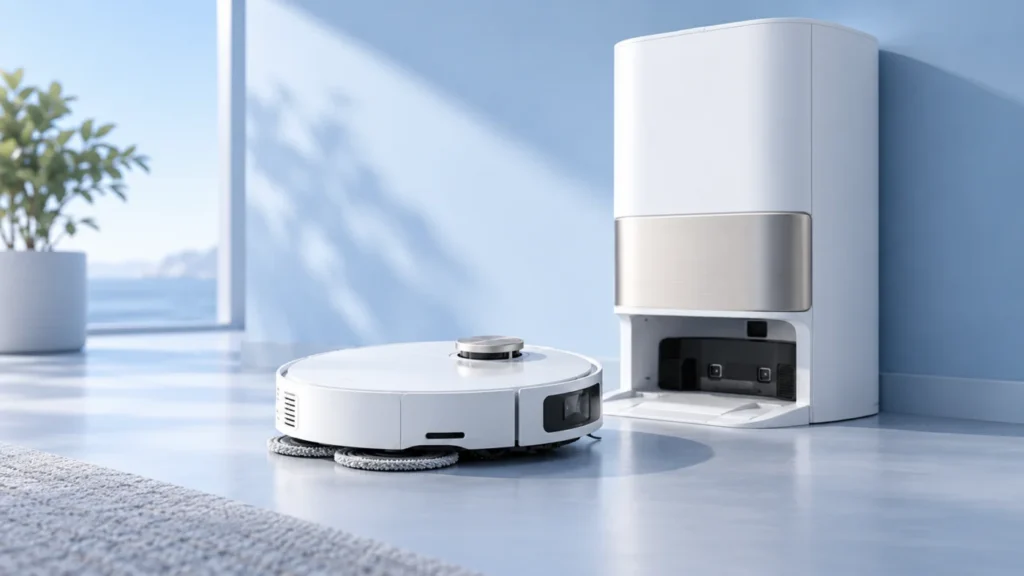
This page groups the published Dreame X40 Ultra troubleshooting guides. Check the exact model in Dreamehome or on its label; controls and accessories may differ from X50 Ultra and other Dreame models.
Find the right next check for your robot
Choose the observed symptom and follow one diagnostic question at a time.
What is failing?
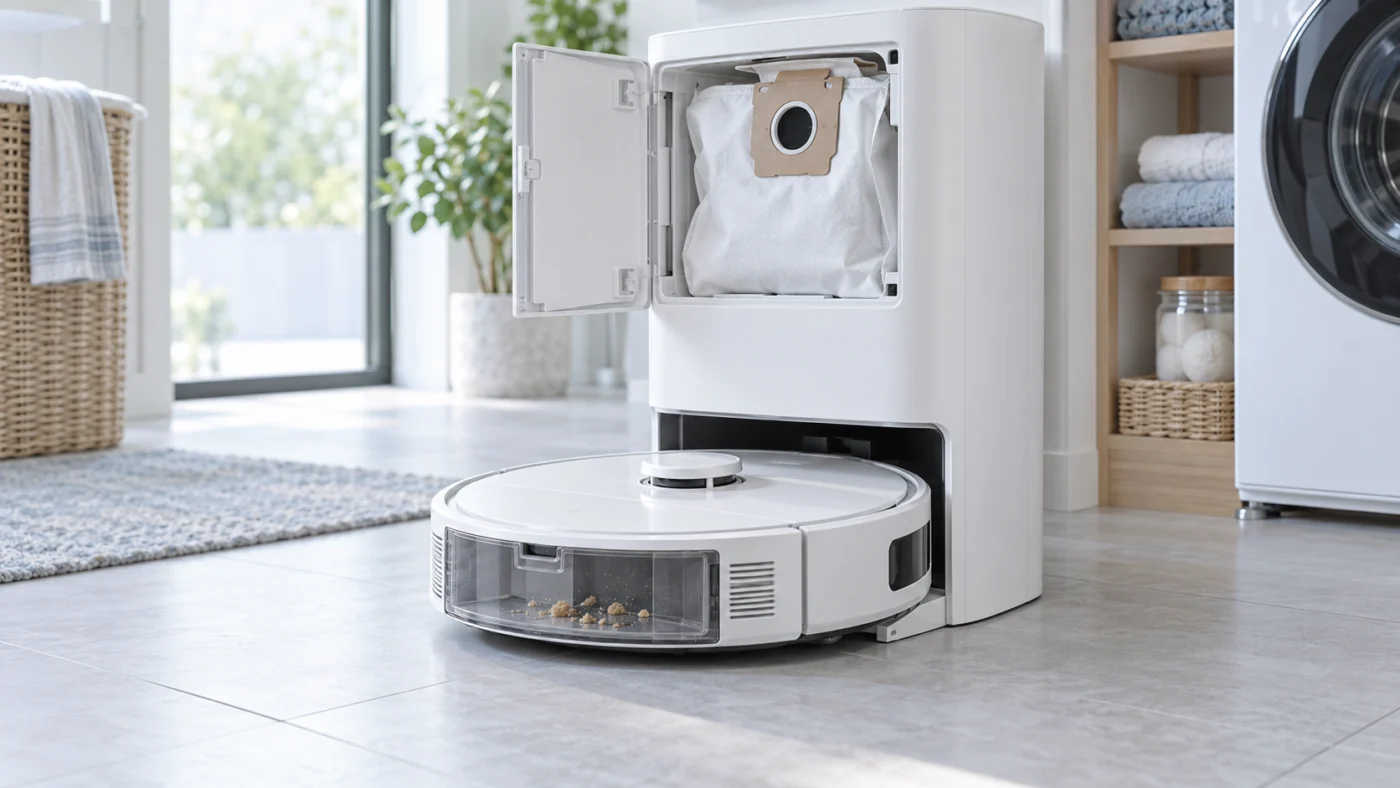
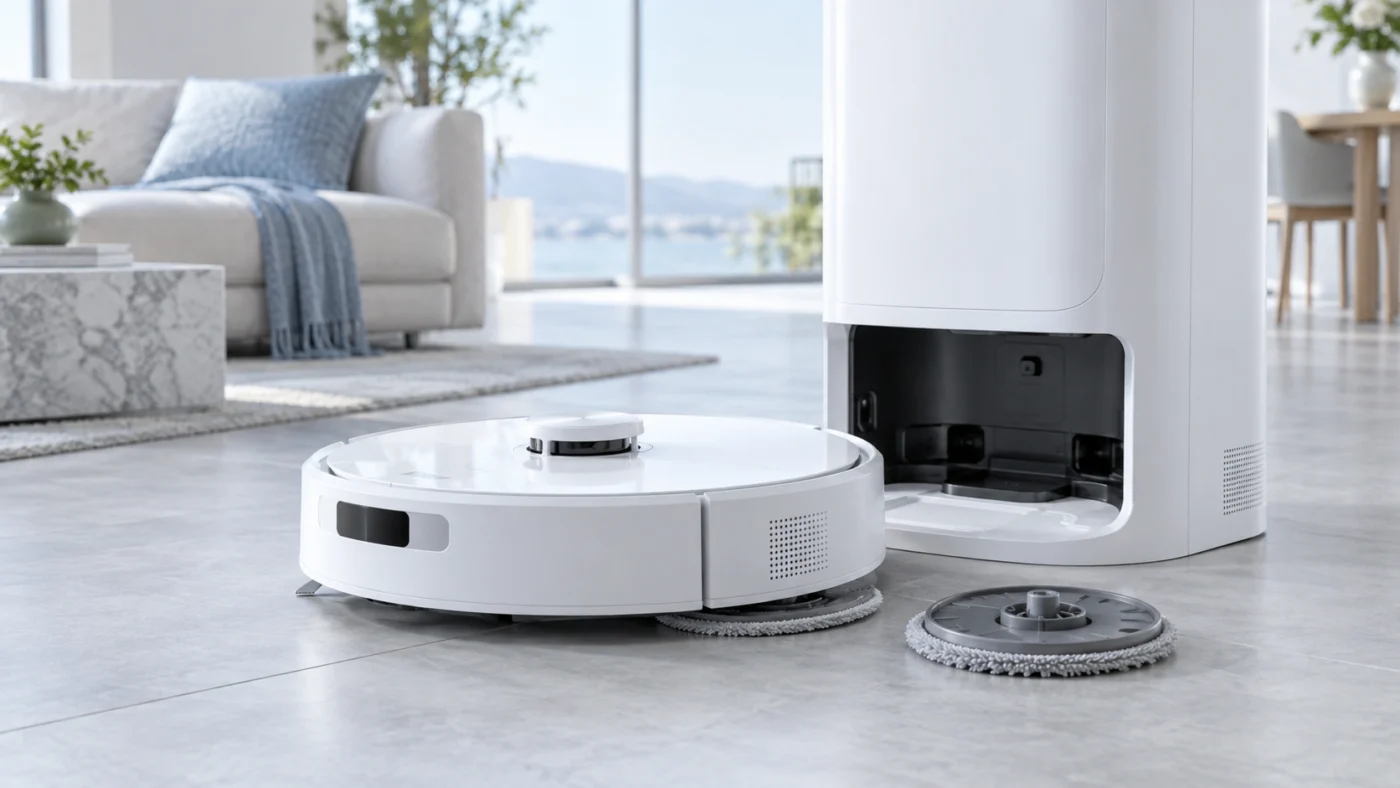
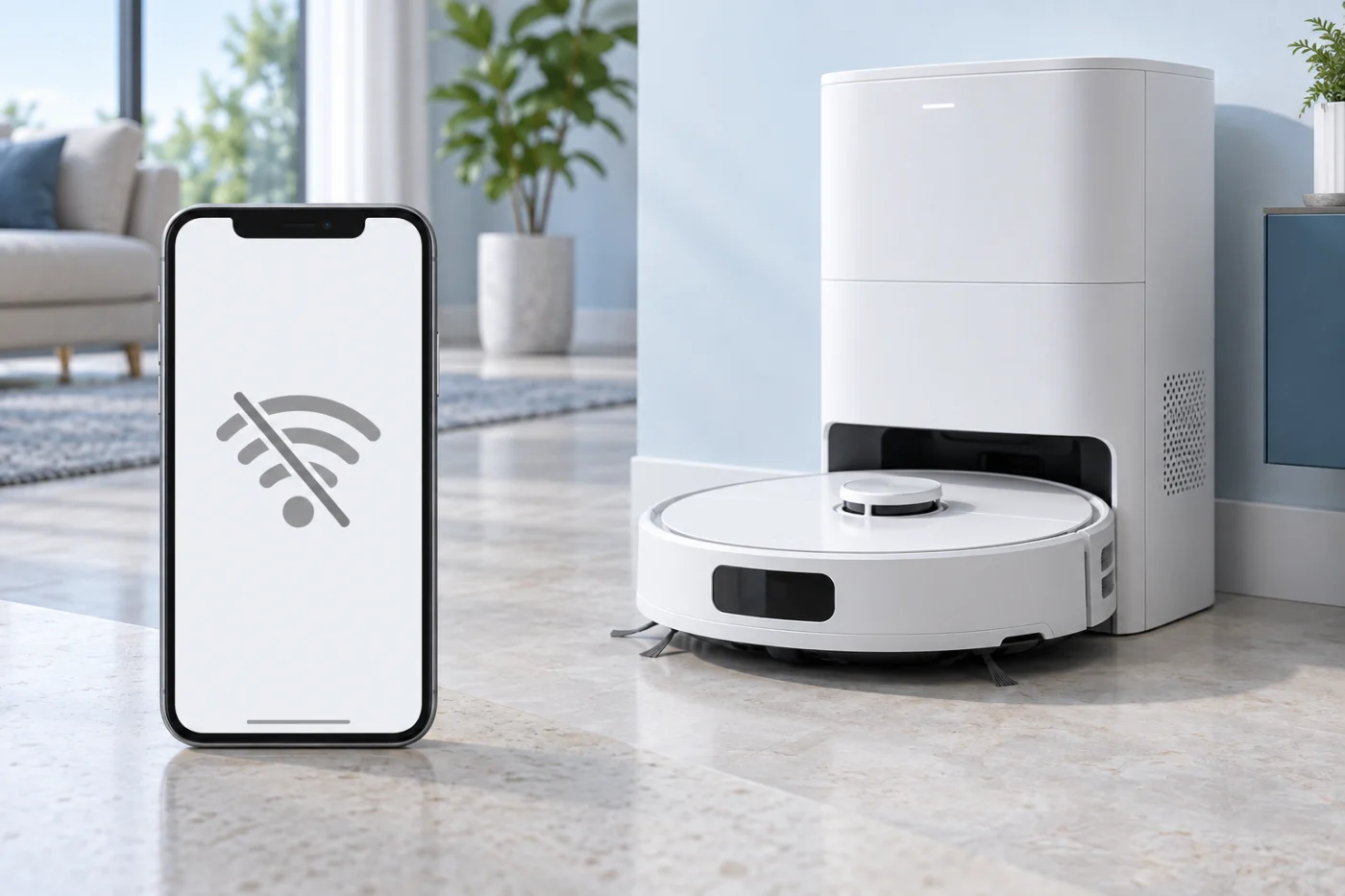
Choose the right diagnostic route
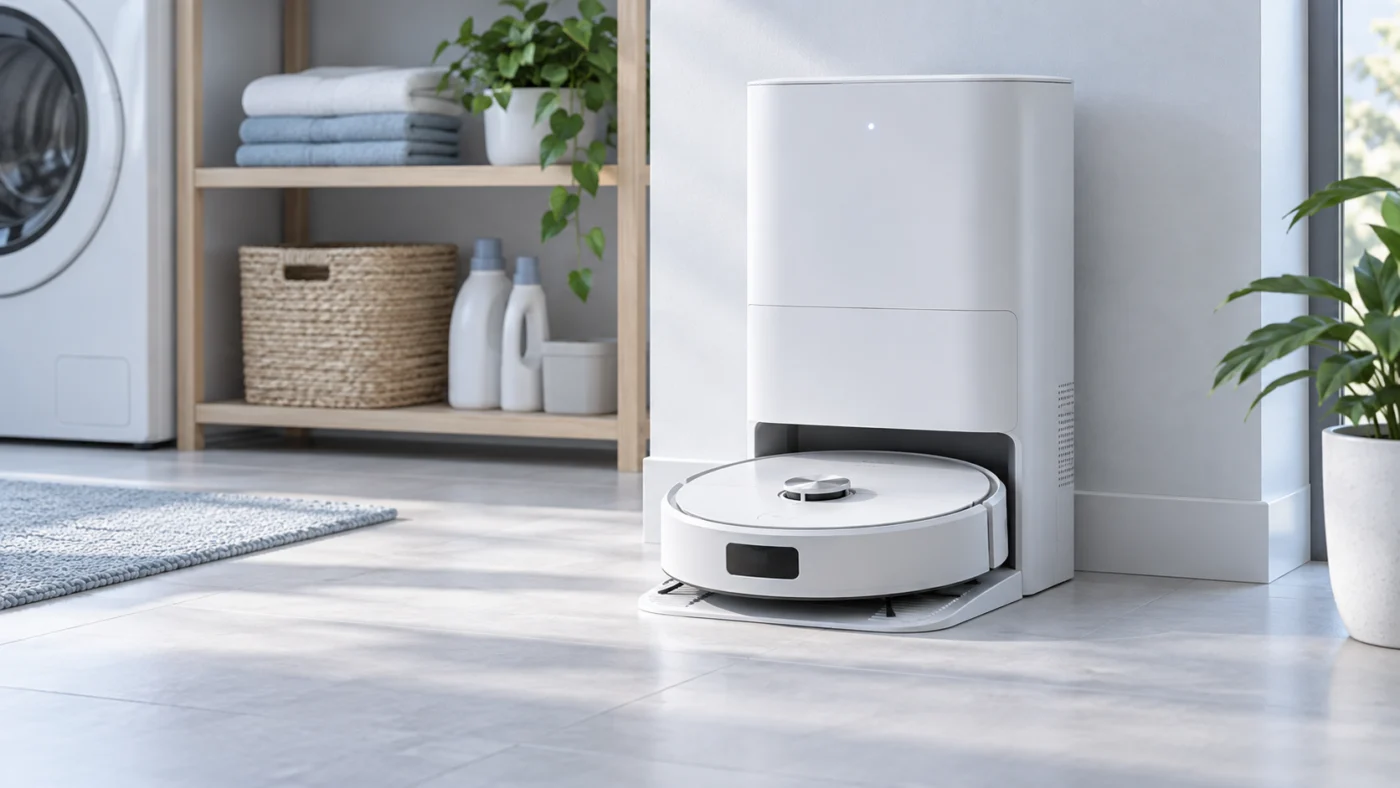
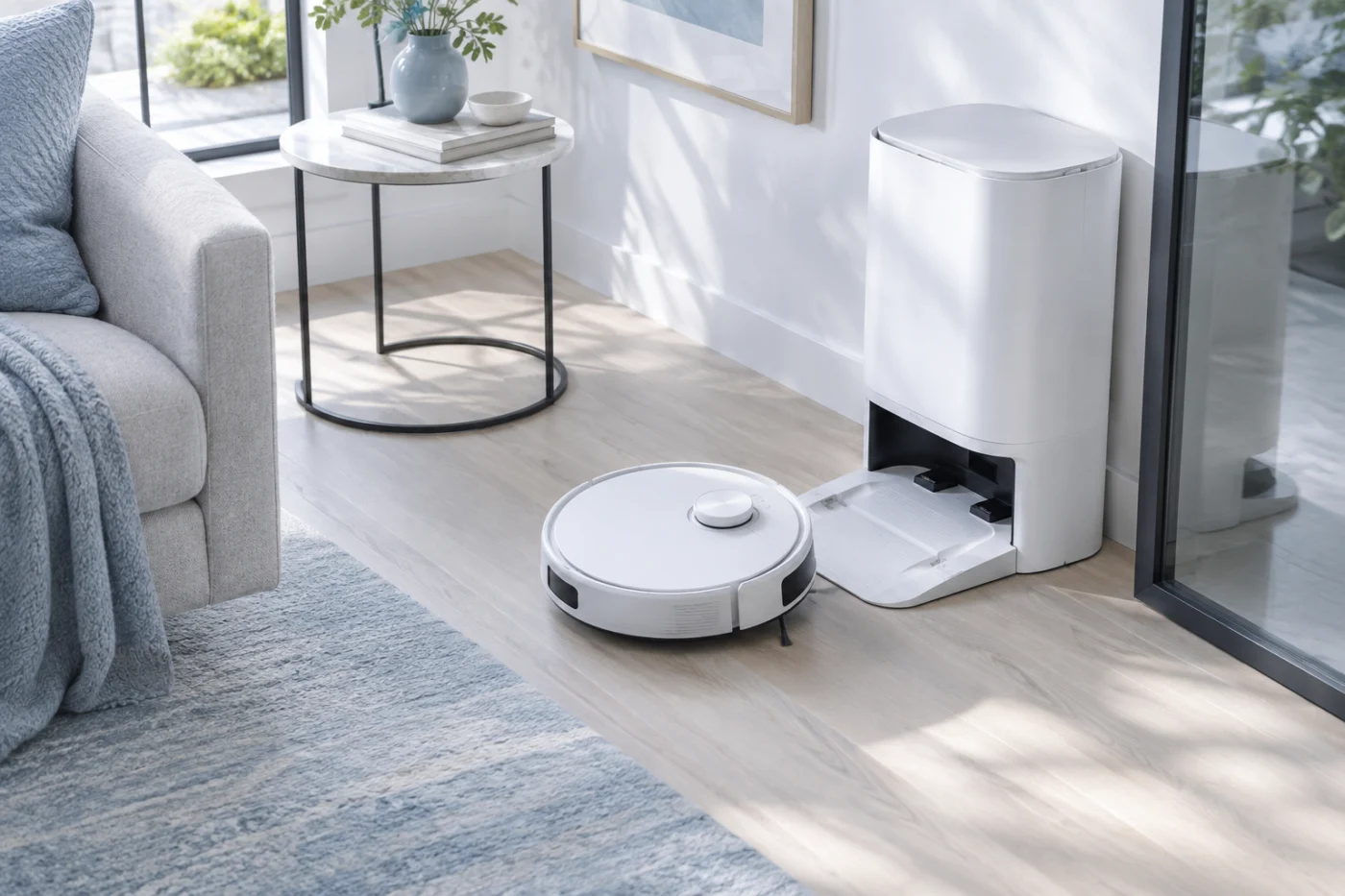
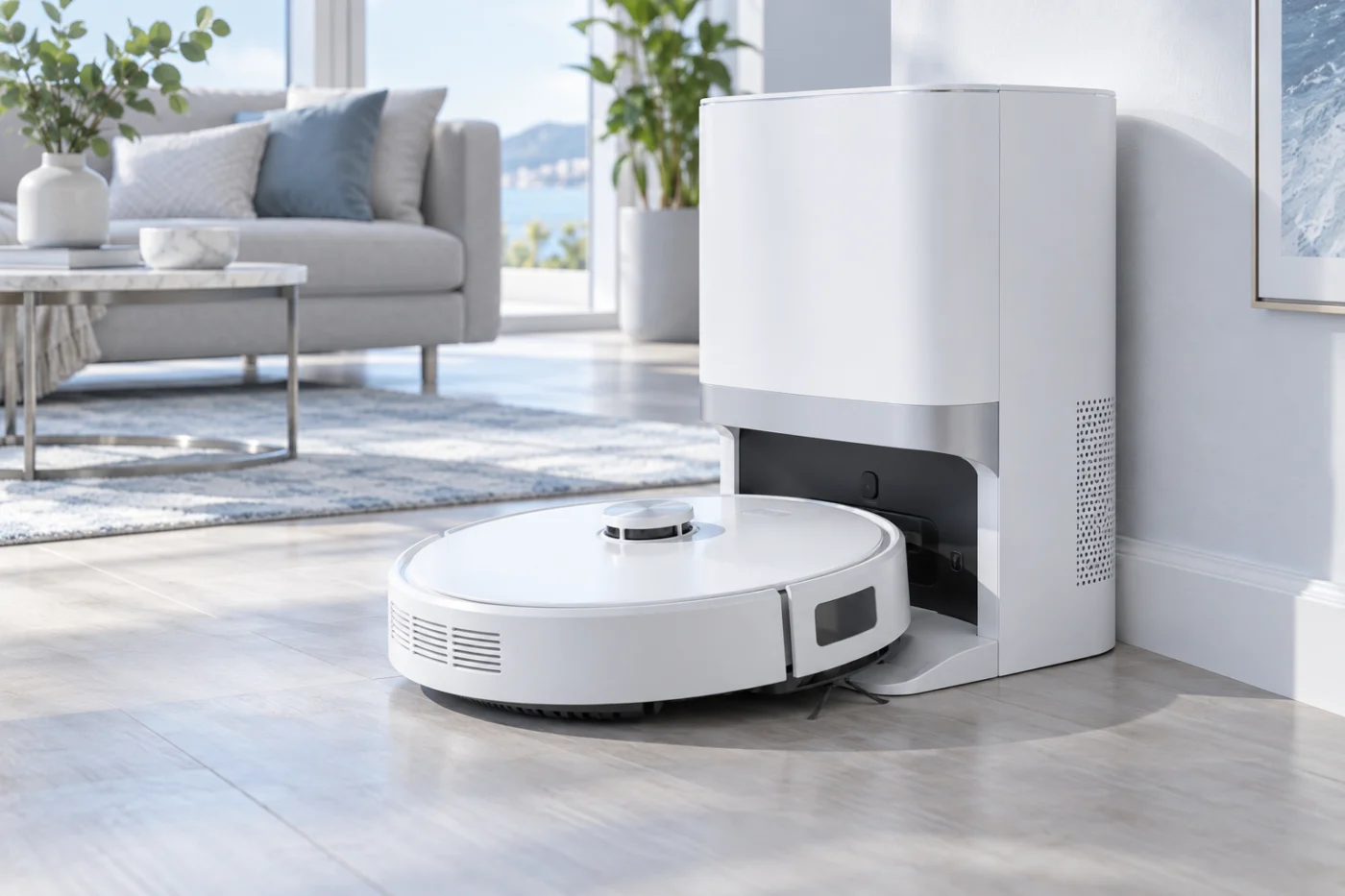
Watch one complete return to the station. If the robot never seats correctly, use the docking guide. If it sits correctly but does not charge, use the charging guide. If neither the station nor robot responds, begin with the power checks. A network warning in the app does not by itself prove a battery fault.
Safe checks and documentation
Keep the station dry and disconnect it before cleaning accessible contacts. Do not open a mains-powered station or a damaged lithium battery. Record the exact voice prompt or app message, along with which step failed, before asking for service.
Check the X40 Ultra materials in Dreame Support for official procedures and part identification. RoboFixGuide is independent of Dreame. For regular care, see the X40 Ultra maintenance schedule. Back to Dreame guides.
Replacement parts for Dreame X40 Ultra
Replacing a worn consumable? Check the exact model and the manufacturer fit list for brushes, filters, mop pads and dock bags.