Find the exact Dreame model and match what fails before trying a fix. A robot that will not turn on, one that cannot dock, and one that sits in the station without charging need different checks.
Find the right next check for your robot
Choose the observed symptom and follow one diagnostic question at a time.
Routine care by model: X40 Ultra · X50 Ultra / Complete · original L10s Ultra. Choose the exact model and regional manual before applying an interval.
Start with your exact Dreame model
Choose the model printed on your robot. The guided checks depend on the symptom and station.
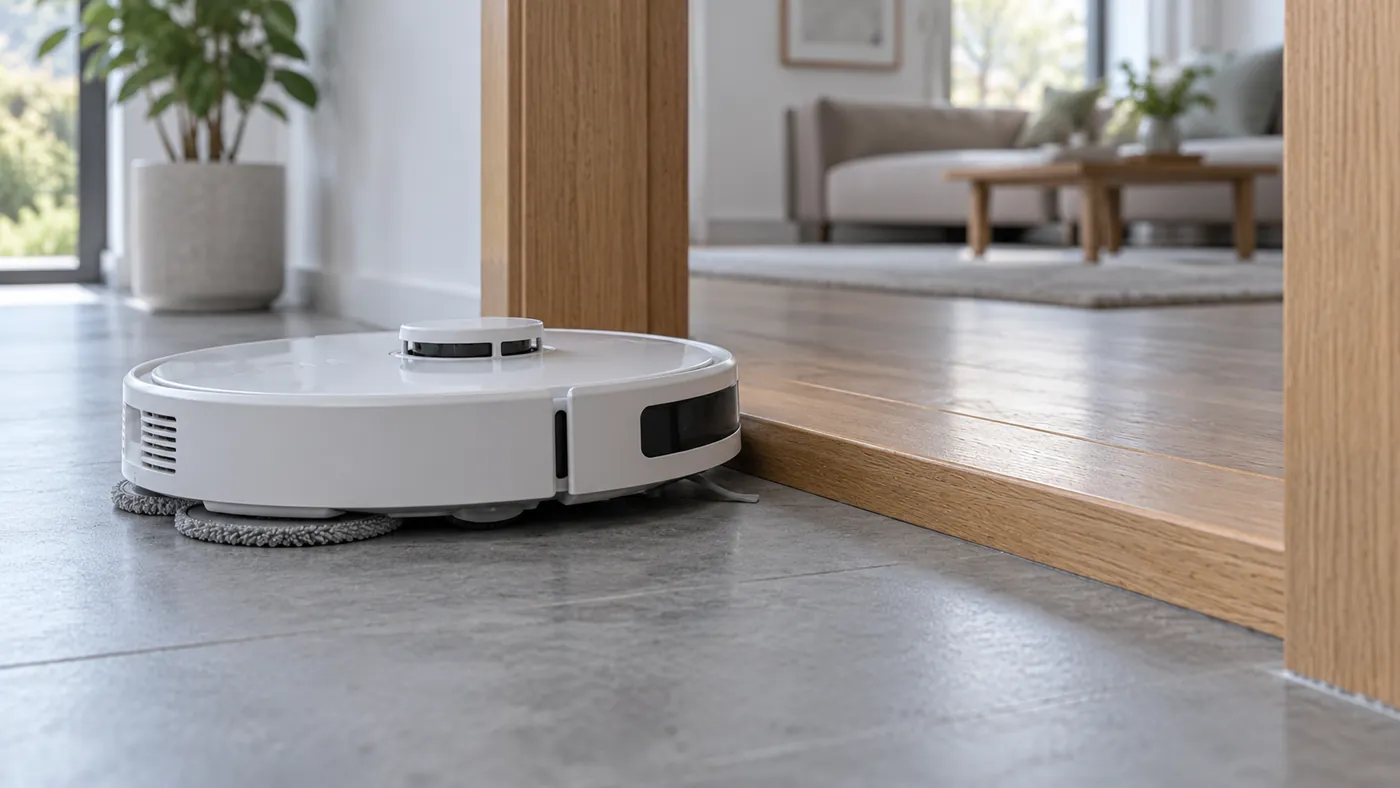
X40 Ultra
Choose from six guided problems, including power, charging, dock, mop and app.
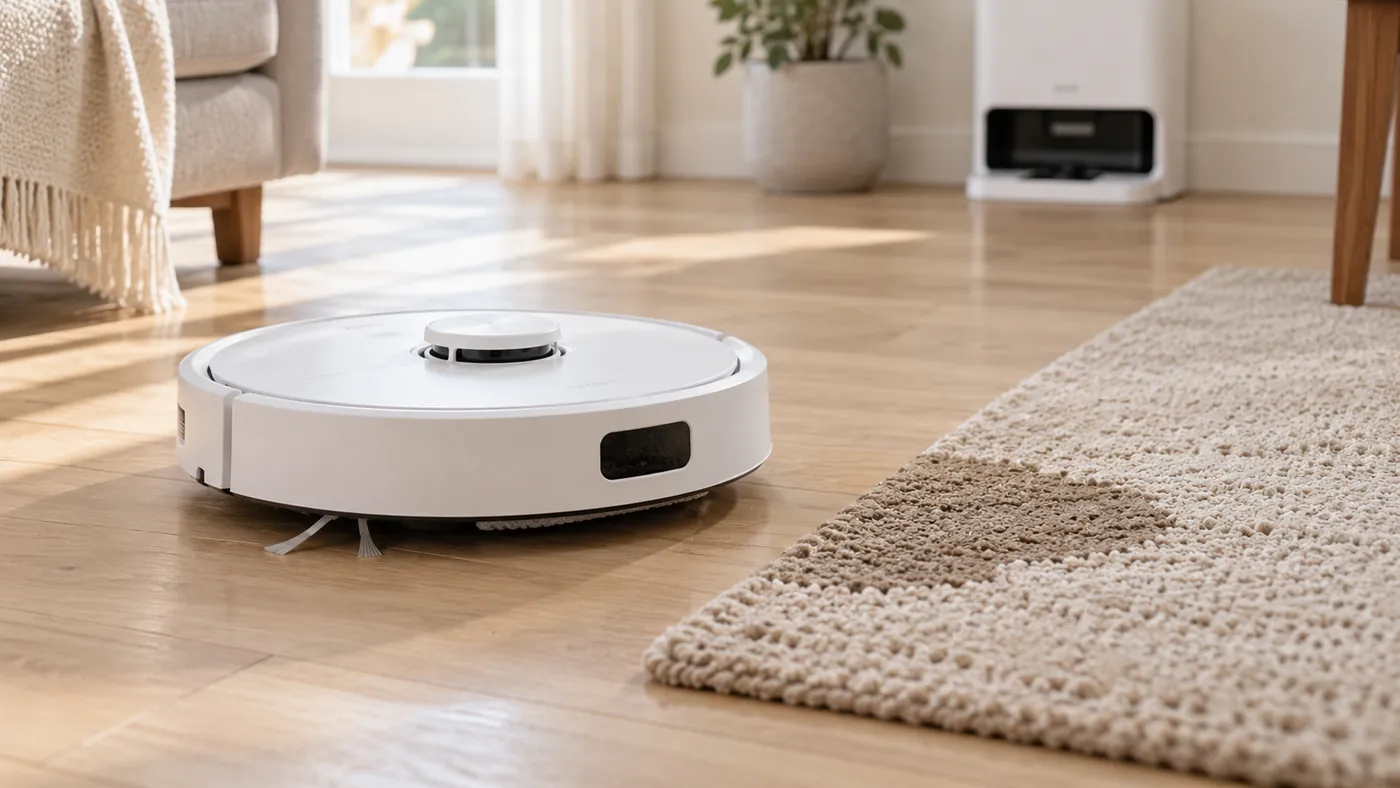
X50 Ultra
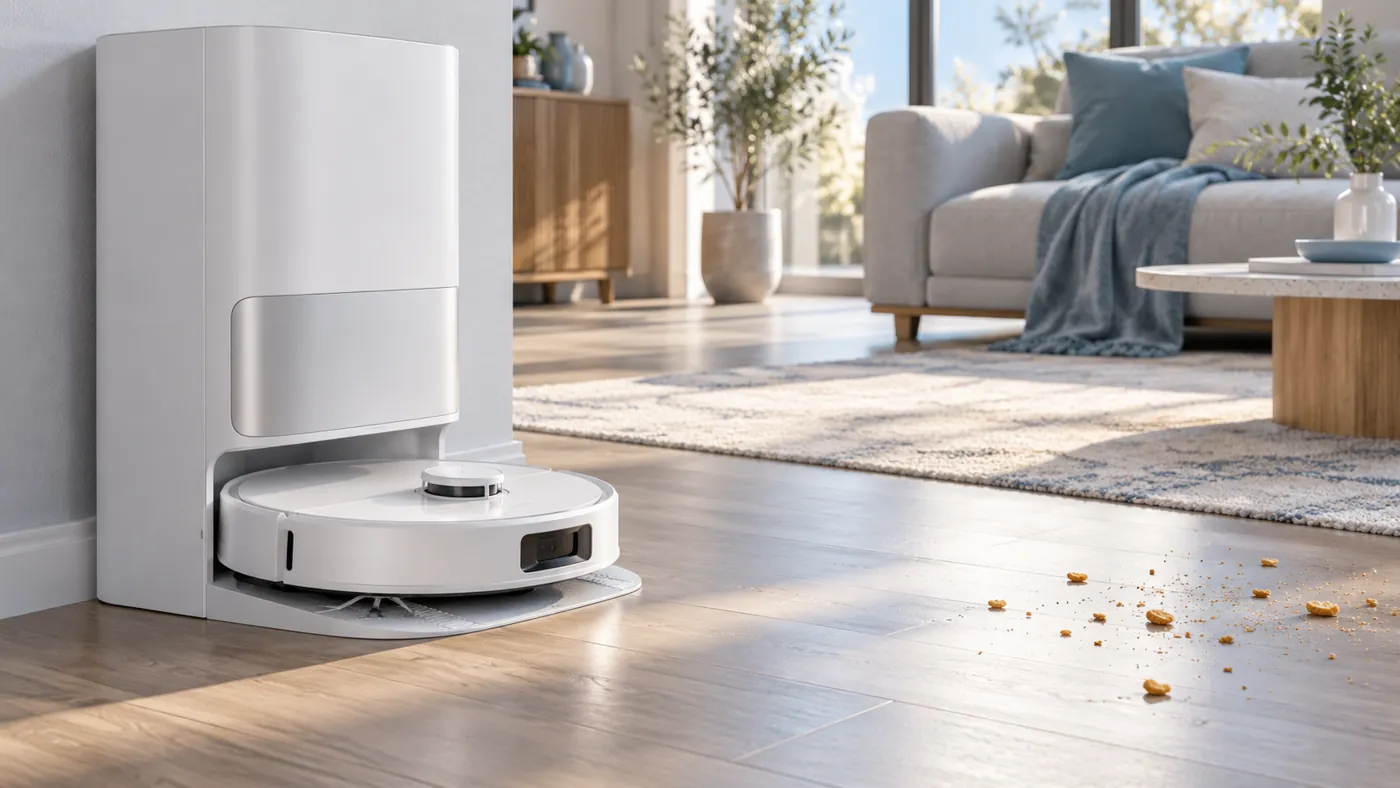
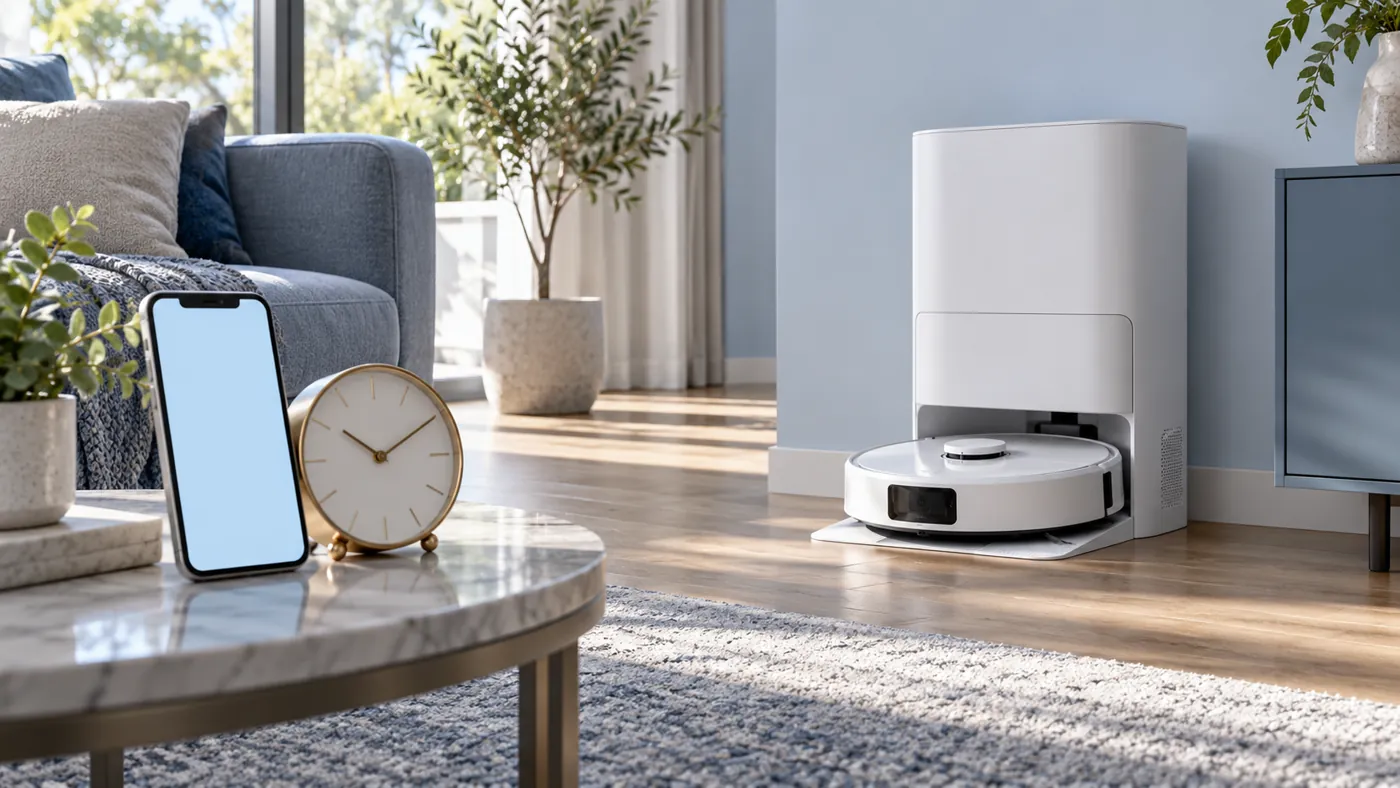
Robot sits on the station but is not charging? Follow charging checks.
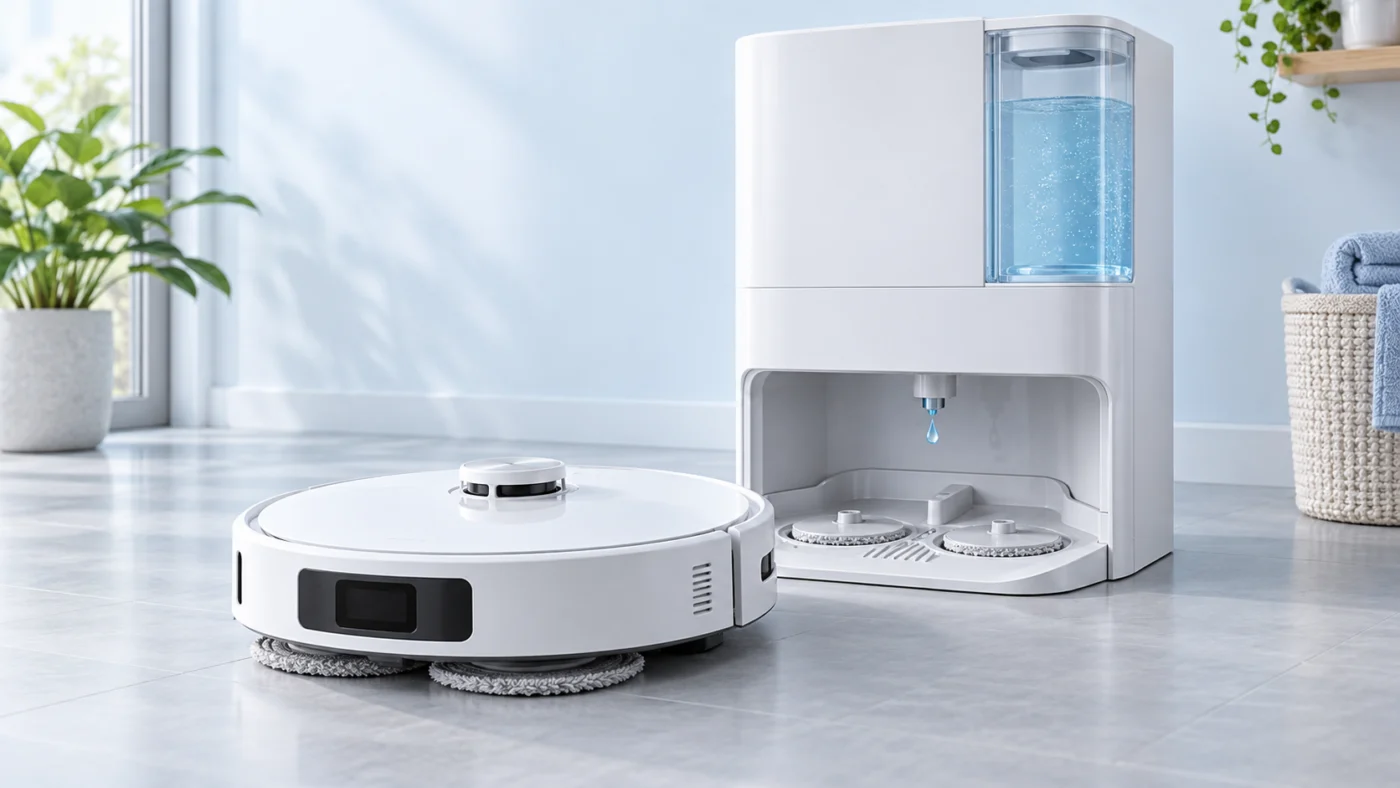
L10s Ultra
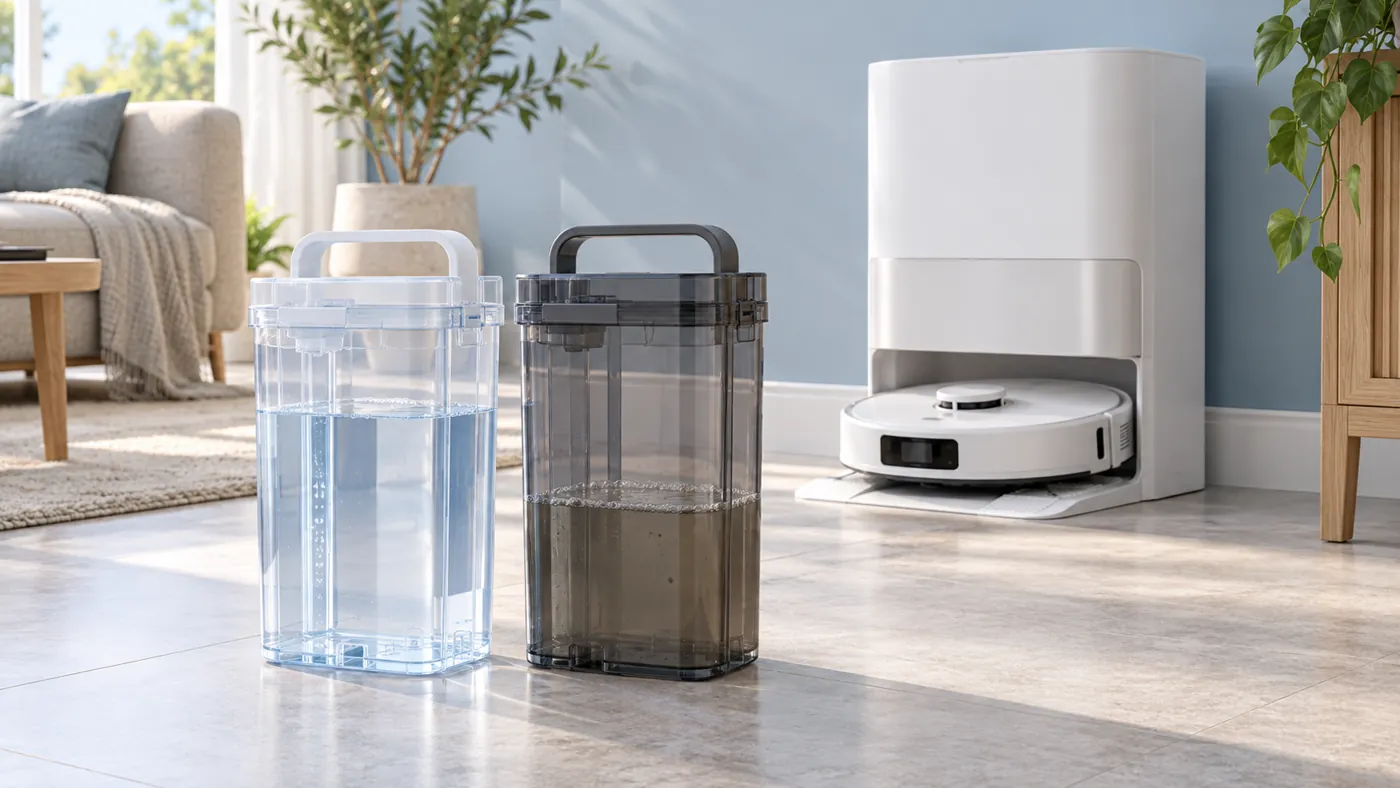
Mop pads remain dry? Check water delivery step by step.
X40 Ultra
Power and dock
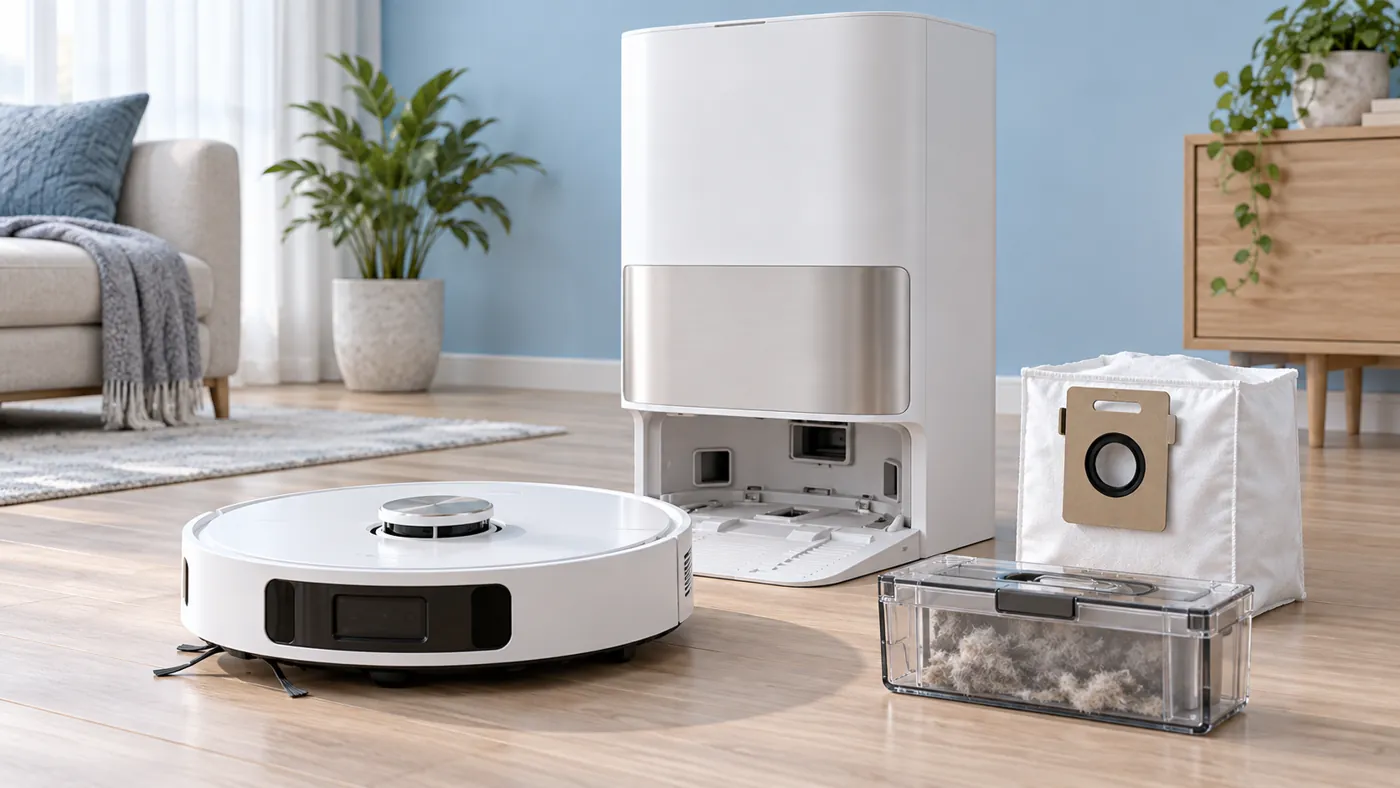
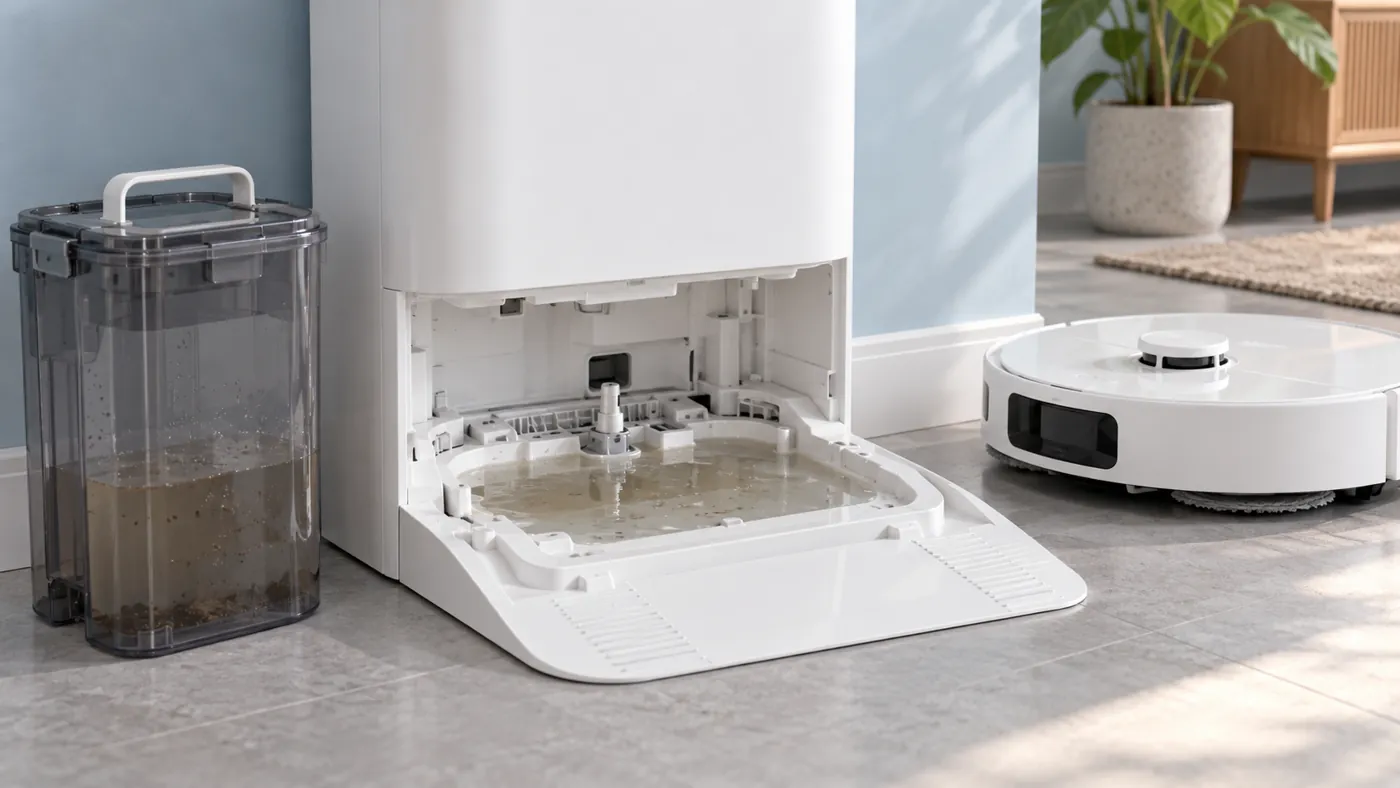
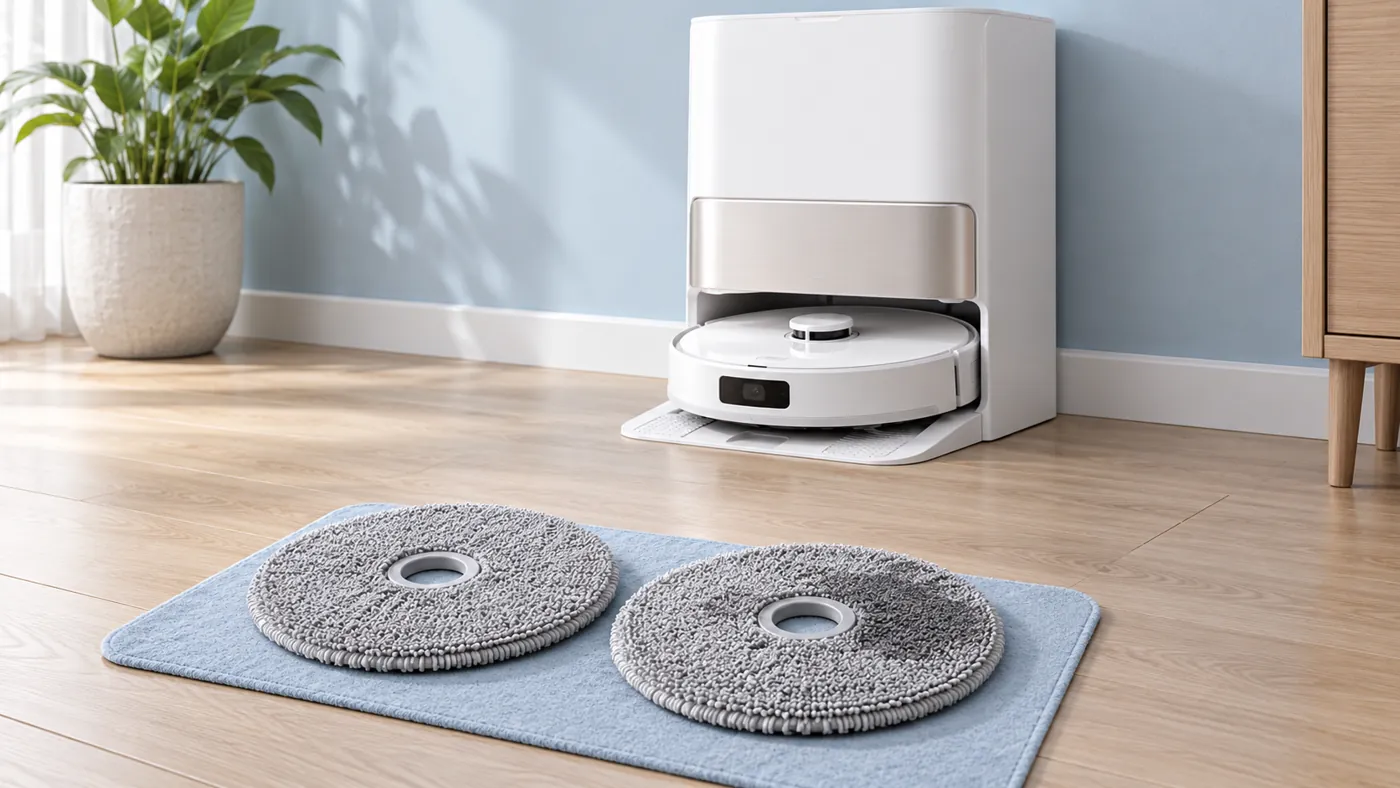
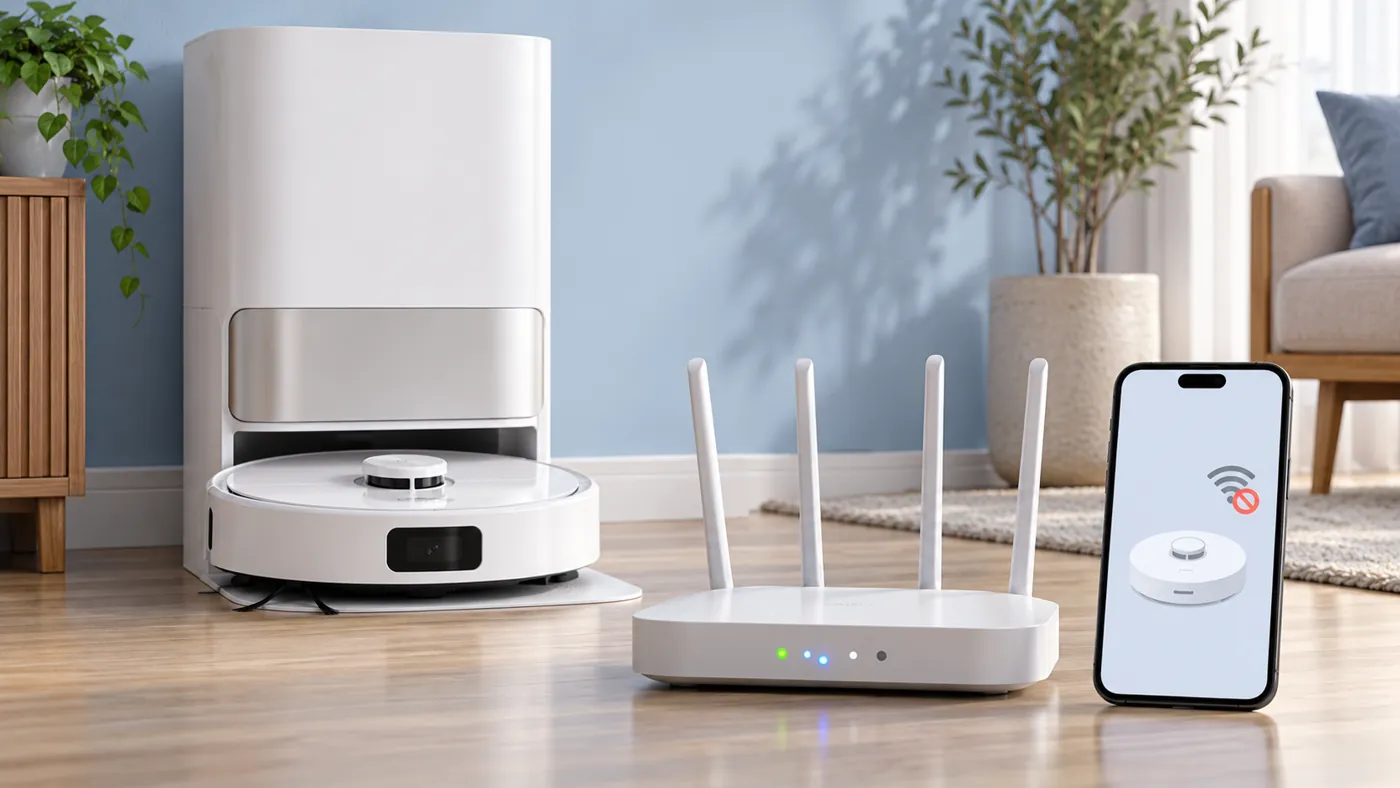
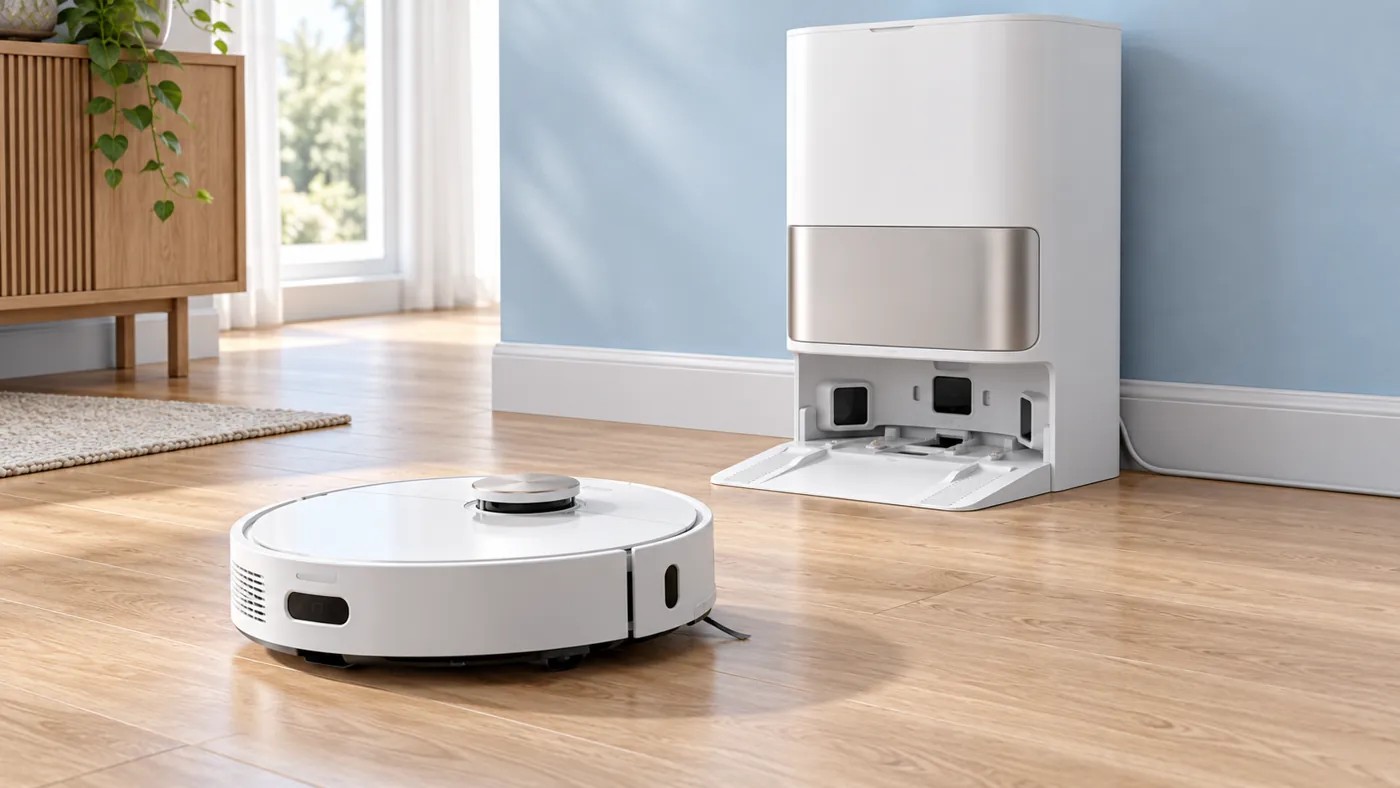
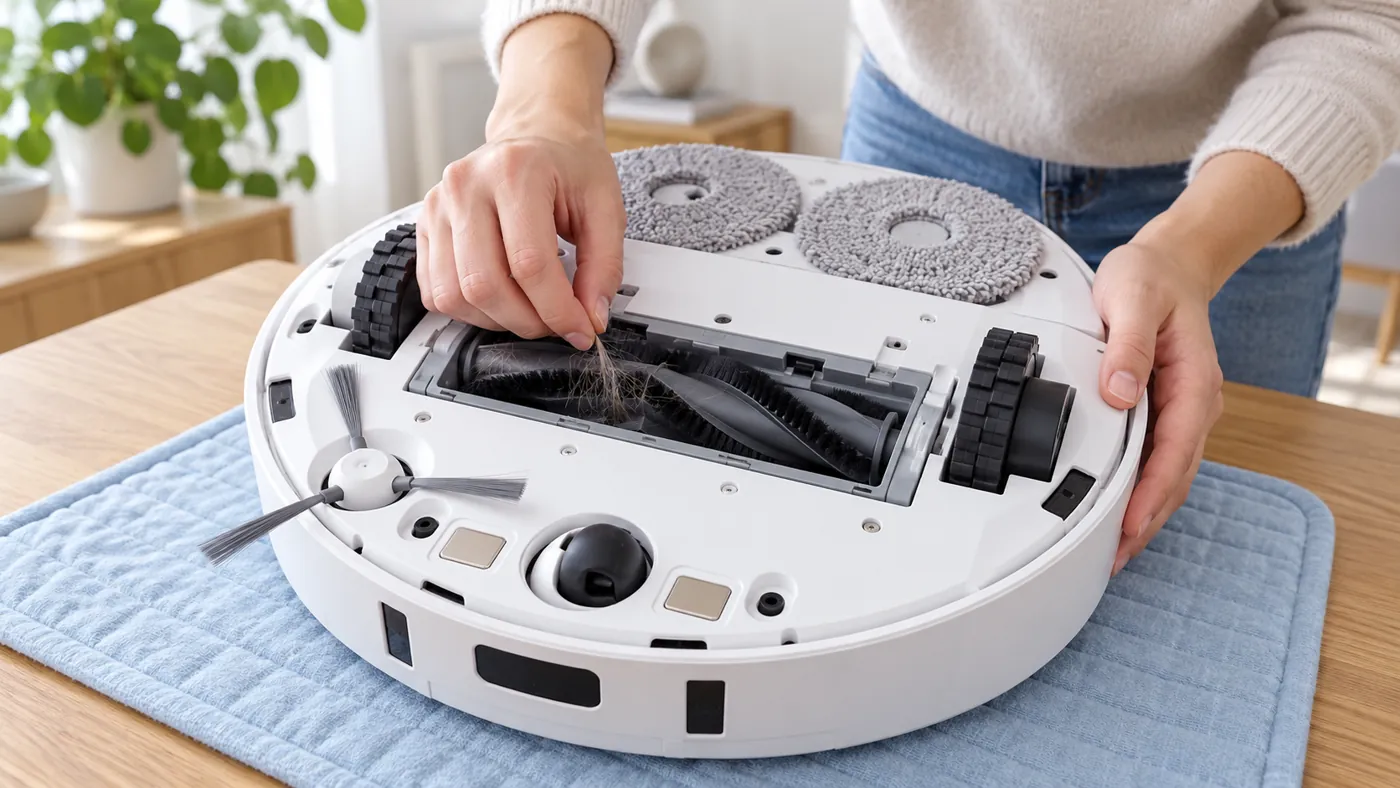
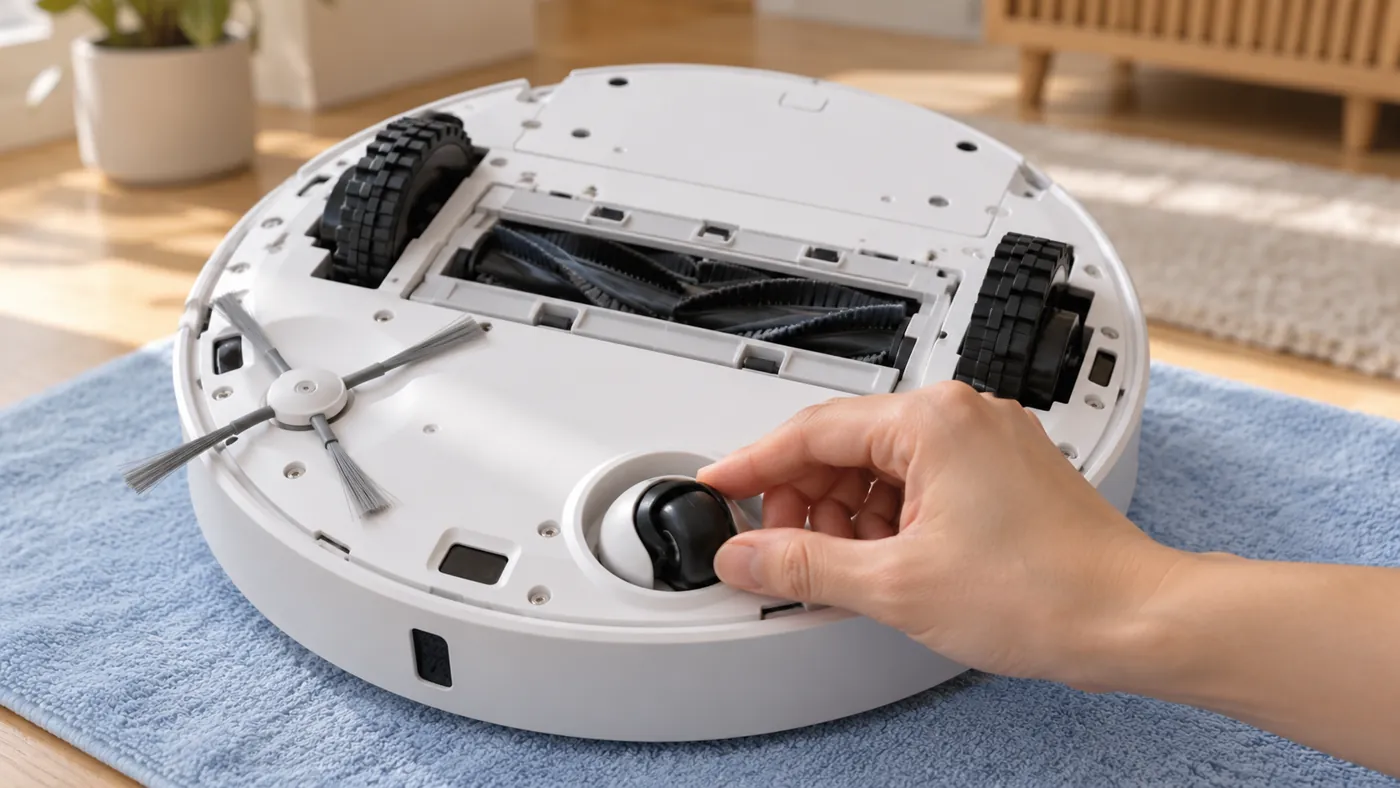
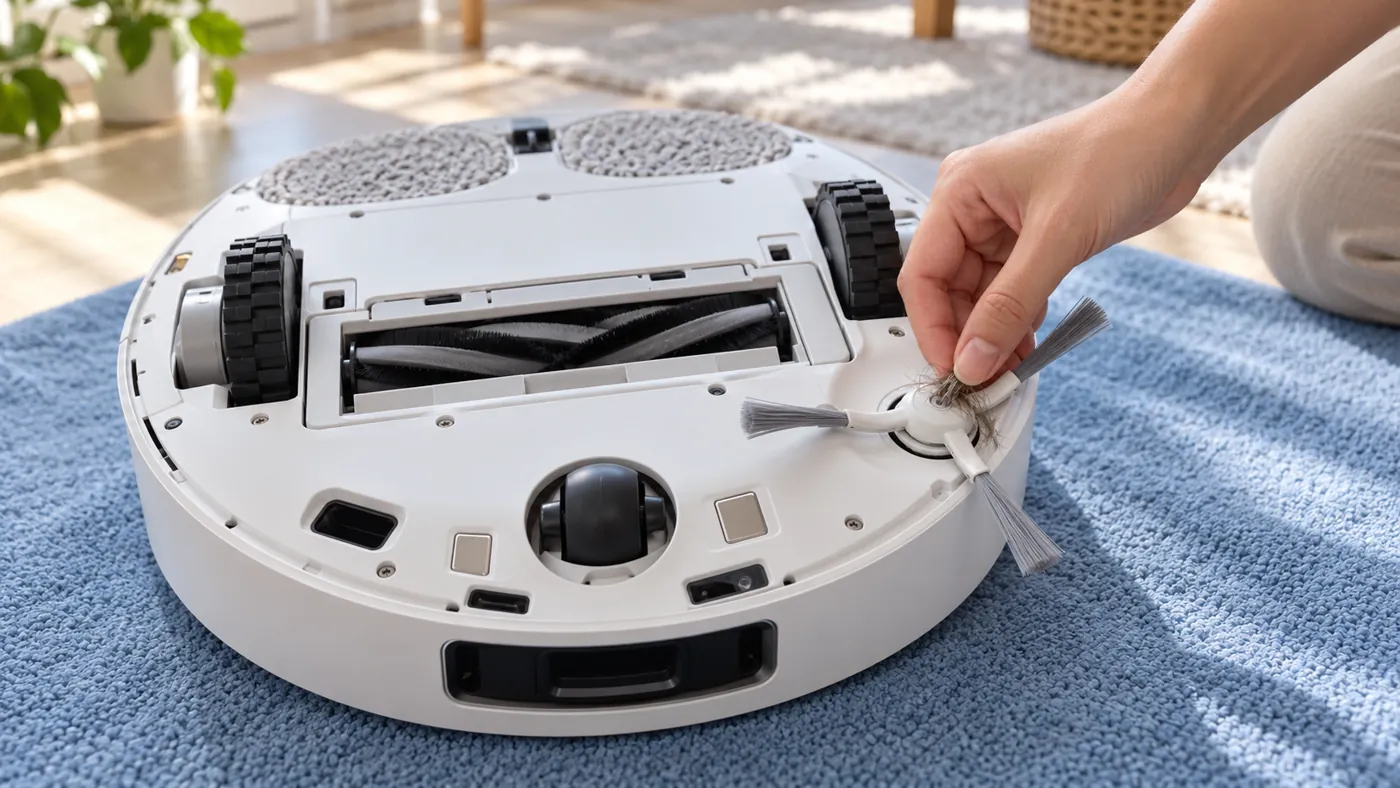
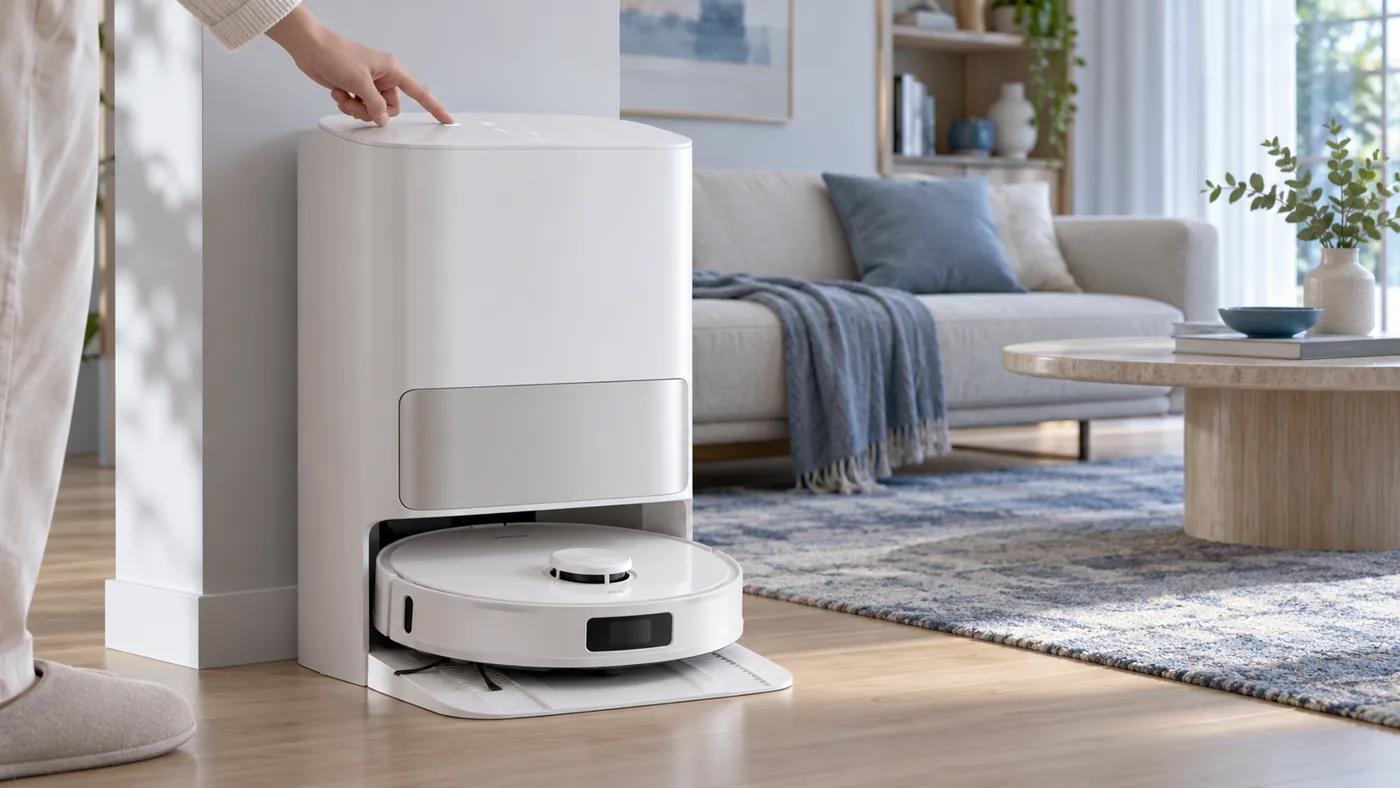
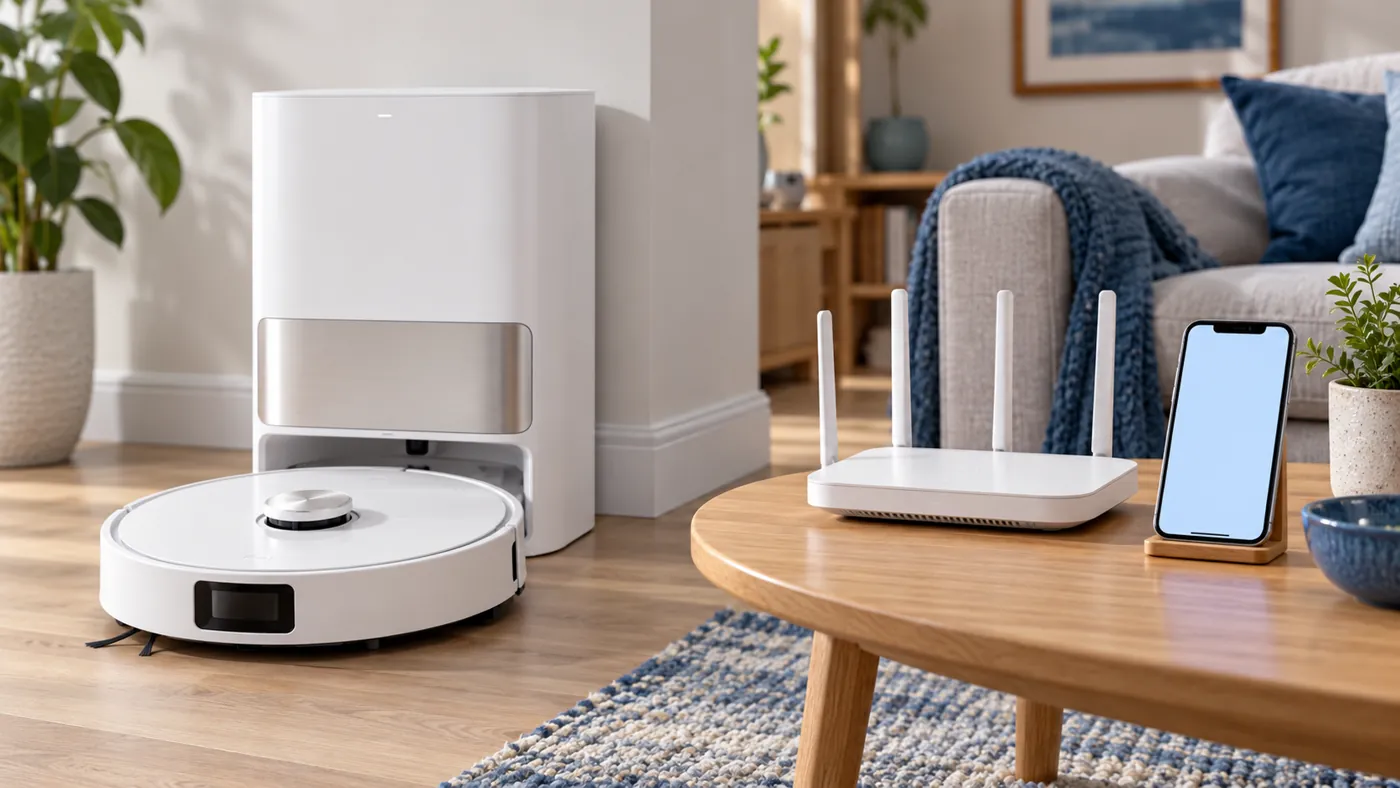
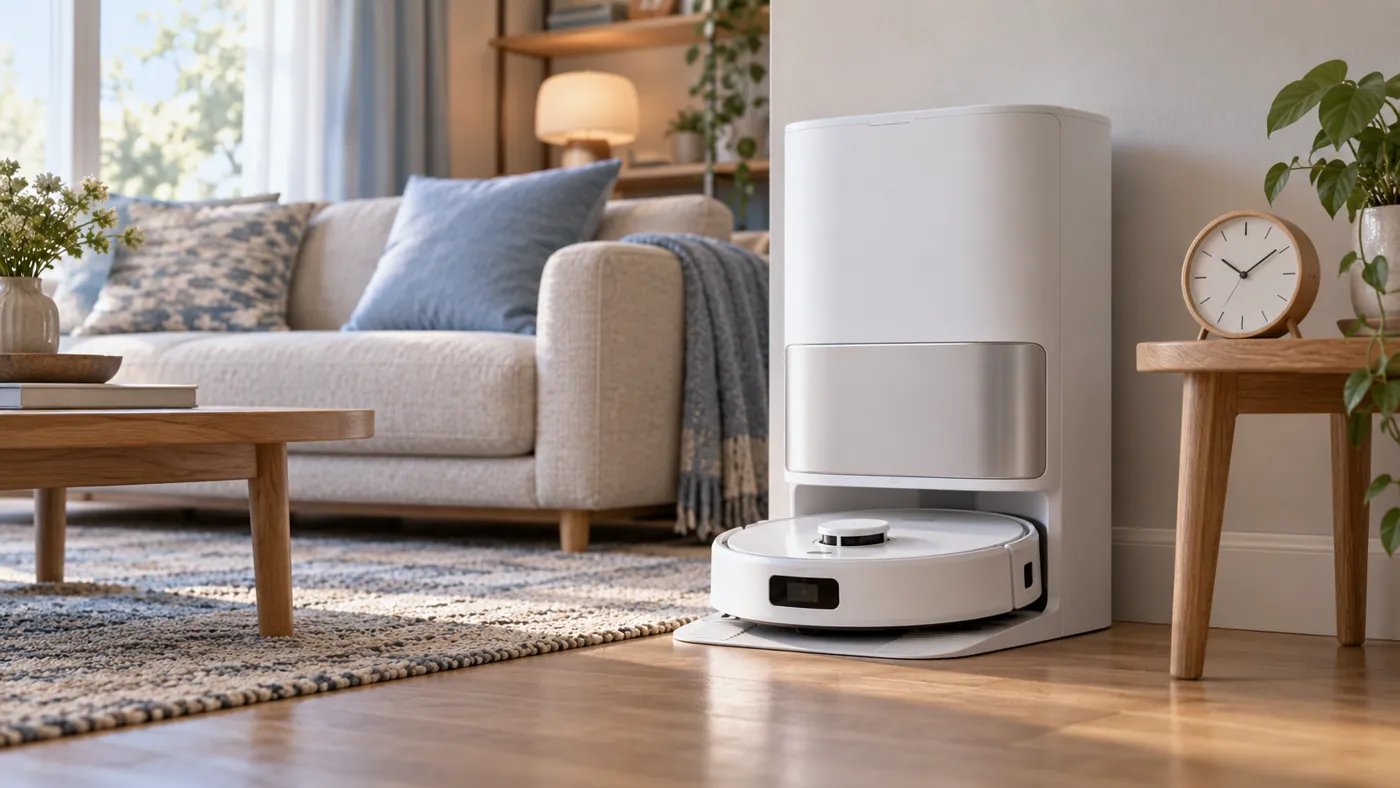
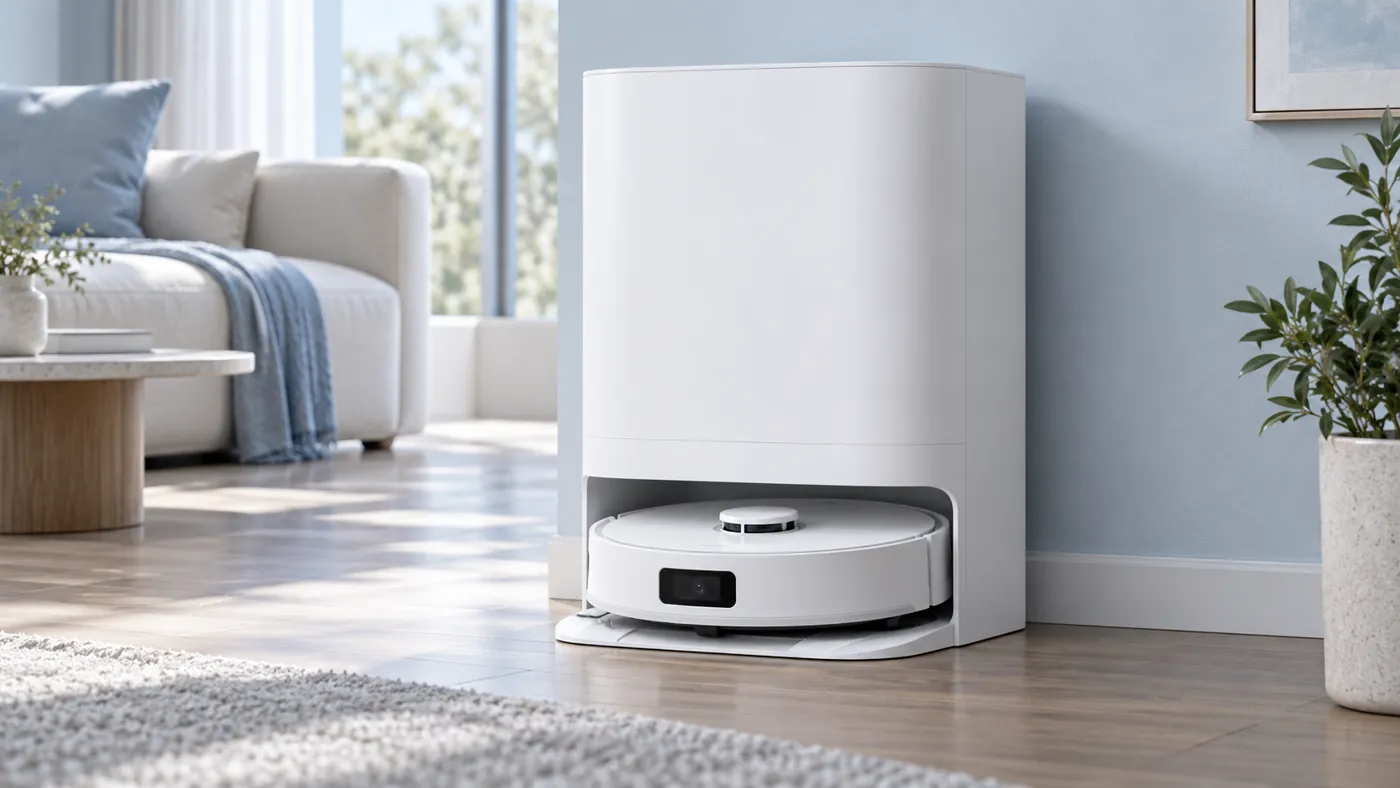
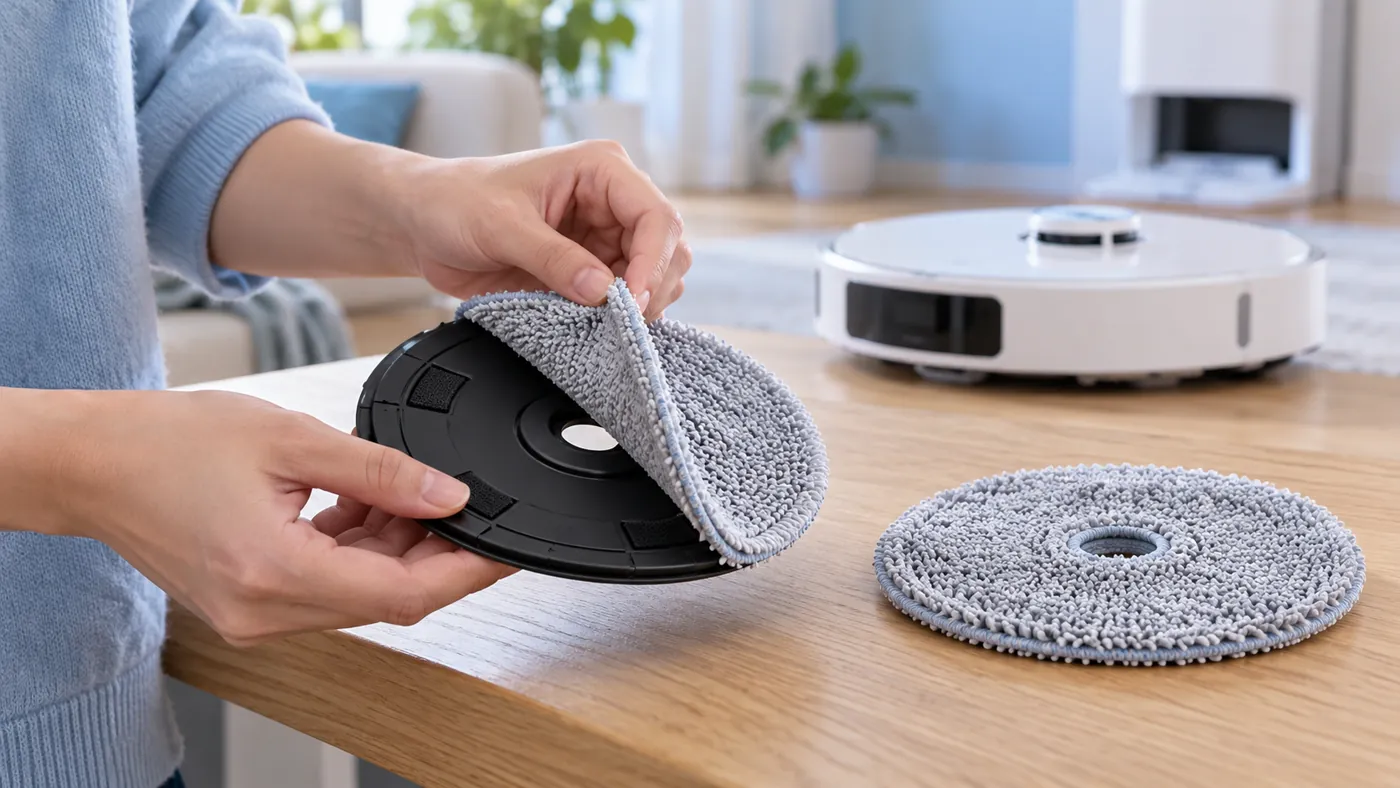
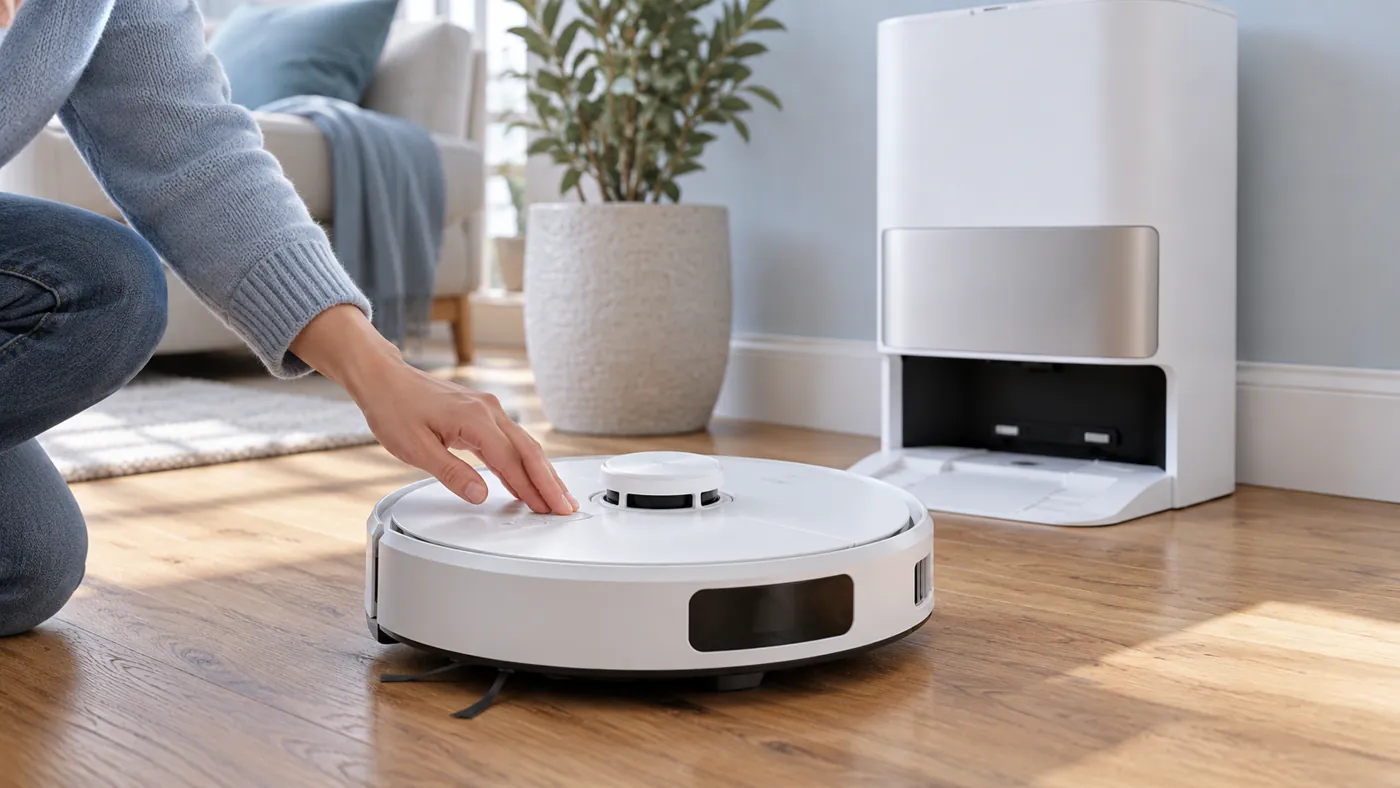
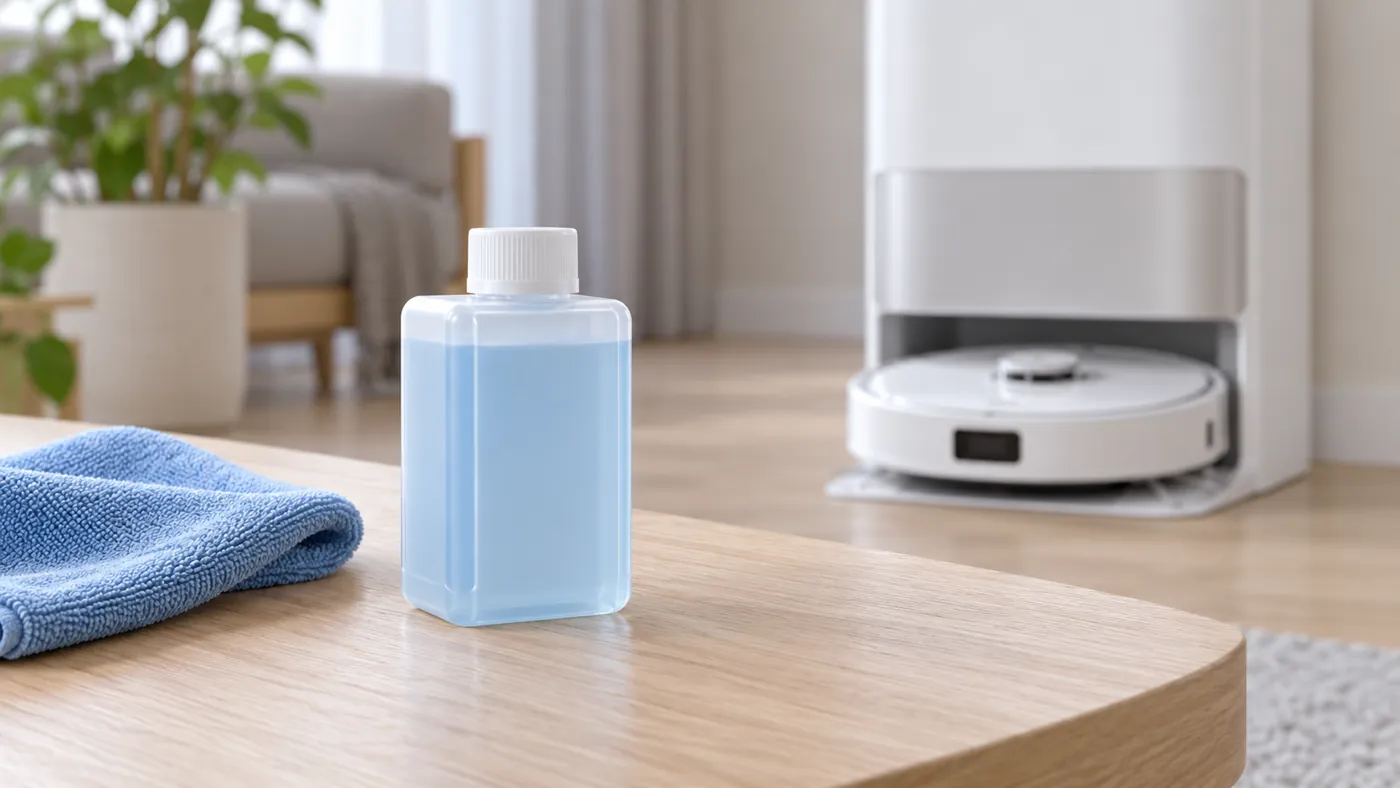
Station, mop and app
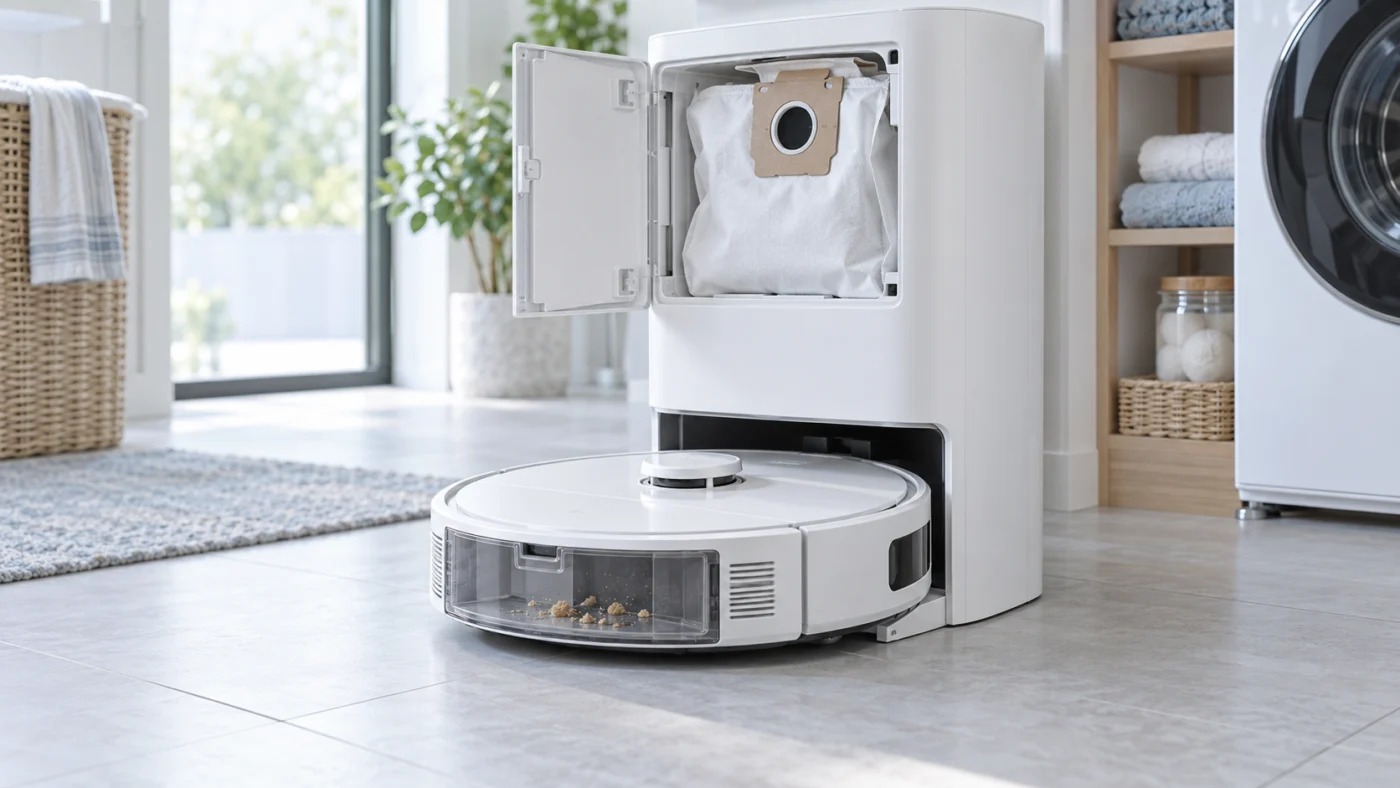
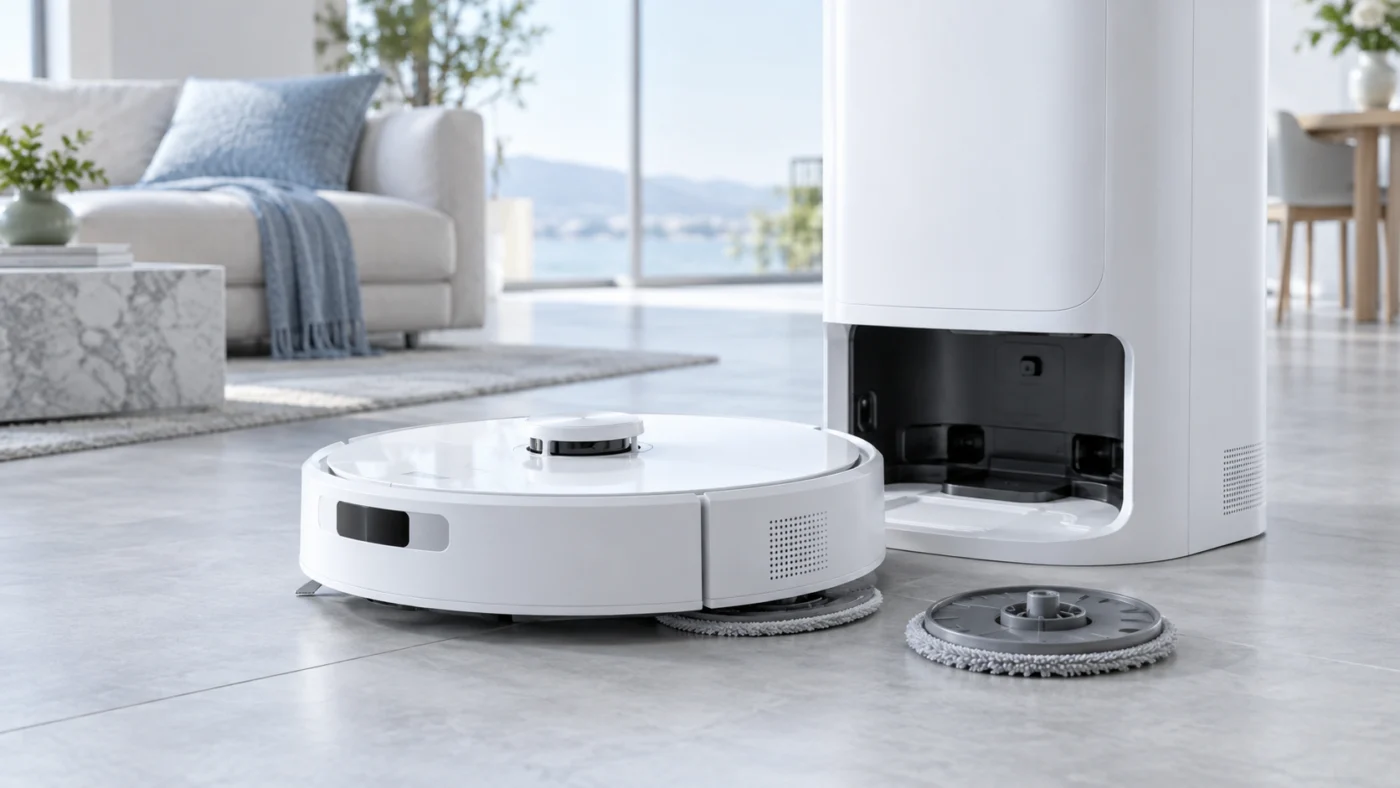
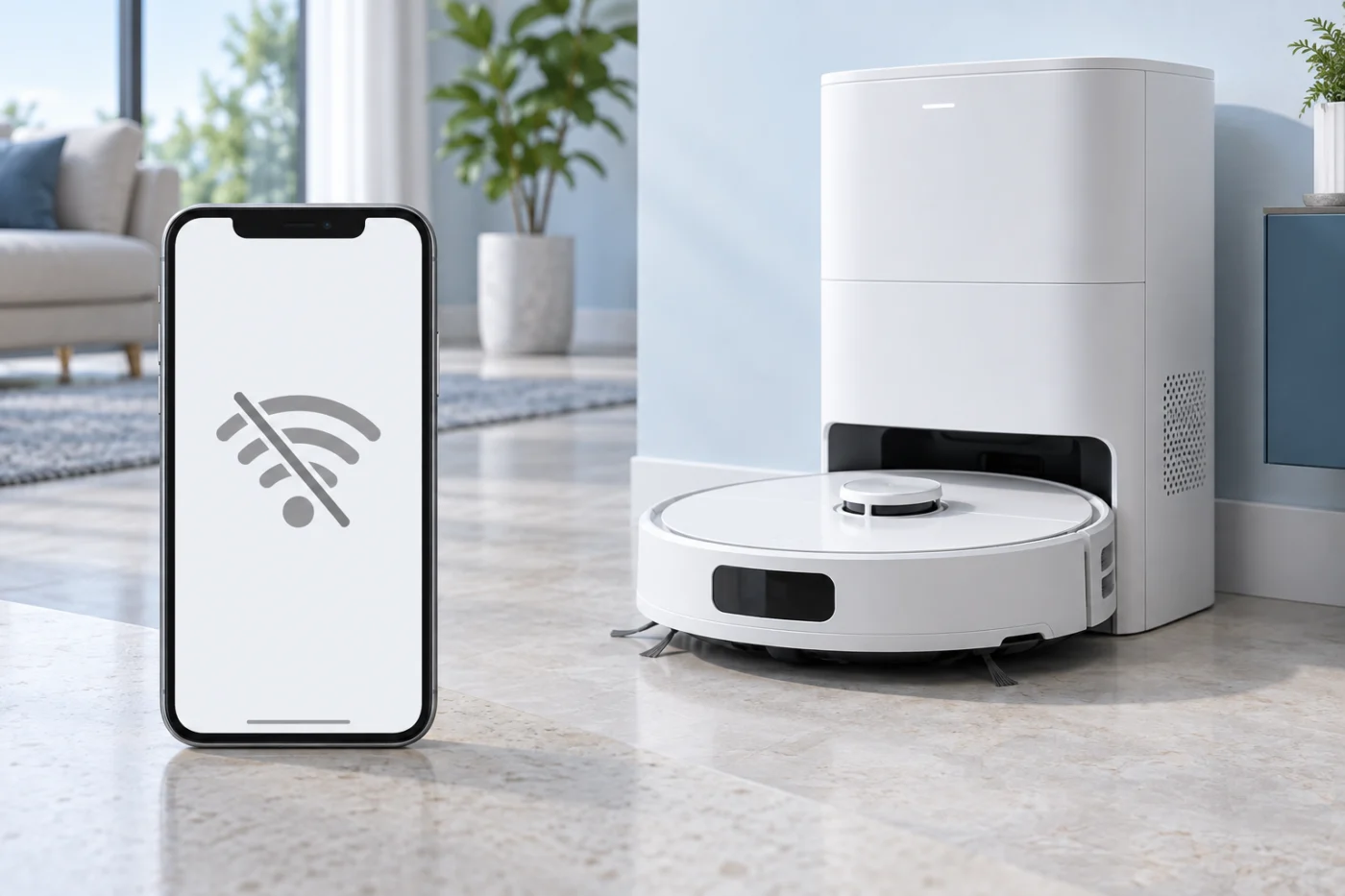
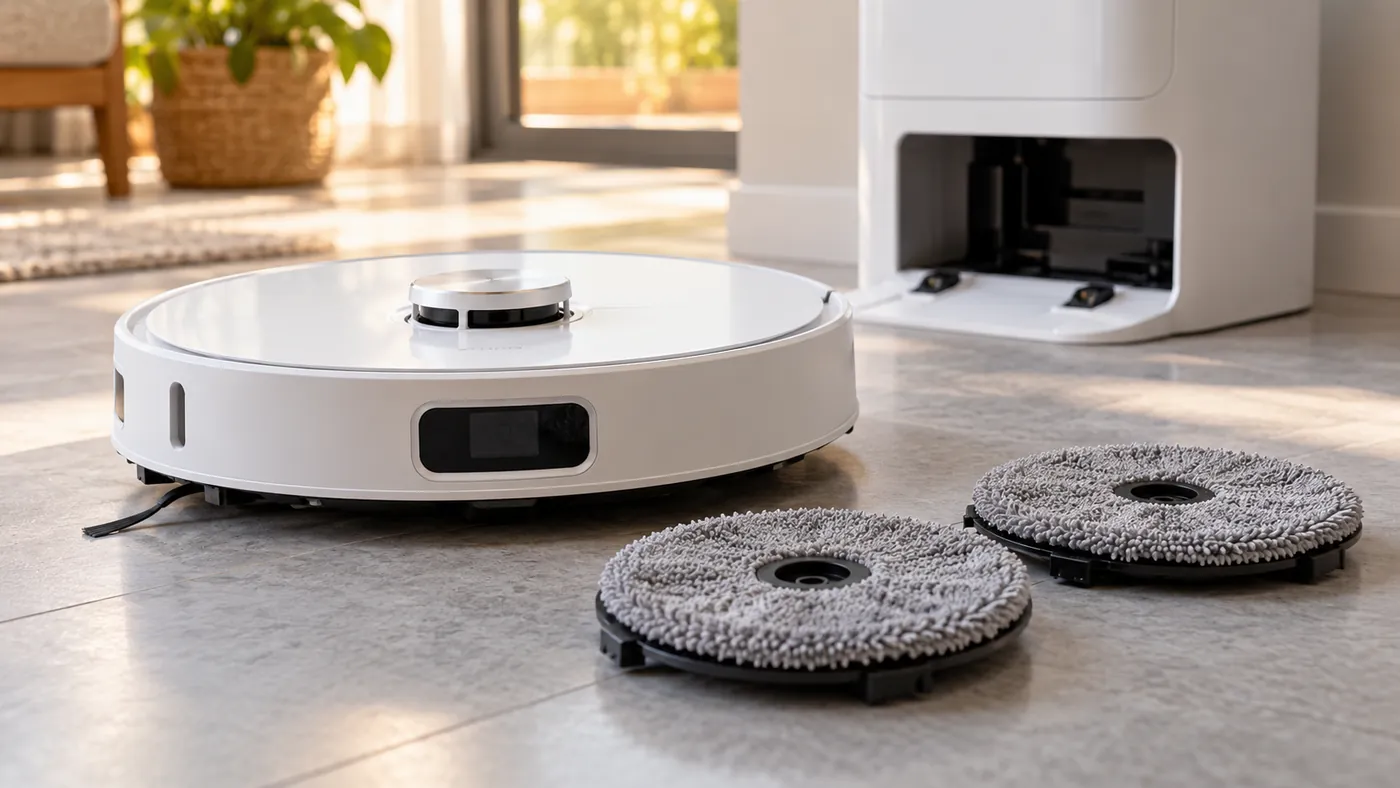
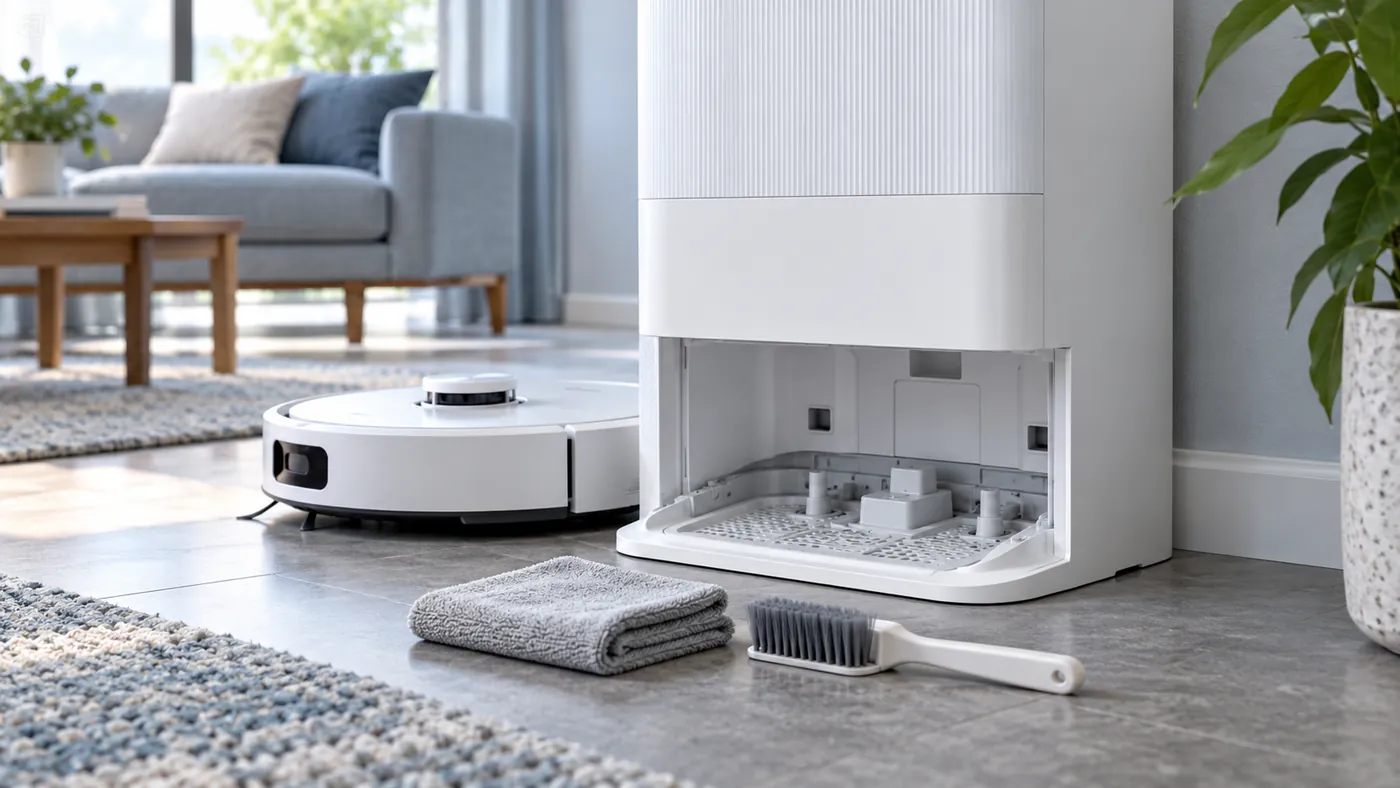
X50 Ultra
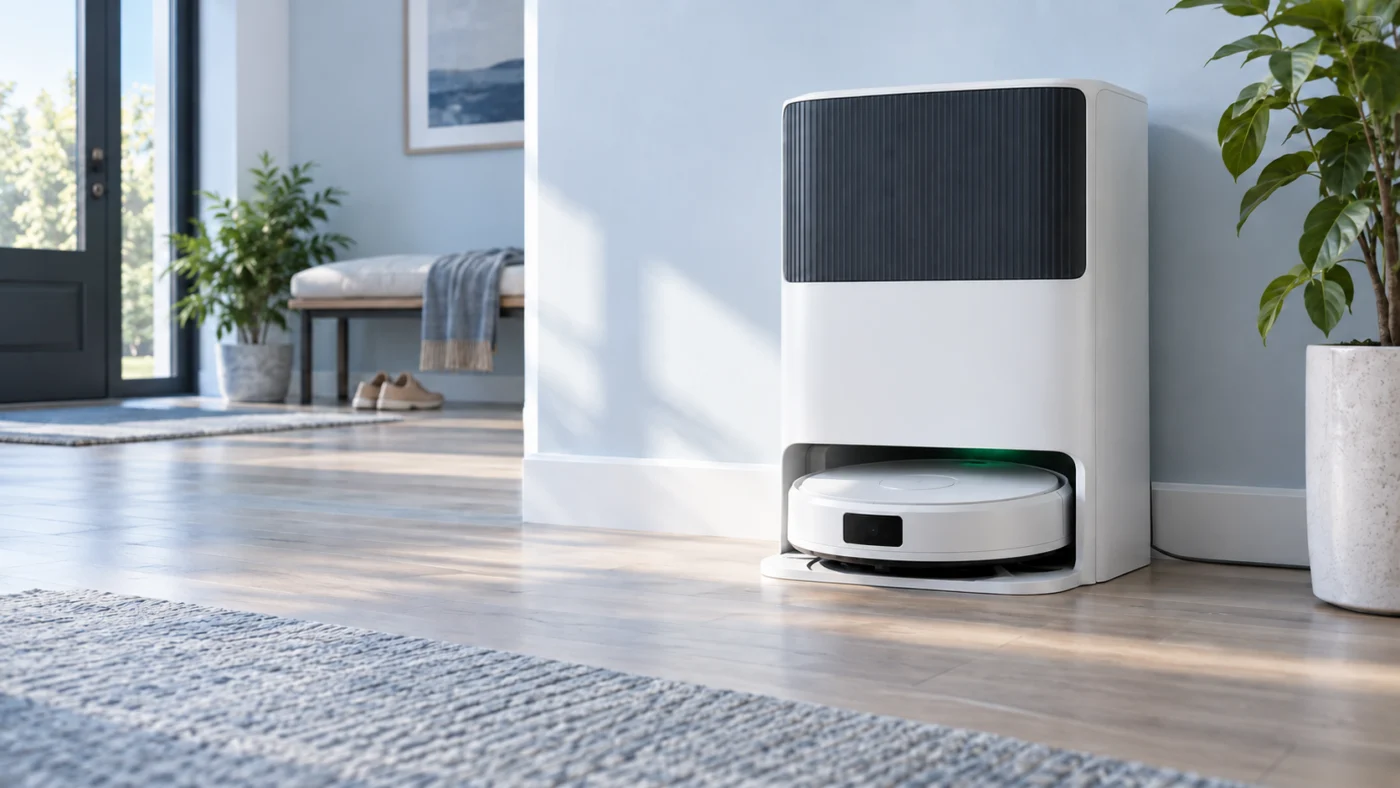
L10s Ultra
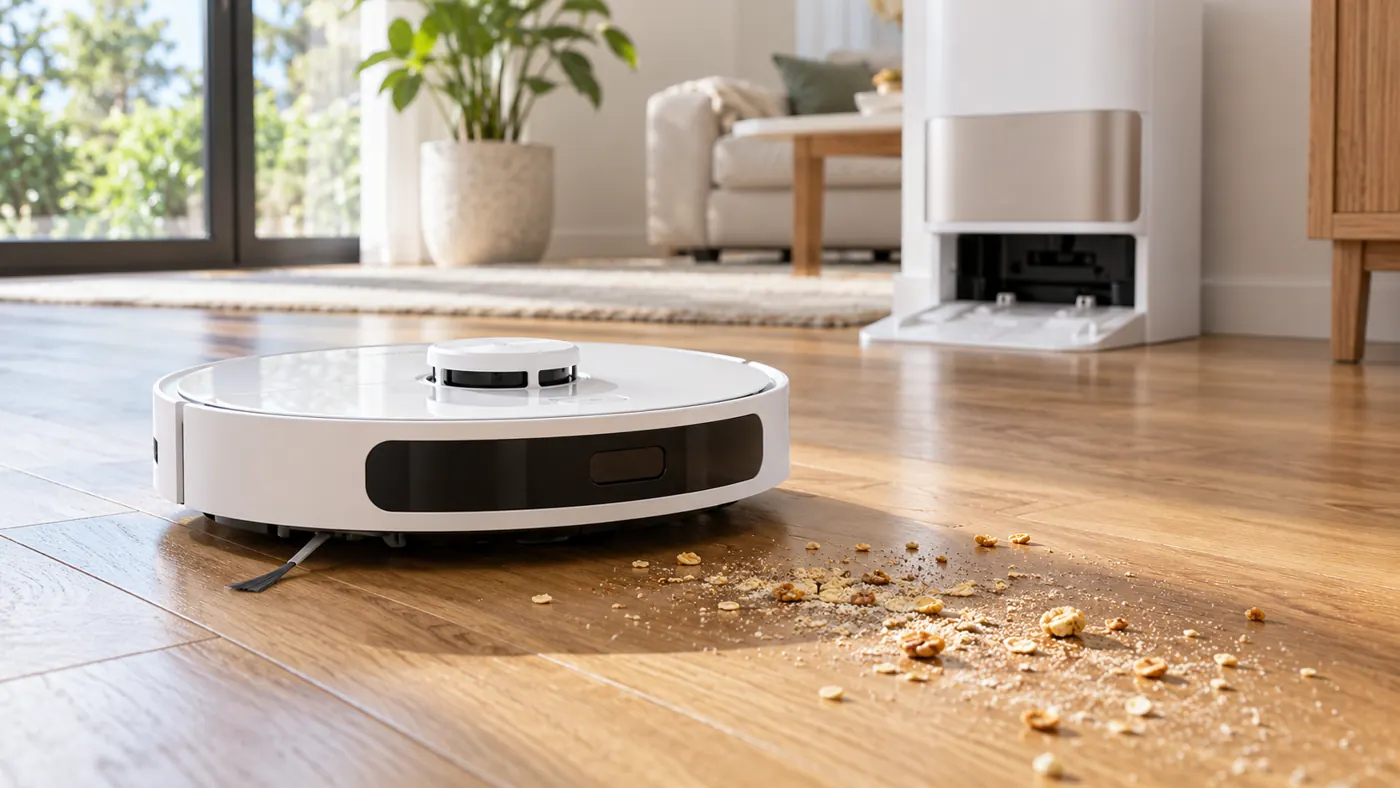
Choose the right path
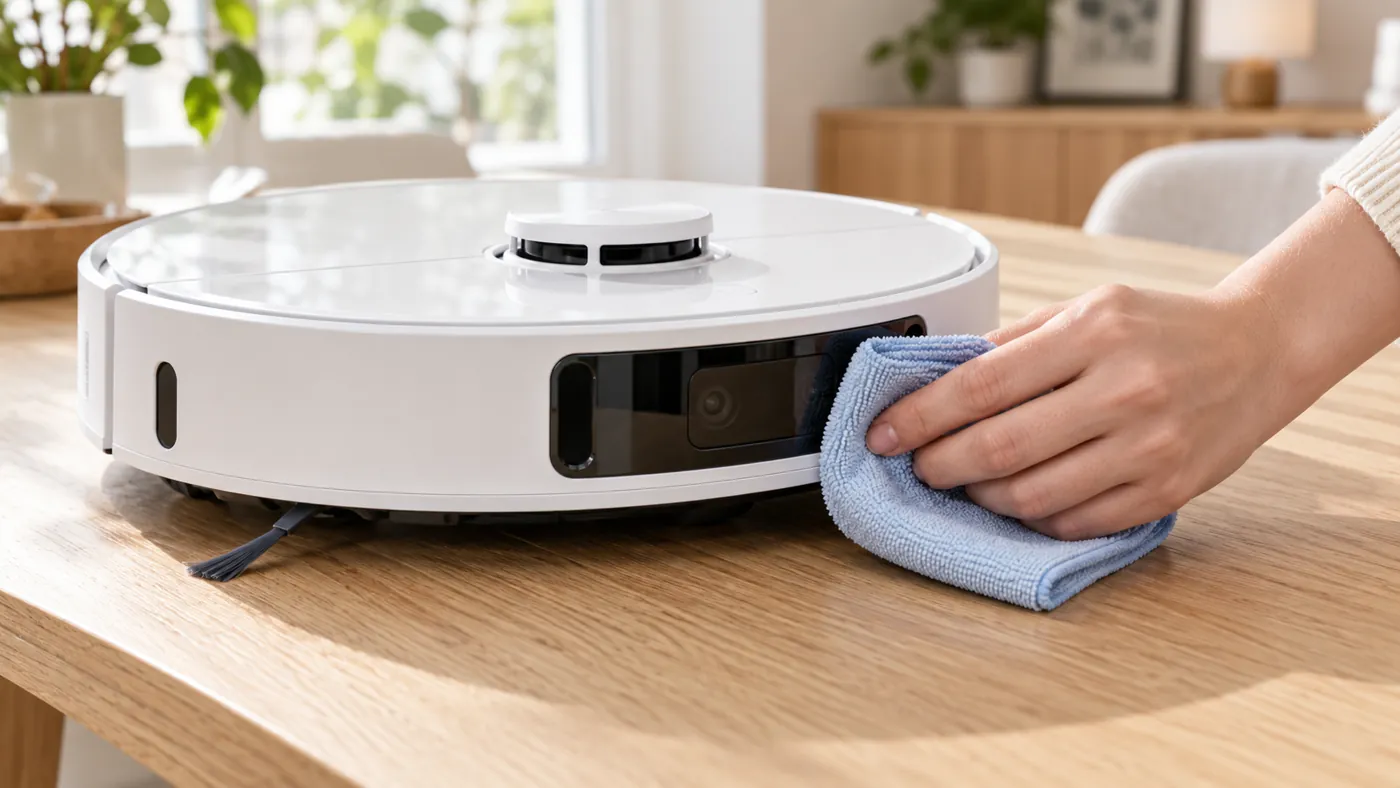
First read the model name on the robot or in Dreamehome. Record the exact app message or voice alert. Before cleaning accessible dock contacts, disconnect the station from power. Do not open a powered dock, puncture a lithium battery, or buy a replacement part without checking its exact model and part number.
See Dreame’s robot vacuum support for model manuals and official instructions. RoboFixGuide is independent and is not affiliated with Dreame. Browse all repair guides.
Replacement parts for Dreame
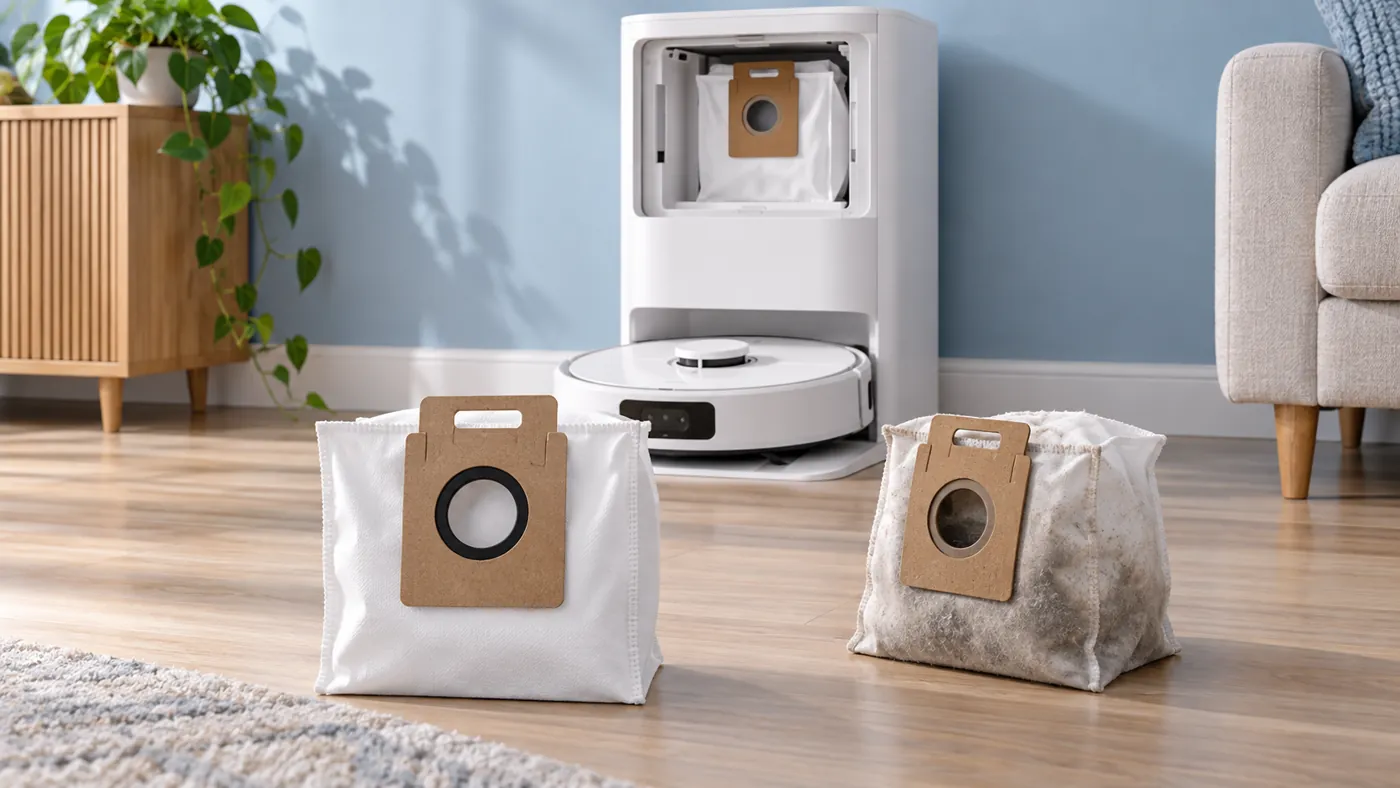
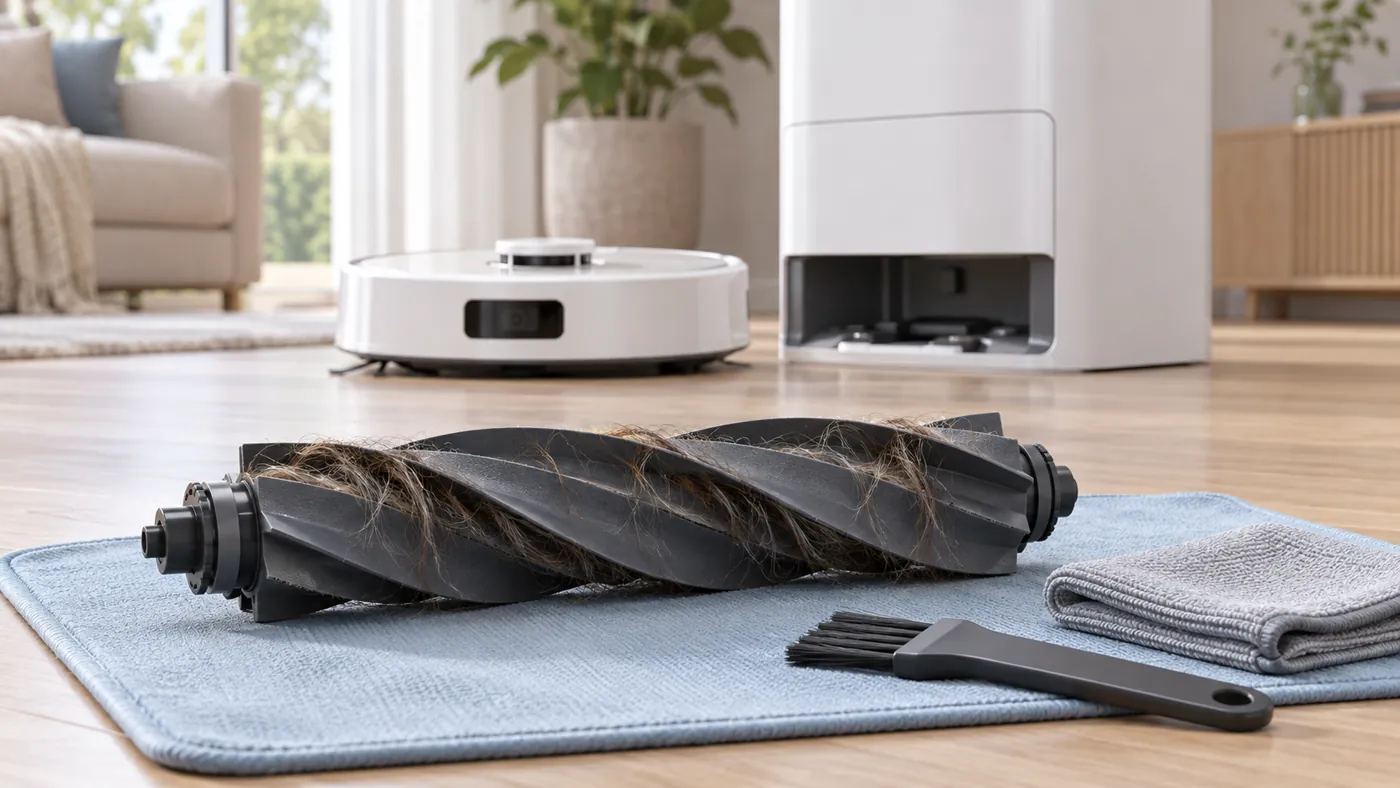
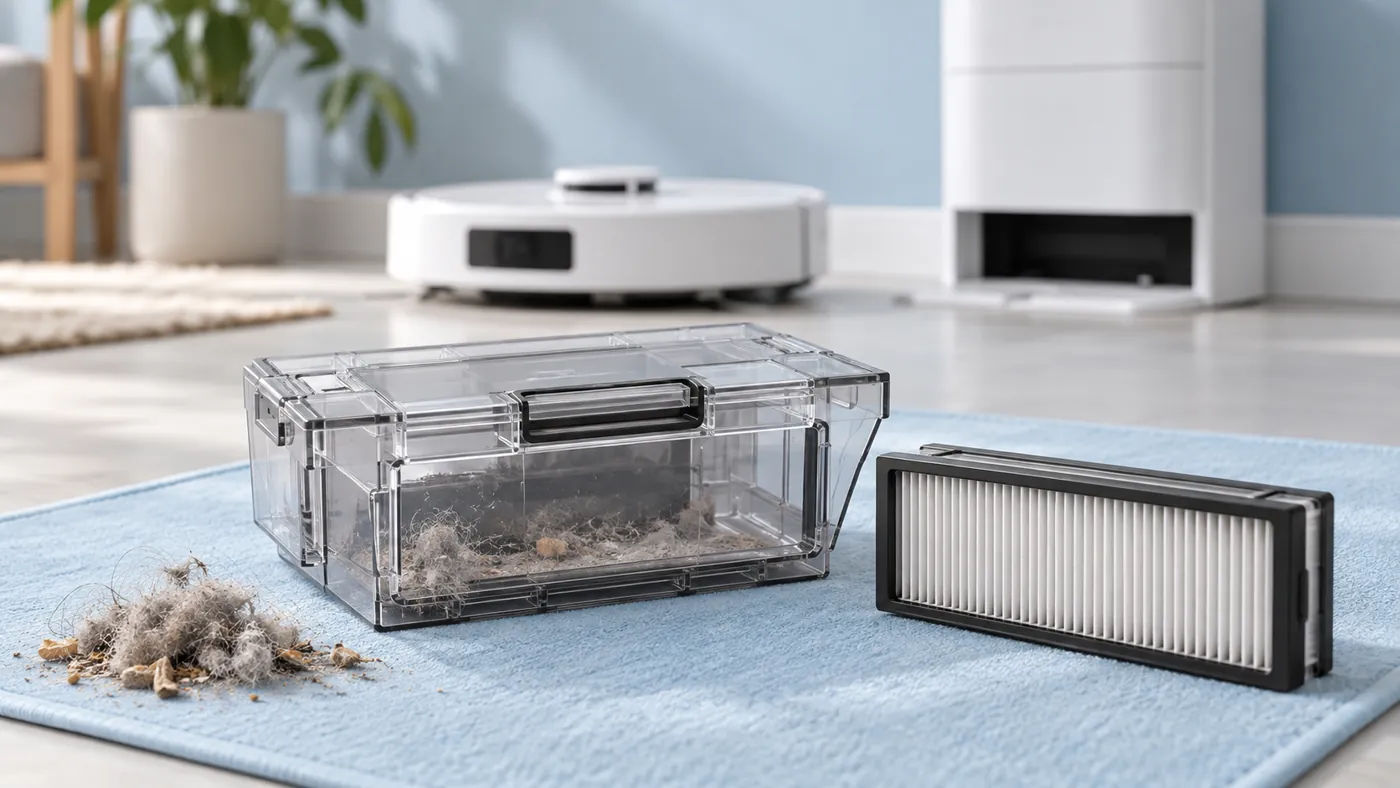
Replacing a worn consumable? Check the exact model and the manufacturer fit list for brushes, filters, mop pads and dock bags.