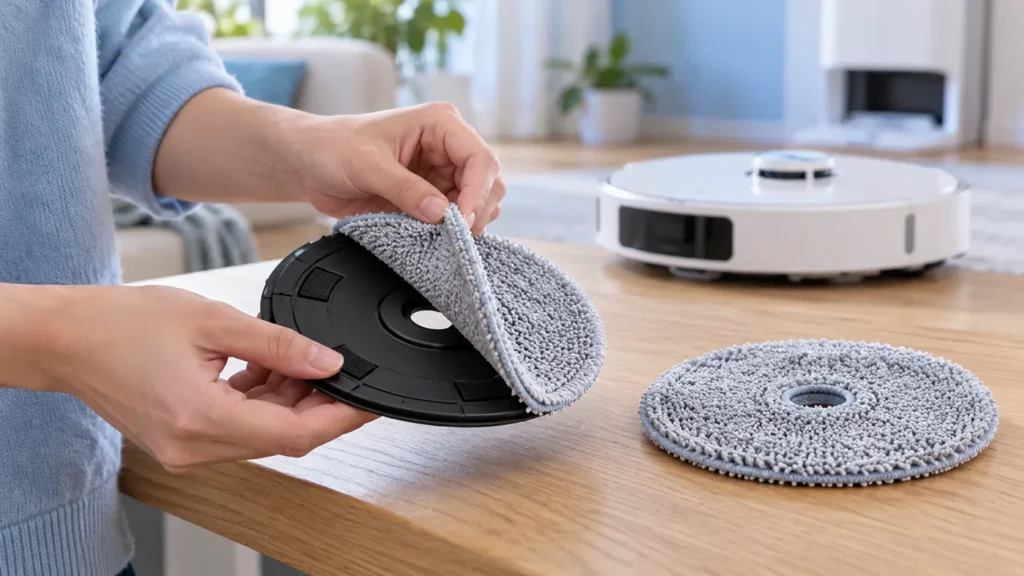
Begin with the quick checks. Stop if a step requires tools or experience you do not have.
To replace Dreame L10s Ultra mop pads, remove the fabric pads from their holders and fit compatible new cloths evenly. The cloth and the plastic holder are separate components: replacing worn fabric does not require replacing an undamaged holder.
The original manual lists a mop-pad replacement interval of one to three months, with replacement needs depending on use. Inspect condition as well as age. Torn fabric, a damaged backing, or pads that no longer attach securely merit attention.
Before removing the pads
- End the task, move the robot away from the station, and switch it off.
- Have replacement cloths specified for the original L10s Ultra ready.
- Support the robot securely while accessing its underside.
- Use the manual’s mop-assembly diagram for removal and fitting.
Model names can be similar. Check the supplier’s compatibility information rather than relying only on a photograph or a general “Dreame” label.
1. Remove the old fabric
The manufacturer’s replacement instruction is to remove the pad from the mop holder. Support the holder while peeling the fabric away gently. Avoid pulling against the robot’s drive assembly or prying with a sharp tool.
Inspect the holder and its attachment surface for trapped hair, debris, cracks, or other visible damage. Remove loose debris before fitting the new cloth. A broken holder needs its own replacement assessment.
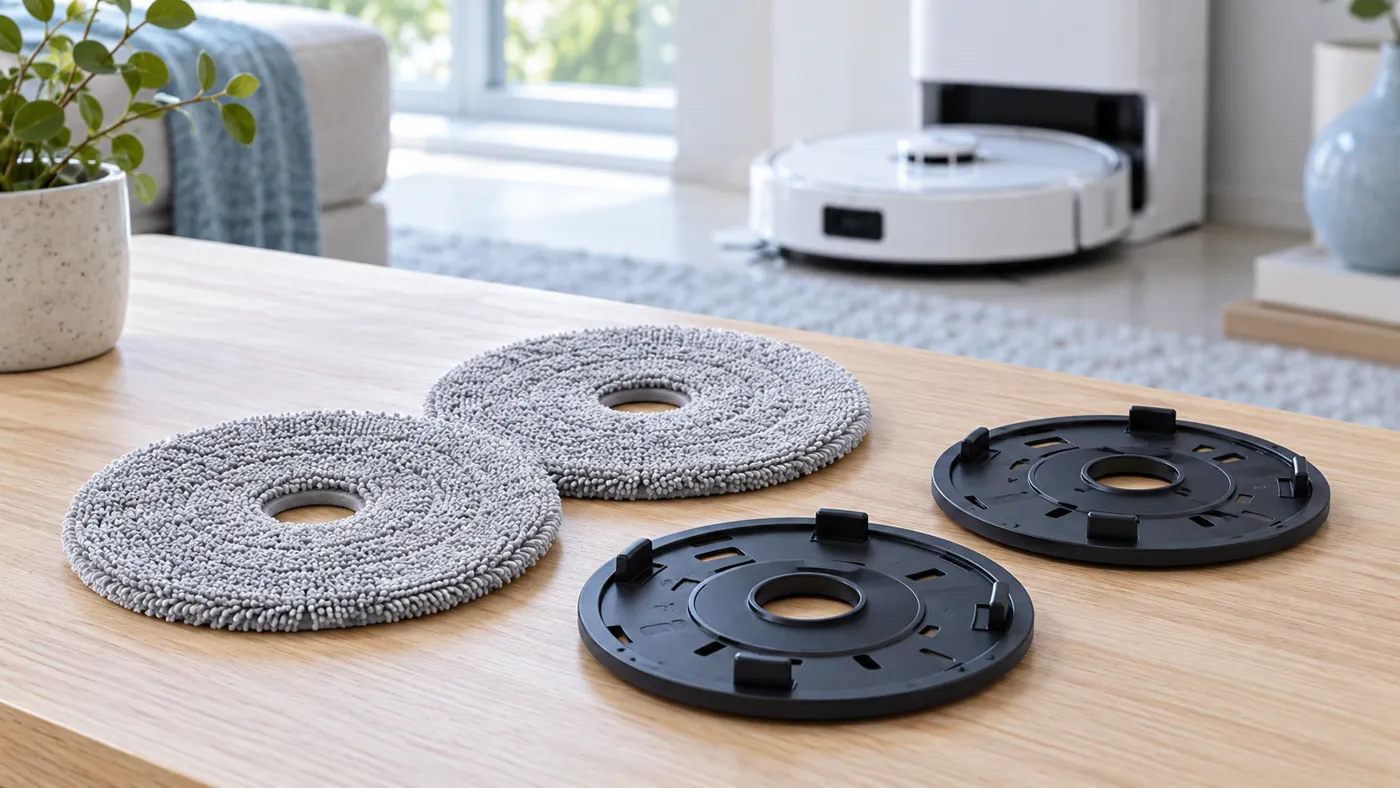
2. Fit the new cloth evenly
Align the new pad with the holder’s attachment area and press it into place evenly. Check the edges for folds, loose sections, or material caught around the center. Compare both pads so that one is not mounted differently from the other.
Refit any removed mop assembly according to the model’s diagram. It should seat normally without force. If a new pad will not attach properly, check compatibility and the holder before operating the robot.
3. Check with a small mopping task
Return the robot upright and start a short mopping task from its normal station on a suitable clear hard-floor area. Observe whether a pad loosens, folds, or drags. Stop the task before adjusting anything.
If the replacement pads fit correctly but the station does not wash them, use the mop washing checklist. For a wash that completes but drying fails, see the drying guide. New cloths do not repair a water or drying-system fault.
FAQ
Must I replace the holders with the cloths?
Inspect them separately. An undamaged holder can remain in use with compatible fabric pads.
How often should I replace the pads?
The manual gives one to three months as a reference. Use and visible condition affect the decision.
Will new pads solve a dry mopping problem?
Check water supply separately using the water dispensing guide if the fitted pads remain dry.
Find more maintenance instructions in the Dreame guide hub.
Manufacturer reference: Dreame L10s Ultra user manual, English edition. Model-specific instructions follow the manual; comparison checks are practical troubleshooting suggestions. This guide covers the original L10s Ultra.
If correctly fitted pads still leave marks after drying, check Dreame L10s Ultra Leaves Streaks After Mopping.
If the replacement pads are seated correctly but a holder remains inactive during mopping, follow Dreame L10s Ultra Mop Pads Not Spinning.
If damp pads touch a rug after replacement, check the route and cleaning mode in Dreame L10s Ultra Gets Carpet Wet While Mopping.