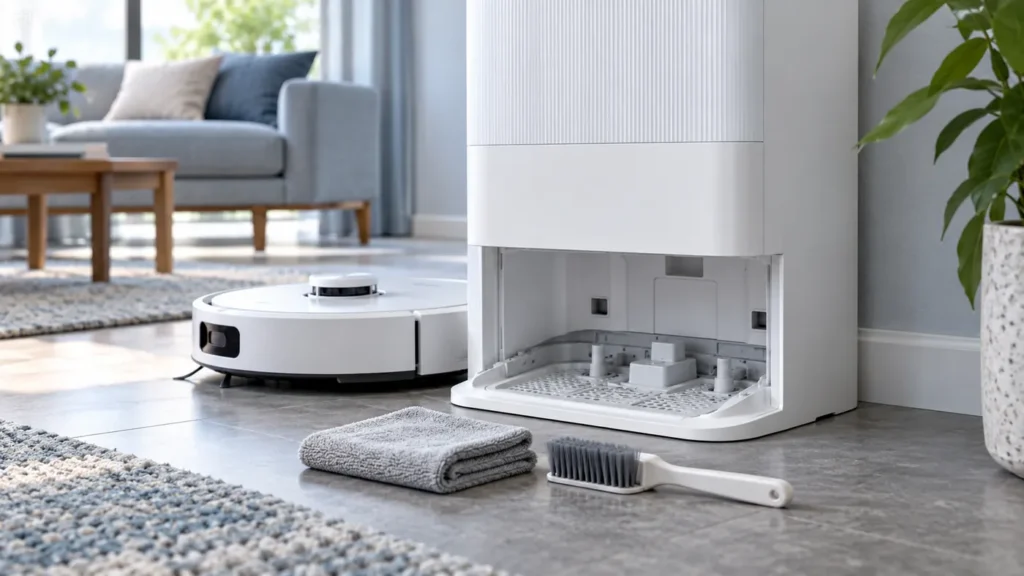
Begin with the quick checks. Stop if a step requires tools or experience you do not have.
To clean the Dreame L10s Ultra washboard, stop the station’s current operation, clear the accessible wash area and drain outlet, and check the used-water tank before running another wash. The lower tray can collect the same hair and grit that the mop pads bring back from the floor.
This guide is for the original L10s Ultra. Use the original manual and Dreame’s support diagrams to identify its washboard; removal and station controls can differ across models.
What to check while cleaning
| Area | Check |
|---|---|
| Washboard and accessible sewage outlet | Remove visible hair, grit and any surface obstruction. |
| Overflow sensors | Wipe gently using Dreame’s diagram to identify them. |
| Used-water tank | Empty it, check its seal and fasten the lid clip. |
| Station base | Wipe residual water with a dry cloth before reassembly. |
1. Wait for the station to finish
The manual says not to move the station, water tanks or washboard while the station is working. Let the current washing or drying operation finish before you begin. Move the robot away from the wash area.
For manual wiping and inspection, disconnect the station from power. Keep a soft cloth and the cleaning brush ready. You do not need to open the station housing or reach into internal pipes.
2. Clear the washboard and drain area
Dreame’s support guide instructs owners to remove the washboard and inspect the sewage outlet for a blockage. Use its diagram to identify the accessible component on your station. If you cannot remove it as shown, stop and ask Dreame for model-specific guidance; do not pry the fixed base or undo housing screws.
Lift out loose debris from the accessible wash area. Use the brush gently on surface dirt and wipe the overflow sensors identified in the support diagram with a soft dry cloth. Avoid pushing hair deeper into the drain.
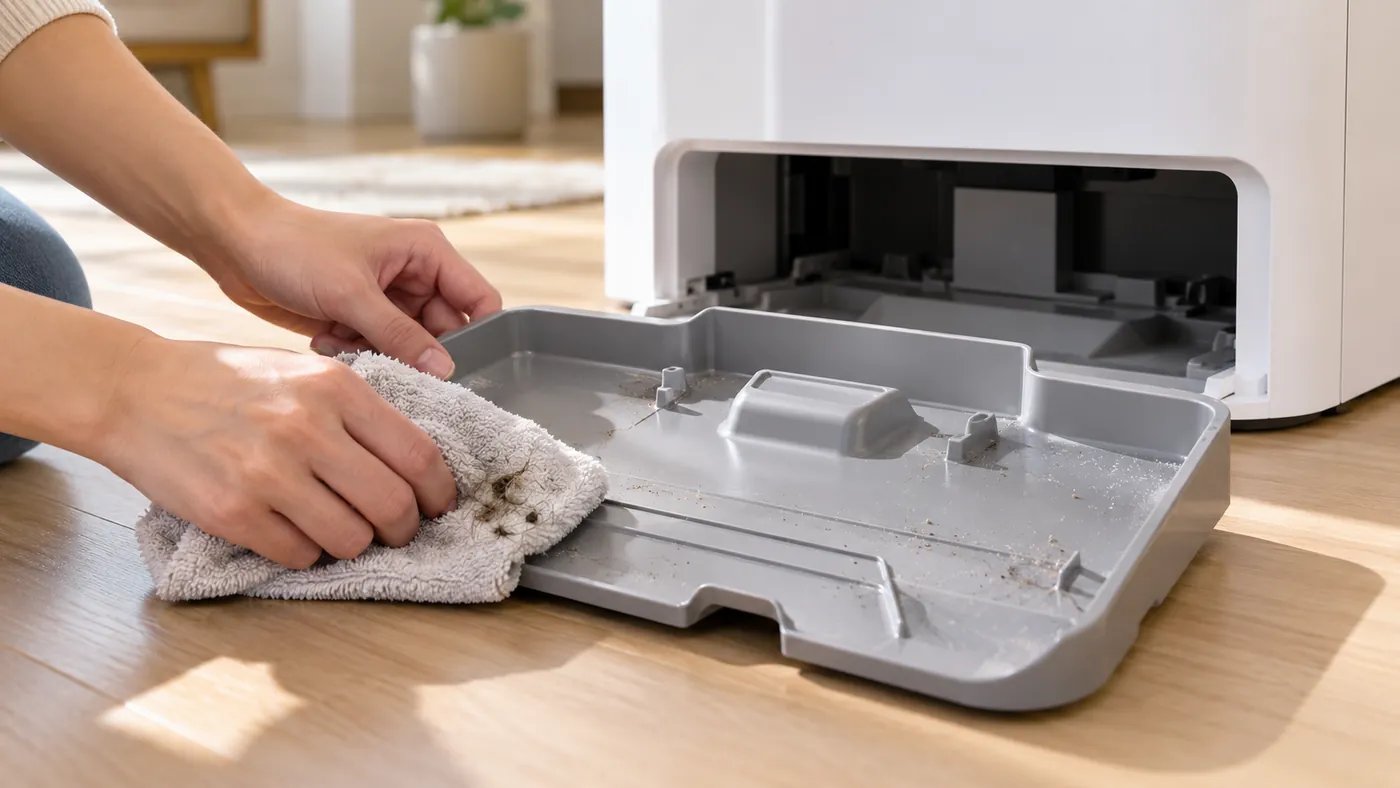
Wipe residual water in the base with a dry cloth and reinstall the washboard securely. Do not pour water over the station’s contacts or other electrical parts.
3. Check the used-water tank before testing
Empty the dirty-water tank and check its sealing ring for dirt or a loose fit. Clean the seal with a cloth and seat it correctly. Close the tank lid and fasten its clip, then reinstall the tank and gently press down to confirm it is in place.
A poorly seated tank can accompany abnormal water levels in the washboard. If the tray still holds water after cleaning, follow L10s Ultra water not draining. For full tank care, see how to clean the L10s Ultra water tanks.
4. Run one controlled station check
Reconnect power only after reassembly and once the exterior and electrical areas are dry. Confirm that the clean-water tank contains water and both tanks are installed.
In an original L10s Ultra support reply, Dreame describes removing the robot and holding the station’s Dock button for three seconds to check water delivery. After rinsing the bottom wash area, a brief press of that station button recycles the water. Use the station control identified in your manual.
Watch the water level during this check. Stop if water rises unexpectedly or leaks outside the tray. If no water enters, or it enters but is not removed, do not repeat the cycle to compensate. Use L10s Ultra not washing mop pads or the drainage guide according to the result.
FAQ
Can I remove the washboard during a wash?
No. Wait until the station finishes; the manual says not to move the washboard or tanks during operation.
Can I use household detergent to clean the system?
Dreame specifies officially approved cleaner. Avoid introducing household detergents into the station’s water system.
Why does the tray still contain dirty water after cleaning?
Check the accessible outlet and the used-water tank’s seal, clip and seating. Persistent drainage problems need further checks or support.
Sources: Original L10s Ultra manual, Dreame washboard and tank checks, and Dreame Support’s original L10s Ultra station-control reply. Browse all Dreame guides.