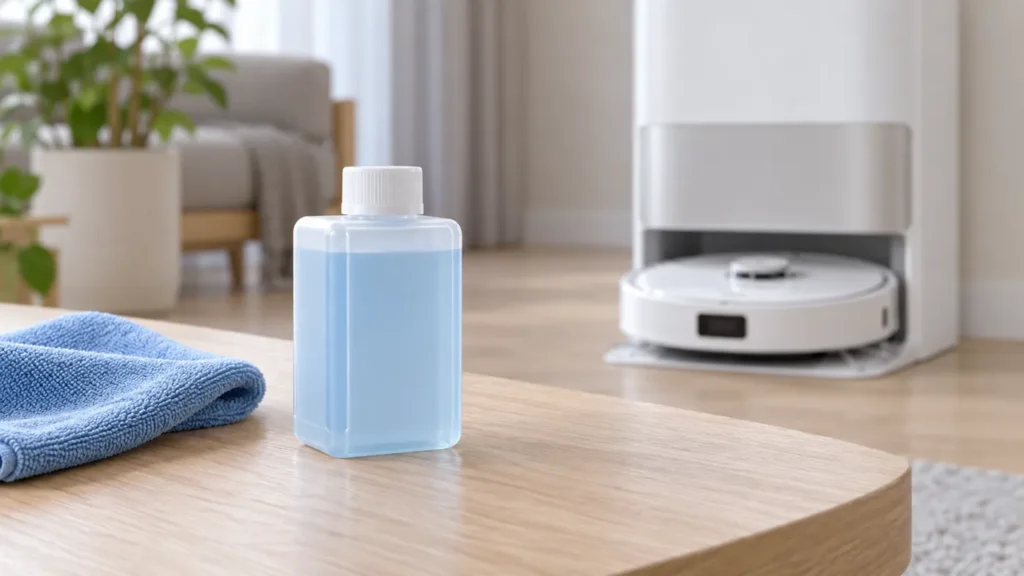
Begin with the quick checks. Stop if a step requires tools or experience you do not have.
To install the Dreame L10s Ultra cleaner bottle, remove its cap and the seals on the top and bottom, open the station’s upper cover, take out both water tanks, and slide the bottle into its designated slot. The original L10s Ultra station adds cleaner automatically while working.
Use this procedure for the original L10s Ultra and its officially approved cleaner bottle. Check the exact model manual before using these steps with another Dreame station.
Before you start
Wait until the station has finished its current operation. Have the approved cleaner bottle ready and keep a soft dry cloth nearby. Identify the cleaner-bottle slot using the diagram in the original manual; the illustration below is a general visual aid.
| Part | Preparation |
|---|---|
| Cleaner bottle | Remove its cap and upper and bottom seals. |
| Cleaner adding inlet | Remove the soft rubber plug before first use. |
| Water tanks | Lift both out to access the bottle slot, then reinstall them. |
| Clean-water tank | Fill with clean water only up to the MAX mark; do not use hot water. |
1. Prepare the bottle and open the station
Remove the cleaner bottle’s cap. Tear off the seals on both the upper and bottom parts of the bottle as directed in the manual. Open the base station’s upper cover and take out the clean-water and used-water tanks.
Before the station’s first use, remove the soft rubber plug in the cleaner adding inlet. This is a first-use preparation step, not an instruction to remove additional station parts every time you replace a bottle.
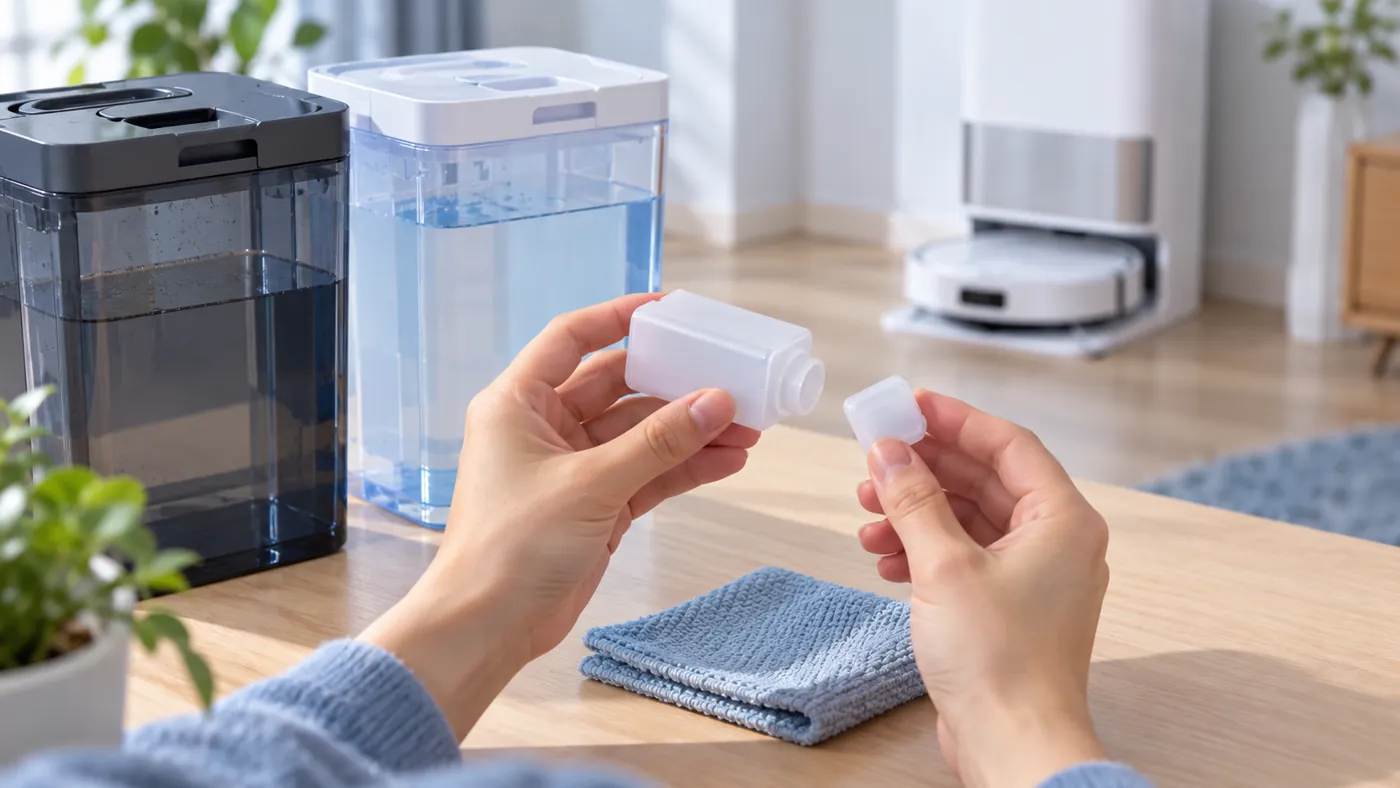
2. Install the bottle in its slot
Guide the prepared bottle along the designated slot until it is in place. Use the manual’s diagram to check its position. If it does not fit readily, stop and check the bottle type, remaining seals and alignment rather than forcing it.
Dreame specifies officially approved cleaner. Do not substitute household detergent or add other liquids to the cleaner system. The manual does not require a homemade dilution mixture or manual dosing into the tank.
3. Reinstall the water tanks
Fill the clean-water tank with clean water up to the maximum level mark, then reinstall the clean-water and used-water tanks. Do not add hot water: the manual warns it may deform the tank. Close the upper cover when everything is seated correctly.
The station adds cleaner automatically while working. If mopping performance remains poor, check streaks after mopping or mop pads not being washed, depending on the symptom.
Keep the cleaner inlet clean
The manual specifies wiping a dirty cleaner adding inlet with a soft dry cloth. Do not pour water into it or poke inside with tools. For tank maintenance, follow how to clean the L10s Ultra water tanks.
FAQ
Do I leave the bottle seals on?
No. The original manual instructs you to remove the cap and tear off the seals on the upper and bottom parts before installation.
Does the station add cleaner automatically?
Yes. The manual says cleaner is added automatically while working after the bottle is installed.
Can I use ordinary floor cleaner?
Dreame specifies officially approved cleaner to help prevent station malfunction. Check compatibility with the original L10s Ultra before installing a replacement bottle.
Source: Dreame L10s Ultra user manual, “Before Use” and “Routine Maintenance.” Browse more Dreame guides.