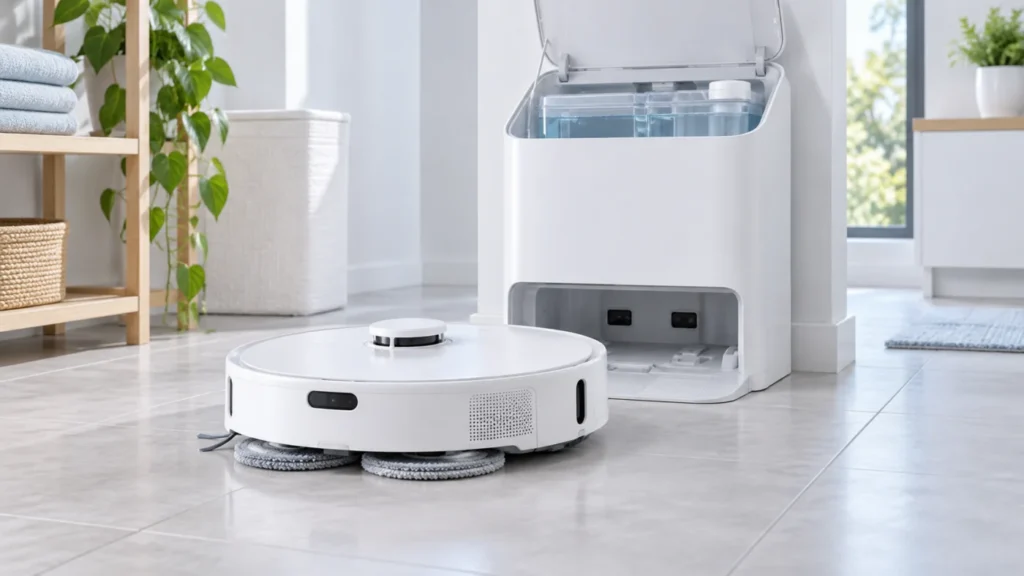
Begin with the quick checks. Stop if a step requires tools or experience you do not have.
Quick answer: For dry Roborock Qrevo Curv mop pads, first select a task that actually mops a hard floor and check the water setting in the app. Fill and latch the dock’s clean-water tank, empty and reseat the dirty-water tank, and make sure both cloths sit flat on their mounts. Then run one manual mop-washing cycle. Compare the pads immediately afterward and again after a short mopping run: this shows whether the problem begins at the dock or while the robot is on the floor.
Not sure which check to try next?
Follow guided questions and report what changes after each check.
Start step-by-step diagnosisThe Qrevo Curv dock washes the mop cloths and automatically refills the robot’s onboard water tank. These are related but distinct operations. A successful wash shows that the dock can wet the cloths; it does not by itself confirm water delivery during a longer mopping task. Roborock describes both functions in its dock overview and Qrevo Curv manual.
Identify when the pads become dry
| Observation | Next check |
|---|---|
| Manual wash does not start | Dock power, tank and tray installation, and the exact app alert |
| Wash runs but both cloths stay dry | Clean-water tank seating and dock water supply |
| Cloths are wet after wash but dry during mopping | Task mode, app water setting, and return/refill behavior |
| One cloth is much drier than the other | Attachment and contact of that cloth with its mount and wash area |
1. Confirm a mopping task on hard flooring
Check the selected routine or room in the Roborock app. Use a small, water-safe hard-floor area with a mopping mode rather than a vacuum-only task or carpet. If the app offers a water-flow adjustment, raise it for this controlled test. Start the robot from the dock: the manual says this is needed for automatic return and mop washing, and says cloths that were not used will not be washed.
Do not look for puddles as a measure of success. Compare the actual cloth moisture at the same points in each test.
2. Check both dock water tanks and the cloths
Open the station, fill the clean-water tank with cold tap water, close and latch its lid, and seat it fully. Empty the dirty-water tank and latch and reseat that one too. Roborock lists both tanks, as well as the cleaning-tray module and filter, among the checks when mop washing will not run.
Use only cleaning solution recommended by Roborock; do not add vinegar, disinfectant, hot water, or household detergent. The dock heats water for washing through its own system. Keep hands away from the hot-water dispensers during and just after washing.
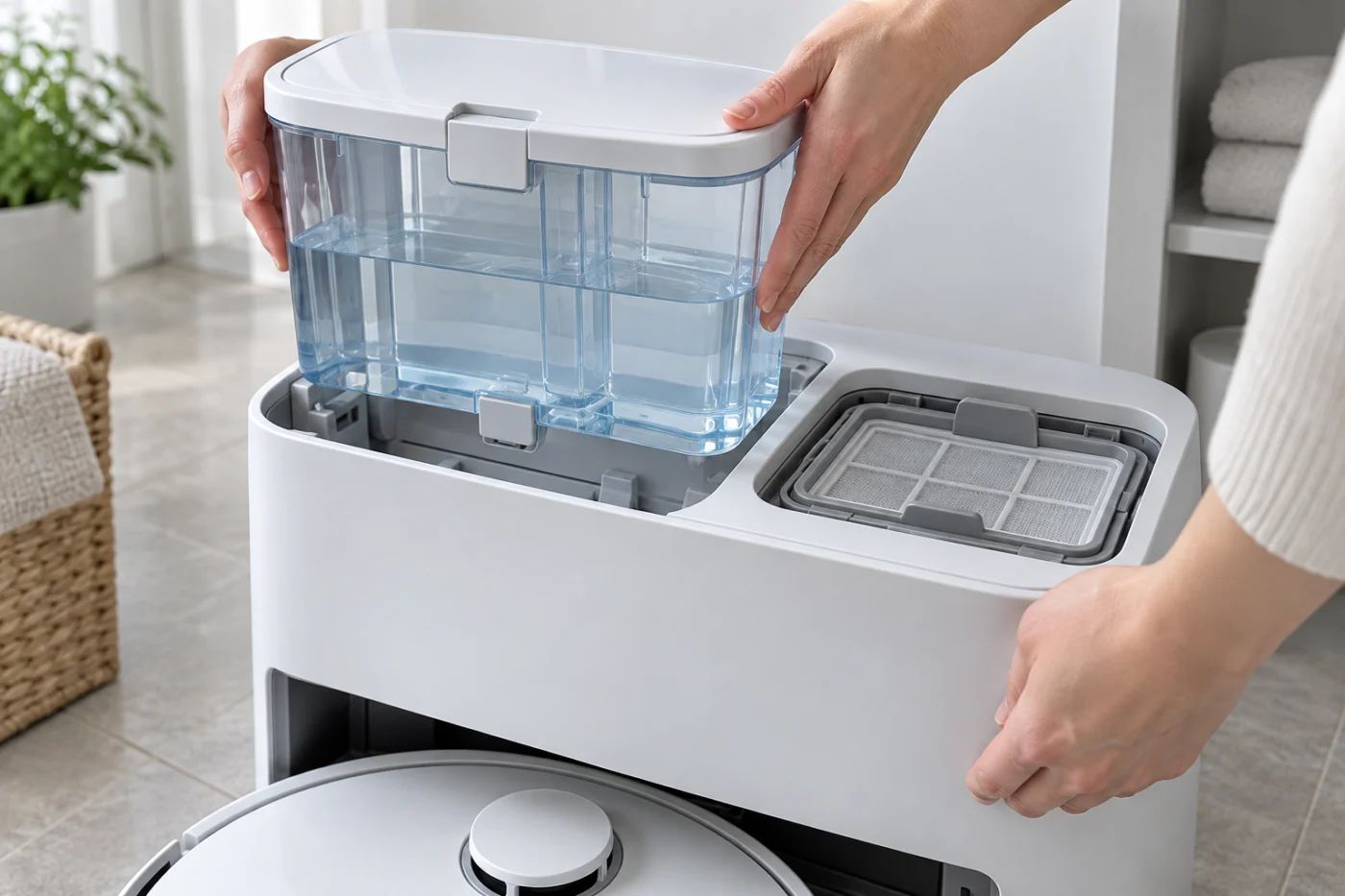
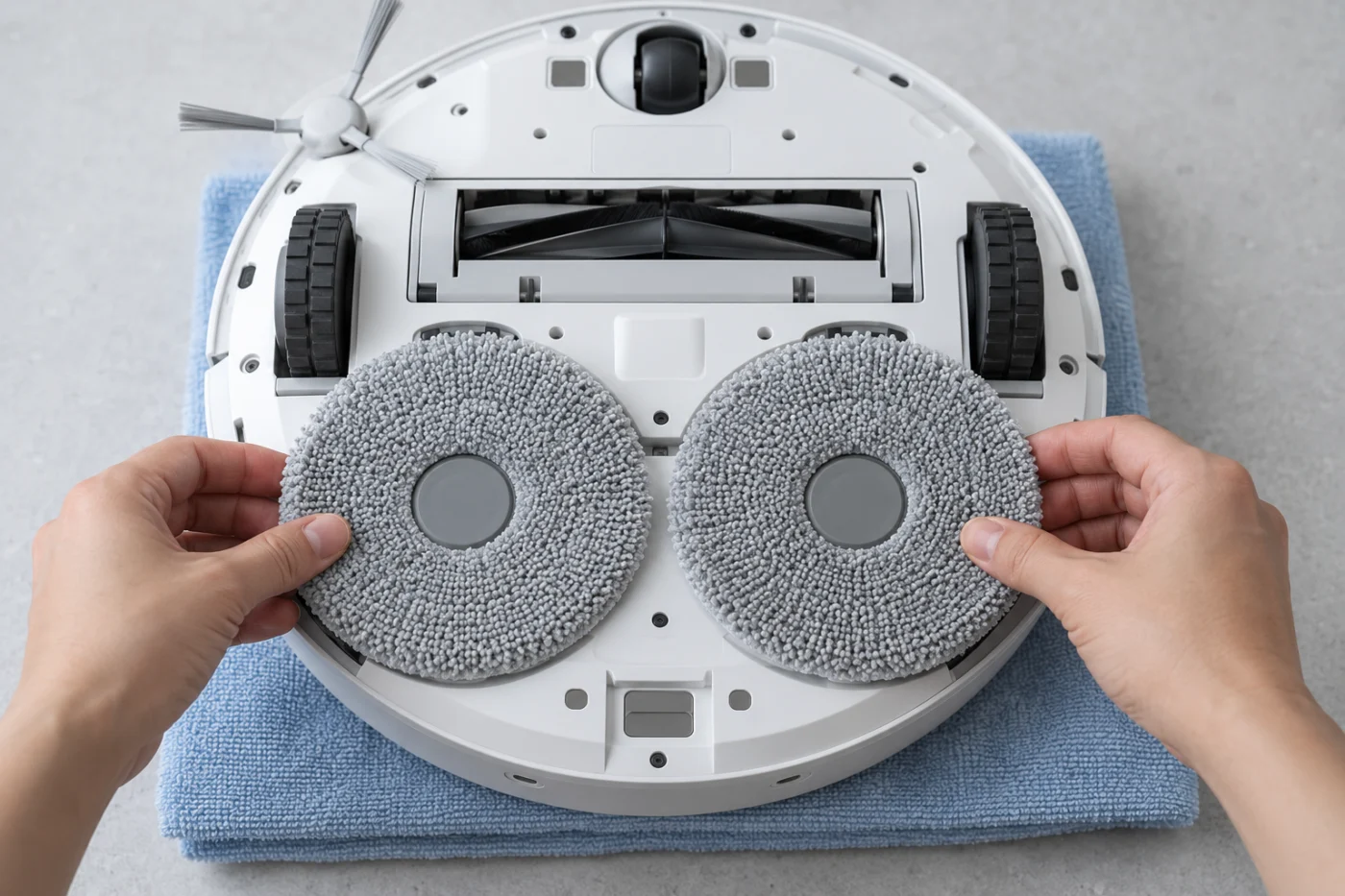
Attach both mop cloths flat and centered on their mounts. Roborock identifies poor cloth attachment as a cause of reduced washing performance. If one side remains dry, compare the fit of the two cloths before drawing conclusions about internal plumbing.
3. Inspect the user-removable cleaning tray
Turn the robot off and unplug the dock before maintenance. Remove the cleaning-tray module, then remove and rinse its tray and filter as the manual directs. Clear visible debris and reinstall the filter, tray, and module in the correct order. Dry the outside of components and your hands before reconnecting power. Do not open the station housing or probe its water lines with a needle or wire.
4. Run one manual wash, then a short mop test
With the robot docked and the tanks and tray back in place, start a manual mop wash from the app. The Qrevo Curv manual also describes holding the Dock button on the docked robot to wash the cloths. Wait for the cycle to finish before checking them.
- Both cloths are wet: Start a short mopping run from the dock. If they become dry unusually quickly despite a suitable app setting, note how long the run lasts and whether the robot returns for washing or refilling.
- Both remain dry: Recheck the water level, tank seating, tray module and filter, and any dock alert. Do not diagnose the internal pump from noise alone.
- Only one remains dry: Recheck how that cloth sits on its mount and whether it contacts the wash area.
In the app’s DND settings, check whether auto top-up is restricted during the test period. The manual says DND can control that function. For a long route, make sure the dock is shown correctly on the active map; Roborock says the robot may not return for washing when it did not start from the dock or the map has no dock.
If the cloths are wet but one round mount does not rotate during mopping, follow the separate Qrevo Curv mop rotation checks. Water delivery and rotation can fail independently.
When to contact support
Record the exact app error, the level and seating of both tanks, whether the tray receives water, and the cloth moisture after a manual wash and after a short run. Contact Roborock Support if water never reaches the pads despite correctly installed user-serviceable parts, there is a leak outside the normal wash area, or the cloths repeatedly dry during a short mop test. Do not dismantle the dock or robot water system.
If the robot cannot return to the station, follow our Qrevo Curv docking guide first. For the earlier model, see Q Revo mop pads not getting wet. More Curv symptoms are in the model hub.