Clear the brush, dustbin, filter and suction path first.
Weak pickup is usually caused by restricted airflow or a brush that cannot move debris into the inlet efficiently. Roborock documentation repeatedly points owners to a full dustbin, blocked filter, tangled main brush and blocked air path as first checks for poor cleaning or reduced suction-related performance.
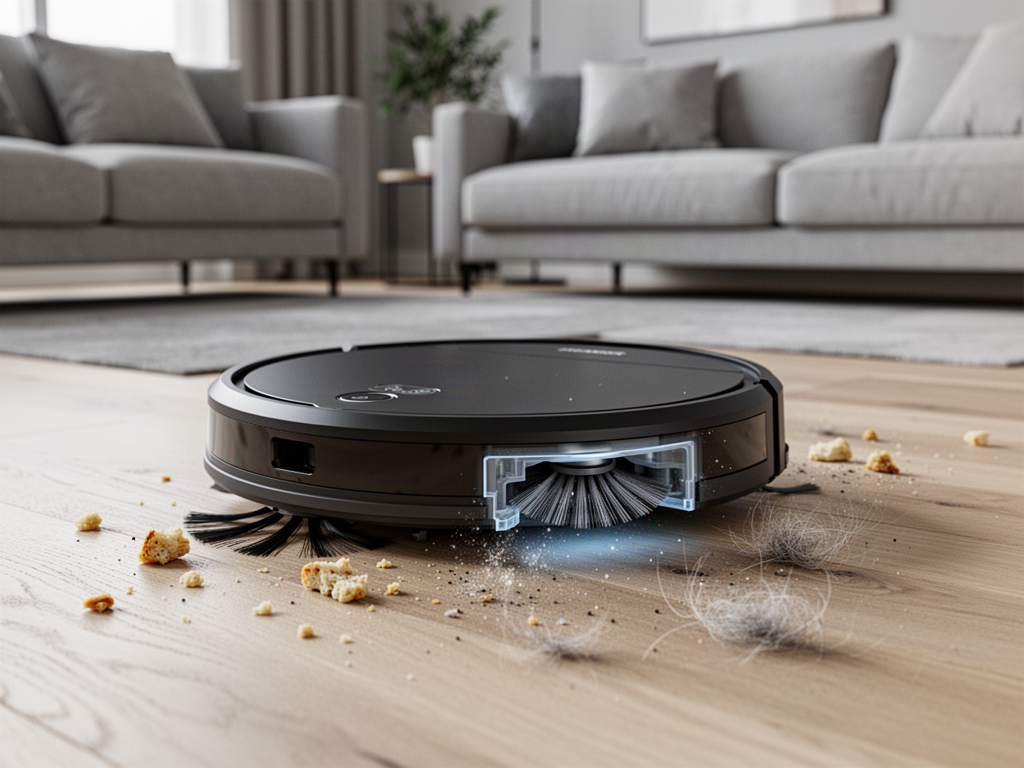
Find the most likely restriction
Is the main brush wrapped with hair, thread or compacted debris?
Check the roller itself, both ends and the brush-cover area.
How to restore pickup performance
Empty the dustbin
Do not judge the bin by appearance alone. Fine dust can reduce airflow before the bin looks completely packed.
Clean the main brush and its ends
Remove hair, thread and compacted fibers. Make sure the brush can rotate freely and the cover is reinstalled correctly.
Clean the filter correctly
Follow Roborock's cleaning instructions. If the filter is washed, allow it to dry fully before reinstalling it; a damp filter can restrict airflow.
Inspect the suction inlet
With the robot powered off, check the visible inlet and dustbin opening for packed lint, pet hair or debris that may be choking airflow.
Check the side brush
A tangled or damaged side brush may fail to sweep edge debris into the main cleaning path, making overall pickup look weak.
Run a controlled test
Place a small amount of dry debris on hard flooring, choose a stronger vacuum setting and run the robot over the area once. Compare before and after rather than relying on sound alone.
When to stop DIY
If the dustbin, filter, brush and visible suction path are clean but the Q Revo still has consistently weak pickup on multiple floor types, avoid opening the suction motor or battery enclosure. A fan, seal or internal airflow fault should be diagnosed by qualified service.
Check these guides if the symptom is different
Auto-Empty Not Working
Use this if the robot cleans normally but the dock does not pull debris out of the robot dustbin.
Cannot Find Dock
Use this when cleaning performance is acceptable but the robot struggles to return to the dock.