QUICK ANSWER
Start with power, cable and contacts.
Roborock’s Error 13 guidance recommends cleaning contacts, confirming dock power, reseating the cable, power-cycling the dock and trying another outlet.
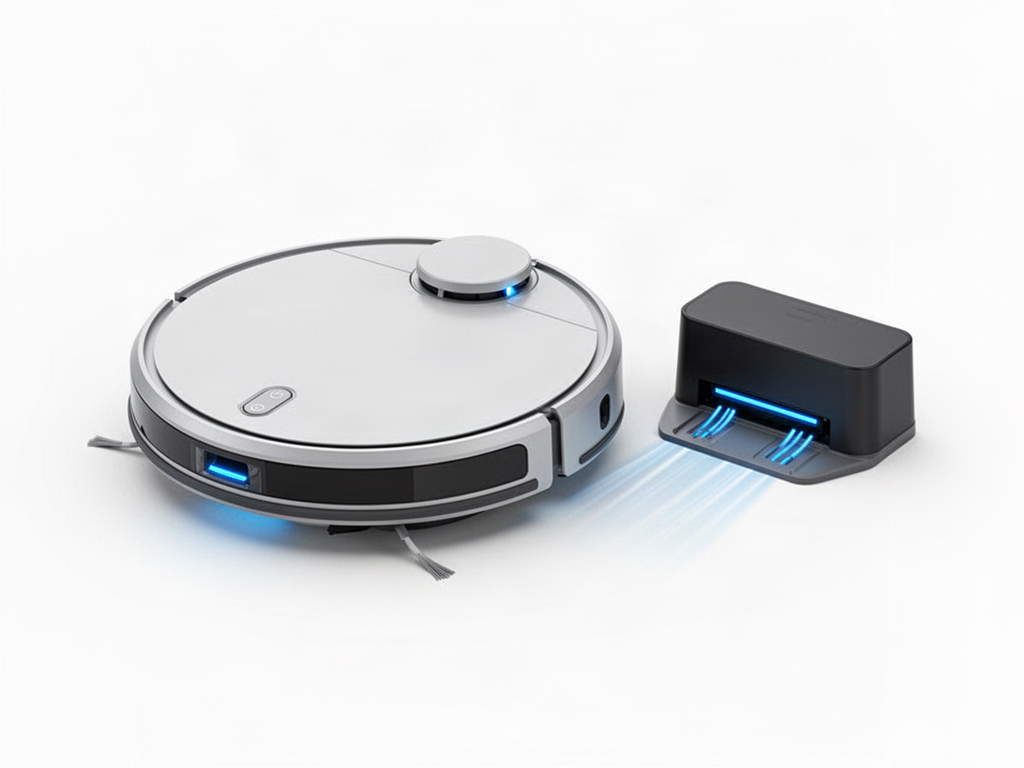
INTERACTIVE CHECK
Have the contacts been cleaned?
Clean the metal contacts on both robot and dock, then reseat the robot.
If charging still fails
Persistent charging failure after these checks can require dock, charging circuit or battery diagnosis by service.
OFFICIAL REFERENCE
Roborock S8 manual
Roborock’s S8 manual recommends checking dock power and cleaning the charging contacts when the robot will not charge.
Open official S8 manual