QUICK ANSWER
Check that the laser head turns freely.
Roborock identifies Error 1 as an LDS/laser-head jam: remove anything blocking it, move the robot to a clear location and restart.
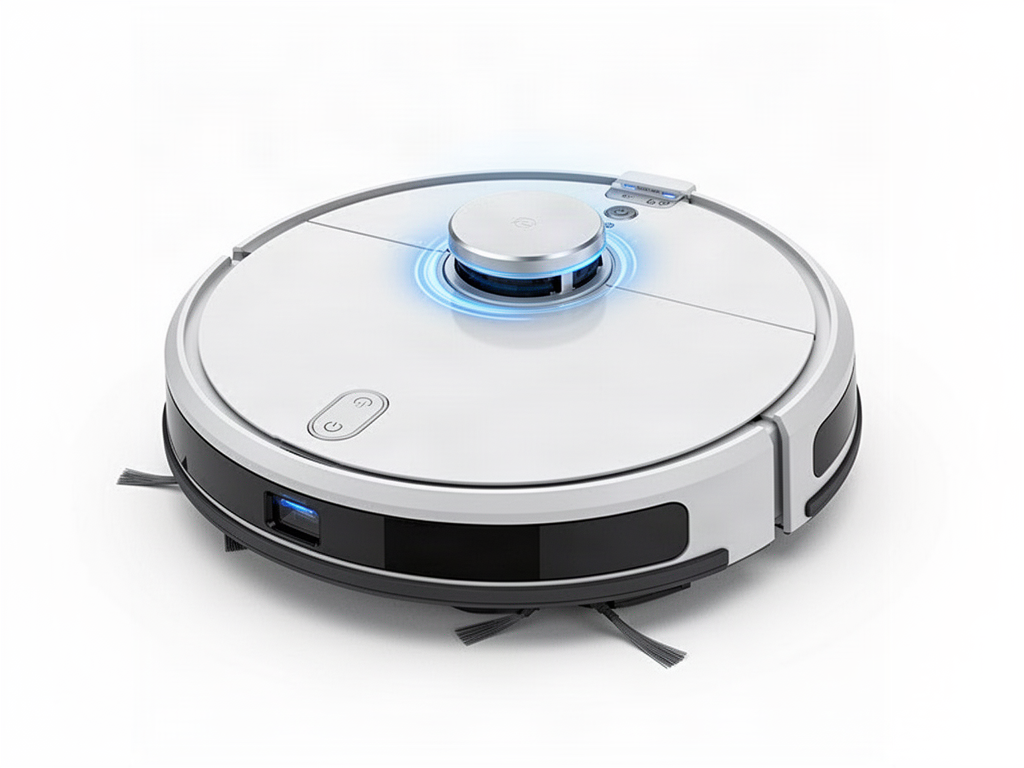
What to do
01
Power the robot off
Inspect the LiDAR turret from outside.
02
Remove visible debris
Clear hair or objects around the turret without forcing it.
03
Check free rotation
Gently verify the laser head is not mechanically stuck.
04
Move and restart
Place the S8 in an open area and retry.
Error 1 keeps returning?
Do not dismantle the LiDAR motor or optical assembly. Repeated Error 1 after external cleaning needs service diagnosis.
OFFICIAL REFERENCE
Roborock S8 manual
Check the S8 manufacturer manual alongside the safe LiDAR checks above, and stop if the fault persists after cleaning and restart.
Open official S8 manual