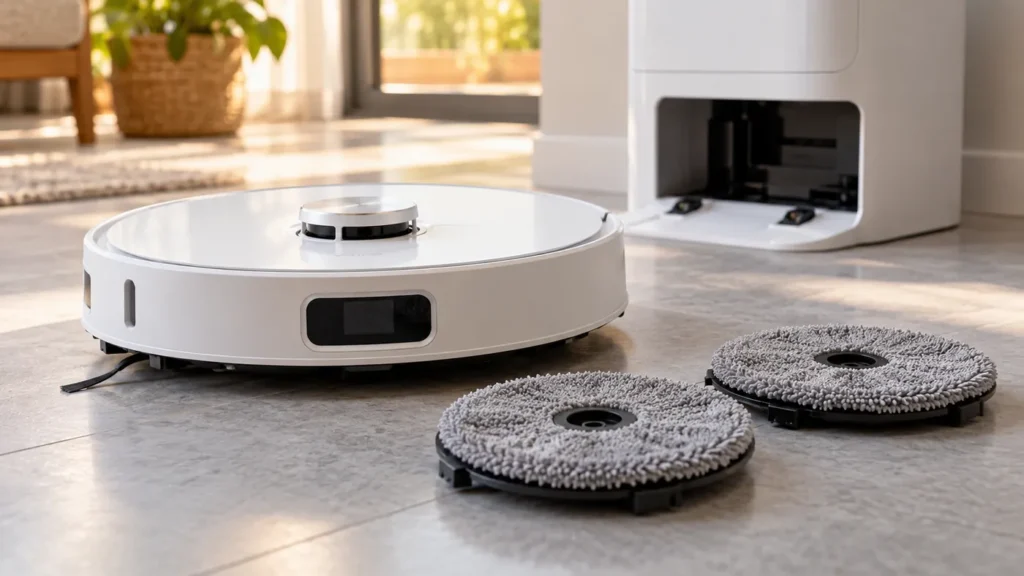
Begin with the quick checks. Stop if a step requires tools or experience you do not have.
If your Dreame L10s Ultra mop pads are not spinning, start by checking the cleaning mode and the two removable mop holders. A robot running in Sweeping mode raises its mop assembly, so that is a poor test of whether the mopping system works.
This guide covers the original L10s Ultra. It does not use the swing-out mop settings found on some newer Dreame models.
Match the check to the symptom
| Symptom | First check |
|---|---|
| Both pads stay inactive during a vacuum-only task | Choose a task that includes mopping and test on bare hard flooring. |
| One pad stops, or a rotation warning appears | Stop the task and inspect that holder, pad and mounting area. |
| The app reports that a mop pad is missing | Check seating and dirt at the holder’s installation area. |
| The pads rotate but remain dry | Follow the separate water-delivery checks. |
1. Run a short mopping test
In the app, choose cleaning that includes mopping. Start from the base and allow the initial pad wash to finish. The manual says the pads are washed before mopping begins. Watch the robot once it starts working on a clear area of hard floor, away from a rug.
Do not lift the robot to watch its underside while it is running. Note whether the problem affects the left pad, the right pad or both, and save the exact app warning. If the pads rotate normally but the floor stays dry, see L10s Ultra not dispensing water.
2. Inspect and reseat the mop holders
Pause the task, move the robot off the station and switch it off before handling the underside. Follow the original manual’s diagram to remove the mop assembly. Check the removable holders for visible hair, dirt or damage, and inspect the areas where they attach to the robot.
Dreame Support recommends removing and reinstalling the holder and cleaning dirt from its installation area for an original L10s Ultra with a mop-rotation problem. Wipe accessible dirt away gently with a dry cloth. Keep liquid out of the robot and avoid forcing the drive fittings.
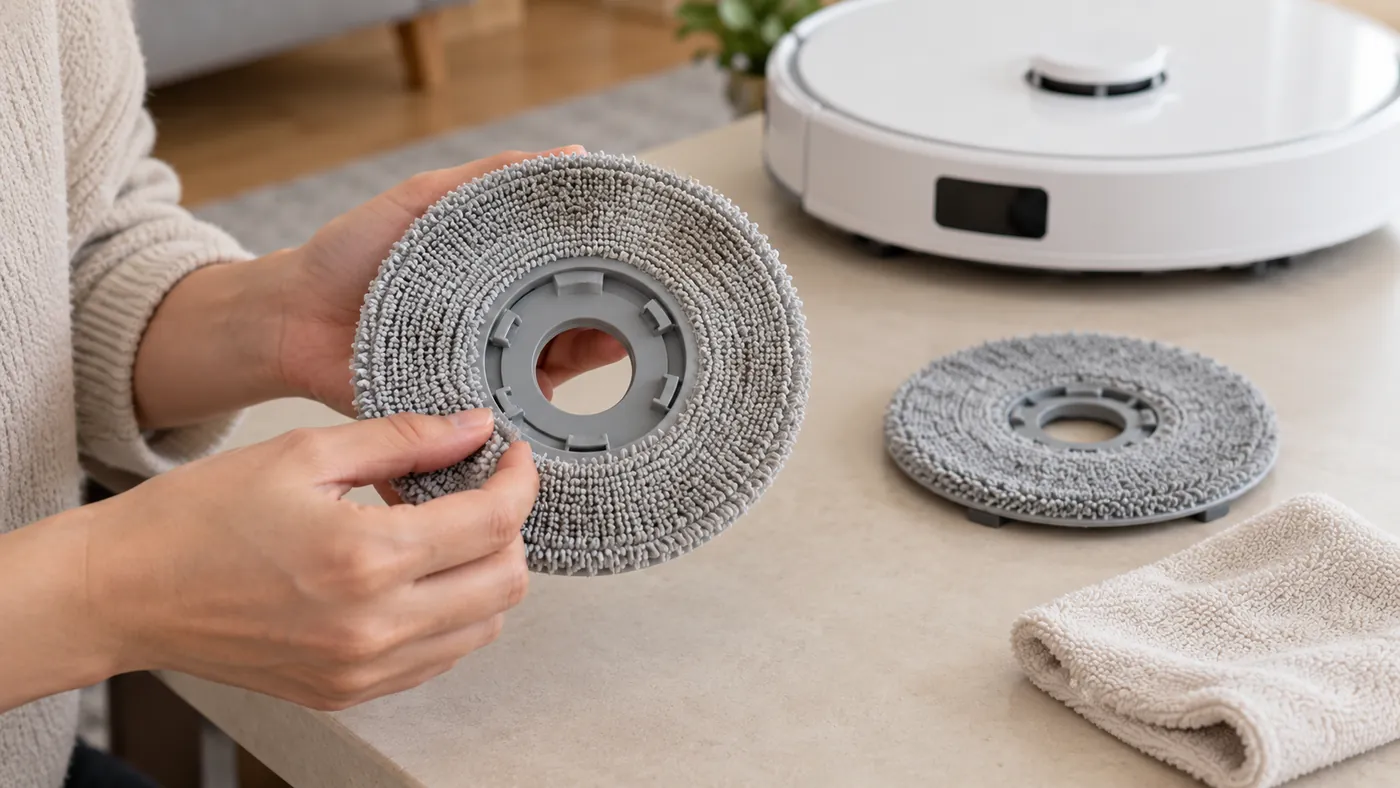
Check that each fabric pad sits flat on its holder, then reinstall both holders according to the manual. If a holder is cracked or will not stay attached, stop the test and ask support about the correct replacement part. For worn cloths, use how to replace L10s Ultra mop pads.
3. Restart and repeat the same test
For a normal power cycle, hold the robot’s Power button for three seconds while it is off the charging base. Turn it on again with a three-second hold, then repeat the short mopping task. If it does not respond or cannot be switched off, the manual gives a ten-second Power hold for forced shutdown, followed by a three-second hold to restart.
Keep the test conditions the same after reseating the holders. If one side still fails, that observation helps support investigate; it does not by itself prove that a motor needs replacing. See L10s Ultra won’t turn off if shutdown is the immediate problem.
When to consider a factory reset
Dreame Support includes a factory reset in its response to this rotation problem, but warns that it deletes cleaning data and restores cleaning settings. If the checks above fail, contact support with a short video and your error message before choosing that step. Review what you would need to set up again.
If rotation works on the floor but the station does not wash the pads, follow L10s Ultra not washing mop pads.
FAQ
Why are both mop pads inactive in Sweeping mode?
The manual says Sweeping mode raises the installed mop assembly. Test a task that includes mopping on hard floor.
Does one stopped mop pad mean the motor is broken?
It is not enough to identify the failed part. Check the removable holder and mounting area, reseat it and record the result for support.
Should I factory-reset the robot immediately?
Check the mode and holders first. A factory reset deletes cleaning data and restores settings, so consider it with those consequences in mind.
Sources: Original L10s Ultra manual and Dreame Support’s reply about L10s Ultra mop rotation (Italian). The short comparison test is a practical diagnostic suggestion. Browse all Dreame guides.