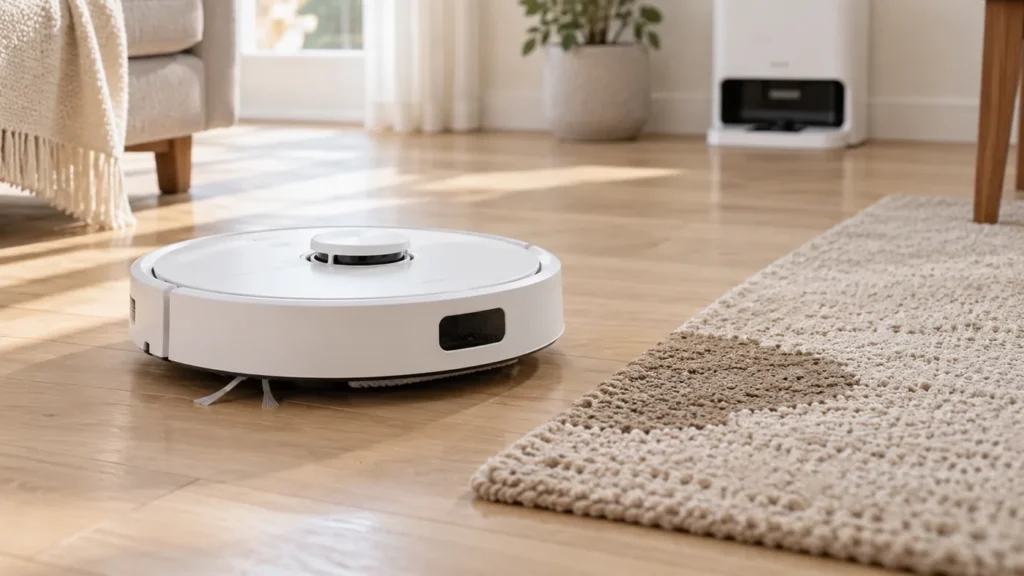
Begin with the quick checks. Stop if a step requires tools or experience you do not have.
If your Dreame L10s Ultra gets carpet wet while mopping, pause the task and keep it off that carpet until you have checked the cleaning settings and mop assembly. Use a saved no-go zone to exclude the rug from wet cleaning, or remove the mop assembly for a separate vacuuming run.
This guide covers the original L10s Ultra. Do not assume it has the same lifting height, carpet modes or automatic mop-removal features as another Dreame model.
Find where the moisture starts
| What you notice | What to check |
|---|---|
| Dampness appears where the robot crosses the rug | Carpet recognition, cleaning mode and exclusion settings. |
| Wet marks stay near the rug edge | Pad seating and whether raised fabric still contacts the pile. |
| Water starts beside the station | The tray and dirty-water drainage before another run. |
| A wet trail crosses bare flooring as well | Stop and investigate water handling rather than repeating a carpet test. |
1. Check carpet recognition and the active task
Dreame’s carpet FAQ, linked from its L10 Ultra and L10s Ultra support index, describes recognition that raises the pads during mopping. It also explains that app carpet modes can change that behavior or make the robot avoid carpet.
Open the carpet-related settings available for your device. Check that recognition has not been disabled and that the selected behavior suits a wet cleaning task. Menu names vary by app version and region; use the options shown for your original L10s Ultra.
Watch from the side without lifting the running robot. If the mop assembly appears to remain down as it reaches a rug, pause the task. Save a short video for support instead of allowing repeated passes.
2. Keep the rug out of the mopping route
Dreame recommends setting the carpet area as a no-go zone in Map Management before mopping. Open the correct saved map, mark the rug’s location and save the change. Check the boundary again if the rug has moved.
A no-go zone excludes the area from cleaning, so plan a separate vacuuming task when you want to clean that carpet. Keep the route between the station and the hard-floor work area clear. If the robot appears to use the wrong map, see L10s Ultra mapping problems.
3. Check pad fit and clearance
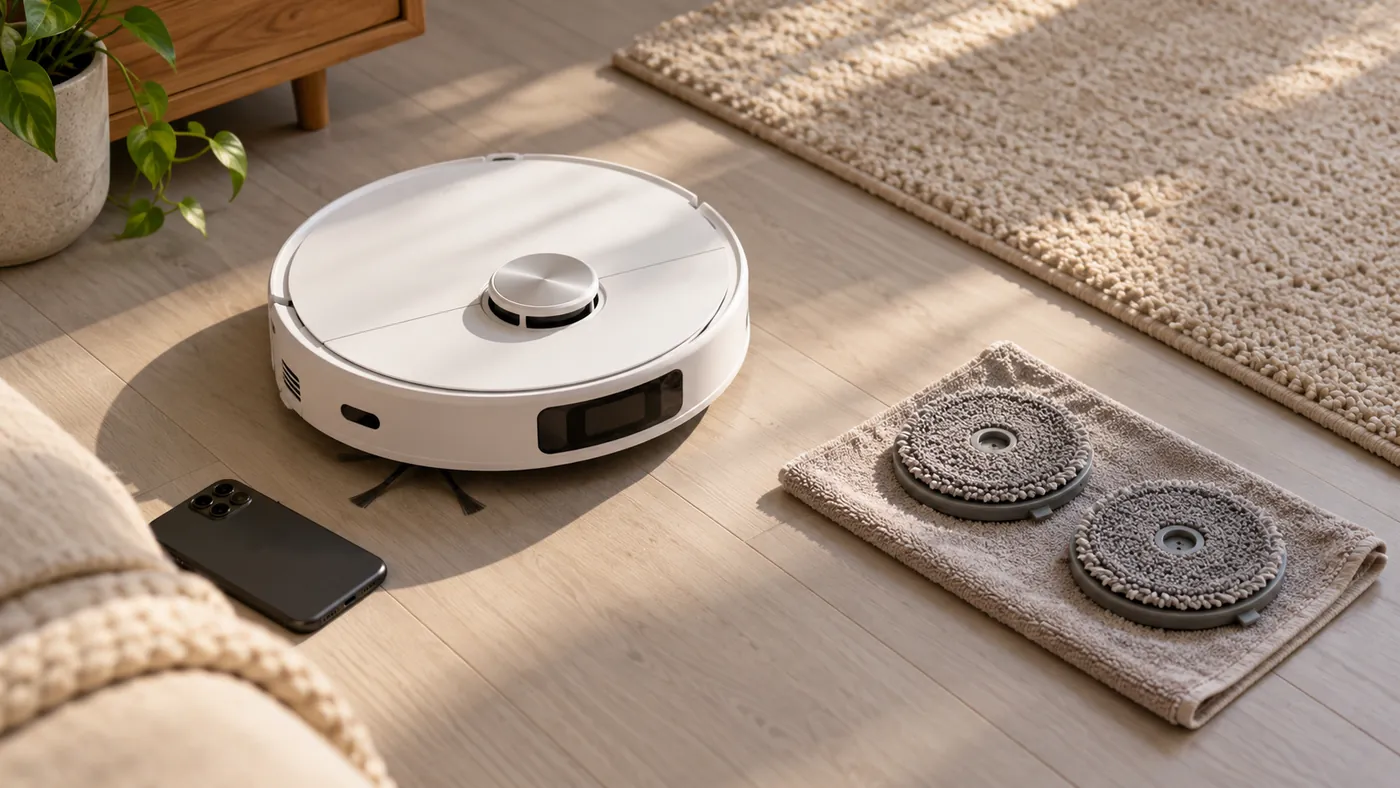
Switch the robot off away from the charging base before inspecting the pads. Check that each cloth lies flat on its holder and that both holders are installed as shown in the manual. A loose edge is worth correcting before another run.
Even when a pad is raised, long or uneven carpet fibers may reach it. Treat visible contact as a reason to exclude that rug from mopping; raising alone does not establish clearance for every carpet. For worn or poorly fitting cloths, follow how to replace L10s Ultra mop pads.
4. Separate vacuuming from wet cleaning
The original manual says removing the mop assembly makes the robot switch to Sweeping mode. Remove it according to the manual before a carpet vacuuming run. Selecting Sweeping in the app with the assembly still attached raises it, but the attached pads may still be damp.
Confirm the rug and surrounding floor are dry before running the robot again. For mopping hard floors afterward, reinstall the assembly and use the saved exclusion zone.
Check station water if the wet area starts there
If water pools at the dock or the robot brings a wet trail onto bare floor, stop the cycle and inspect the station first. Follow L10s Ultra water not draining and how to clean the L10s Ultra washboard. Changing a carpet setting does not resolve an overflowing station.
If lifting still appears wrong after pad fit and settings are checked, contact Dreame with the rug type, task mode and video. Avoid buying a lifting mechanism based on the wet mark alone.
FAQ
Will a no-go zone still let the robot vacuum that rug?
No. It excludes that area. Review the restriction for a separate carpet task and remove the wet mop assembly first.
Can I rely on raised pads for every rug?
Check actual clearance. Keep the robot off the rug during mopping if the cloth can still touch its fibers.
Does lowering water output fix wet carpet?
It does not establish pad clearance or carpet recognition. Correct the route and cleaning behavior first.
Sources: Dreame’s carpet recognition and no-go-zone guidance, linked in its L10 Ultra and L10s Ultra FAQ, and the original L10s Ultra manual. Clearance observations are practical checks, not a guaranteed fix. Browse all Dreame guides.