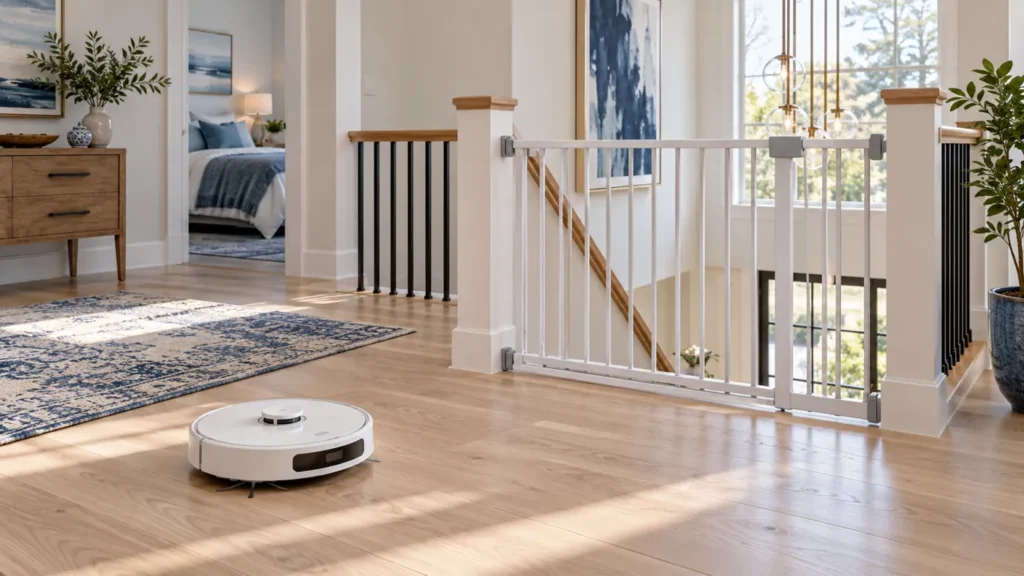
Begin with the quick checks. Stop if a step requires tools or experience you do not have.
You can use the original Dreame L10s Ultra on more than one floor by carrying the robot between levels and selecting a separate saved map. It cannot travel up or down stairs. Its station also needs to be on the same floor whenever you want charging, automatic emptying or mop washing.
The simplest arrangement is to keep the station in its usual location and use vacuum-only cleaning on the other level. This avoids asking the robot to return to a mop-washing station it cannot reach.
Choose your setup before mapping
| Setup | Useful for | What you must handle |
|---|---|---|
| Station stays downstairs | Vacuuming upstairs | Carry the robot back for charging and emptying |
| Station moves to the same floor | Cleaning with station services available | Safely relocate and position the station before starting |
| Robot mops away from its station | Only a setup supported by your app settings | Automatic washing and refilling are unavailable across floors |
1. Prepare the second floor
Charge the robot before carrying it upstairs. Clear cords, socks and loose objects, open the rooms you want included and provide good lighting. Put a physical barrier across any stair opening; a map boundary is not a substitute for protecting a drop.
Pause the robot before lifting it and support it securely with both hands. Place it on a clear, level section of floor, away from the stairs. Choose a repeatable starting location to make future setup easier.
2. Create and save a separate map
Open the robot’s page in Dreamehome and find map management. Dreame’s support instructions use Map Management > Create > Save for a new floor. Menu labels can vary with the app version. Create the additional map rather than deleting the map for the station’s usual floor.
Once mapping is complete, save the new map and give it a clear name such as “Upstairs,” if your app offers naming. Check that rooms and doorways are represented correctly before editing room divisions or adding restrictions.
If the robot misses rooms or builds a distorted map, use our L10s Ultra mapping troubleshooting guide. Resolve that problem before scheduling repeated cleaning.
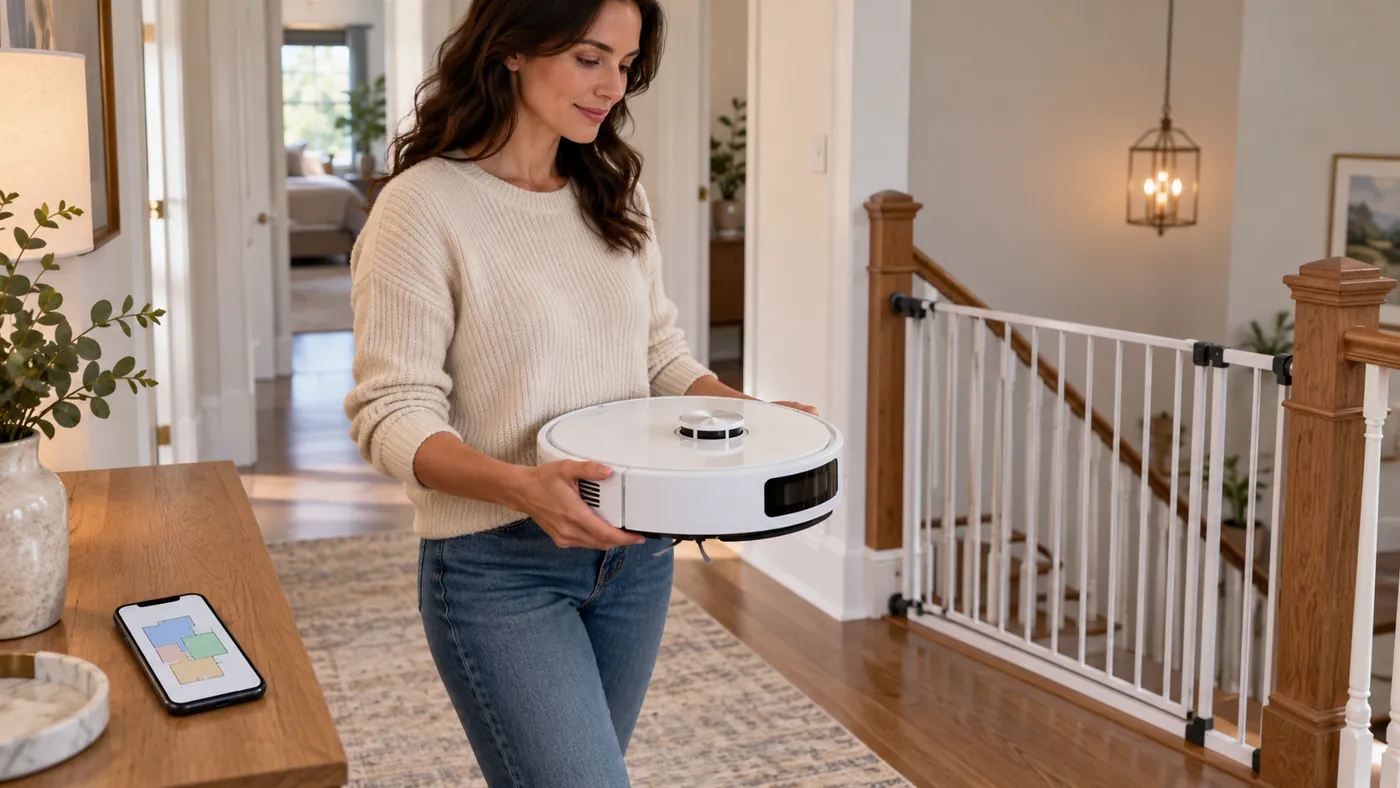
3. Select the correct map and cleaning mode
Before every clean on the second floor, select its saved map. Confirm that the displayed room layout matches your location. For vacuum-only use, select sweeping in the app or remove the mop-pad holder assemblies as described in the original manual.
Dreame advises disabling self-cleaning when the station is on another floor. Check the available settings before starting; do not assume the robot can complete automatic mop-washing trips downstairs. If you cannot configure a suitable away-from-station task, bring the station to the same floor instead.
Run a short supervised vacuum clean first. Check whether the robot locates itself correctly, reaches the intended room and respects the boundaries. When finished, carry it back to its station for charging and emptying.
4. Move the station when you need mop washing
Finish the current task before moving equipment. Power down and unplug the station, remove the water tanks for separate handling and keep the station upright. Never move the station, tanks or washboard while the system is operating.
Place the station on a level surface with the clearances required by the manual. Reconnect it, install the tanks securely and check the floor map and docking position before starting. Supervise the first return; if docking fails, see L10s Ultra docking troubleshooting.
FAQ
Can the L10s Ultra climb stairs?
No. Carry it between floors and use a physical barrier at stair openings.
Do I need a factory reset to add another floor?
No. Start in map management. Factory resetting is unnecessary for adding a floor and can erase cleaning data.
Can it wash its mops at a station on another level?
No. The robot must be able to reach the station on the same floor. Vacuum-only cleaning is simpler when the station stays elsewhere.
For related setup and maintenance help, visit the Dreame troubleshooting hub.
Sources: Dreame multi-floor cleaning instructions; original L10s Ultra manual.