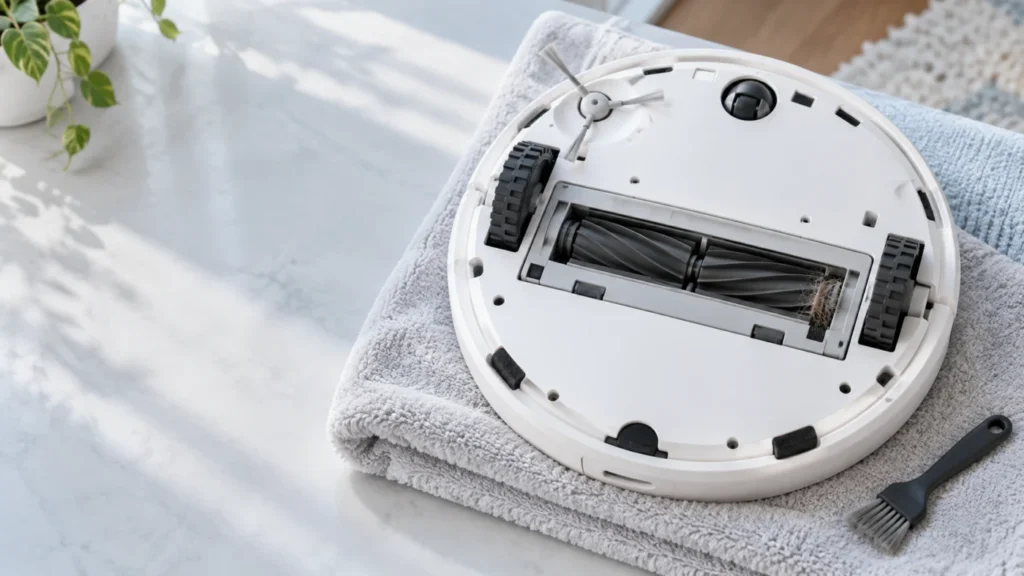
Begin with the quick checks. Stop if a step requires tools or experience you do not have.
If the Qrevo Curv main brushes seem to have stopped, check the cleaning mode and any app warning before opening the brush compartment. A new rattling sound or a brush alert points toward a jam or a part fitted incorrectly. If the trouble began just after cleaning, check the two brush sections, their removable bearings, and the cover in that order.
Not sure which check to try next?
Follow guided questions and report what changes after each check.
Start step-by-step diagnosisThe central DuoDivide brushes are two short sections. The small brush at the edge is a different part with its own checks. Weak pickup alone also does not prove that a brush motor has failed.
Match the symptom to the first check
- It leaves dirt during a mop-only task: Run a short vacuum-only test on dry hard floor.
- It started rattling or showed a brush alert: Switch off and inspect both brush ends and bearings for wrapped hair.
- It happened after you removed the brushes: Check the colored alignment marks and that both cover latches close.
- It runs quietly but pickup remains poor: Check the brushes, then the bin, filter and airflow in our pickup guide.
1. Observe one vacuuming run
Check the active task in the Roborock app and save the exact text of any warning. Start a brief vacuum-only run on a dry, clear section of hard floor with a little ordinary loose debris. Note whether the robot passes directly over it, whether the noise changes, and whether it reaches the onboard bin. You cannot reliably see the brush rotation beneath a robot on the floor, so sound and pickup are clues, not proof of a particular motor fault.
Stop the task before inspecting the underside. Never operate the robot upside down or reach into a moving brush compartment.
2. Remove and clean both sections
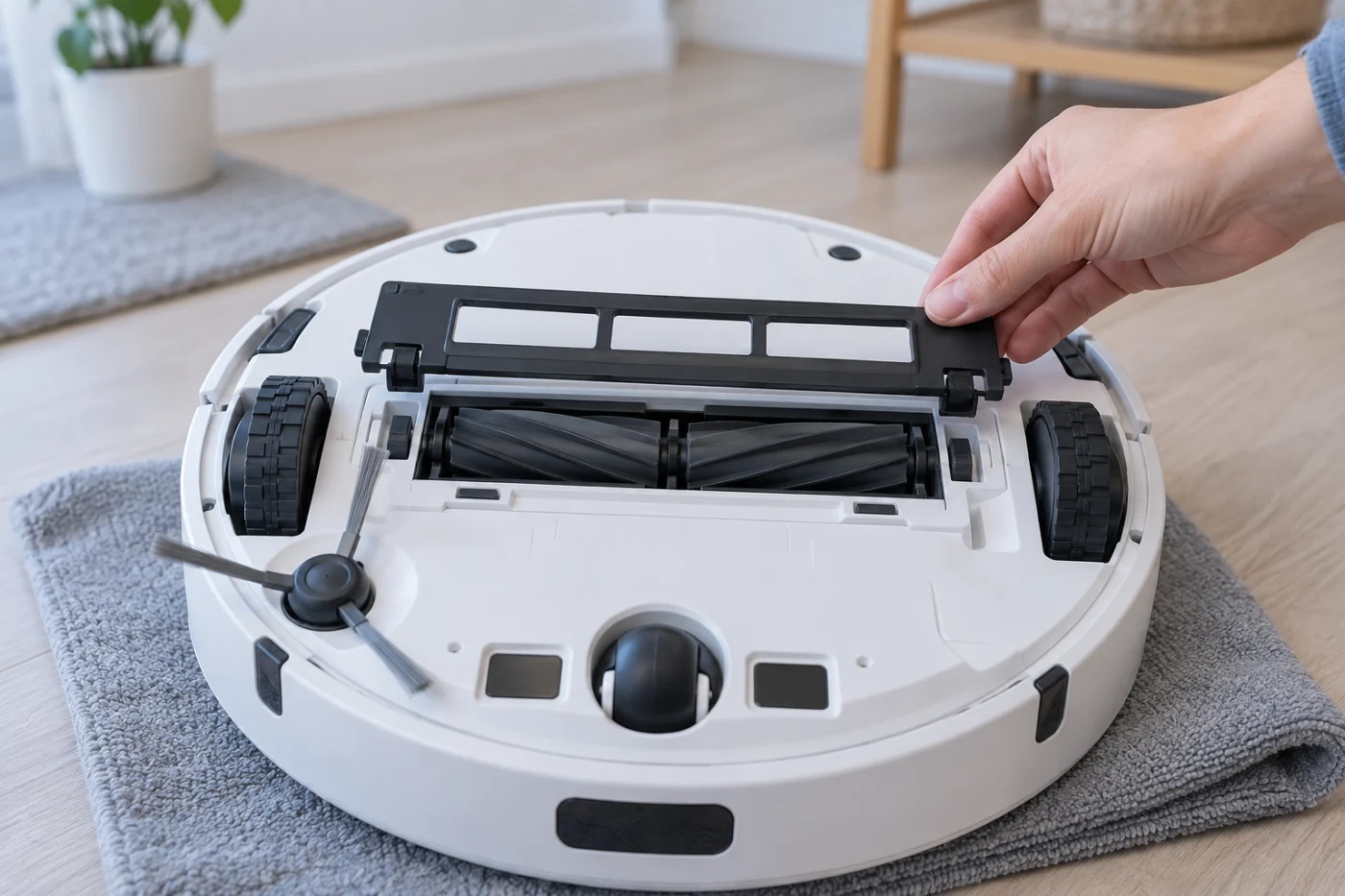
Move the robot away from the dock, switch it off, and turn it upside down on a folded towel. A quick photo of the assembly helps with reinstallation. Press the two main-brush-cover latches inward and lift the cover. Do not lever it up if a latch has not released.
Lift out both short brush sections. Keep track of their removable bearings. Roborock’s manual directs owners to remove entangled hair and dirt from the brush ends and bearings. A roller may look clear across its middle while hair is packed around an end. Pull away reachable strands and loose debris; keep sharp tools away from the rubber and the robot’s drive seats.
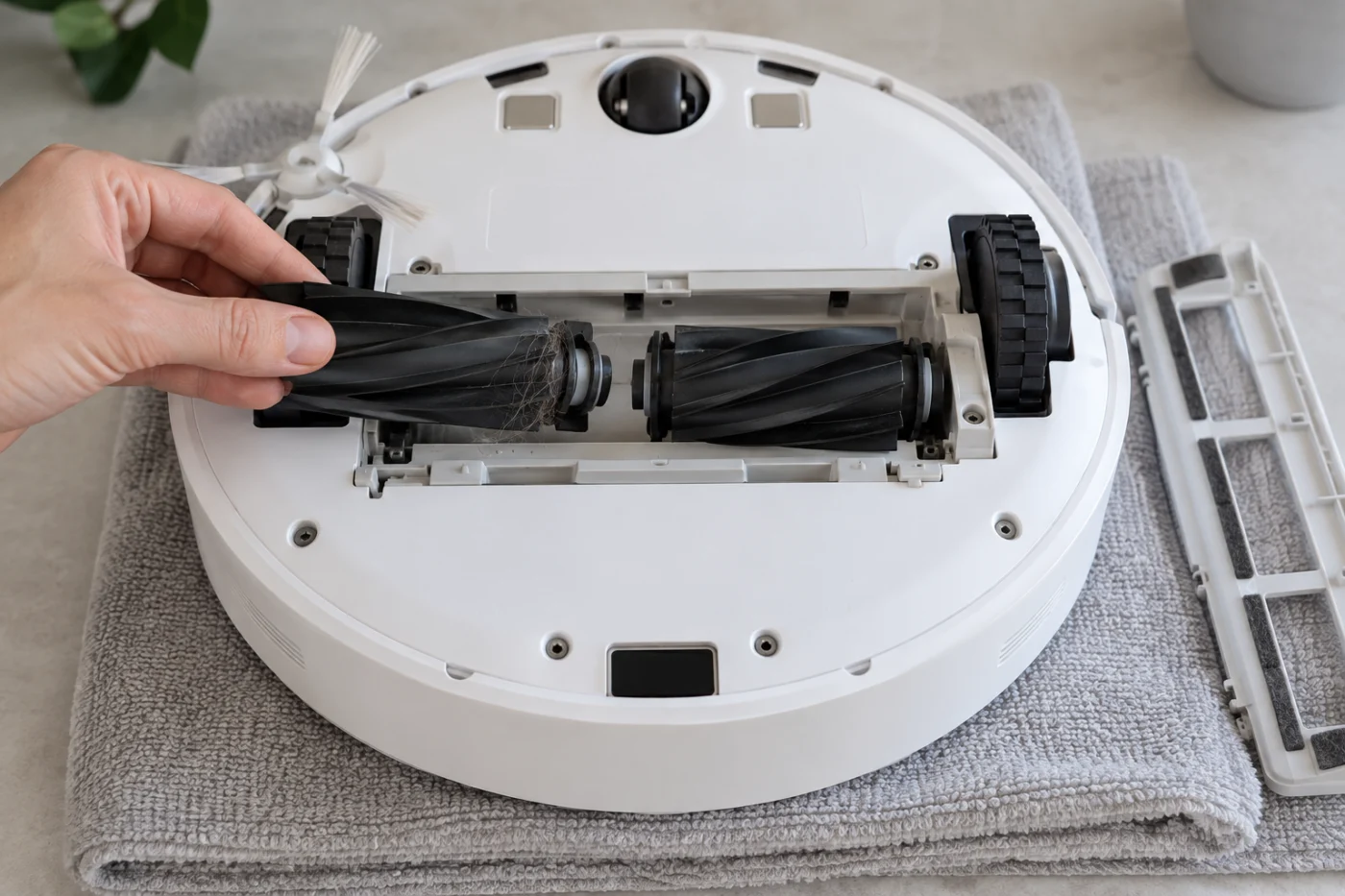
Wipe loose dirt from accessible parts. If you wipe the rubber brushes with a damp cloth, let them air-dry away from direct sun before reassembly, as the manual advises. Do not spray lubricant or cleaner into the compartment. Stop and seek a replacement or service if a bearing, brush section, or cover is cracked or distorted.
3. Refit the bearings, brushes and cover
Install the bearings on the brushes. Match the color of each brush and bearing with the arrow marked on the robot, then lower the sections into place without forcing them. If one sits higher, remove it and check its orientation rather than pressing down harder.
Seat the cover’s four teeth in their slots, press until it clicks, and confirm both latches are closed. Check that no hair is trapped under an edge and that the cover lies flat. These color and cover checks are specified in the Qrevo Curv manual.
4. Retest once and decide what remains
Turn the robot upright and repeat the short vacuum-only test on the floor. If the alert and unusual sound disappear and the robot collects debris, the jam or seating issue was likely the immediate cause. If pickup is still weak without an alert, check the bin, filter and suction path in the Qrevo Curv pickup guide. If dirt reaches the onboard bin but is not transferred at the station, use the auto-empty guide.
Quick diagnosis after reassembly
The alert returns: Stop the robot and confirm both bearings, color marks and cover latches. If everything is correctly fitted, record the alert for support.
The sound returns: Check for a damaged section or bearing; avoid another long run while something catches.
It runs quietly but leaves debris: Check the full pickup path rather than assuming an internal brush-drive fault.
Contact Roborock support if a section repeatedly jams after accessible hair is removed, a removable part is damaged, or the same warning returns after correct installation. Include the exact message and whether it began after maintenance. Do not open the robot body to reach the drive.
Model reference: Roborock Qrevo Curv user manual, “D1 Main Brushes” and “Common Issues.”