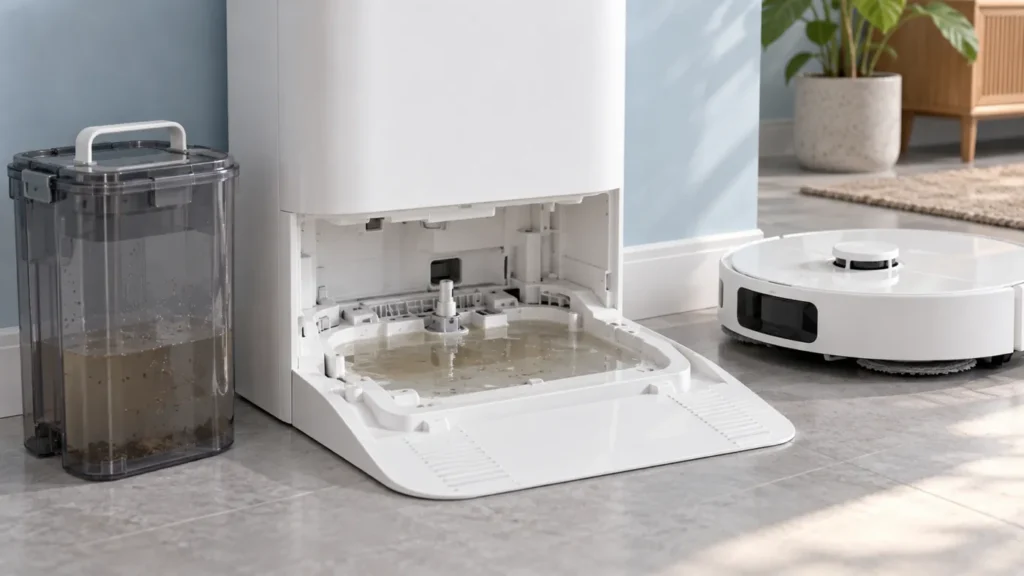
Begin with the quick checks. Stop if a step requires tools or experience you do not have.
Dreame L10s Ultra water not draining from the washboard? Stop the wash cycle and check the accessible sewage outlet, the used-water tank’s seal and its seating. Water collecting in the tray is an observation, not proof that the drain pump has failed.
This guide covers the original L10s Ultra. Use its own manual to identify parts: the washing tray, drain opening and seals can differ from those shown in instructions for other Dreame models.
Identify what happens during washing
Note whether water remains after a completed wash, an abnormal-water-level warning appears, or water escapes onto the floor. Take a photograph before clearing the tray. That record makes it easier to describe a recurring problem.
| Observation | First check |
|---|---|
| Visible hair or debris near the drain | Inspect and clear the accessible outlet. |
| Problem began after emptying the tank | Check the used-water tank lid, clip and seating. |
| Water-level warning without an obvious blockage | Follow Dreame’s sensor and seal checks. |
| Repeated overflow or leakage | Stop further cycles and contact support if the basic checks do not resolve it. |
1. Stop the station before inspection
Stop the active operation and disconnect station power before handling its wet areas. If water has reached a plug or electrical connection, do not handle that wet connection; isolate power safely and seek assistance.
Keep this inspection to the removable washboard, tank and visible fittings described in the original L10s Ultra manual. Opening the station casing is not part of these checks. Do not start another wash just to see whether it overflows again.
2. Inspect the washboard outlet
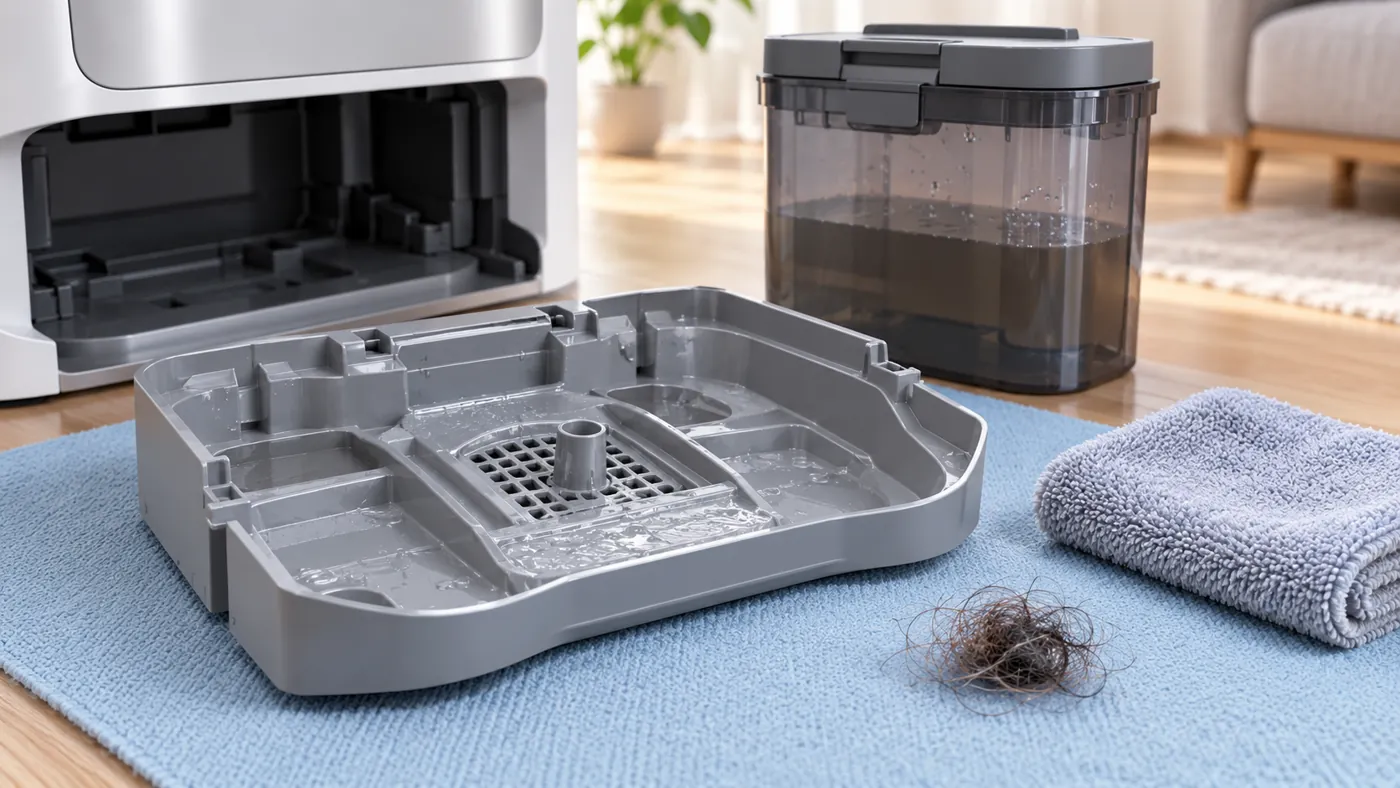
Dreame’s abnormal washboard water-level checklist starts with removing the washboard and checking for a blocked sewage outlet. Clear visible loose debris and wipe the overflow sensors identified in the manufacturer’s instructions.
Use the actual product and its drawings to identify the sensor surfaces. The illustration above is conceptual. Do not push a wire into the drain, pour a household drain cleaner into it or force material farther inside.
If a blockage is beyond reach, photograph what you can see and ask support how to proceed. A surface inspection should not turn into an unverified internal repair.
3. Check the used-water tank and seals
Empty the used-water tank. Check its sealing ring for dirt or displacement and inspect the station’s water-tank seal for damage, incorrect installation or a missing part. Dreame advises cleaning and reseating the tank seal where needed.
Close the tank lid and fasten its clip normally. Reinstall the tank and gently press it down to ensure correct seating. Avoid forcing the latch or stretching a sealing ring that does not fit.
For routine rinsing, see L10s Ultra water-tank cleaning. If a seal or clip is damaged, take a clear photograph and confirm the correct replacement with Dreame. Cleaning cannot restore a broken fitting.
4. Reassemble and observe one cycle
Wipe remaining water from the accessible base area with a dry cloth, refit the washboard and restore power only after everything is correctly assembled. Follow Dreame’s instruction to check whether the error persists.
Observe one normal washing cycle. Record the app message, whether water remains in the tray, and whether the same symptom returns. Leave the tanks and washboard in place while the station is operating.
Compare the result with your initial photograph. If you corrected several things at once, list them honestly in your support request; do not claim that one particular part caused the fault without evidence.
When to contact Dreame
Contact support if standing water, the warning or leakage returns after these checks. Provide the model label, photographs of the outlet and seals, and a short video of the observed behavior. Describe the checks completed and any recent tank removal or cleaner change.
Do not keep repeating wash cycles when the station overflows. If water supply is the issue instead of collection, use the separate not dispensing water guide. If collection works but pads remain wet afterward, see mop-drying troubleshooting.
FAQ
Does standing water mean the pump is broken?
No. Dreame’s checklist includes the outlet, sensors, seals and tank fitting. Persistent failure needs further diagnosis.
Can I pour extra water into the tray to test the drain?
Use a normal supported wash operation after reassembly. Adding an unmeasured amount of water is not necessary for these checks.
Can the tank be fitted even if its lid is loose?
Check the complete lid and clip arrangement. The tank’s position alone does not confirm that it is correctly closed.
Manufacturer references
- Dreame: abnormal washboard water level.
- Original L10s Ultra manual — FAQ: abnormal washboard water level.
- More Dreame guides.
For routine cleaning before another drainage test, follow How to Clean Dreame L10s Ultra Washboard.