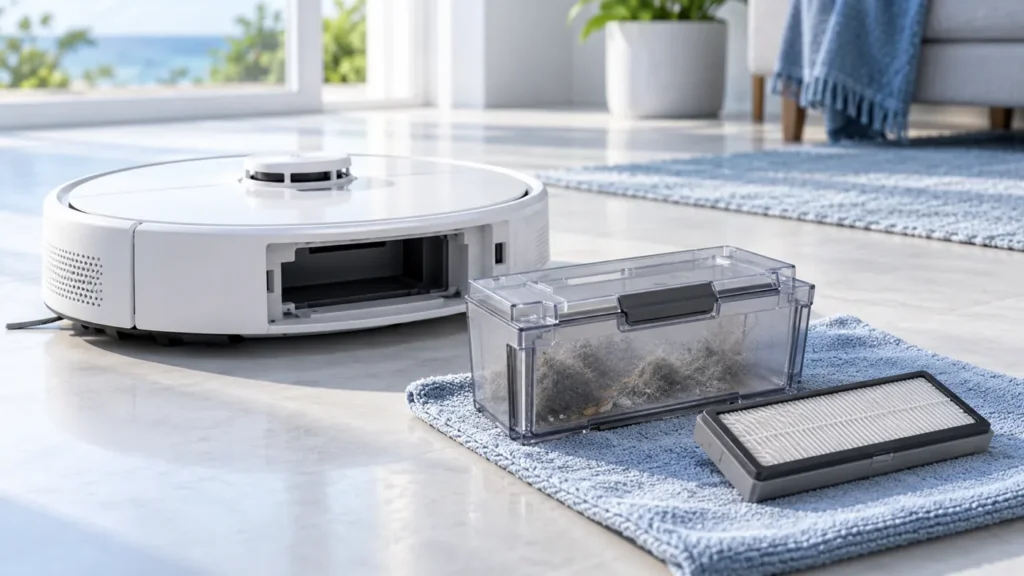
Begin with the quick checks. Stop if a step requires tools or experience you do not have.
To clean the Roborock S8 dust bin and filter, remove the bin from under the top cover, empty it and wash the removable parts with clean water. Let them dry completely before refitting. The S8 manual specifies 24 hours of drying for the washable filter.
A bin that looks empty can still have debris packed into a corner or dust coating its filter. This guide covers the robot’s onboard dust bin, not a station dust bag or dock filter.
What to clean and when
| Part | S8 manual interval | Check sooner when |
|---|---|---|
| Dust bin | Clean as needed | Debris is packed inside or pickup declines |
| Washable filter | Clean every two weeks | Dust visibly coats it or airflow seems reduced |
| Washable filter replacement | Every six to twelve months | It is damaged or no longer fits correctly |
1. Remove and empty the dust bin
Stop the cleaning task and switch the robot off away from its dock. Open the top cover, release the dust-bin latch and lift the bin out. Carry it to a waste container before opening its lid.
Empty the loose debris and check the corners for compacted hair. Work over the waste container so you do not scatter the contents onto the floor you just cleaned. Keep the robot itself away from the sink.
2. Separate the washable filter
Open the filter cover and remove the filter. Inspect the frame, seal and pleated surface before washing. A tear, distorted frame or missing seal should be resolved with a correctly matched replacement.
Do not scrub or poke the filter material. The manual warns against touching its surface with fingers, brushes or hard objects. Holding it by the frame avoids unnecessary pressure on the filtering surface.
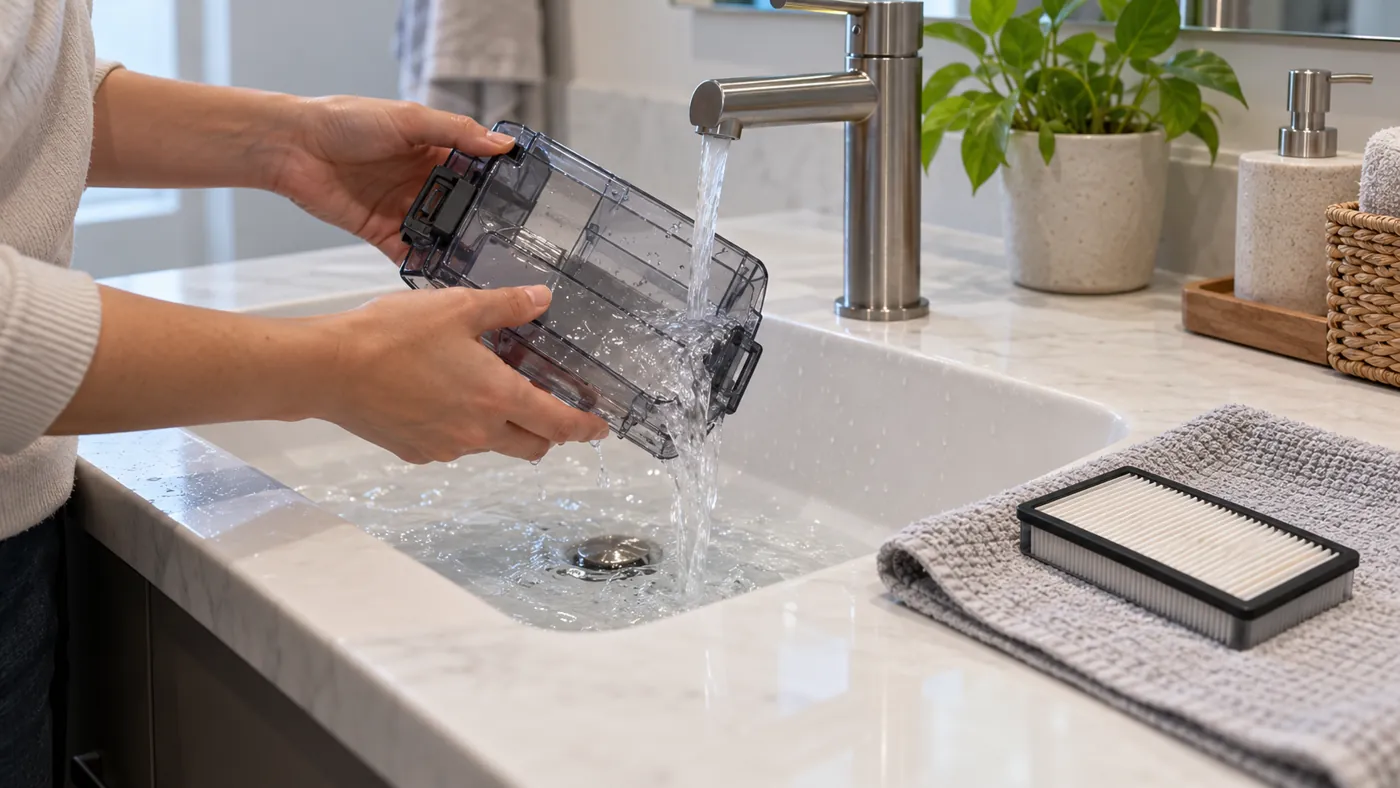
3. Rinse the bin and filter
Put clean water in the dust bin, close its lid, shake it gently and pour the dirty water out. Rinse the filter repeatedly and tap it gently to release dirt. Use clean water without cleaning liquid.
Arrange the washed parts on a clean surface where they can air-dry. Leave their openings exposed rather than stacking them while wet. Do not reinstall them simply because their outer surfaces look dry.
4. Allow a full drying period
Give the filter 24 hours to dry thoroughly and check that both parts are completely dry before reinstalling them. If moisture remains, wait longer. A timer helps avoid accidentally returning a freshly rinsed filter to the robot.
If you need to clean before the washed filter dries, use a spare that is fully dry and confirmed compatible with the original S8. Do not run the robot with the filter removed. Our parts compatibility reference explains what to verify before ordering.
5. Refit the parts and check pickup
Seat the dry filter, close its cover and reinstall the dust bin with its latch engaged. Close the robot’s top cover. Check that you have not trapped anything in a lid or latch.
For a practical check, run a short clean over an ordinary area with a little existing dry household debris. Compare pickup with the result before cleaning. Do not use liquid, sharp debris or a large powder spill as test material.
If the S8 still leaves dirt behind, follow S8 not picking up dirt. If its main rollers are stationary, check S8 main brushes not spinning. Cleaning the filter cannot resolve every pickup problem.
FAQ
Can I put the filter back while it is damp?
No. Allow the specified drying period and reinstall only when it is completely dry.
Can I brush dust out of the filter pleats?
Avoid brushing or poking the filter surface. Follow the rinsing method in the S8 manual.
Does this clean an S8+ station dust bag?
No. This procedure is for the onboard bin and washable filter. A station bag needs its own dock-specific maintenance.
More setup and care guides are available in our Roborock troubleshooting hub.