Begin with the quick checks. Stop if a step requires tools or experience you do not have.
If your Roborock S8 is not picking up dirt, first watch whether it actually crosses the dirty patch. A robot that leaves crumbs directly behind its rollers needs a different check from one that never reaches the edge of a room. Start with the dustbin, filter and brushes, then compare a small cleaning area before buying parts.
This guide covers the original S8. If loose debris disappears but marks remain on the floor, use the S8 water and mopping checks instead.
Identify the pattern before changing settings
| What you see | First check | What it helps separate |
|---|---|---|
| Loose crumbs remain after the robot passes over them | Dustbin, filter and roller area | Pickup trouble versus a missed route |
| Dirt remains only beside walls | Cleaning route and edge access | Coverage versus suction |
| Pickup worsened after maintenance | Filter dryness and correct refitting | A new assembly problem |
| Hard floors look clean but a rug does not | A repeat pass on each surface | Surface-specific performance |
| The robot stops with an alert | Record the exact message | An active fault versus poor results |
1. Compare one small, dry area
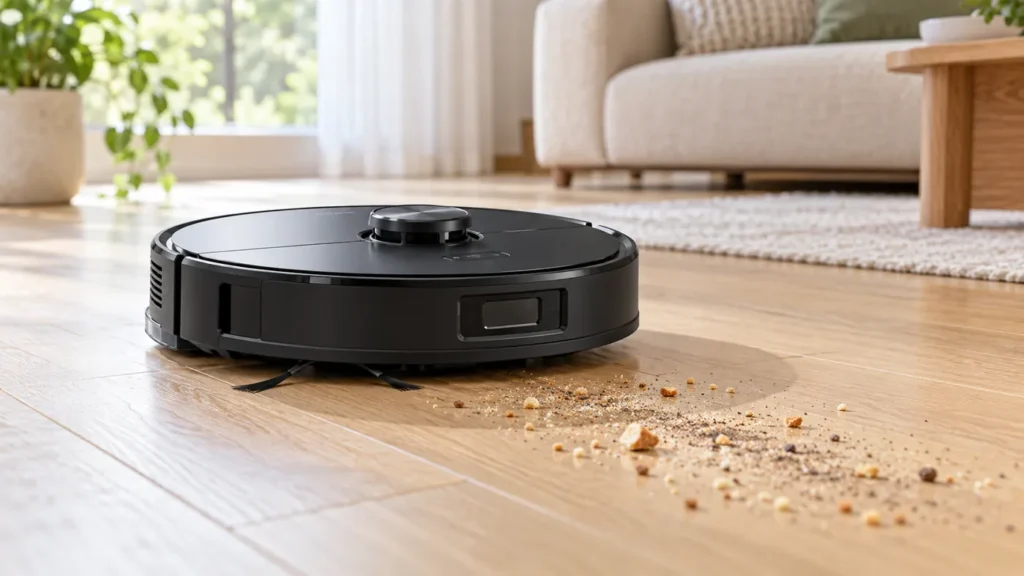
Choose an accessible patch of hard floor with ordinary dry crumbs already present. Avoid deliberately adding flour, ash, liquids or sharp debris. Photograph the patch, run a vacuuming task and watch from a safe distance. Check what remains after the robot crosses it and whether debris has reached the bin.
Keep the surface and task the same between checks. Changing suction, route, filter and brushes at once makes it hard to know which change helped. If the robot cannot finish because its battery will not charge, resolve the charging problem first.
2. Empty the bin and check the filter
The S8 manual lists a full bin, blocked filter and tangled main brushes among the causes of poor cleaning. Empty the bin and inspect accessible openings for trapped hair or debris. Turn the robot off away from its dock before handling the underside; do not reach into moving brushes.
For the washable filter, Roborock specifies rinsing rather than scrubbing the filter surface, and at least 24 hours of drying before refitting. A freshly washed filter is not ready just because its outer frame feels dry. Never run the robot without its filter to compare suction.
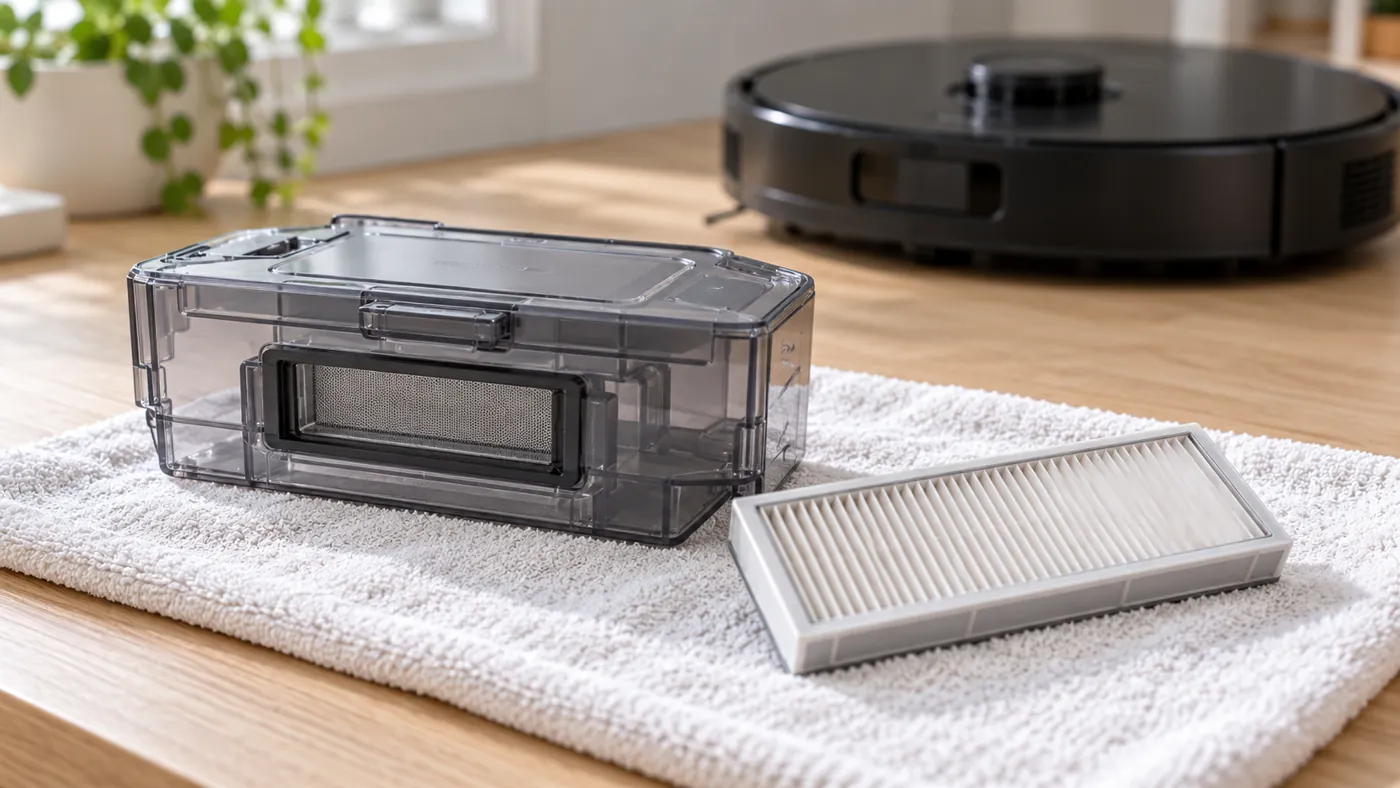
If the problem began immediately after cleaning, revisit the items you removed. Check that the filter and bin sit securely, without forcing latches. A damaged filter or a frame that no longer seats properly is a reason to verify the correct replacement, rather than compensate with repeated maximum-power runs.
3. Inspect both main rollers
Hair at roller ends can be easy to overlook when the broad rubber surfaces look clean. Inspect the rollers and their seating against the diagrams in the S8 manual. If they stop, scrape or trigger a brush alert, follow the dedicated S8 main brush troubleshooting guide.
A sudden decline after fitting replacement brushes deserves a compatibility check. Compare the supplied parts with the originals and check the S8 parts guidance. Do not force a cover closed over a roller that sits differently.
4. Separate coverage from weak pickup
Roborock says the S8 Fast route skips room boundaries and can miss certain spots. If crumbs remain along walls but the central test patch cleans well, switch away from Fast for a comparison run. Also check whether furniture, a cable or a rug edge prevents the robot from physically reaching the dirt.
A clean-looking route on the map is useful context, but direct observation is more informative: did the roller area pass over the crumbs? Repeatedly increasing suction cannot clean a patch the robot avoids.
5. Compare suction settings on the same surface
If your app offers suction choices, compare your usual setting with a higher one on the same patch. Improvement suggests the setting matters for that debris and surface; it does not prove every component is healthy. No improvement after bin, filter and brush checks calls for a closer look at the fault rather than more random setting changes.
Test a rug separately from a hard floor. Record whether the problem occurs everywhere or only on one rug. Deeply embedded dirt, loose surface crumbs and a dried stain are different cleaning jobs, so describe what remains when asking for help.
When to contact support
Contact Roborock if pickup stays poor on accessible hard floor with a clean, dry, correctly installed filter and unobstructed rollers, or if an alert keeps returning. Include the exact S8 model, app message, recent part changes and a short video of the same test patch. Stop using the robot if it produces a burning smell or an unusual grinding sound.
For ongoing care, use the S8 maintenance schedule. If there is an error message, start with the error and alert guide.
FAQ
Does poor pickup mean the suction motor has failed?
No. The symptom alone cannot distinguish a motor fault from airflow restriction, brush trouble, settings or a missed route. Check the accessible causes before ordering a motor.
Why is dirt left only along the wall?
Observe the route first. Fast mode can skip boundaries, and obstacles can limit access. A central patch that cleans normally makes coverage a useful next check.
Can I reinstall a washed filter immediately?
No. Let it dry fully according to the S8 manual before another cleaning task.
Official references
- Roborock S8 user manual — maintenance and common issues.
- Roborock explanation of the Fast cleaning route.
For related checks, see S8 side brush troubleshooting and cleaning the S8 dust bin and filter. Treat the edge brush, central rollers and airflow path as separate parts of the pickup process.