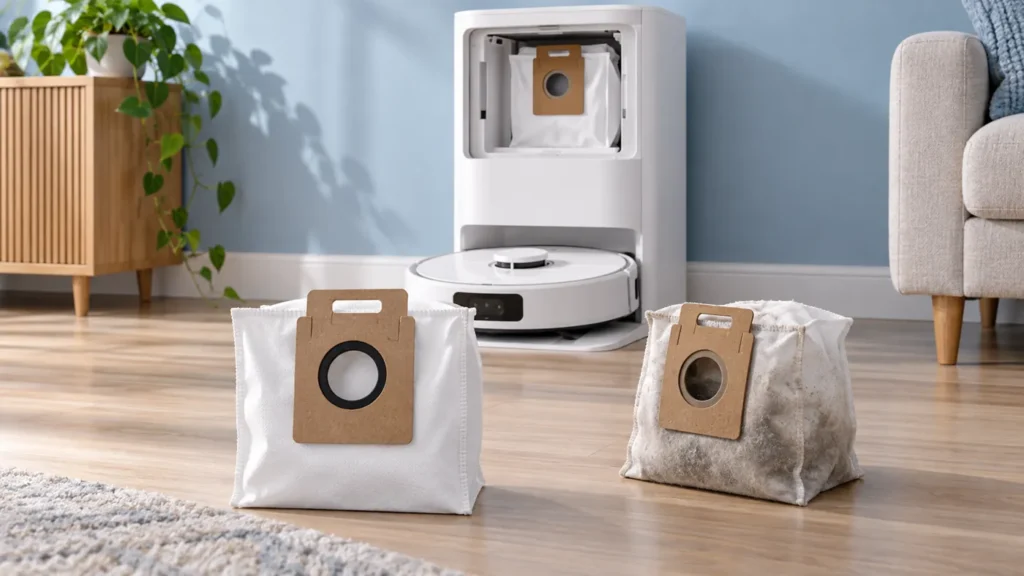
Begin with the quick checks. Stop if a step requires tools or experience you do not have.
To replace the Dreame L10s Ultra dust bag, stop the station, disconnect its power, remove the used bag by its handle, clean the accessible compartment filter with a dry cloth, fit a new compatible bag and close the cover. Use the fitting diagram in the original Dreame L10s Ultra user manual for the collar position.
This guide covers the original L10s Ultra station. Check the full model name before ordering supplies: a similar-looking bag or a listing mentioning another L10s variant does not establish compatibility.
When is it time to change the bag?
Dreame says the app displays a notification when the collection bag needs replacement. You can also inspect its condition when troubleshooting dust that remains in the robot after an emptying attempt. Do not rely on the date alone when deciding what to check.
Keep the two dust containers separate in your mind. The robot has a removable dust bin; the station collects transferred debris in a bag. Emptying the robot bin by hand does not replace the station bag.
| What you notice | What to do |
|---|---|
| App requests a replacement | Prepare a compatible new bag and follow the fitting procedure. |
| Bag is full | Replace it before judging the next emptying cycle. |
| Dust remains in the robot with a new bag fitted | Continue with the auto-empty troubleshooting guide. |
| Replacement collar does not fit normally | Stop and confirm the bag’s exact compatibility. |
1. Prepare the replacement and stop the station
Have the new bag, a soft dry cloth and a waste container ready before opening the compartment. Let any active cleaning, emptying or washing operation finish. Turn off and unplug the station before the inspection.
Check the replacement packaging against your model. If this is your first bag change, take a photograph of the old bag’s installed position. That gives you a useful reference while keeping the manufacturer’s fitting diagram as the authority.
2. Remove the used bag by its handle
Open the dust-compartment cover as shown in the manual. Pull the bag handle upward to remove it. Dreame explains that this action seals the bag to limit accidental dust spillage. Discard the used bag.
Handle it gently and keep it upright on the way to the waste container. If the collar catches, pause and look at its position instead of tugging on the fabric. Do not pry the station’s fitting with a tool.
A photograph of the old bag can help document the maintenance, but there is no need to open it and spread out the contents. Keep the dust contained while you work.
3. Clean the accessible filter and fit the new bag
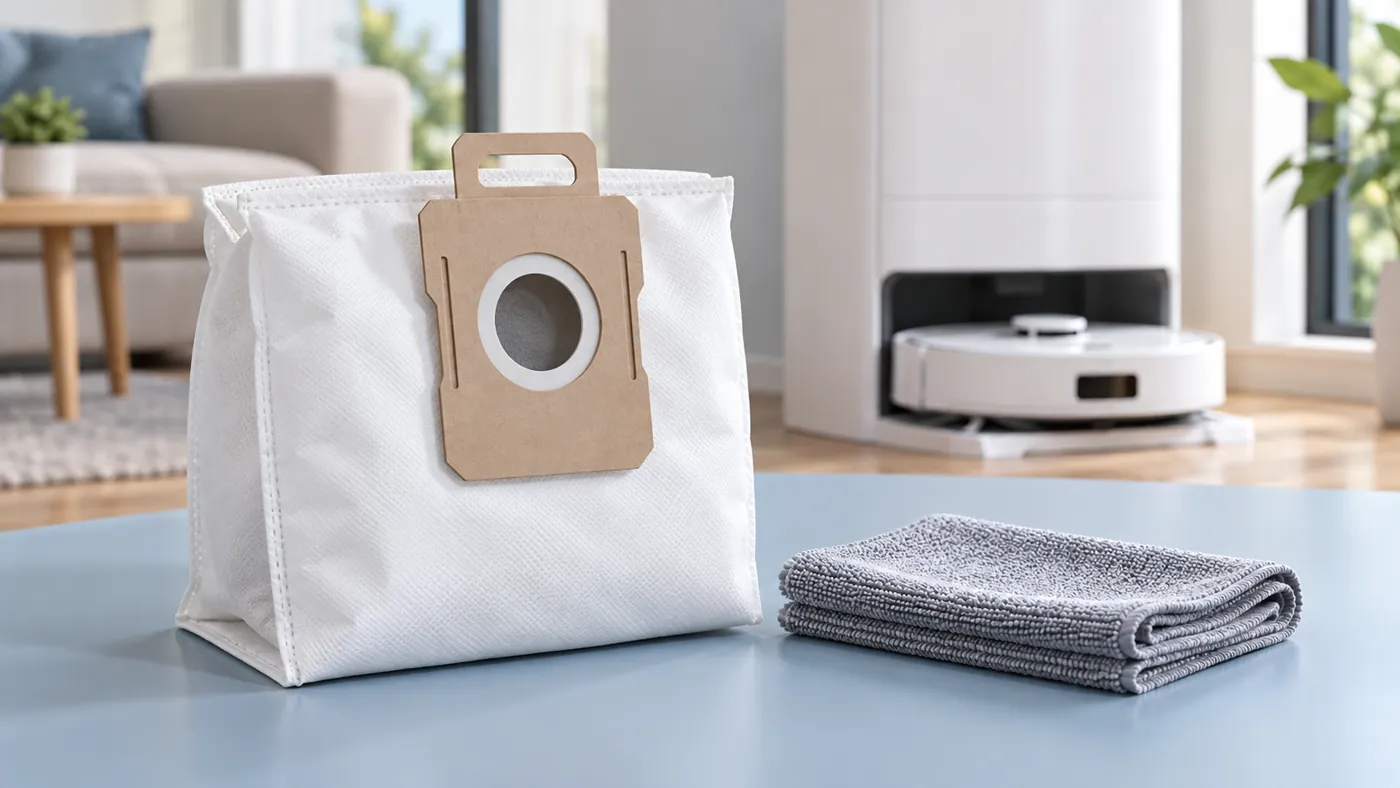
The bag-replacement section of the manual calls for wiping dust and debris from the compartment filter with a dry cloth. Keep this to the accessible area shown in its illustration; do not wash the station or spray cleaner inside.
Install the new bag using the manual’s collar orientation, then close the cabinet cover. Before closing, look for fabric caught in the cover’s path. Everything should fit normally without forcing the cover or trimming the replacement collar.
If the fit differs from the removed bag, compare both collars and the model information on the packaging. Do not assume the compartment is broken because an unverified replacement will not seat. Ask the supplier or Dreame to confirm the correct accessory.
4. Check one completed cleaning task
Restore power after closing the compartment. Start a short normal task from the dock and allow it to finish. Note whether the station starts its emptying cycle and whether the robot bin contains less collected debris afterward.
The original manual says an intermediate return to wash mop pads does not trigger dust emptying. Judge the final return after a completed task, with the app’s emptying option and frequency taken into account.
If the bag is new but transfer still fails, record the final docking event and emptying sound. Use the L10s Ultra auto-empty checks to investigate the next step. Replacing several bags in succession is not a useful test of a problem elsewhere.
FAQ
Can I empty the old bag and put it back?
Dreame’s documented procedure is to discard the used bag and install a new one. Follow that procedure rather than treating the collection bag as the robot’s reusable bin.
Does replacing the bag fix poor floor pickup?
It addresses the station’s collection stage. If dirt is left on the floor during cleaning, see L10s Ultra not picking up dirt and the main-brush cleaning guide.
What if the compartment cover will not close?
Recheck the collar position and bag compatibility. Stop if the cover or fitting is damaged; send support photographs rather than forcing it.
Reference and related maintenance
See the original Dreame L10s Ultra user manual, Routine Maintenance: Dust Collection Bag. For other symptoms, browse the Dreame troubleshooting guides.
When checking the dust path during bag maintenance, see How to Clean Dreame L10s Ultra Auto-Empty Vents.