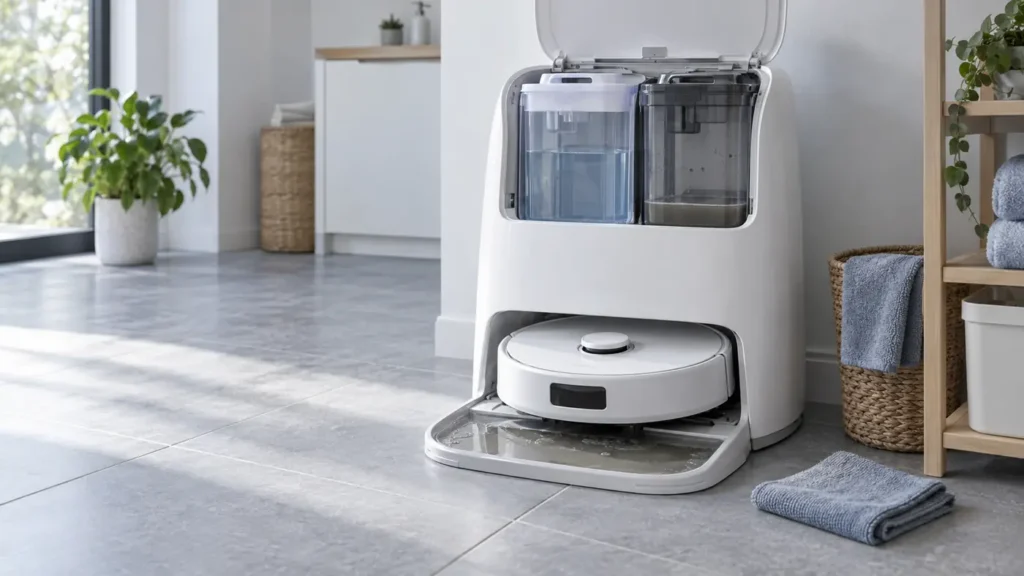
Begin with the quick checks. Stop if a step requires tools or experience you do not have.
Quick answer: If used water stays in the Qrevo Curv cleaning tray, empty and reseat the dirty-water tank, then remove, rinse, and correctly reinstall the removable tray and filter. Run one manual mop wash with an initially empty dirty-water tank. Check whether clean water reaches the tray, whether used water reaches the tank, and whether a pool remains after the cycle. The result tells you which part of the process failed without opening the dock.
Not sure which check to try next?
Follow guided questions and report what changes after each check.
Start step-by-step diagnosisThis guide covers wastewater collection after mop washing. If no clean water enters the wash area at all, start with the dock not washing the mop pads guide. Roborock’s Qrevo Curv manual identifies the dirty-water tank, drain port, cleaning-tray module and filter as parts of the dock and gives maintenance steps for the removable components.
Observe one manual wash
Empty and reseat the dirty-water tank. Fill and latch the clean-water tank with cold tap water. Seat the robot on the dock and start a manual mop wash using the Roborock app, or press and hold the Dock button on the docked robot. Let the cycle end before inspecting the tray. Keep hands away from the hot-water dispensers during washing.
| Result after the wash | Next check |
|---|---|
| No clean water enters the tray | Clean-water supply or a wash-cycle alert; use the separate washing guide |
| Water enters; a pool remains and the dirty tank stays empty | Tank seating and lid, tray filter, and visible drain area |
| Dirty tank receives water; tray holds only droplets | Collection occurred; monitor the next wash for a recurring pool |
| Water leaks outside the normal wash area | Stop the cycle, unplug the dock, and contact support |
Do not pour extra water into the tray as a test. A manual wash supplies water under the dock’s normal control.
1. Empty, close, and reseat the dirty-water tank
Remove the tank and pour out the wastewater. Roborock directs owners to rinse it by filling it with clean water, closing and latching the lid, shaking, emptying it again, and reinstalling it. Check for loose debris on the tank rim and that the lid closes evenly. Set the tank back in its place without leaving it tilted or raised.
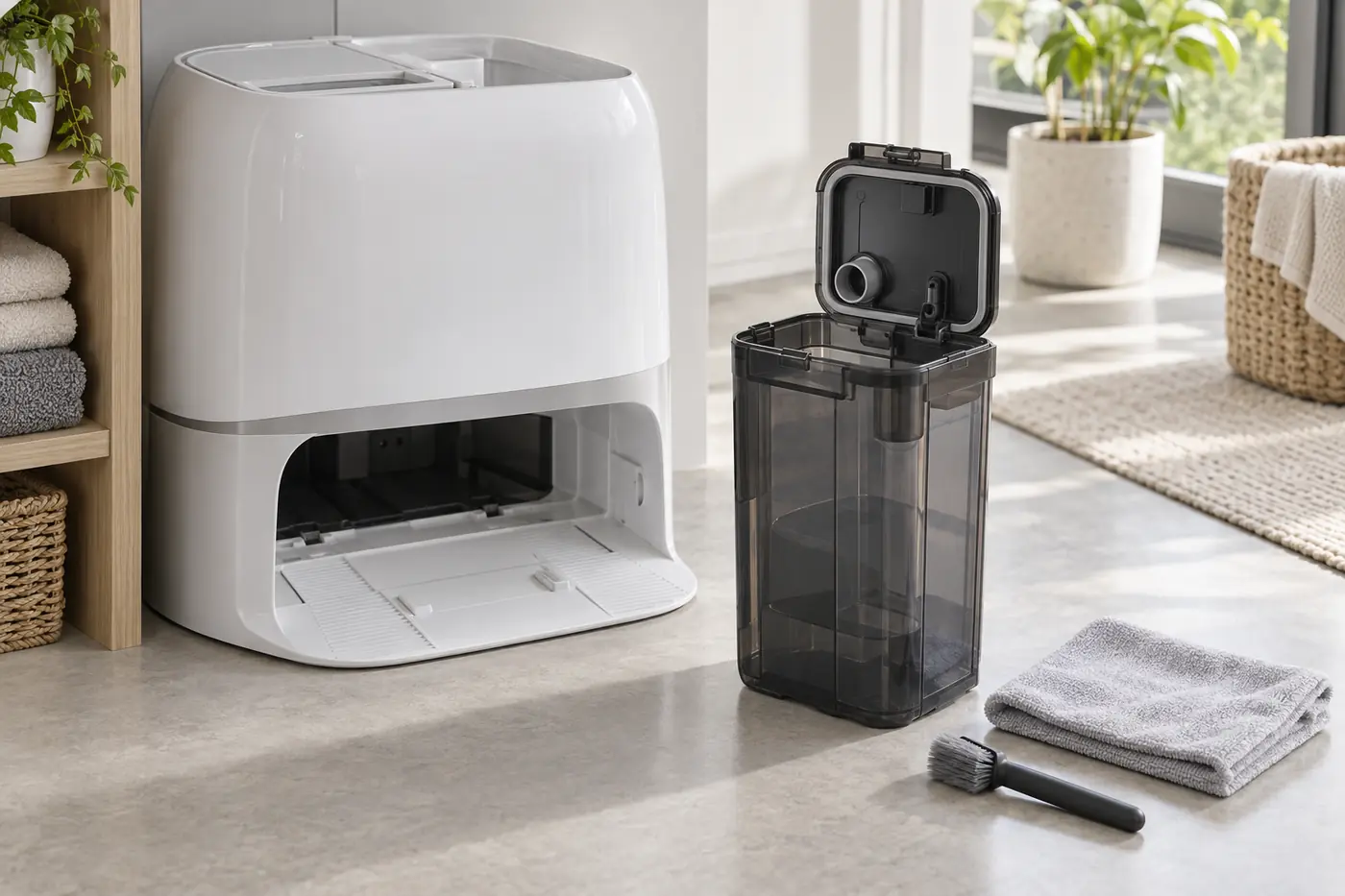
If a visible lid seal is torn or the latch will not close, report that to Roborock. A poorly sealed tank is a plausible collection issue, but the tank’s appearance or a brief sound during washing cannot establish an internal pump fault.
2. Rinse and reinstall the cleaning tray and filter
Unplug the dock and allow the wash area to cool. Remove the cleaning-tray module, then take out its tray and filter. Rinse the removable pieces with water and remove visible hair or residue from the filter and drain area without pushing it deeper into an opening. Reinstall the filter and tray, followed by the full module, in the order shown in the manual. Check that nothing is missing or tilted.
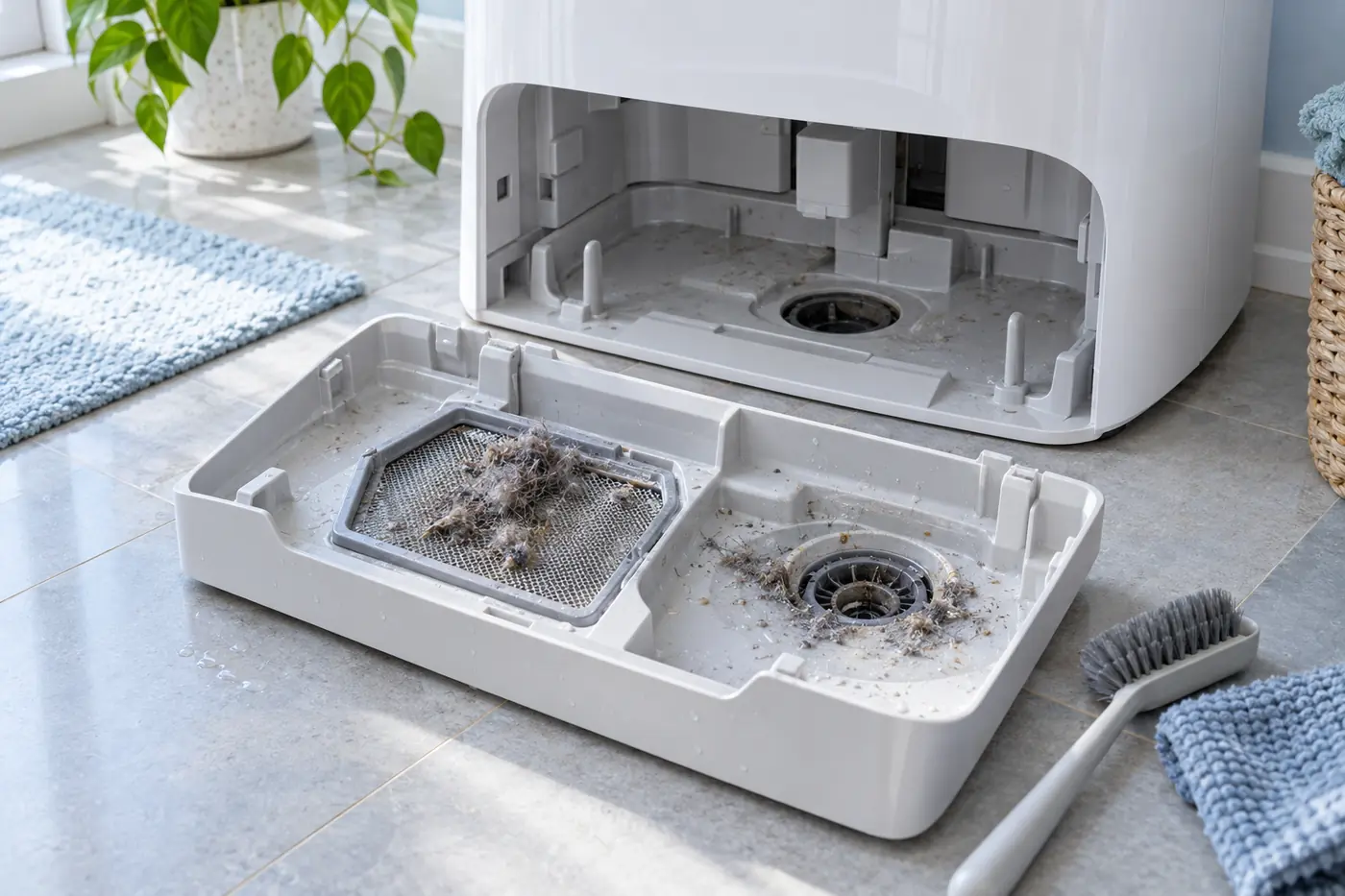
Do not probe an internal tube with wire, use chemical drain cleaner, or wet the dock’s power cord and charging contacts. Reconnect power after the removable parts are in place and the outside of the dock is dry.
3. Check the app alert and retry once
Roborock says a steady red dock light can have several causes, including dirty-water tank placement or capacity, clean-water tank placement, cleaning-tray module or filter installation, and voltage. Read the specific app or voice alert rather than attributing the light to wastewater pumping.
Repeat one manual wash under the same conditions. If used water now reaches the previously empty dirty-water tank and the tray no longer holds a pool, the accessible checks helped. If a pool still remains despite correctly installed removable parts, record the exact alert and a short video showing when the water enters and where it stays. Contact Roborock Support; an internal restriction or fault requires model-specific service diagnosis.
For pads that wash correctly but dry out while mopping, use the separate Qrevo Curv mop moisture guide.