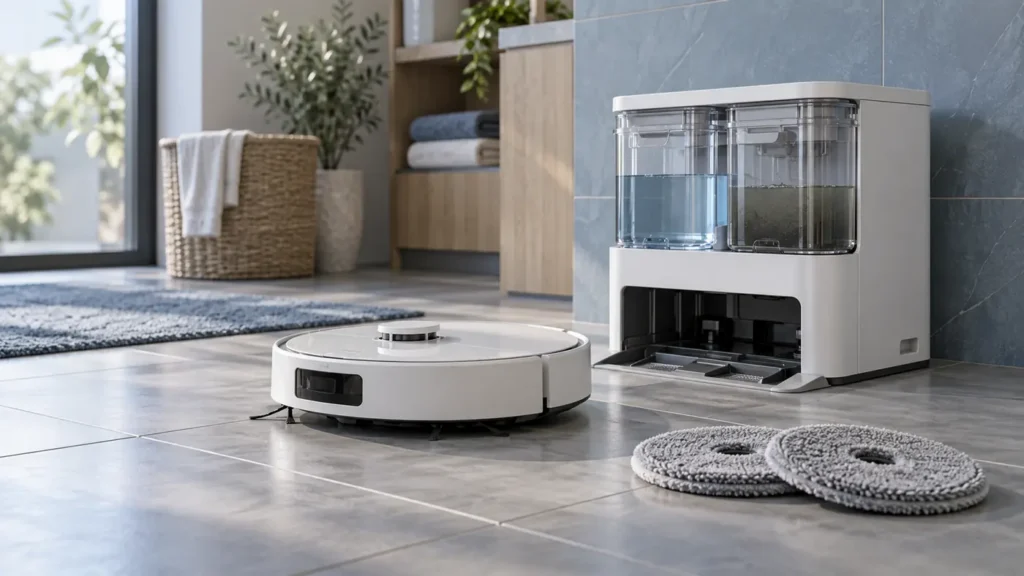
This hub covers the original Roborock Q Revo. Confirm the model name before following a guide: Qrevo Curv and other Qrevo variants use different hardware and dock functions.
Find the right next check for your robot
Choose the observed symptom and follow one diagnostic question at a time.
For routine care, use the original Q Revo maintenance schedule with manufacturer intervals for brushes, filter, mop cloths and dock.
What is your Q Revo doing?
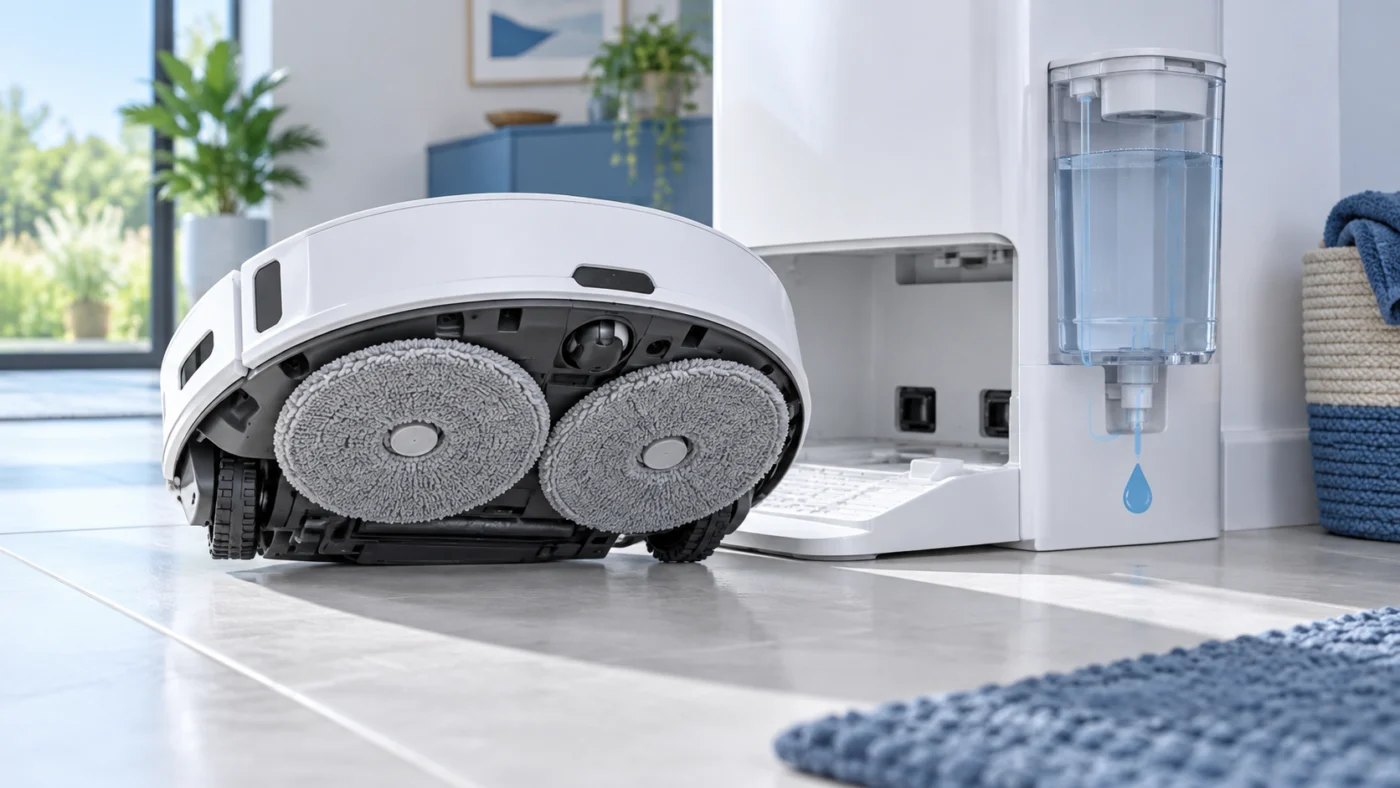
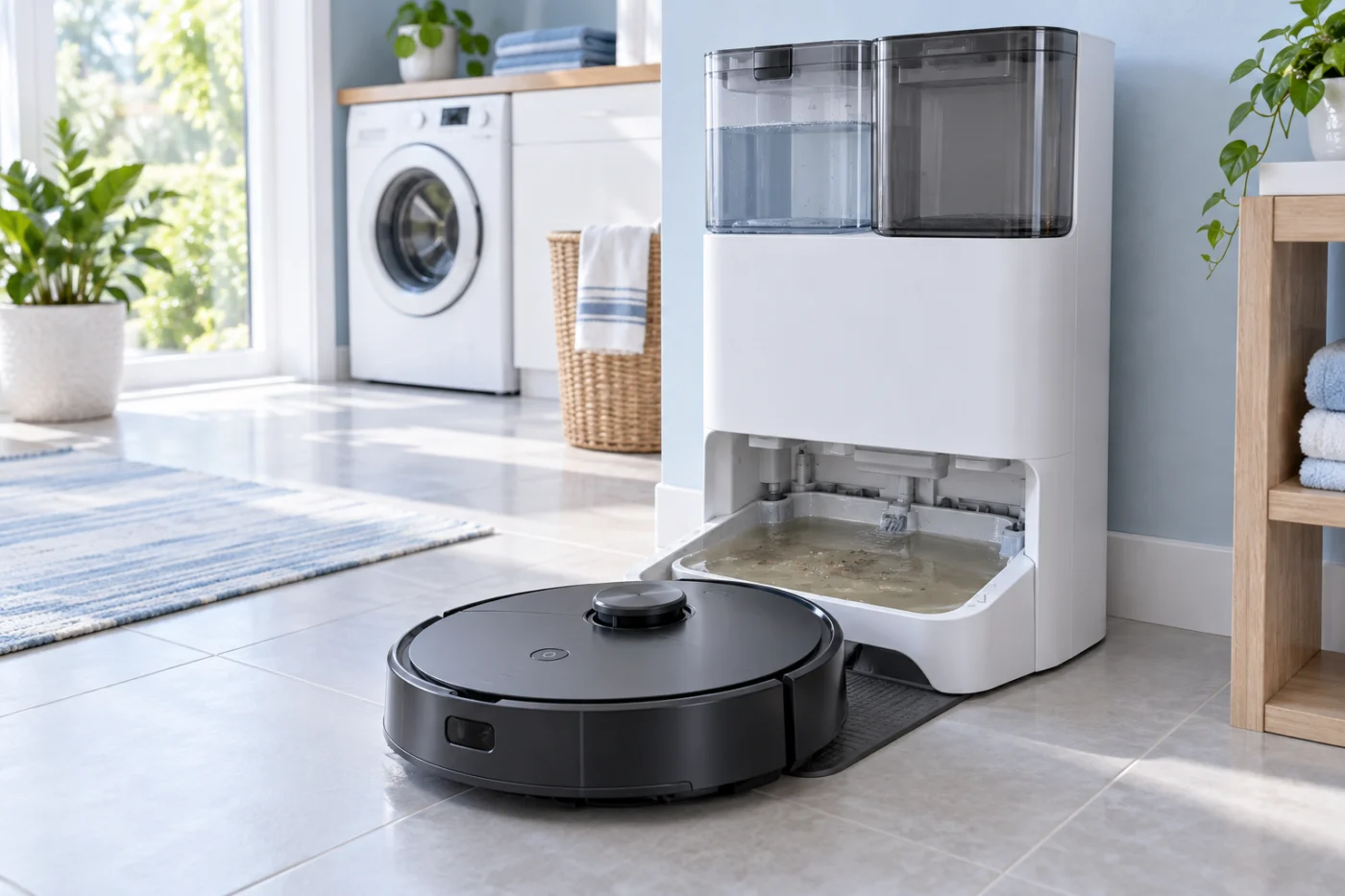
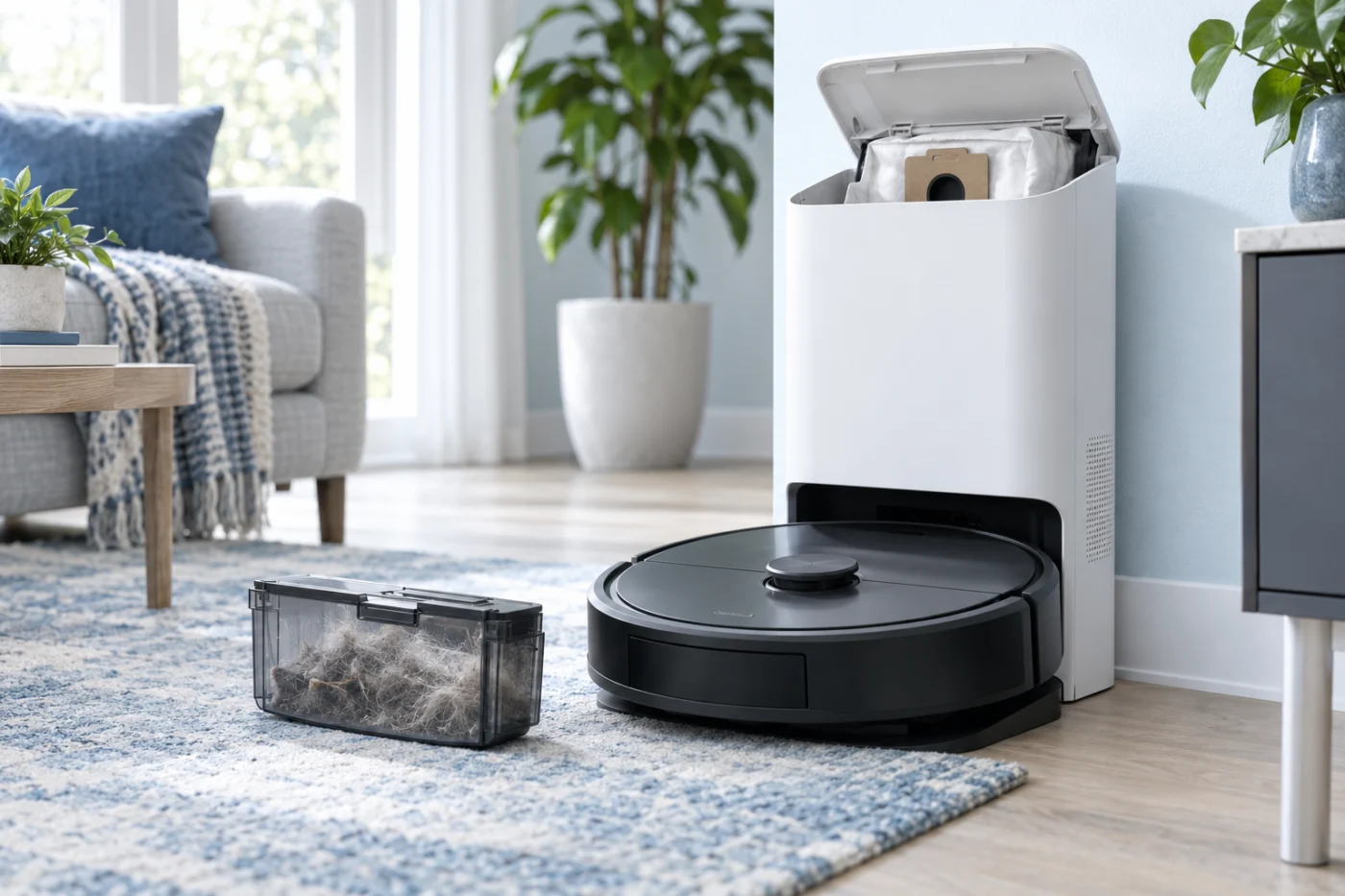
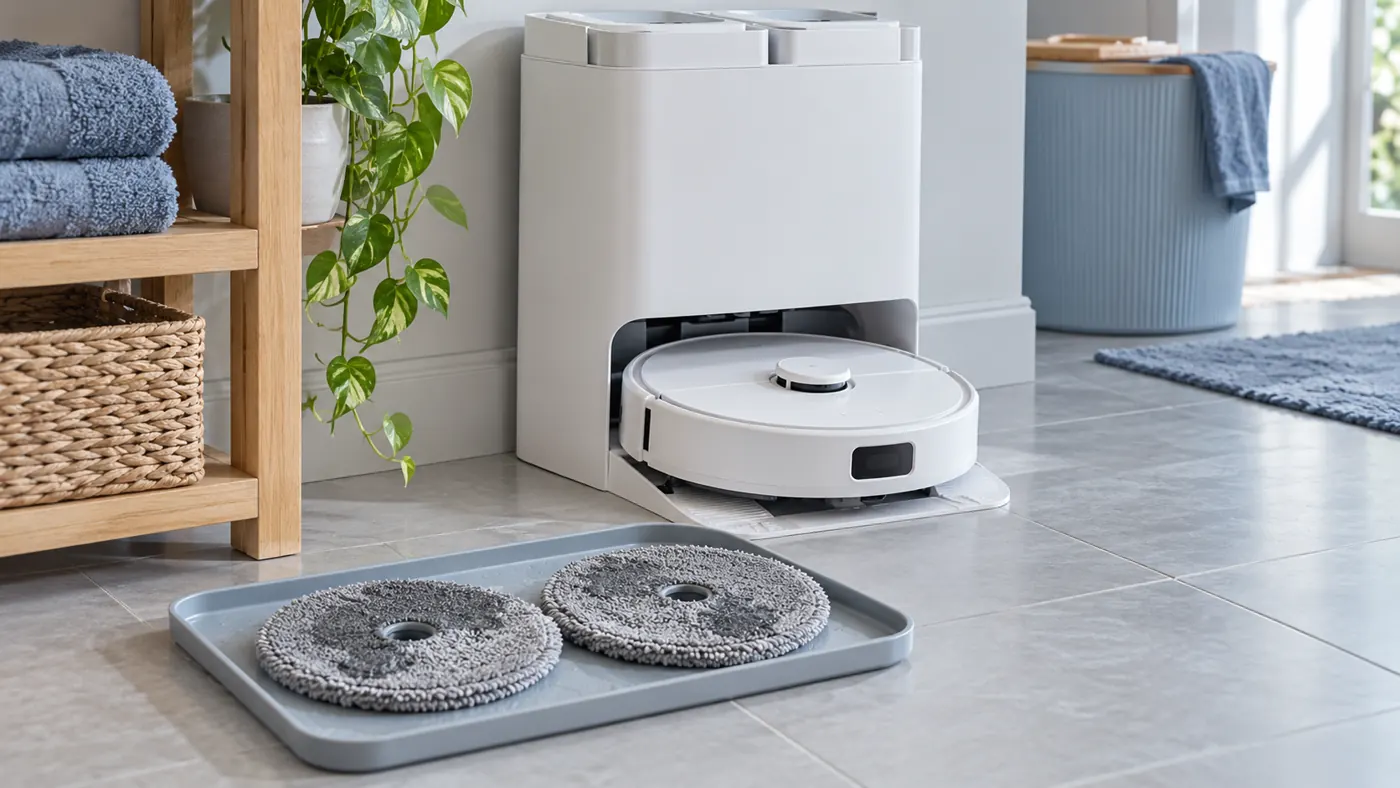
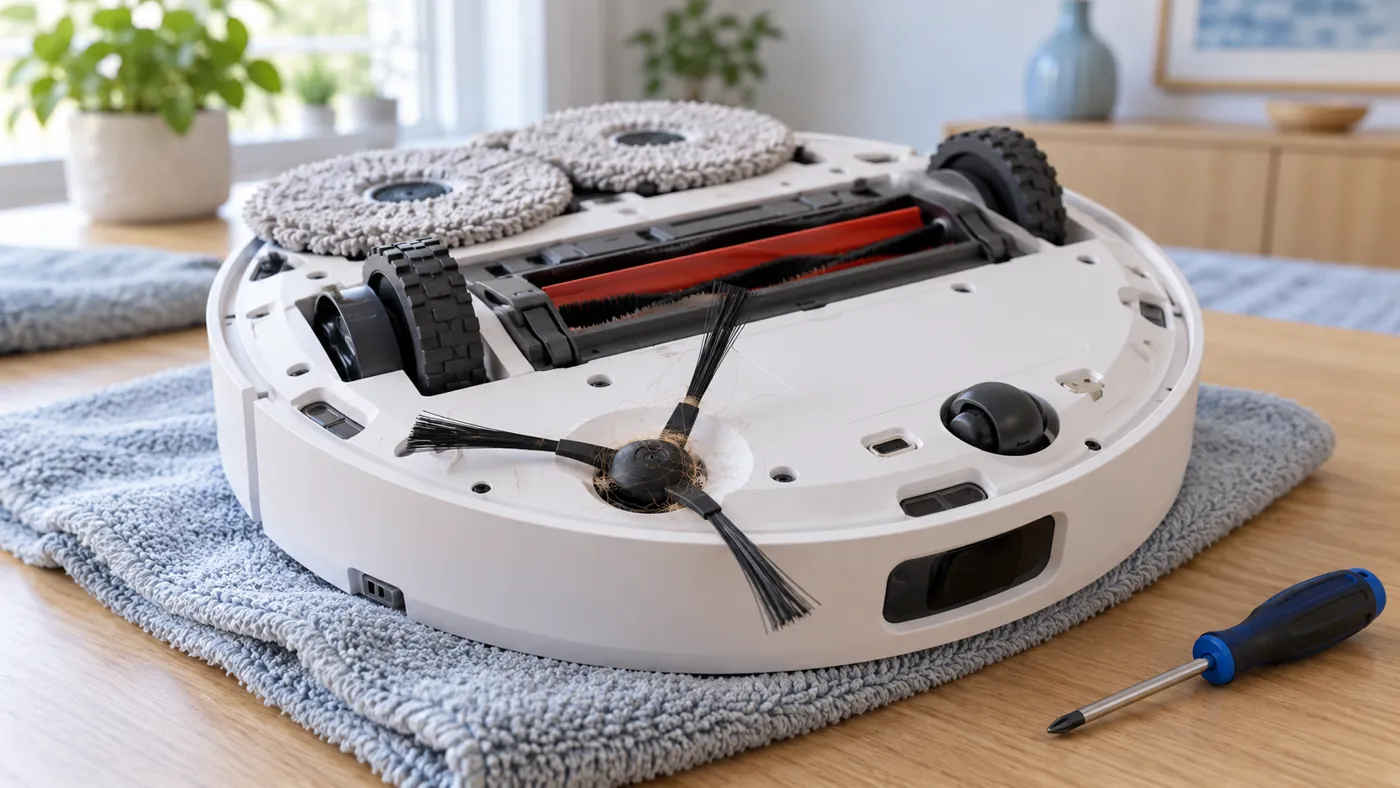
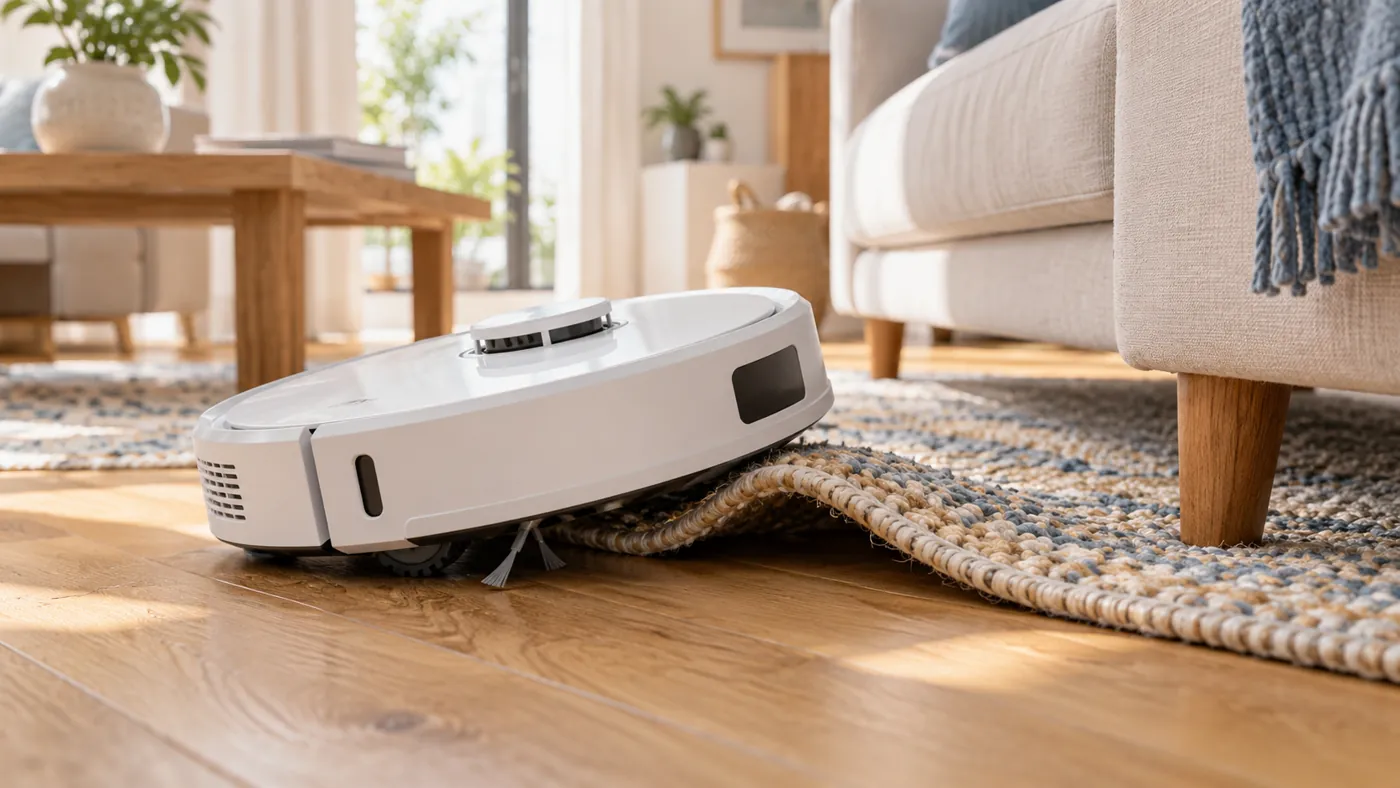
Choose the right system
Water must move from the clean-water supply to the washing and mopping area, then used water must be drawn into the dirty-water tank. These are separate symptoms. The dust-emptying duct is another path entirely. Note which function starts, where the cycle stops, and any app message before changing parts.
Safe first checks
Check tank fill and seating, app settings, removable trays, and accessible obstructions as described in the specific guide. Unplug the dock before cleaning its accessible electrical contacts. Do not open a powered station or substitute a battery or pump based on appearance.
Manual and related models
Confirm maintenance procedures in the Roborock Support Center for your exact Q Revo variant. If the label says Qrevo Curv, use the Qrevo Curv hub instead. Back to Roborock troubleshooting.
Replacement parts for Roborock Q Revo
Replacing a worn consumable? Check the exact model and the manufacturer fit list for brushes, filters, mop pads and dock bags.