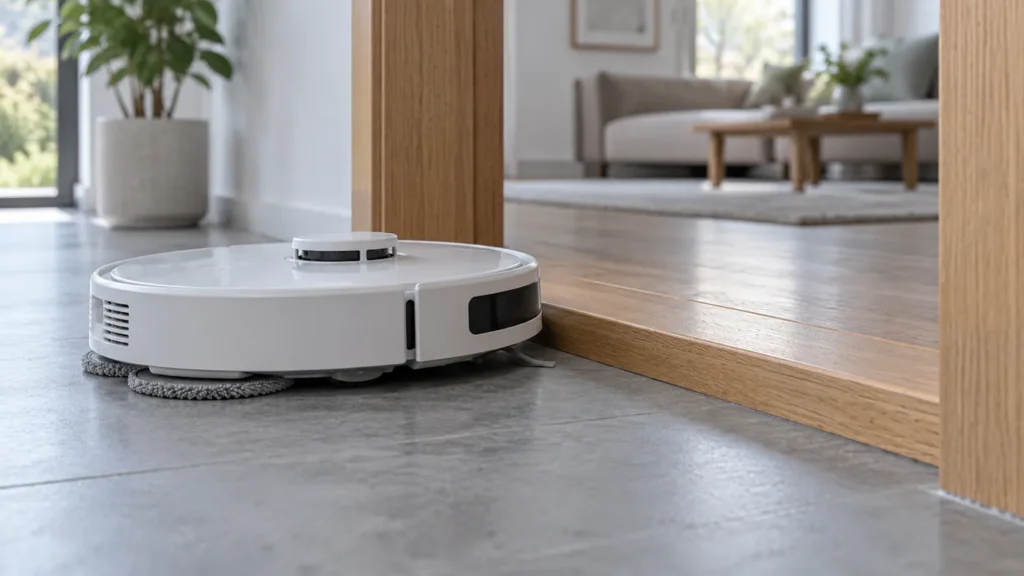
Begin with the quick checks. Stop if a step requires tools or experience you do not have.
If your Dreame L10s Ultra says the wheels are suspended, move it to a dry, level area where both main wheels touch the floor. If the warning returns there, inspect the driving wheels and clean the cliff sensors before trying another short run.
This guide covers the original L10s Ultra. A repeated warning on an open floor needs a different investigation from a robot that has become perched on a threshold.
Check where the warning appears
| When it happens | Next check |
|---|---|
| At a threshold, rug edge or object | Move the robot to a clear, level area and check floor contact. |
| On an open, level floor | Inspect the main wheels and wipe the cliff sensors. |
| On a wet floor, with slipping | Dry the area before another test. |
| After wheel and sensor checks | Record the warning and a short video for support. |
1. Restore normal floor contact
Pause the task before moving the robot. Check whether an object is holding up its body or one driving wheel is hanging over a raised edge. Remove the obstruction, then place the robot upright on a clear, flat surface away from stairs.
Dreame Support’s response to this exact L10s Ultra warning starts with moving the robot to another flat surface and restarting it. If it only happens at one transition, photograph that spot and prevent another approach while investigating. For route preparation, see L10s Ultra keeps getting stuck.
2. Check the two main wheels
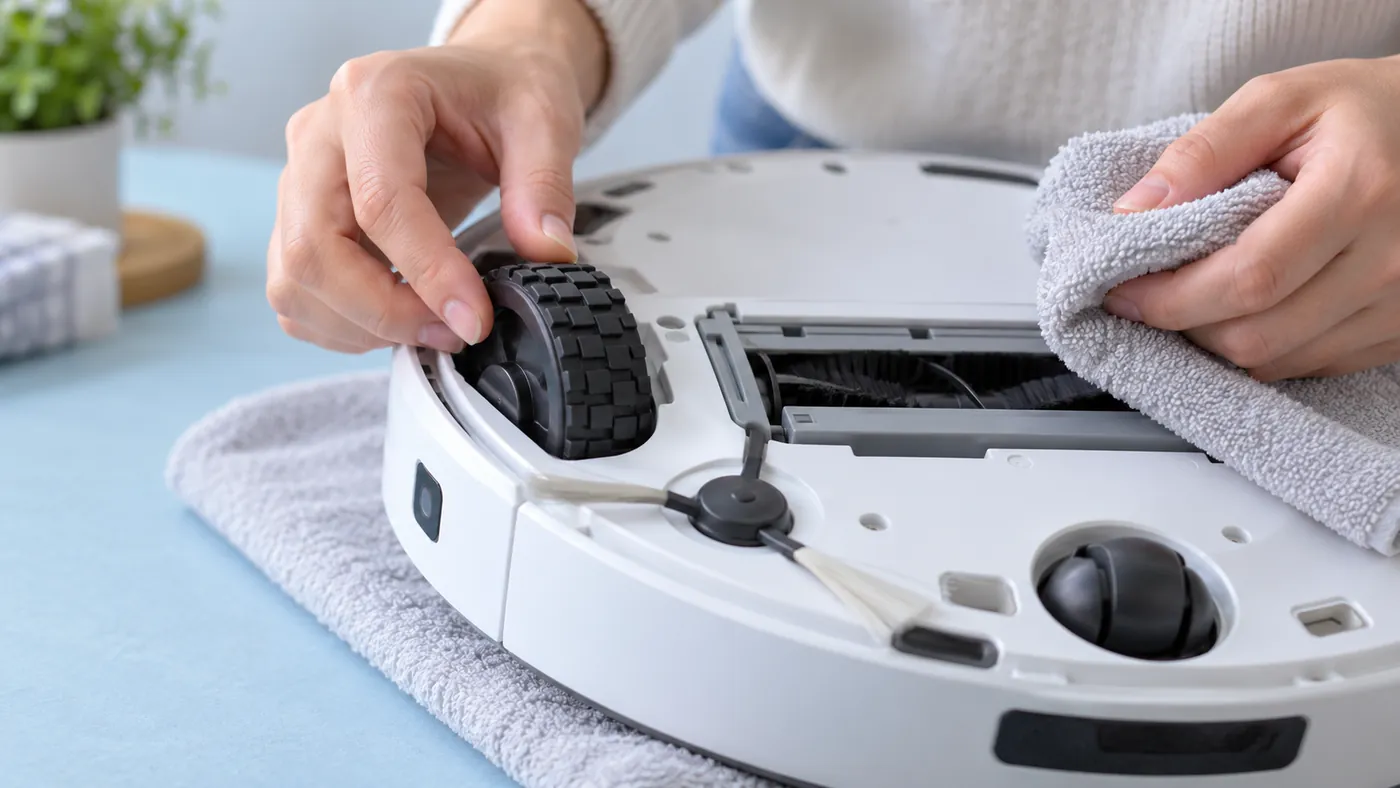
Switch the robot off away from its charging station before handling the underside. Inspect the large driving wheels for visible tangled debris. Dreame Support recommends manually checking whether both turn normally, and gently pressing and rotating a wheel while wiping away accessible debris with a cloth.
Compare the two sides without forcing either wheel. If one jams, sits differently or will not return after gentle pressure, stop and show support the result. Do not flood the wheel well or spray lubricant into it. A wheel that turns by hand has not passed a full powered drive test.
The small universal wheel is a separate component. If that wheel is the obstruction, follow how to clean the L10s Ultra universal wheel; its removal procedure does not apply to the main drive assemblies.
3. Wipe the cliff sensors
Use the original manual’s underside diagram to locate the cliff sensors. Wipe their accessible surfaces with a soft dry cloth, as the manual directs. Keep liquids away from the robot.
Do not cover or disable the sensors to suppress a warning. They are part of the robot’s drop protection. See L10s Ultra sensor cleaning for the other sensor locations.
4. Restart and test on dry, level flooring
Place the robot upright again. A normal power cycle uses a three-second Power hold off the charging base, followed by a three-second hold to turn it on. Run one short task on the cleared area and note whether the same warning returns.
The manual also warns that wet, slippery flooring can cause the main wheels to slip. Dry the area first. If the robot repeatedly stops with a different message, use L10s Ultra keeps stopping.
When the warning persists
Send Dreame support the exact message, a video on the flat test area, and photographs of the wheels. Include whether either wheel binds during inspection. The warning alone does not identify a failed motor or sensor.
Dreame’s reply also mentions a factory reset. That restores settings and removes cleaning data, so review the consequences before doing it; a reset cannot remove a physical obstruction. Ask support which step is appropriate if the inspection finds nothing.
FAQ
Why does it say the wheels are suspended on a flat floor?
Check wheel movement and sensor cleanliness, then repeat a controlled test. A flat-looking floor alone does not identify the cause.
Can I tape over the cliff sensors?
No. Keep the sensors clean and unobstructed; do not defeat drop protection to bypass an error.
Should I replace a driving wheel immediately?
First record the warning and inspection results. Support can help determine the correct repair and model-compatible part.
Sources: Dreame Support’s L10s Ultra suspended-wheels reply and original L10s Ultra manual. The short comparison run is a practical diagnostic suggestion. Browse all Dreame guides.