Begin with the quick checks. Stop if a step requires tools or experience you do not have.
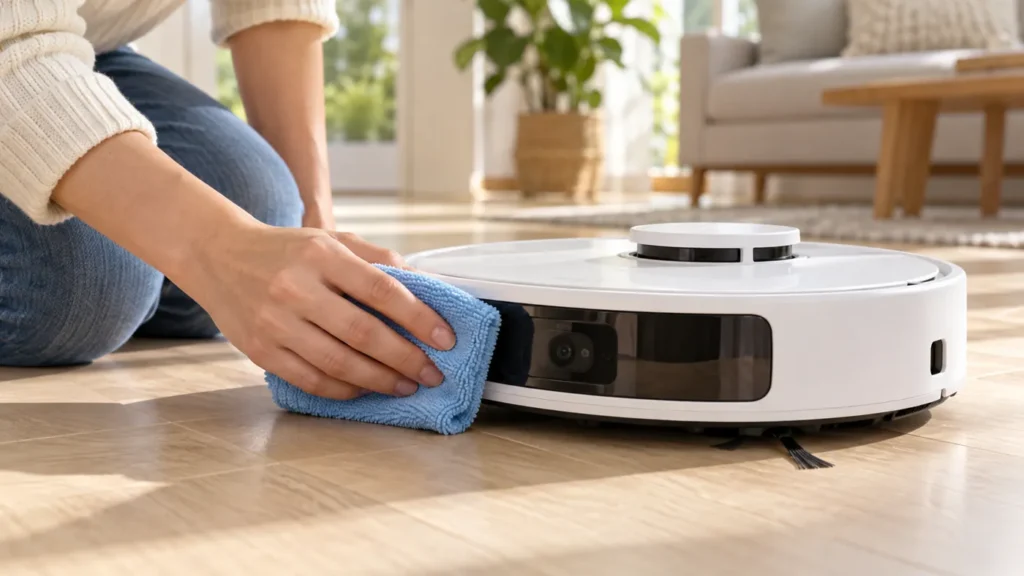
Clean the Roborock S8 sensors with a soft, dry cloth. Start with the wall sensor, front obstacle-avoidance window and underside sensor windows shown in the original S8 manual. Do not spray cleaner onto the robot or cover a sensor to stop an alert.
This is routine external cleaning. It does not require opening the housing, dismantling the lidar turret or replacing a sensor. If a window is cracked or an error keeps returning, cleaning alone may not resolve it.
Know which area you are cleaning
| Area | Location reference | Cleaning method |
|---|---|---|
| Wall sensor | Side of the robot; identify it in the diagram | Soft, dry cloth |
| Reactive 3D obstacle-avoidance sensor | Front sensor window | Soft, dry cloth |
| Carpet sensor | Underside, as shown in the manual | Soft, dry cloth |
| Cliff sensors | Underside perimeter windows | Soft, dry cloth |
1. Stop the robot and prepare a clean cloth
Finish or pause the task, move the robot off its charging dock and switch it off. Use a clean section of microfiber cloth so trapped grit does not rub against a sensor window.
Check the model designation before using a diagram. S8 MaxV Ultra and other similarly named robots have different hardware; their pictures should not be used to identify every part of the original S8.
2. Wipe the front and side windows
Find the front obstacle-avoidance window and side wall sensor in the S8 diagram. Gently wipe their exposed surfaces. Inspect from another angle to see whether dust or a smear remains.
Keep the cloth dry. Avoid abrasive pads, sharp tools and forceful rubbing. Do not push anything into openings around the lidar turret or attempt to turn its internal mechanism as part of routine cleaning.
3. Clean the underside windows
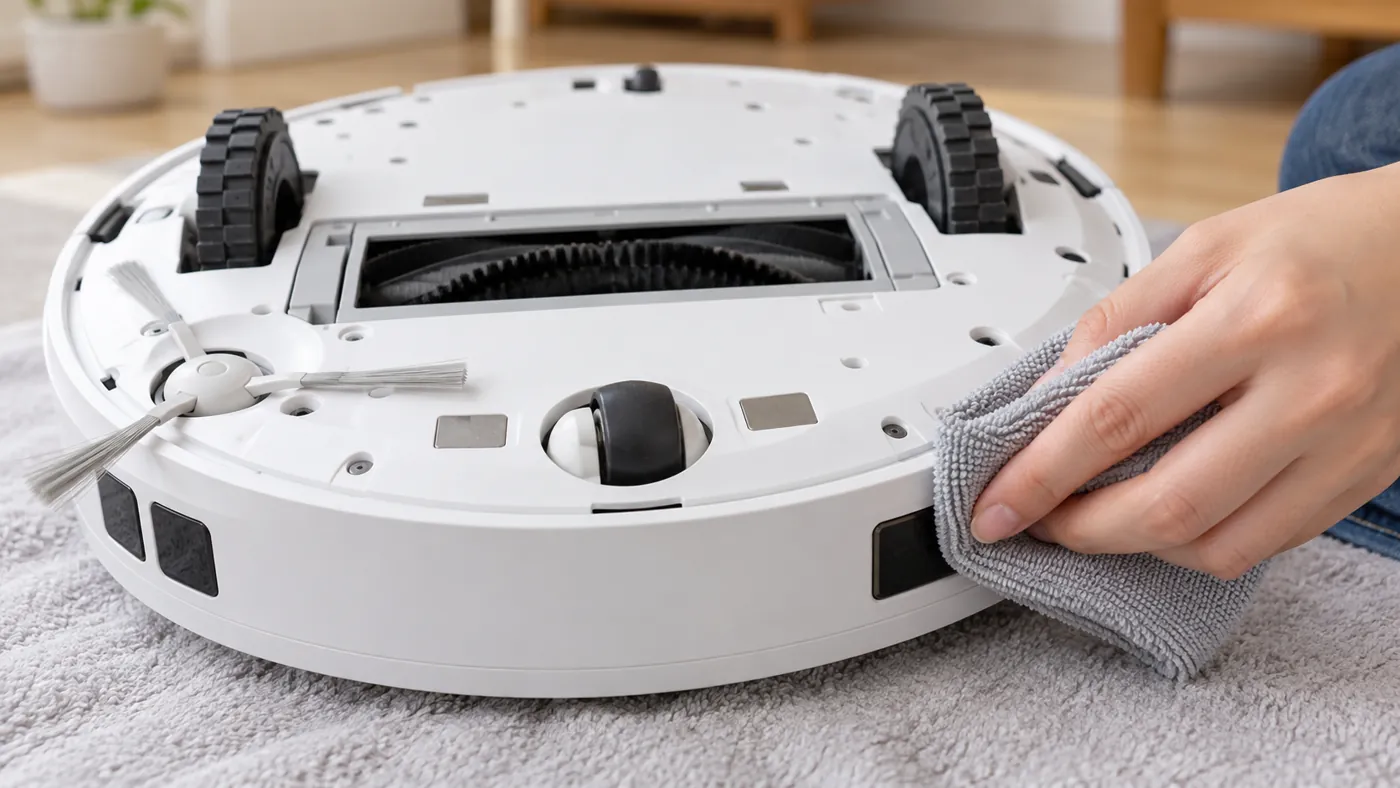
Remove the water tank and mop mount before carefully turning the robot over on a soft, stable surface. Avoid resting it with pressure on the lidar turret. Locate the carpet sensor and each cliff-sensor window using the manual.
Wipe each exposed window gently and check that nothing is stuck across it. Keep the windows uncovered. Tape or stickers can interfere with the robot’s ability to detect a drop.
4. Run a short supervised check
Return the robot upright, reinstall the removed parts and start a short clean on an uncluttered level floor. Keep stair openings protected with a physical barrier. Observe whether the original behaviour changes.
This is a practical comparison, not a sensor calibration. Do not test cliff detection by driving the robot toward an unprotected edge. If an alert returns, record its exact wording and the surface on which it happens.
Choose the next step by the remaining symptom
For distorted routes or missing rooms, follow S8 mapping troubleshooting. For trouble reaching the base, use S8 docking checks. Avoid deleting a working map before checking access and the current task selection.
Roborock’s Error 4 guidance also calls for checking whether the robot is on dark or shaggy carpet after cleaning the cliff sensors. If the error persists, contact support rather than disabling the sensors.
FAQ
How often should I clean S8 sensors?
The original S8 manual recommends monthly cleaning. Check sooner if visible dust has collected on a window.
Can I use a wet wipe or cleaning spray?
For this routine procedure, follow the manual’s soft, dry cloth method.
Will cleaning restore a damaged sensor?
No. A cracked window or persistent fault needs further assessment.
More care and troubleshooting guides are in our Roborock hub.
Sources: S8 manual, section C9; Roborock Error 4 support guidance.