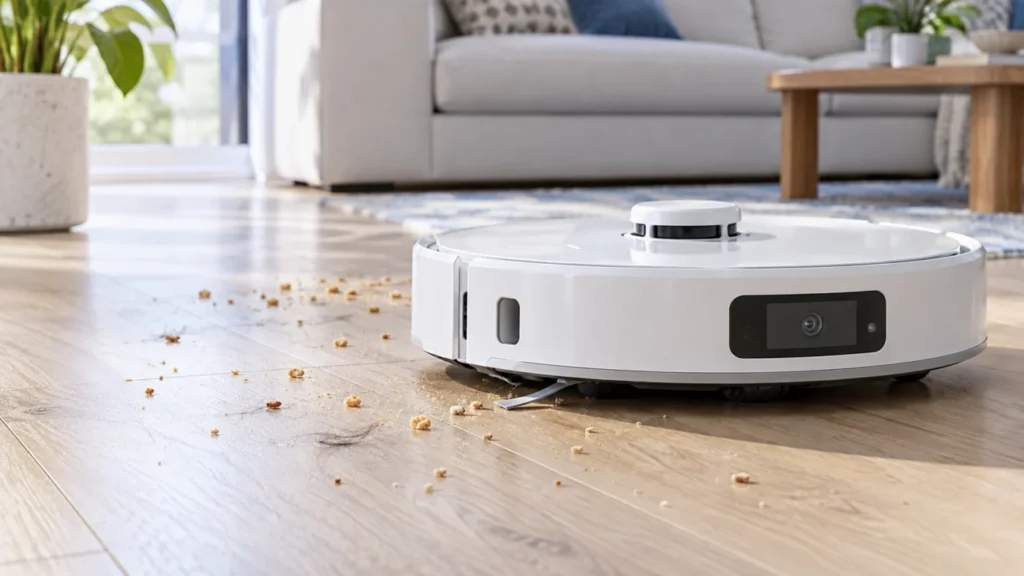
Begin with the quick checks. Stop if a step requires tools or experience you do not have.
Quick answer: If your Qrevo Curv leaves debris behind, first confirm the task includes vacuuming. Empty the onboard dustbin, check the washable filter, and inspect the two DuoDivide main brushes and their cover. Then watch one short pass over ordinary dry debris on hard flooring. If the robot never crosses the dirt, check coverage; if it crosses it but leaves it, focus on the collection path and brush installation.
Not sure which check to try next?
Follow guided questions and report what changes after each check.
Start step-by-step diagnosisThis guide concerns pickup while the robot is cleaning. If it gathers debris but its bin stays full after docking, use the Qrevo Curv auto-empty guide. The maintenance steps below follow the Qrevo Curv user manual.
Where does the dirt stay?
The robot crosses crumbs but leaves them behind
Check vacuum mode, dustbin, filter, main brushes, and their cover. Compare the bin contents after a short pass.
It began after washing or replacing a part
Check that the filter and bin are fully dry and seated. Match brush and bearing colors to the arrows on the robot and latch the cover.
Only edges or inaccessible areas remain dirty
Watch whether the side brush moves debris toward the pickup opening and whether the robot actually reaches that area.
Hard floors look good, but a rug retains hair
Compare the same vacuum setting on the two surfaces; this difference alone does not diagnose a failed suction motor.
1. Check the task and onboard bin
Select a fresh vacuuming task on a small dry area. A mop-only routine does not test debris pickup. Check the suction setting used for that room before changing it.
Stop the task, move the robot off the dock, and turn it off before removing parts. Lift the magnetic top cover, release the dustbin latch, and empty the bin. Look for packed hair or lint at its visible opening. Reinstall the bin and filter so they sit correctly. If pickup is good at the start but falls during a long run, inspect the bin when the problem occurs rather than judging by the final map.
2. Inspect and dry the filter
A coated, damp, or poorly seated filter can affect the airflow path. Roborock instructs owners to rinse the washable filter with clean water, tap off dirt, and let it dry for at least 24 hours before reinstallation. If you wash the dustbin too, it also needs at least 24 hours to dry. Do not rub the filter surface with a brush, hard tool, or fingers; do not run the robot without its filter.
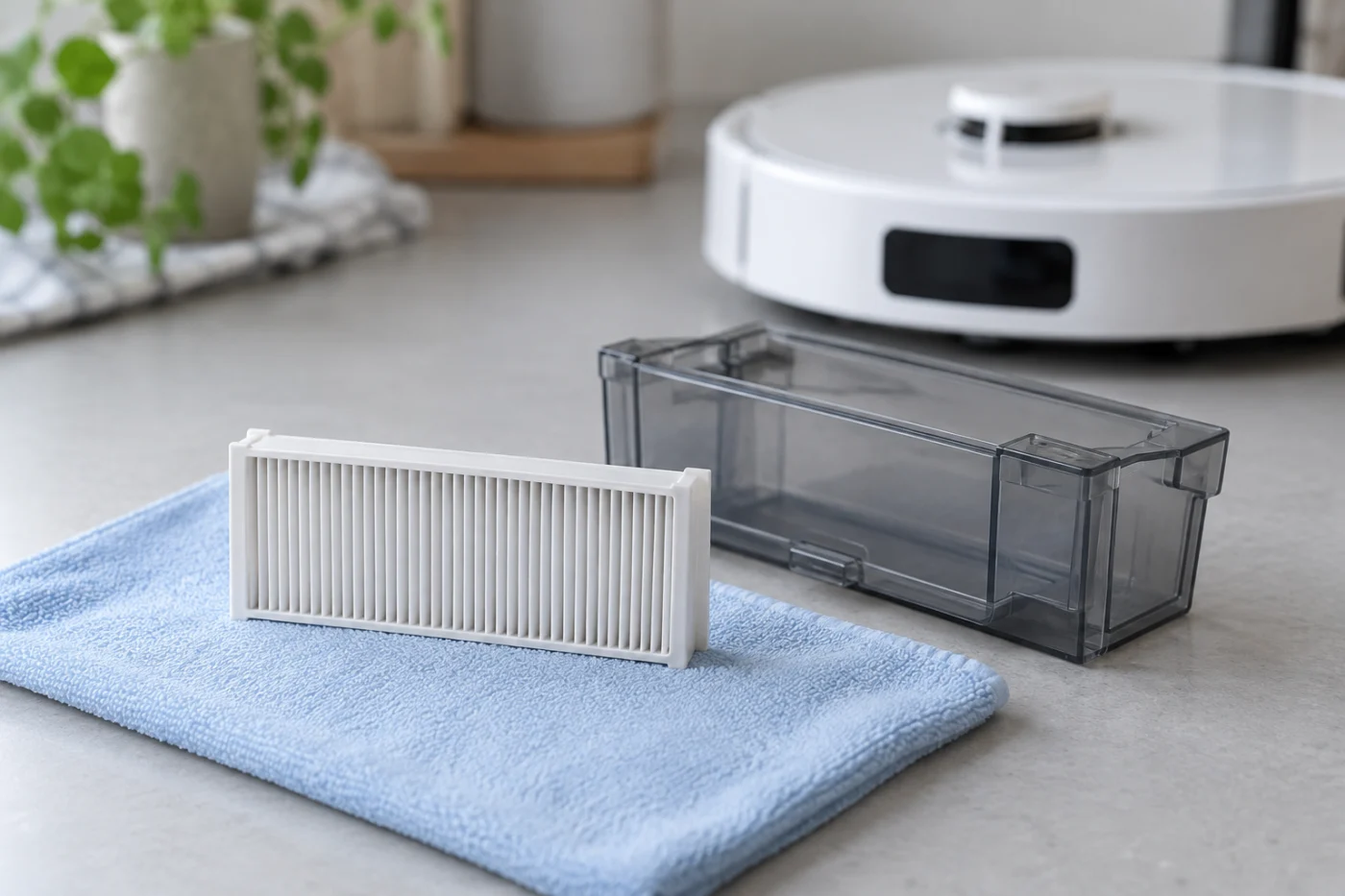
If the loss of pickup started immediately after a replacement, compare the fit of the new part to the previous one. A new but incompatible filter or bin is not a useful baseline for testing.
3. Clean and refit the two main brushes
With the robot off, turn it over on a soft surface. Press the two brush-cover latches inward and lift the cover. Remove both brushes and their bearings, then clear hair and dirt from the ends. When reinstalling, match the colors of each brush, bearing, and arrow on the robot as the manual shows. Seat all four cover teeth in their slots and lock both latches with a click.
The Qrevo Curv has two main brushes; use its own diagram instead of an older single-roller layout. If a cover sits unevenly after maintenance, check the brush and bearing positions before another run. See the focused Qrevo Curv main-brush guide if the brushes themselves do not turn.
4. Watch one short pickup test
Choose a dry hard-floor patch with a little ordinary existing debris. Start with an empty bin, dry filter, and fully installed brushes. Watch whether the pickup opening actually crosses the debris. Pause afterward and turn the robot off before checking what reached the bin.
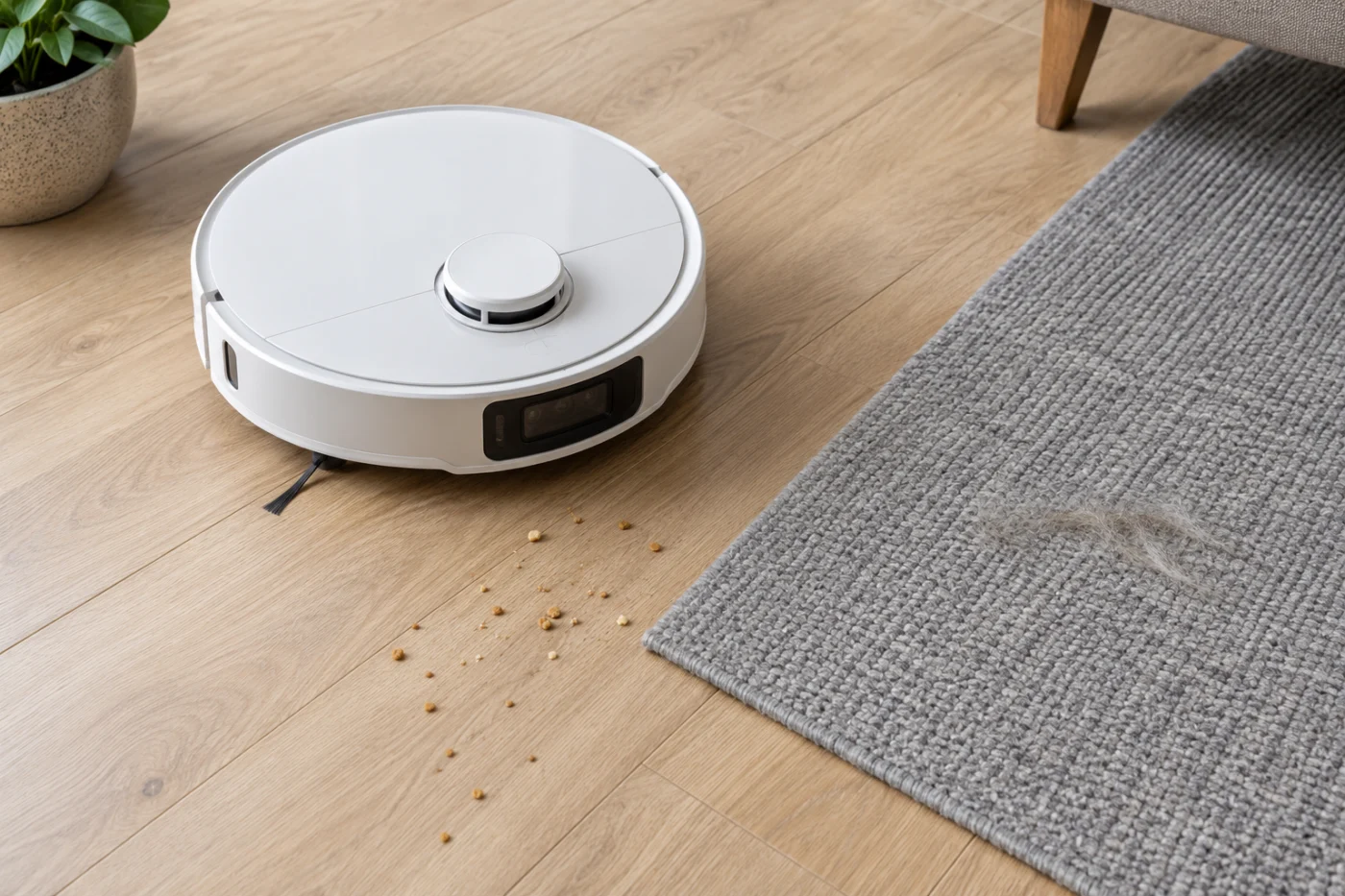
- It did not reach the dirt: Check access, selected room, and map restrictions in the mapping guide.
- It pushes dirt sideways or leaves an edge strip: Watch the side brush; use the side-brush guide if it stops or fails to extend.
- It crosses the dirt but little reaches the bin: Recheck the bin opening, filter, main brushes, cover, and app mode. Compare one higher suction setting while keeping the surface similar.
- Hard floor is clean but rug retains hair: Note rug type, actual coverage, and power setting before blaming an internal motor.
Do not scatter flour, sharp pieces, or wet material to test suction. If ordinary debris still does not enter the bin after these checks, record the task mode, setting, floor type, app alert, and a short video for Roborock Support. Do not open the motor housing.