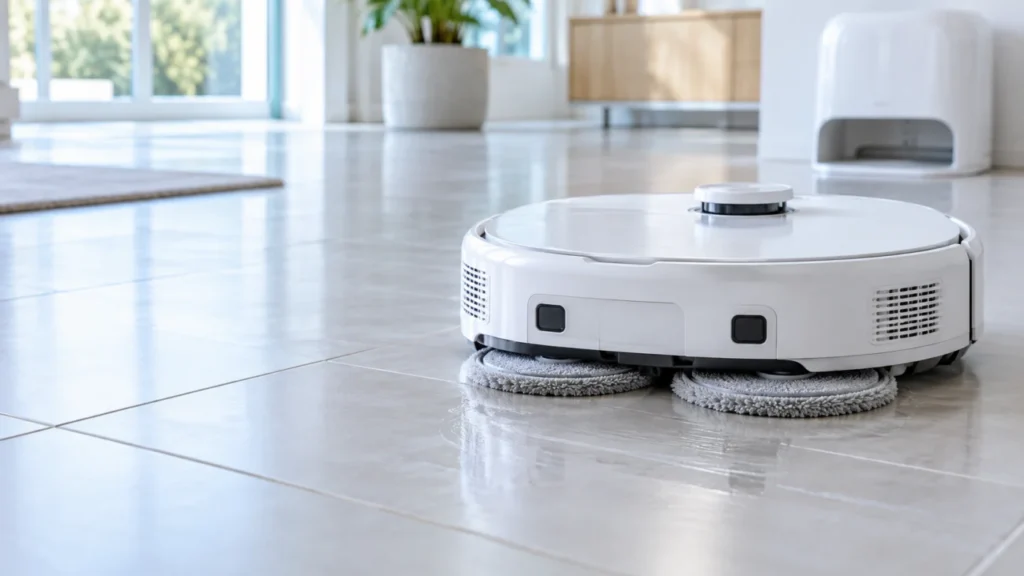
Begin with the quick checks. Stop if a step requires tools or experience you do not have.
If your Roborock Qrevo Curv mop pads appear to stop spinning, first test them during a mopping task on open, water-safe hard flooring. A vacuum-only run, raised mops near carpet, and a mop that does not extend at every edge can each look like a rotation problem. Compare the two pads during the same short run before touching the robot.
Not sure which check to try next?
Follow guided questions and report what changes after each check.
Start step-by-step diagnosisWhat did you actually see?
- Neither pad seems to turn: Confirm that the room is set to mop, let the robot begin cleaning on tile, and check the app for an alert.
- One cloth bunches up or slips: Stop and switch off the robot, then reattach the removable cloth flat against its holder.
- One entire mop mount remains still: With the robot off, check the accessible area for trapped hair or thread. If it repeats on the next test, record it for support.
- Both pads turn but remain dry: Follow the water-delivery checks instead.
1. Run a short mopping test on hard floor
Open the Roborock app and check the active task or saved routine for the room you are testing. Select a small patch of tile or sealed hard flooring away from rugs, then start a fresh mopping task. Wait until the robot has left the dock and started cleaning. Watch from behind at floor level, keeping hands, hair, and pets away from the moving robot. A short phone video can make the left and right sides easier to compare.
The Qrevo Curv retracts its mop cloth mounts on carpet. If the pads rise at a rug, watch whether they lower again on hard floor before concluding that they have failed. Do not run the robot upside down to inspect the moving parts.
2. Check the removable cloths and mounts
Stop the task and switch the robot off. Set it upside down on a soft towel. Both cloths should lie flat against their round mounts, without folded edges or loose backing. Roborock’s manual describes the hook-and-loop attachment and says to secure the cloths flat. Remove any accessible lint from the cloths and reattach them evenly; replace a torn or badly worn cloth.
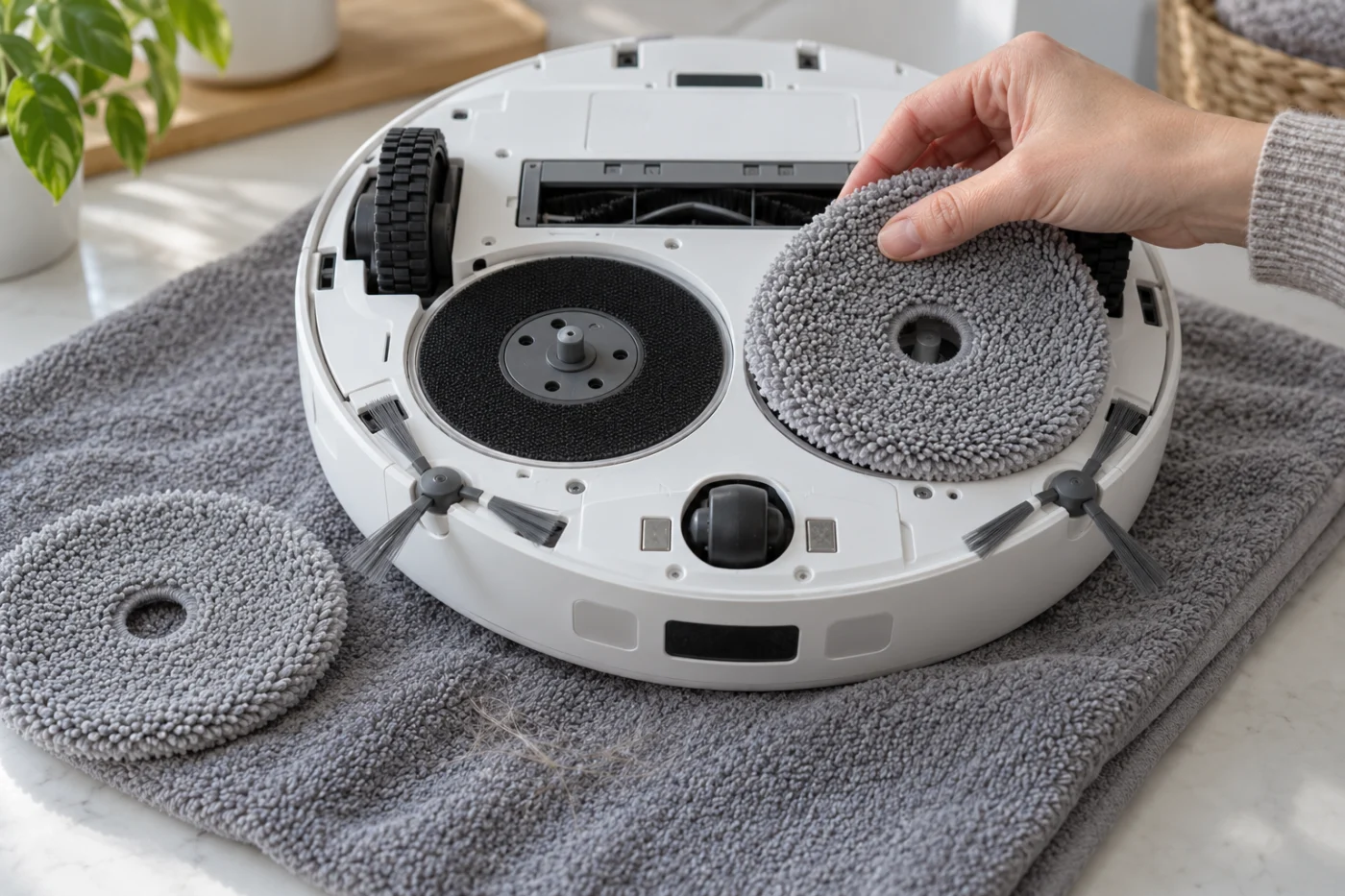
Compare the visible edges of both assemblies. Remove a strand of hair or thread only if it is readily accessible. The manual says the mop axles should align and click into the robot when installed; a visibly loose mount deserves a careful seating check with the power off. Stop if a mount is cracked, hangs unevenly, or resists normal seating. Do not pry into a gap, force an axle to turn, or open the robot body.
3. Tell rotation from edge extension
Spinning against the floor and extending outward at an edge are different motions. Roborock says the FlexiArm extended-mopping feature operates along walls and certain obstacles and has an app setting. If both pads rotate on open tile but one does not reach every edge, check that setting and test along a clear, straight wall. A single missed corner does not establish a spinning fault. The small sweeping side brush is a separate part too.
4. Repeat once and record the result
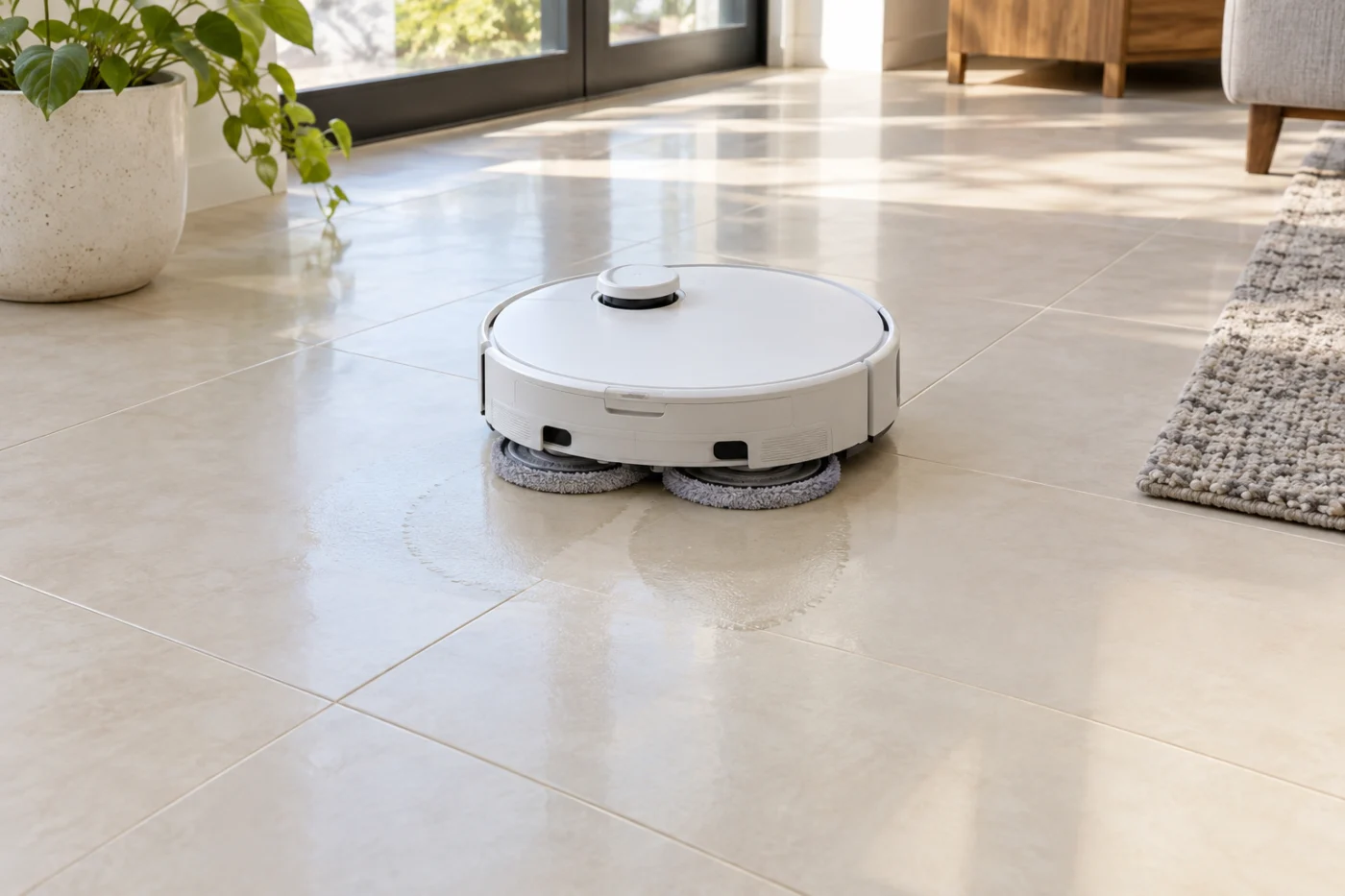
With both cloths seated, stand the robot upright and repeat the short mopping run on the same hard-floor patch. Compare the mounts when visible, rather than relying only on damp tracks: a wet streak does not prove rotation. Note whether both sides stayed raised, whether fabric slipped while its mount moved, or whether the same entire mount remained still. Check the app for an alert and copy its exact wording.
Quick diagnosis from the second test
Both still: Recheck the mopping task and app alert; restart the robot once if there is no obvious setting issue.
One side still: If its cloth is flat and no accessible debris remains, send the video and app message to Roborock support.
Cloth slips: Reattach it flat or replace a damaged cloth.
Both turn but do not wet the floor: Investigate water delivery separately.
If the same mount does not turn after this check, or an error recurs, stop testing and contact Roborock support. Tell them the task mode, flooring, whether one or both sides failed, and what happened after reseating the cloths. These observations narrow the problem; they do not diagnose an internal motor fault without service inspection.
Related mopping problems
If the pads turn but stay dry, see Qrevo Curv mop pads not getting wet. If the dock does not clean them, use the dock wash guide. Water left in the station tray calls for the dirty-water drainage guide.
Model reference: Roborock Qrevo Curv user manual for cloth installation, carpet behavior, and extended mopping.