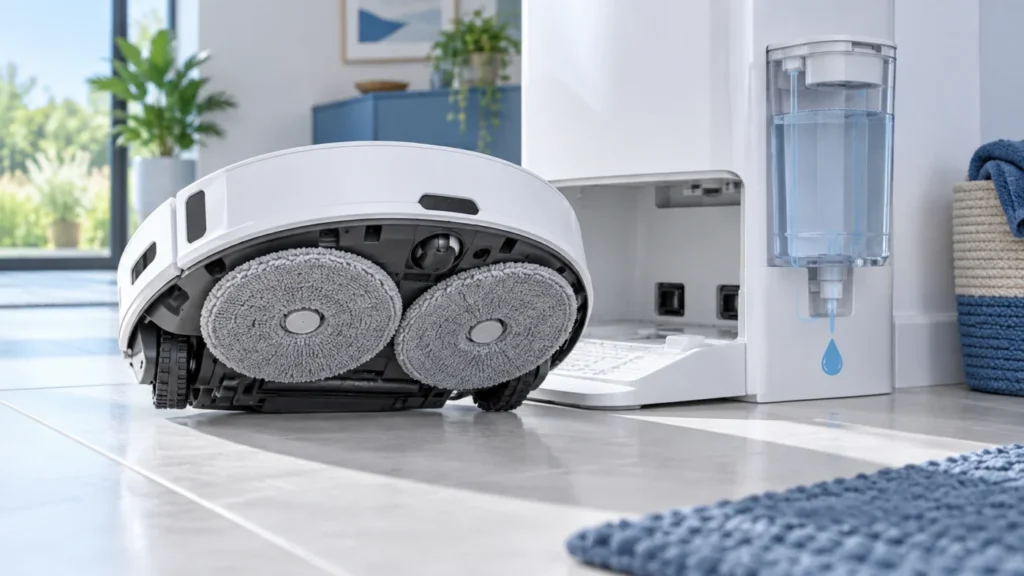
Begin with the quick checks. Stop if a step requires tools or experience you do not have.
Quick answer: On the original Roborock Q Revo, first find out when the mop pads stay dry. If they do not get wet during a manual wash at the dock, check the clean-water tank, the dirty-water tank, the removable cleaning tank and its filter. If the dock washes the pads but they seem dry during floor cleaning, check the mopping mode and water-flow setting in the app. These are different paths, so test them separately.
Not sure which check to try next?
Follow guided questions and report what changes after each check.
Use this guide for the original Q Revo. Qrevo Curv and other variants have different docks and controls. You need the robot, its app, clean water, and a soft cloth for the accessible removable parts. Do not open the station or probe its internal water lines.
First, separate washing from mopping
With the robot seated in the dock, start a manual mop wash from the app. The Q Revo manual also describes starting a wash from the docked robot by holding its button. Watch whether the wash begins, whether water reaches the cleaning tank, and whether the pads come out damp. Note any voice prompt or red dock status light.
If a manual wash succeeds, the clean-water supply to the dock is working for that test. Start a short mopping task on a suitable hard floor and check the pads after a few minutes. If a manual wash does not start or produces no water, work through the dock checks below before changing floor water-flow settings.
When the pads stay dry after a dock wash
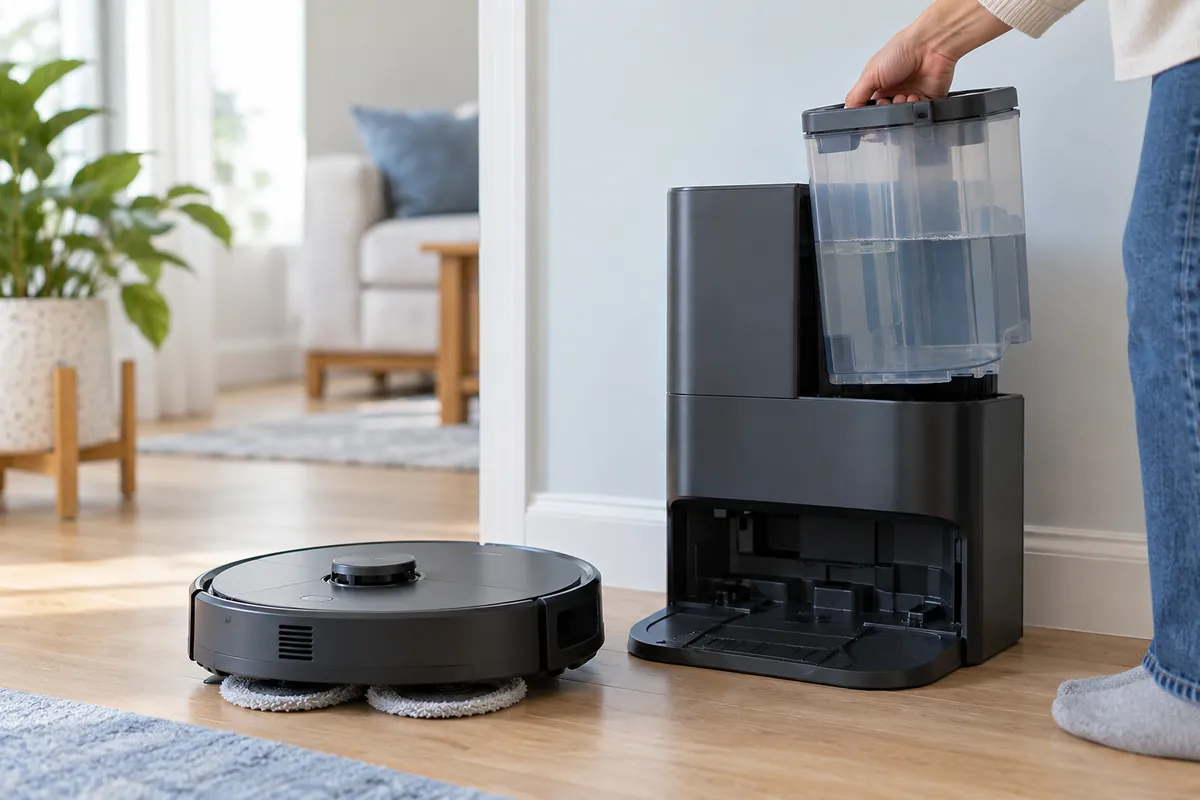
- Check the clean-water tank. Fill it with clean water, close and latch its lid, then seat it firmly in the dock. Do not add hot water or an unapproved cleaner; the Q Revo manual warns against both.
- Check the dirty-water tank. Empty and reinstall it. A full or incorrectly seated tank can prevent normal dock operation.
- Check the removable cleaning tank and filter. Make sure both are installed correctly. With the station unplugged, remove the cleaning tank and rinse the removable tank and filter as described in the manual; reinstall them before testing again. Keep water away from the station’s electrical parts. Do not clean the dock body with a wet cloth.
- Check the mop cloths. Make sure both are attached correctly. If washing happens but leaves them poorly cleaned, Roborock suggests trying the app’s Deep washing mode.
A steady red dock light is a useful clue, but it does not identify one failed part by itself. Roborock lists tank placement, water level and the cleaning tank/filter among its checks for that indication. Follow the exact app or voice alert before assuming a pump fault.
When washing works but pads seem dry on the floor
Confirm that you started a mopping task and that the pads are fitted. In the Roborock app, look at the water-flow setting for this Q Revo; Roborock confirms that the model’s electric water tank has adjustable flow. Test on a small hard-floor area with a normal setting. A carpet area or a vacuum-only task is not a useful water-flow test.
Start the task from the dock and leave the dock in place. The manual says this allows automatic returns for mop washing and water refilling. If the robot did not start at the dock, or cannot find it on the map, an automatic wash may not happen. You can command a wash manually to compare its behavior with the floor run.
Do not judge water delivery solely by how wet the floor looks: floor material, the selected flow and room conditions affect the visible result. The practical observation is whether a controlled dock wash wets the pads and whether their moisture changes during a short mopping run.
What the test tells you
- Manual wash does not begin: record the dock light, voice prompt and app error. Recheck tank seating and the cleaning tank/filter.
- Wash begins but pads remain dry: stop after the accessible tank and filter checks. Do not dismantle the station or its water line; contact Roborock support with the test result.
- Wash wets the pads, but a floor run does not: review the cleaning mode, water-flow setting and whether the run began at the dock.
- Used water remains in the tray: this is a different symptom. Follow the Q Revo dirty-water guide.
These steps are based on the official Q Revo user manual and Roborock’s guidance on water-flow settings. For another symptom, use the Q Revo troubleshooting hub. RoboFixGuide is independent of Roborock.
If the pads get wet during washing but stay damp after the job, use the separate Q Revo mop-drying checks to test the drying setting and cycle.