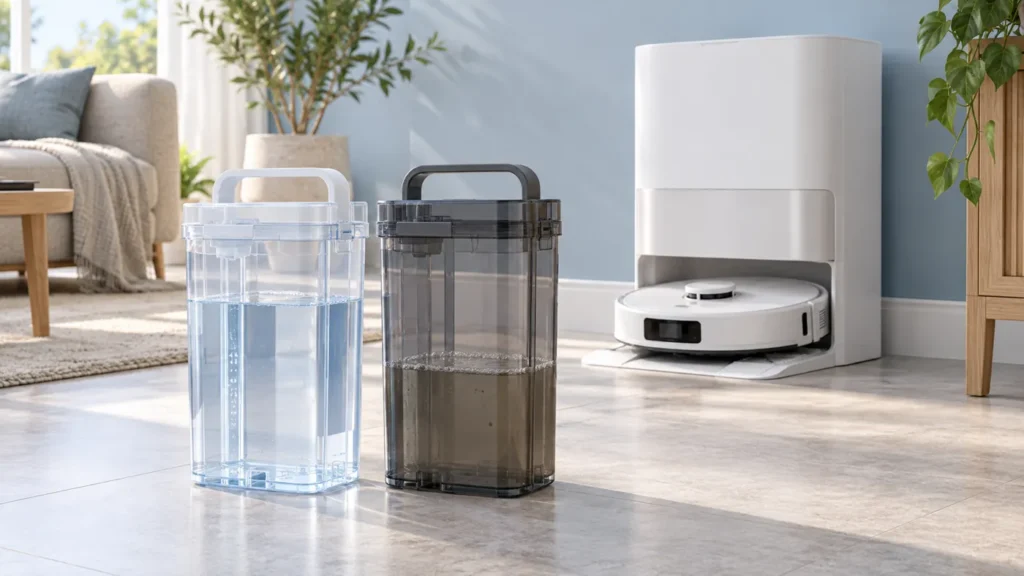
Begin with the quick checks. Stop if a step requires tools or experience you do not have.
To clean Dreame L10s Ultra water tanks, let the station finish its work, remove the tanks and empty the used-water tank. Rinse its interior with clean water and use the supplied cleaning brush gently. Refill the clean-water tank only to its maximum mark, then close and refit both tanks correctly.
This guide covers the original L10s Ultra. It focuses on removable-tank care; if the robot does not receive water after the tanks are correctly fitted, use the separate L10s Ultra not dispensing water guide.
Keep the two tanks separate
Identify each tank using the original Dreame L10s Ultra user manual and the markings on your unit. The clean-water tank supplies water; the used-water tank receives dirty water from mop washing. Do not identify them from the color of an online illustration alone.
Prepare a sink and a clear work surface before carrying the tanks away. Keep their lids and fittings with the correct tank. If you are unfamiliar with the arrangement, photograph it before removal.
| What needs attention | First check |
|---|---|
| Used water left after a task | Empty and rinse the used-water tank. |
| Visible residue inside that tank | Use the supplied brush gently on its inner walls. |
| Clean-water level is low | Refill with clean water, staying within the MAX mark. |
| Water remains abnormally in the washboard | Check the used-water tank’s seal and seating. |
1. Stop the station before removing tanks
Wait until the current washing or cleaning operation finishes. Turn off and disconnect the station before handling the tanks for maintenance. Do not lift a tank midway through an active water cycle.
Lift each tank normally using its handle and keep it upright while carrying it. Do not force a tank that catches. Check the removal direction in the manual instead of pulling at a lid or connector.
2. Empty and rinse the used-water tank
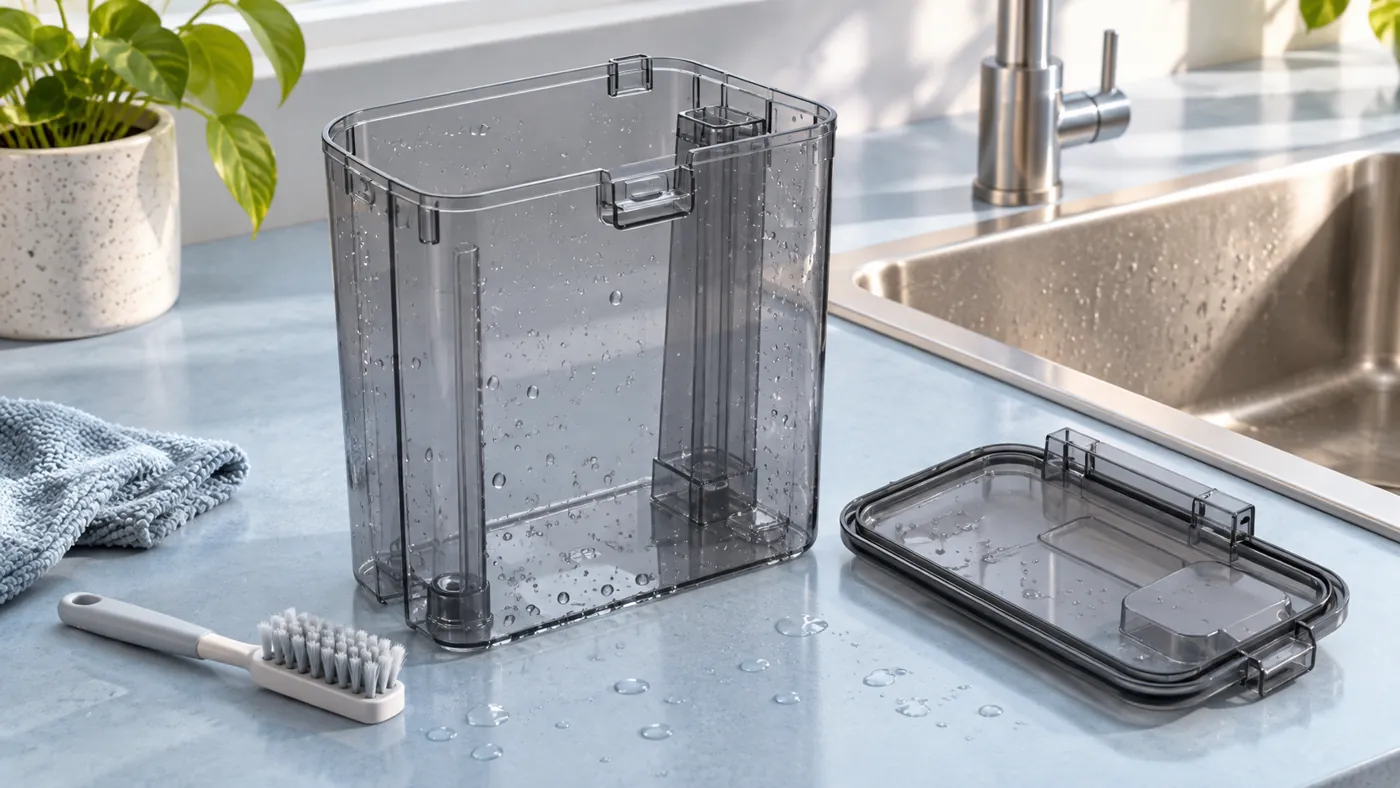
Dreame recommends cleaning the used-water tank after each use. Open its cover, pour out the dirty water and rinse the interior with clean water. Use the provided cleaning brush on the inside walls.
The manual calls out the movable float ball: avoid applying excessive force to it. Do not pull it loose or force it into a different position while cleaning. If its appearance is unfamiliar, consult the parts drawing before continuing.
Inspect the tank and cover while they are easy to see. A photograph of a cracked fitting or damaged seal is useful for support. Keep the cleaning to accessible areas and avoid dismantling components that the manual does not identify as removable.
3. Refresh the clean-water tank
Check the clean tank for visible contamination before refilling. If it needs refreshing, empty it and rinse the accessible interior with clean water. Keep its fittings in place and avoid forcing valves or seals.
Refill with clean water up to the MAX line. Dreame warns against adding hot water because it can deform the tank. Follow the original model’s cleaner-bottle procedure and use only the approved cleaning product; do not improvise with dish soap, vinegar or disinfectant.
Before carrying either tank back, remove spills from its exterior. Keep water away from the station’s electrical areas. Tank rinsing does not mean the station itself can be rinsed.
4. Check the cover seal and seating
Close the covers normally and put each tank back in its correct position. Check for an obvious displaced seal or trapped material rather than pressing harder on a cover that will not close.
For an abnormal washboard water level, Dreame’s FAQ specifically points to the used-water tank seal and correct seating. It also includes checking the washboard drain. If the visible seal is damaged or the tank will not seat normally, stop and ask support about the next step.
Do not treat an apparently clean tank as proof that the whole water system works. The supply stage, mop washing and dirty-water collection need separate observations.
5. Observe one normal wash cycle
Restore power after the tanks are closed and fitted. Observe the next normal mop-washing cycle without moving the tanks during operation. Note any app message and whether water is left abnormally in the washboard.
If the same problem returns, record the message, tank seating and visible water behavior. Continue with the water-dispensing checks or contact Dreame with those observations. Repeated tank rinsing is not a diagnosis of a hidden pump or sensor.
FAQ
Can I use hot water to clean the tank?
Follow the manual’s warning against hot water in the tank. Use clean water without trying to heat or sterilize the plastic.
What if a smell remains after rinsing?
Check for visible residue and repeat gentle cleaning of accessible surfaces. Ask Dreame for an approved method if the odor persists rather than mixing household chemicals.
Does tank cleaning replace other maintenance?
No. Dust collection is separate. See the dust-bin and filter cleaning guide for that procedure.
Manufacturer reference
Use the original Dreame L10s Ultra user manual, Before Use, Routine Maintenance: Used Water Tank, and FAQ: Abnormal Washboard Water Level. More help is available in the Dreame troubleshooting section.
For related station symptoms, see Dreame L10s Ultra Water Not Draining and Dreame L10s Ultra Mop Drying Not Working.
If tank maintenance is complete but the wash cycle still fails, use Dreame L10s Ultra Not Washing Mop Pads.
For odor that remains after tank care, locate other possible sources using Dreame L10s Ultra Smells Bad.