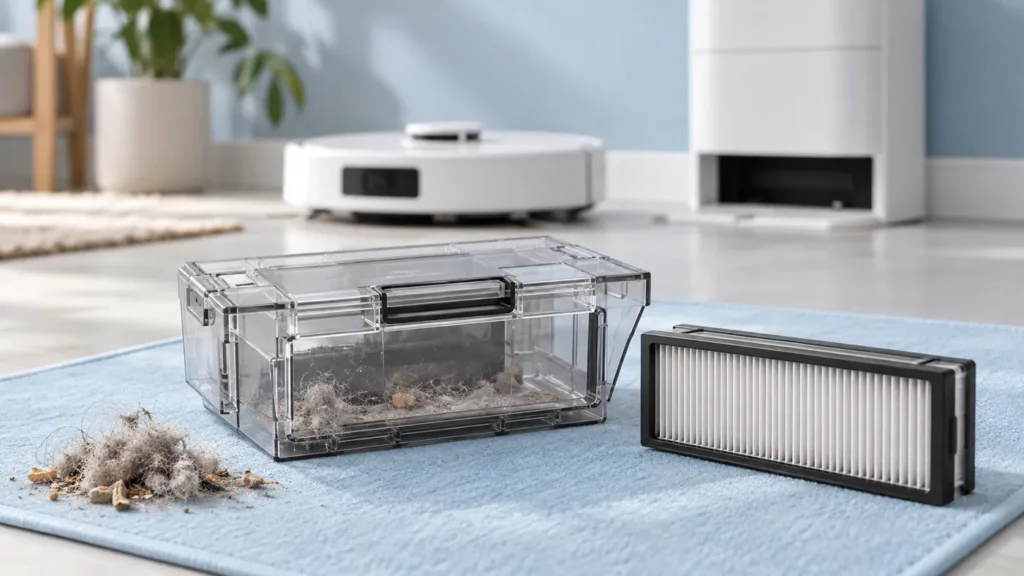
Begin with the quick checks. Stop if a step requires tools or experience you do not have.
To clean the Dreame L10s Ultra dust bin and filter, remove the bin from the switched-off robot, empty it, detach the filter and gently tap its basket. Dreame allows rinsing these removable parts with clean water, but they must be completely dry before going back into the robot.
This procedure covers the original L10s Ultra and its documented filter. If you have fitted a third-party replacement, check its care instructions before washing it. Similar-looking filters do not necessarily use the same materials.
Before you remove anything
Take the robot off its dock and turn it off. Have a waste container and a clean drying area ready. Keep the electrical robot body away from the sink; only the removed parts described below are washed.
Note why you are doing the maintenance. Is the bin visibly packed, is pickup poor, or is dust left after docking? That observation helps you judge the result and choose the next check if cleaning does not resolve the problem.
| Condition | Next action |
|---|---|
| Loose debris in the bin | Empty it and inspect the filter. |
| Dust on the filter | Gently tap its basket; follow the manual if rinsing. |
| Bin or filter still damp | Leave both out until completely dry. |
| Filter material or frame is damaged | Confirm a compatible replacement before using the robot. |
1. Remove and empty the dust bin
The original Dreame L10s Ultra user manual shows the bin clip beneath the robot’s upper cover. Open the cover, press that clip and lift out the bin. Open the bin lid and empty the contents into your waste container.
Look at the lid and latch while the bin is out. If a clump prevents the lid from closing normally, clear the loose material before reassembly. Do not force a latch against trapped debris.
If this is your first time removing the bin, take a photograph of its installed position. Keep that as a reference, but use the manufacturer’s drawing for the correct release point. The generated illustration in this article is not a fitting diagram.
2. Remove the filter gently
Detach the filter according to the manual and gently tap its basket to release dust. Dreame warns against cleaning the filter with a brush, fingers or sharp objects because they can damage it. Do not scrape between the pleats to chase every visible speck.
Inspect the filter without poking the material. Photograph a torn surface, distorted frame or broken fitting if you need help identifying a replacement. More aggressive cleaning will not repair physical damage.
3. Rinse with clean water and allow full drying
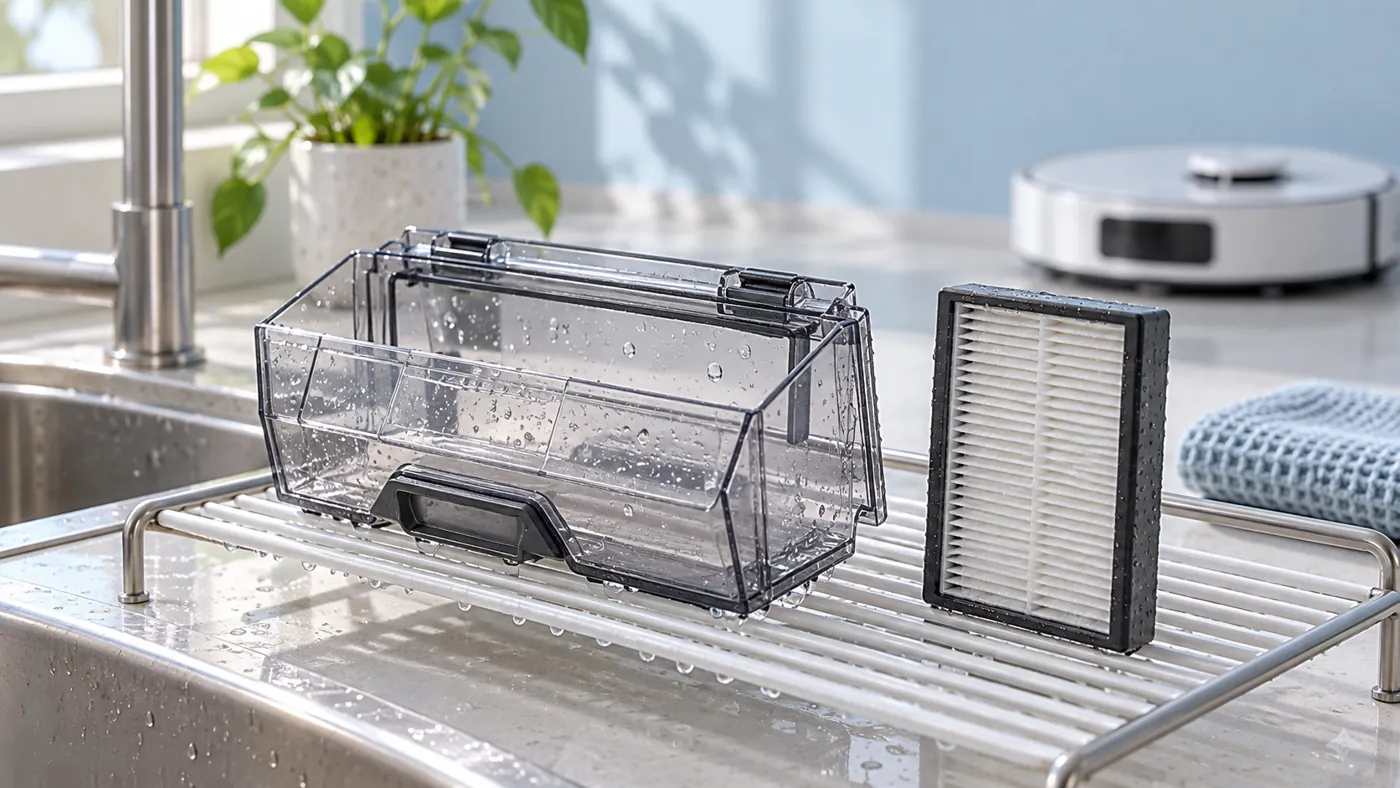
For the original washable parts, Dreame specifies clean water only and no detergent. Rinse the removed bin and filter, then set them apart to dry completely. The manual’s drying illustration shows 24 hours; do not reinstall them simply because that time has passed if moisture remains.
Choose a clean place where the parts will not collect fresh dust or be knocked over. Avoid stacking the wet filter inside the bin. Plan this maintenance for a time when the robot can stay out of service while the parts dry.
Before refitting, check the bin’s corners and the filter frame for remaining droplets. A dry outer surface alone does not tell you that the whole assembly is ready. If you are unsure, allow more drying time rather than starting a cleaning run.
4. Reassemble and compare pickup
Refit the fully dry filter and close the bin lid. Return the bin to its normal position and check that it seats without force. Restore the robot to its usual operating position before turning it on.
Clean a small familiar area using the same mode as before. Compare the original symptom. If dirt is still left on the floor, inspect the L10s Ultra main brush and continue with the pickup troubleshooting guide.
If dirt reaches the bin but stays there after the final dock return, use the auto-empty checks. Washing the bin does not establish that the station’s dust-transfer process works.
FAQ
Can I run the robot while the filter dries?
Wait until the correct filter and bin can be installed. Do not use a cleaning run without the filter as a test.
Should I scrub the filter with the cleaning brush?
No. The original manual specifically warns against brushes, fingers and sharp objects on the filter.
Does auto-emptying remove the need for bin maintenance?
No. Inspect the removable bin when needed and follow its care instructions. A station bag is a separate consumable; see L10s Ultra dust-bag replacement.
Manufacturer reference
See the original Dreame L10s Ultra user manual, Routine Maintenance: Dust Bin and Filter. Browse the Dreame guides for other symptoms.