Begin with the quick checks. Stop if a step requires tools or experience you do not have.
If your Dreame L10s Ultra smells bad, locate the source before adding cleaner or replacing parts. Odor near the used-water tank, damp mop cloths, and the dust cabinet calls for different maintenance.
This guide covers ordinary stale or dirty odors. A burning smell, smoke, or unusual heat needs a different response: stop operation, disconnect station power if safe, and contact service. Do not run another cycle to investigate an electrical smell.
Find the likely area
| Where or when you notice it | First check |
|---|---|
| Around the used-water tank | Empty and clean the tank. |
| Around the mop cloths after cleaning | Check washing and drying completion. |
| Near standing water in the washboard | Investigate drainage. |
| At the dust cabinet or during emptying | Inspect the dust bag and dry debris path. |
| From the robot during vacuuming | Inspect the bin, filter, and trapped debris. |
1. Start with the used-water tank
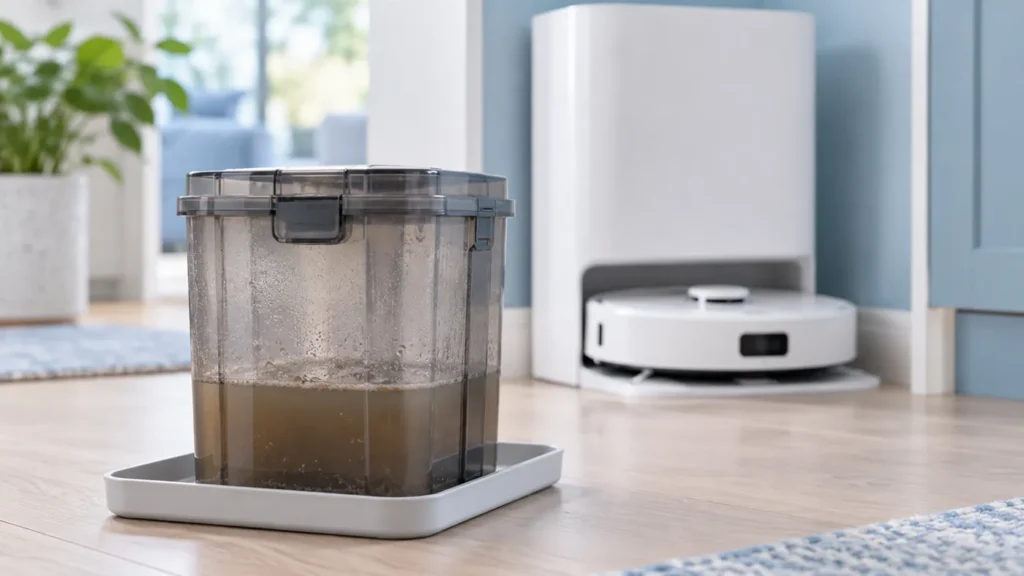
The original manual recommends cleaning the used-water tank after the task to avoid odor. Stop the robot before removing it, empty the collected water, and rinse the tank with clean water. Use the supplied brush for its inner wall and handle the movable float gently.
Follow the tank maintenance guide for the full procedure. Inspect the lid and seal while the tank is out, then seat it normally. Do not assume that a closed lid eliminates the need to empty and clean the contents.
2. Check pads and the washing area
With the task stopped, inspect the mop fabric for retained dirt and whether it remains damp after the drying cycle. Observe whether the station actually completed washing before assessing drying.
Use the washing checklist if the wash sequence fails, or the drying guide if washed pads remain wet. For damaged or badly worn cloths, see pad replacement.
If dirty water remains in the washboard, follow the drainage guide. Repeated washing into a tray that does not drain is not a useful odor test.
3. Inspect the dry collection system
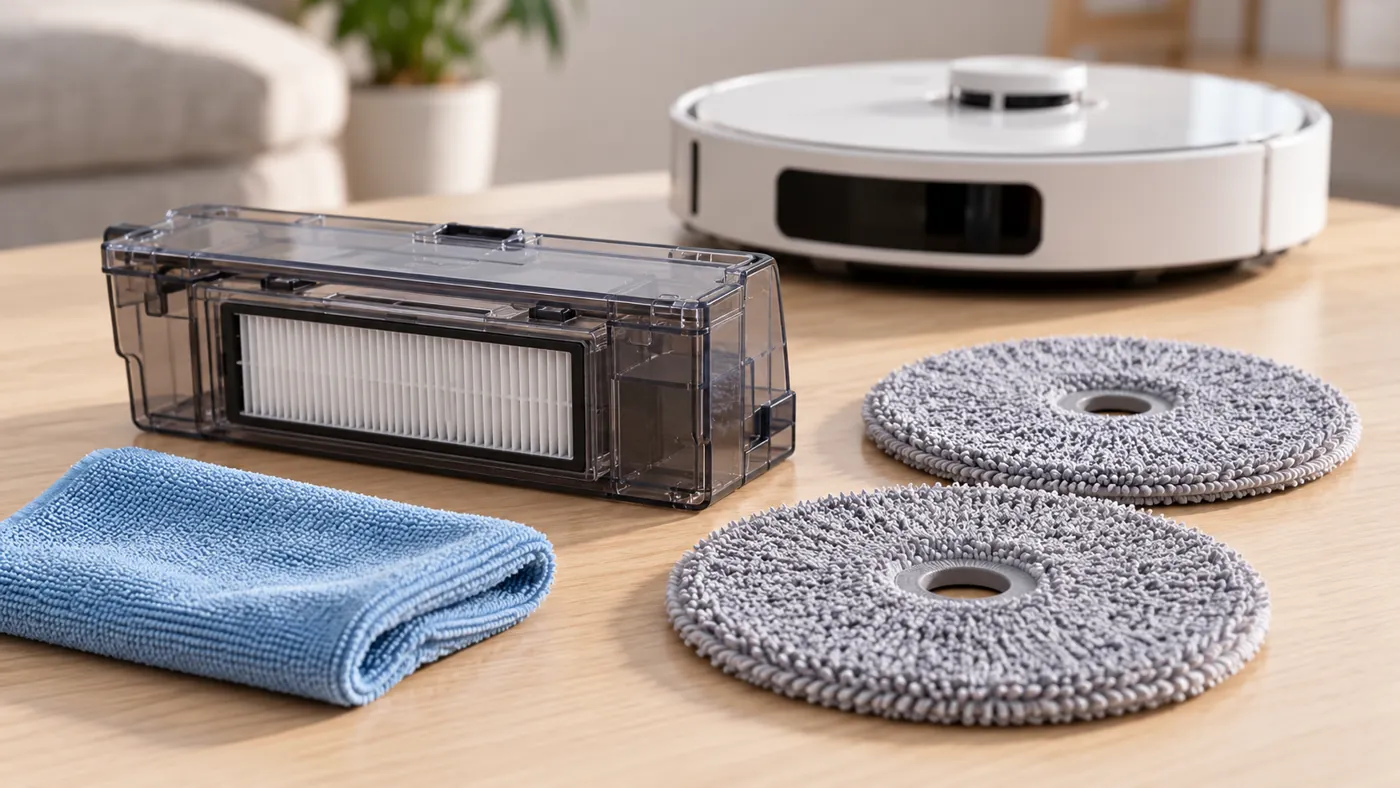
If the odor is associated with vacuuming or auto-emptying, check the robot’s bin and the station’s bag separately. Empty retained debris and inspect what was collected. Do not rinse a disposable bag or spray fragrance into the airflow path.
Follow bin and filter cleaning; rinsed parts must be fully dry before refitting. For a full or contaminated bag, use the bag replacement guide. Keep liquids away from the station’s dry dust compartment.
For visible residue at accessible dust-transfer ports, follow the dry vent cleaning guide. Ordinary external cleaning does not require opening the station housing.
4. Compare after the identified maintenance
Refit the parts correctly and observe one normal task only after any washed dry-collection parts are fully dry. Note whether the smell returns near the same component and whether washing, drying, or emptying reports an error.
Change one relevant condition at a time. Cleaning the tank, replacing the bag, changing the cleaner, and changing several settings together makes it harder to learn which source mattered. Use only officially approved cleaner as instructed by Dreame; do not improvise chemical mixtures.
When to contact support
Report a persistent odor after the affected accessible components have been maintained, especially with a leak, drainage error, or repeated wet debris in the dry collection area. Send photos, the exact warning, and when the odor appears. Describe its location without treating smell alone as proof of a specific failed component.
FAQ
Will more cleaner remove the smell?
Locate and clean the source first. Follow the approved cleaner instructions rather than adding extra product.
Does a smell mean the dust bag needs replacing?
Inspect the bag, tank, pads, and bin separately. The source may be in the wet system.
Browse the Dreame troubleshooting hub for related guides.
Manufacturer reference: Dreame L10s Ultra user manual, English maintenance and troubleshooting sections. Care instructions follow the original model’s manual; source-isolation and comparison steps are practical troubleshooting suggestions.
If dirt or odor remains around the lower station tray, follow How to Clean Dreame L10s Ultra Washboard.