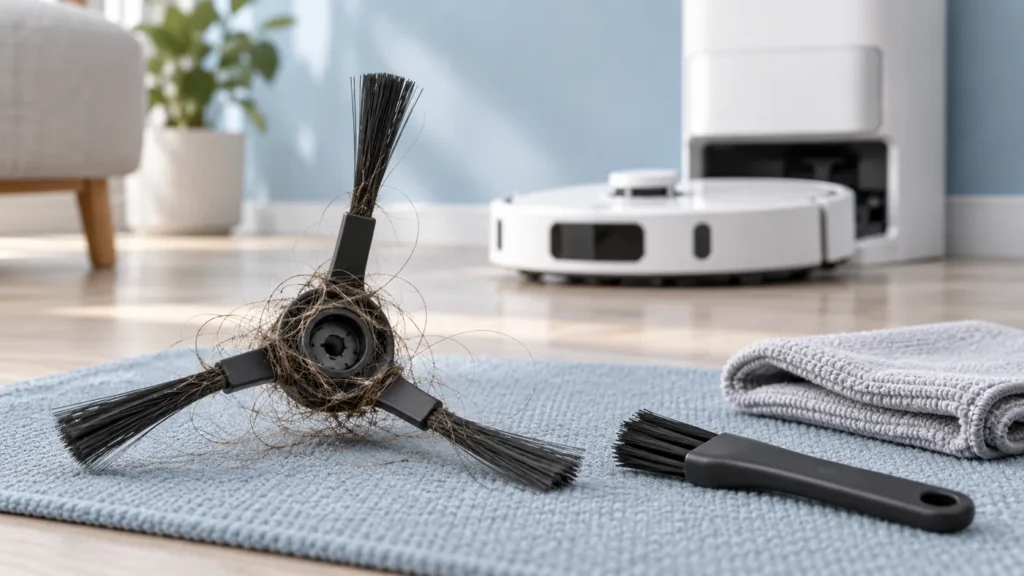
Begin with the quick checks. Stop if a step requires tools or experience you do not have.
To clean the Dreame L10s Ultra side brush, switch off the robot, remove the brush as shown in its manual, clear wrapped hair and refit it securely. Inspect the central fitting and brush arms while the part is out. A clean brush is useful maintenance, but it does not diagnose every pickup or noise problem.
This guide covers the original L10s Ultra. Its side brush is separate from the main roller. Use the correct model’s fitting instructions rather than copying a screw-removal procedure from another robot.
When to inspect the side brush
Look at it when you see tangled hair, an obviously distorted arm or debris left along the cleaning route. If noise began after fitting a replacement, note that timing before removing anything.
| What you find | Next action |
|---|---|
| Hair wrapped around the hub | Remove the brush and clear the accessible tangle. |
| Broken fitting or damaged arm | Confirm a compatible replacement. |
| Brush will not seat normally | Check the fitting and exact accessory compatibility. |
| Brush is clean, symptom remains | Continue with pickup or noise troubleshooting. |
1. Switch off and prepare the robot
Take the robot off its base and turn it off. Work on a clean, soft surface and position it carefully so the raised lidar housing is not bearing its weight. Keep removed parts together.
Photograph the fitted brush if this is your first removal. The picture helps you compare the finished assembly; the manufacturer’s drawing remains the reference for removal direction and mounting.
2. Remove the side brush using the model’s diagram
The original L10s Ultra manual instructs removing and cleaning the side brush. Follow its illustration and handle the central hub rather than pulling on individual bristle arms.
If the brush does not release normally, pause and check the fitting. Do not lever against the underside or add force because a different model’s online instructions say to do so.
Look at the removed hub and the visible mounting area. Note any trapped hair or damage before clearing it. Do not open the drive assembly or pull at parts beyond the removable brush.
3. Remove hair and inspect the brush
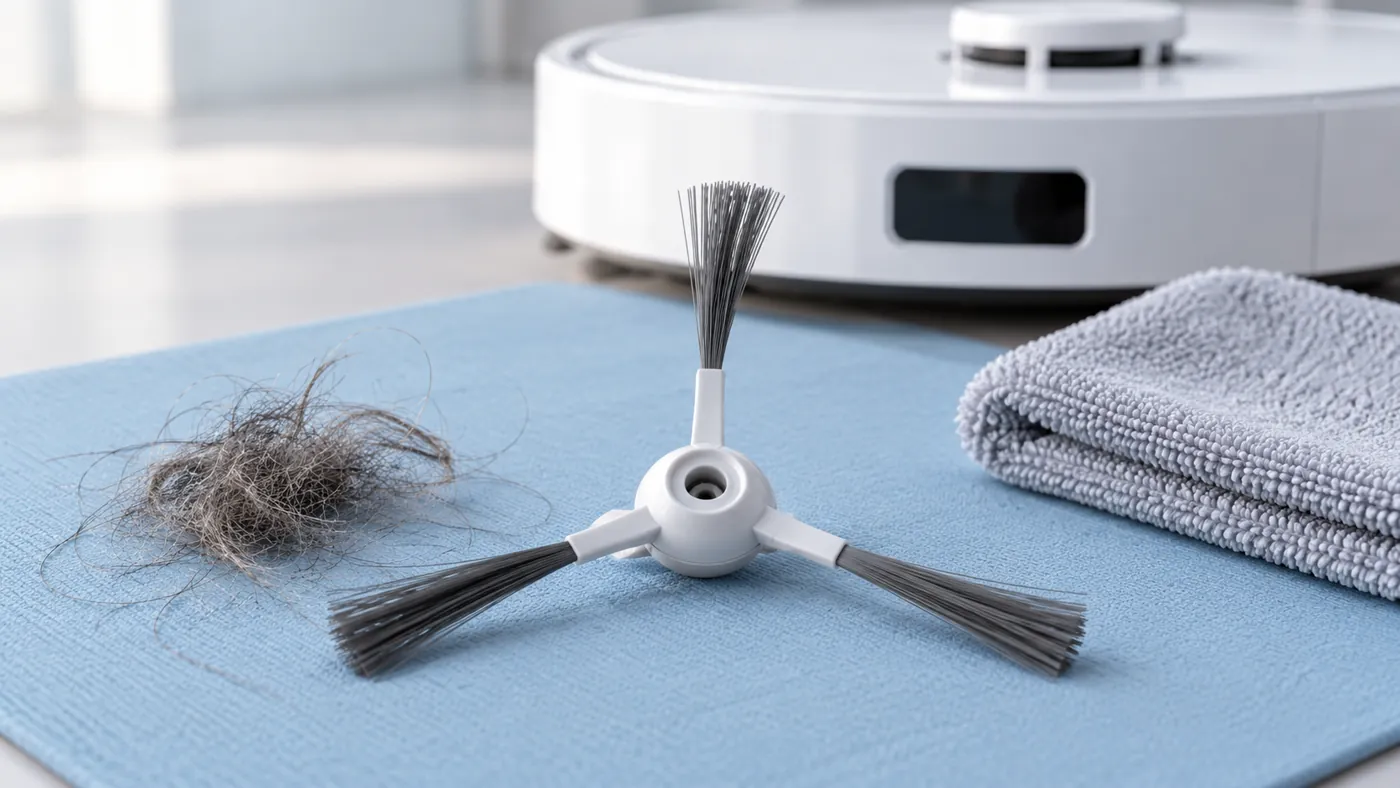
Gently unwind and remove the hair from the brush hub and arms. Gather the loose material into a waste container. Clear visible loose debris from the accessible mounting area without pushing it into the robot.
This procedure uses dry debris removal. It does not require boiling water, lubricant or a chemical soak. Avoid cutting into the brush arms while dealing with a tight tangle.
Inspect the central fitting and each arm. Photograph cracks or a distorted part if you need help choosing a replacement. Cleaning cannot restore a broken mounting point.
4. Refit and check the seating
The original manual says the side brush should click into place when installed. Align it according to the fitting illustration and check that it sits normally. Do not operate with a loose brush.
If a replacement will not fit correctly, compare its model compatibility and hub with the removed part. Do not trim the fitting or assume the robot needs repair because an unverified accessory is different.
5. Compare a short cleaning run
Return the robot upright, turn it on and clean a small familiar area. Observe from a distance without touching the moving brush. Compare the original symptom: edge debris, unusual sound or visible brush behavior.
If pickup remains poor, use the L10s Ultra pickup guide. If noise persists, see unusual noise checks. The main brush and bin and filter have separate maintenance procedures.
Stop if the brush rubs abnormally or comes loose. Send support the fitted-brush photograph and a short recording of the behavior, including what was changed.
FAQ
Can cleaning fix a brush that does not rotate?
Removing a visible tangle is a useful check, but persistent non-rotation needs further diagnosis. Do not force the drive.
Should I replace it just because hair was wrapped around it?
Clear the hair and inspect the fitting and arms first. Visible damage or a poor fit deserves a compatibility check.
Is the side brush cleaned like the main roller?
No. Use its own removal and fitting instructions; the parts have different mountings.
Manufacturer reference
See the original L10s Ultra manual, Routine Maintenance: Side Brush and Before Use: Main Accessories. Browse the Dreame troubleshooting guides for other symptoms.
If the brush remains stationary during cleaning after maintenance and correct fitting, see Dreame L10s Ultra Side Brush Not Spinning.