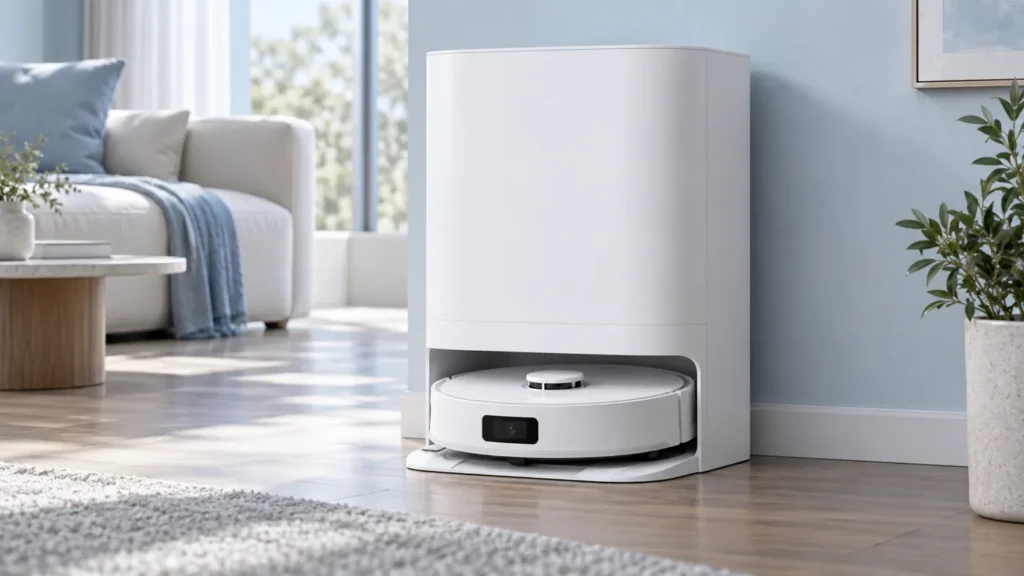
Begin with the quick checks. Stop if a step requires tools or experience you do not have.
If your Dreame L10s Ultra is not washing mop pads, identify where the sequence fails. Does washing never start, begin without water, stop with water in the tray, or complete while leaving the fabric dirty? Those observations lead to different checks.
Record the app or voice warning before restarting. A washing problem is separate from pads that wash normally but remain wet afterward; for that symptom, use the mop drying guide.
Check the stage of the failure
| What happens | Next check |
|---|---|
| No washing cycle begins | Confirm a mopping task and normal station connection. |
| The cycle begins but pads stay dry | Check the clean-water supply and error message. |
| Dirty water remains in the washboard | Follow the drainage checklist. |
| Washing completes but fabric stays heavily soiled | Inspect pad condition and fitting. |
| The station control does not respond | Check Child Lock and station controls. |
1. Confirm that washing is expected
The original manual says pads are washed before mopping. Returns for washing during the task depend on the mop-cleaning frequency in the app. Check the current task mode and that frequency rather than expecting a return after an arbitrary number of minutes.
Start a small mopping task from the normal powered station and observe the preparation stage. Do not move the station, tanks, or washboard during operation. If the robot fails to reach or connect with the base, use the docking failed checklist first.
2. Check the water tanks while the station is idle
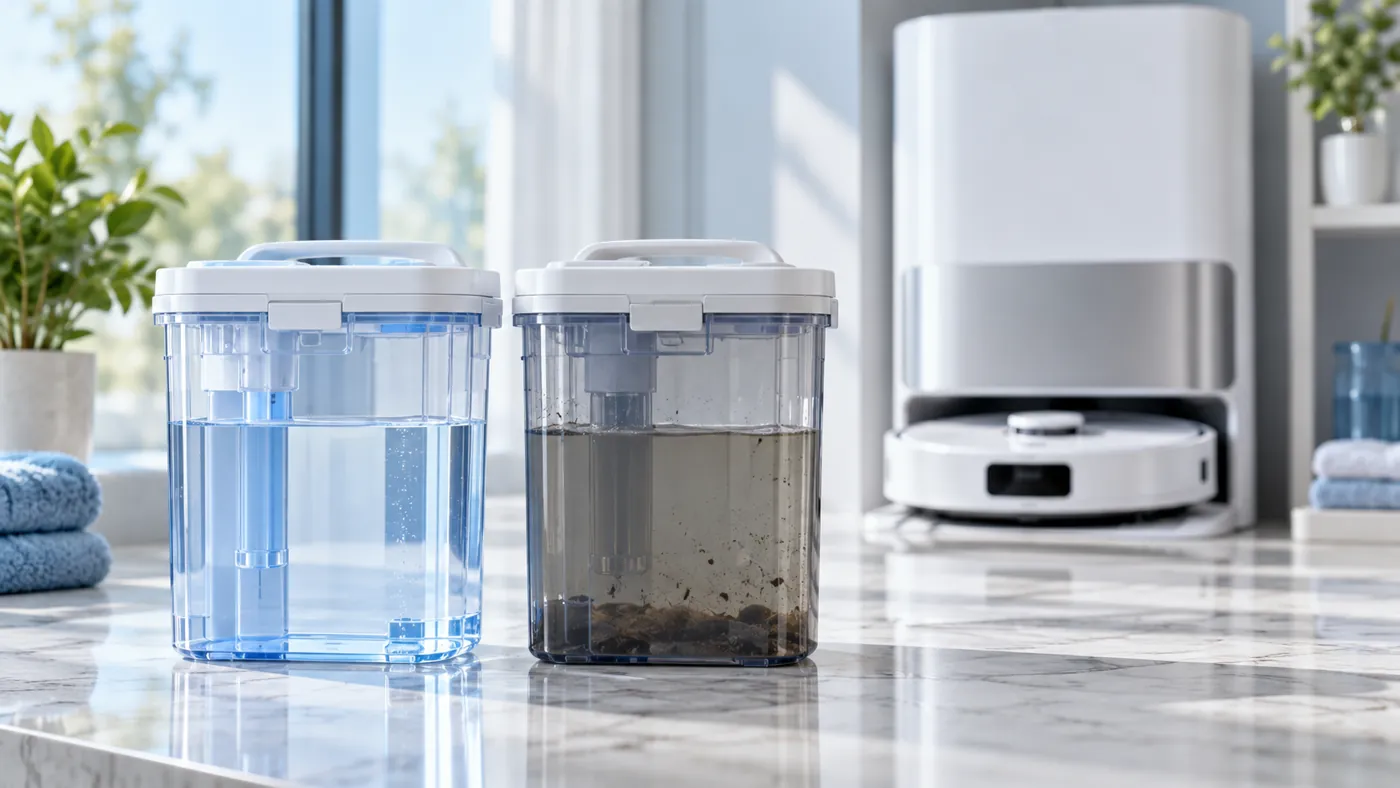
Stop the task before handling the tanks. Check that the clean-water tank contains clean water within its maximum mark and that both tanks are seated normally. Empty the used-water tank and inspect its lid and seal.
Use the water tank maintenance guide for cleaning. Avoid forcing movable floats or fittings. Do not add hot water or substitute household detergent for the manufacturer-approved cleaner.
3. Separate supply from drainage
If the cycle runs but no water reaches the washing area, record that observation and follow the dock-versus-robot water supply guide. A dry result does not identify a failed pump by itself.
If water arrives but remains in the washboard, use the drainage checklist. The manual’s abnormal-water-level checks include used-tank seal and seating, plus obstruction at the washboard drain. Inspect accessible parts with the station stopped; do not repeat cycles into standing water.
4. Inspect the pads and retry once
If washing completes, inspect the fabric after stopping the robot. Look for folded material, loose attachment, or heavily worn pads. A dirty-looking pad alone does not prove that the wash cycle never ran.
For damaged or worn cloths, follow the mop pad replacement guide. After correcting an identified issue, run one small mopping task and compare the same stage. Note the exact point where the result changes.
When to contact support
Send the model, exact error, task mode, tank condition, and a short video of the failed stage. Explain whether water arrives and whether used water is collected. If the robot docks correctly but washing repeatedly fails after accessible checks, ask for service advice before opening the station.
FAQ
Why does it not return to wash as often as I expect?
Review the current mop-cleaning frequency. Compare the selected setting with actual behavior.
Are washing and drying the same fault?
No. Record whether washing completed before investigating drying.
What if pressing the station button does nothing?
Use the station button guide before interpreting that as a water-system failure.
Browse the Dreame troubleshooting hub for related guides.
Manufacturer reference: Dreame L10s Ultra user manual, English edition. Model-specific instructions follow the manual; comparison checks are practical troubleshooting suggestions. This guide covers the original L10s Ultra.
If washing completes but the floor still shows dried marks, follow Dreame L10s Ultra Leaves Streaks After Mopping.
For cleaner-bottle preparation and correct station installation, follow How to Install Dreame L10s Ultra Cleaner Bottle.
If a holder stays still during floor mopping as well, check Dreame L10s Ultra Mop Pads Not Spinning.
For surface debris and the accessible station drain area, follow How to Clean Dreame L10s Ultra Washboard.