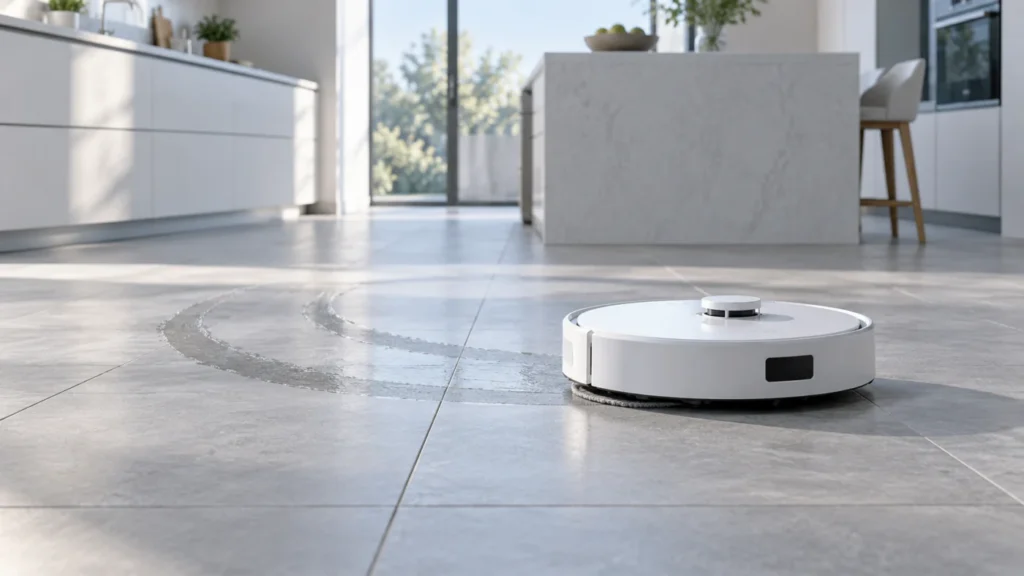
Begin with the quick checks. Stop if a step requires tools or experience you do not have.
Quick answer: If the Qrevo Curv leaves streaks, judge the floor only after it dries. Clean and attach both mop cloths flat, confirm the dock completes a wash, and inspect what is in the clean-water tank. Try one small water-safe floor section before changing settings throughout the home. Marks that begin immediately, build up late in a run, or appear on only one surface suggest different next checks.
Not sure which check to try next?
Follow guided questions and report what changes after each check.
Start step-by-step diagnosisThe Qrevo Curv user manual calls for clean, flat mop cloths and says the wash mode and frequency can be changed in the app. It also warns against disinfectant and excess cleaning solution in the tank. A visible damp track immediately after a pass is not the same as a persistent dry-floor film.
When do the marks appear?
From the first few minutes
Compare the two cloths and their fit, the water in the tank, and any cleaner recently added. Test again with freshly washed cloths.
The first room is fine, but later rooms have dark trails
Inspect the cloths partway through the run. Confirm that the dock actually washes them and consider a shorter wash interval in the app.
Only after the floor dries, or only on one floor type
Compare a small hand-wiped patch with the robot-cleaned area after both dry. Existing residue or the floor finish may be contributing.
One mop leaves a stronger track
Check whether both cloths sit flat and feel similarly damp. For one that stays dry, follow the dry mop pads guide.
Clean the cloths and check the wash
Stop the robot and remove it from the dock before handling the mop cloths. Wash visibly soiled cloths, air-dry as needed, and attach them flat to their mounts. A folded edge or embedded dirt can drag a repeating track. Roborock says a dirty cloth affects mopping performance and recommends replacement every 1–3 months, adjusted for wear.
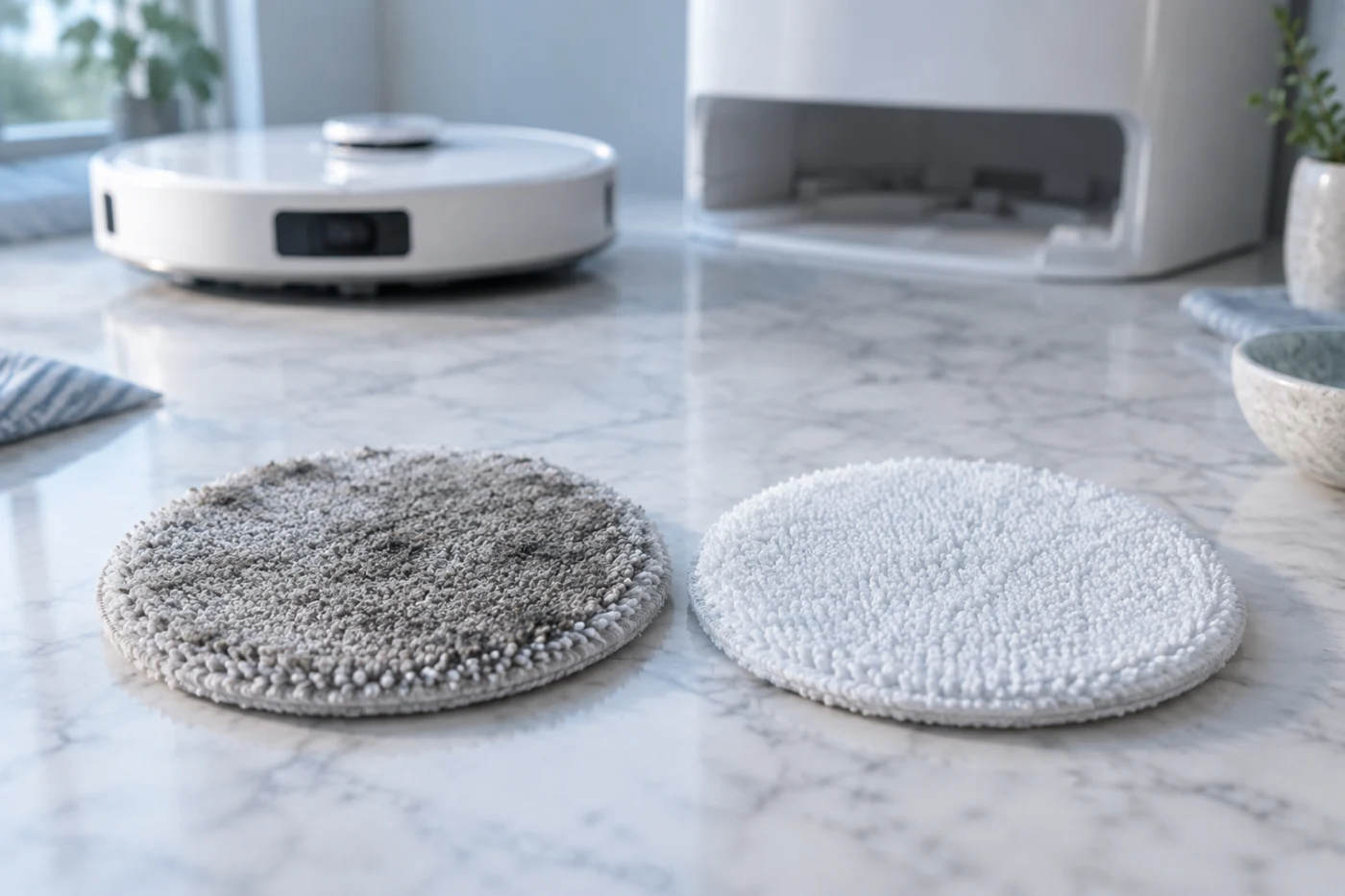
Remove loose grit from the test area or vacuum it first. Then run a manual mop wash and wait for the cycle to finish. If the pads remain soiled or the dock reports an error, use the Qrevo Curv dock-washing guide before testing the floor again. If a long run soils the cloths before the next wash, review mop-wash frequency in the app and change only that setting for the next comparison.
Check the water and cleaner
For a controlled test, use fresh cold tap water in the clean-water tank. If marks began after a new cleaner, rinse the removable tank according to its care instructions and compare a short pass with no added solution. Roborock allows only its recommended cleaning solution and warns that too much can cause slipping; do not use dish soap, vinegar, bleach, or disinfectant.
If the floor remains wet for a long time, compare a lower water setting on a small suitable area, if offered in your app. Let it dry before judging. Change one variable at a time so you can tell whether the cloths, wash frequency, cleaner, or moisture level altered the result.
Compare a small patch by hand
Use an inconspicuous part of a floor whose manufacturer allows damp cleaning. With fresh water, wipe one half lightly using a clean microfiber cloth and let the robot mop the other half with clean pads. Keep people off the wet area until both halves have dried, then compare them in the same light.
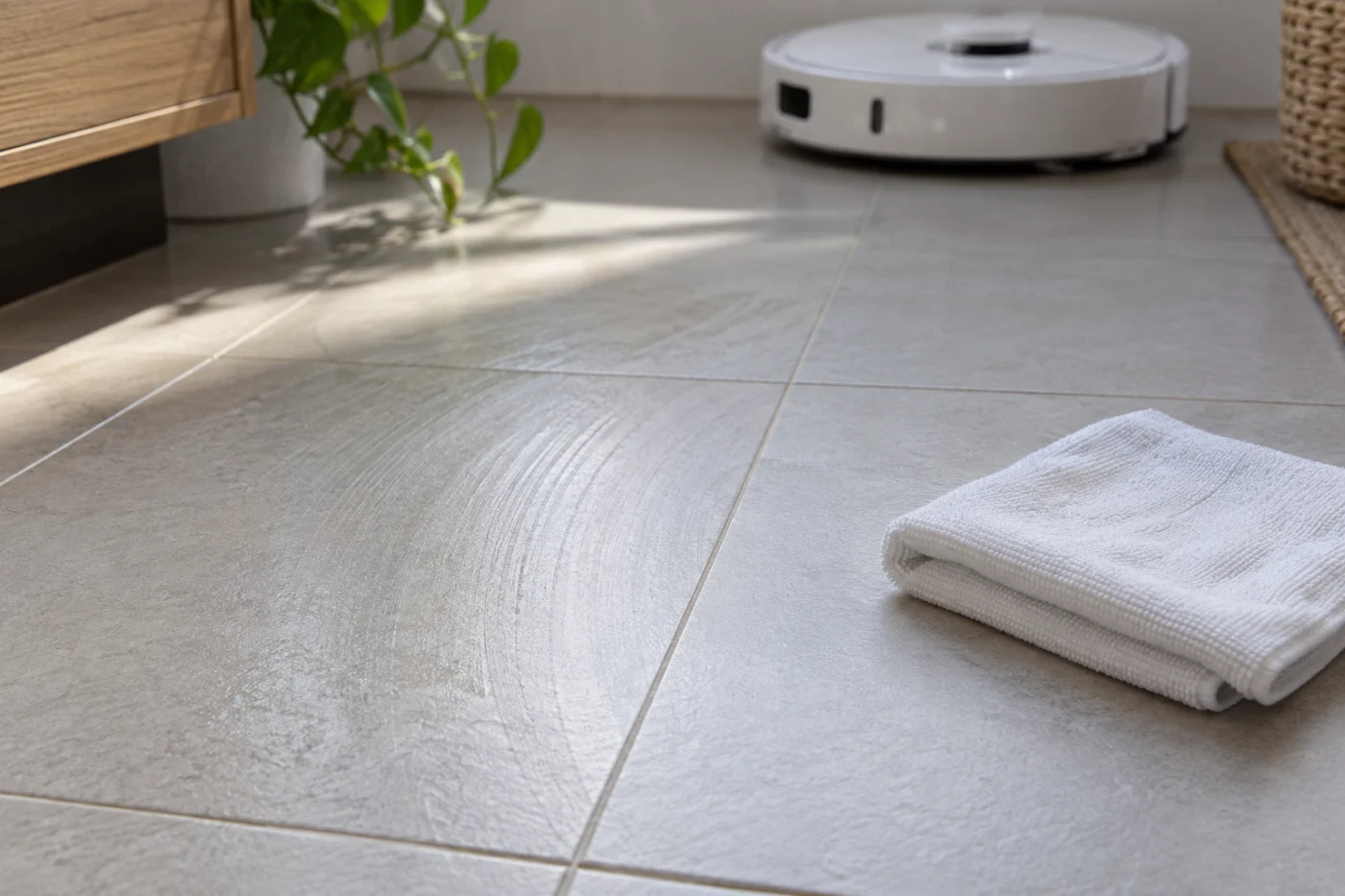
If only the robot’s half has marks, revisit cloth fit, completed dock washing and the selected water setting. If both halves show a similar film, existing residue, the water, or the floor finish may contribute. The patch test narrows the next check; it cannot identify a chemical deposit by appearance alone.
When to get model-specific help
If one side consistently leaves a stronger mark after clean pads and a successful dock wash, record the two cloths’ moisture and a short video of a normal pass for Roborock Support. For pads that dry rapidly during cleaning, follow the moisture guide. For used water left pooling in the tray, see the dirty-water drainage guide.