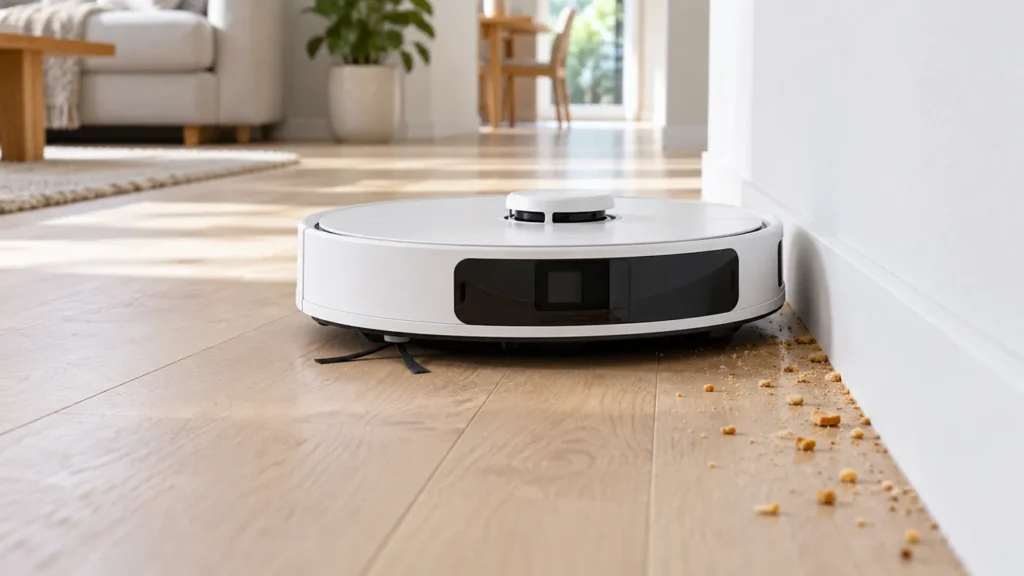
Begin with the quick checks. Stop if a step requires tools or experience you do not have.
If your Roborock S8 side brush is not spinning, stop the robot and check the brush hub before changing app settings or ordering a motor. Hair can hide beneath the brush even when its arms look clean. A loose, damaged or incorrectly fitted brush also deserves attention.
This guide covers the original S8’s fixed side brush. It is separate from the two main rollers underneath the robot. Use the manual for your exact variant if you own an S8 MaxV Ultra or another model with different brush hardware.
Start with the symptom you can see
| What happens | What to check first | Useful next step |
|---|---|---|
| Brush remains still during floor cleaning | Hair around and beneath the hub | Remove the brush and inspect it |
| Brush wobbles or slips | Mounting screw and brush fit | Reinstall it correctly |
| Problem appears on one rug | Fringe or long fibres catching the arms | Compare with a clear hard-floor area |
| Edges stay dirty but brush rotates | Bin, filter and main rollers | Check the full pickup path |
1. Check during cleaning, then switch it off
A brush that is stationary while the robot is parked is not evidence of a fault. Observe it during a short cleaning task on an uncluttered hard floor. Keep hands away from moving parts and note any voice message or app warning.
Pause the task, move the robot off its dock and switch it off before handling the brush. Remove the mop mount and water tank before carefully turning it over on a soft surface. Keep the robot stable without pressing on its lidar turret.
2. Remove the brush and clear the hub
The S8 manual specifies removing the side-brush screw, taking off the brush, cleaning it and reinstalling it. Use a screwdriver that fits the screw head and keep the screw in a small dish so it does not get lost.
Look around the detached brush’s centre for wrapped hair or thread. Remove loose strands carefully, then inspect the mounting area on the robot. Keep liquid out of the drive opening. Do not pry open the motor housing or add oil to try to free it.
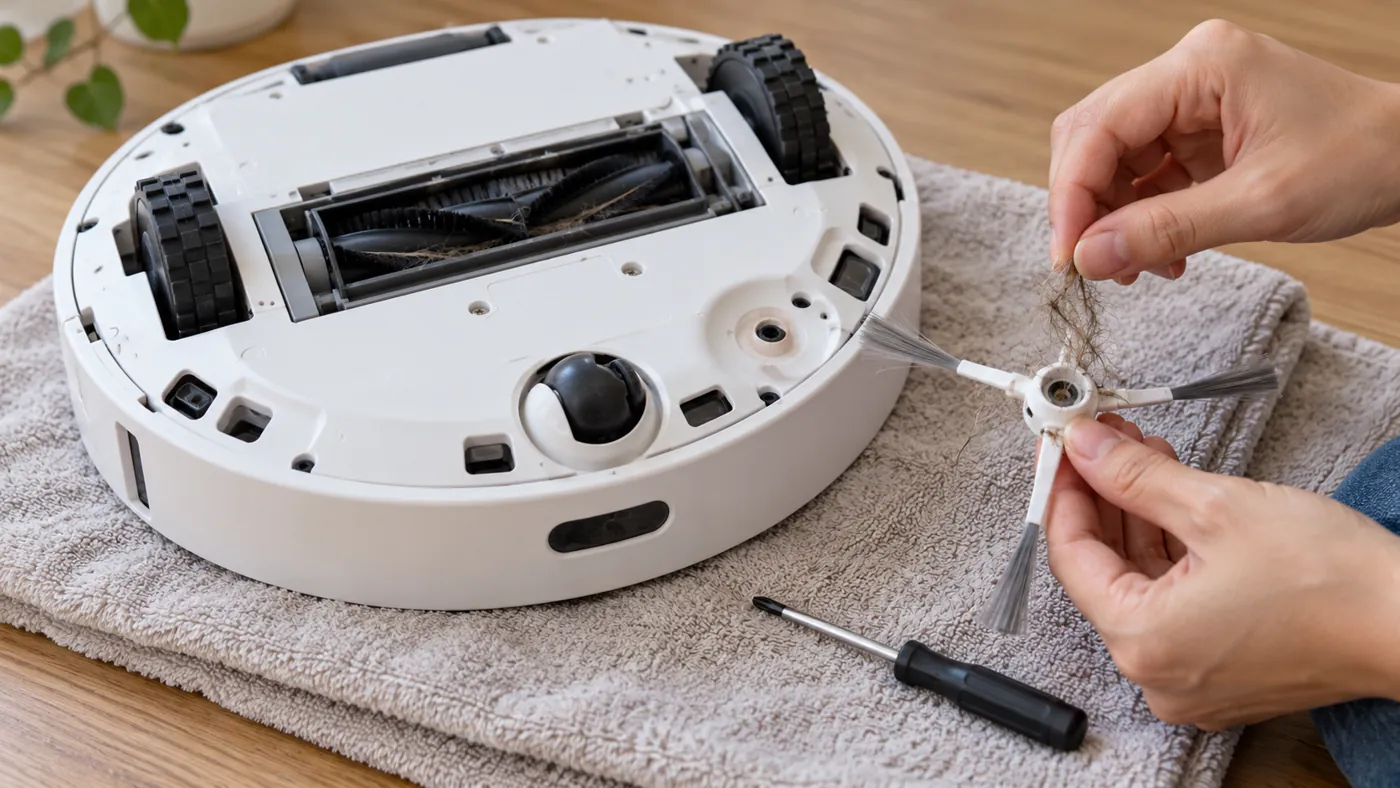
3. Check the brush itself and reinstall it
Inspect the centre for cracks and check whether an arm is broken or badly distorted. A damaged consumable is a reason to verify a replacement brush, rather than assume the motor has failed.
Refit the brush squarely and tighten its screw securely without forcing it. If the screw will not seat or the hub remains loose, stop rather than repeatedly tightening it. Check part fit using our robot vacuum parts compatibility reference.
4. Repeat the same short test
Return the robot upright, reinstall the removed components and run a short clean on the same clear floor. This practical comparison helps you see whether removing the tangle changed the behaviour; it is not a manufacturer motor diagnostic.
If it works there but catches on a fringed rug, secure or remove the fringe and test again. If it stays stationary on the clear floor, or the same warning returns, record a short video and contact Roborock support. Do not buy a motor based on the symptom alone.
If the brush spins but dirt is still left behind
The side brush moves debris toward the pickup area. For dirt left across the whole route, follow S8 not picking up dirt. If the central rollers have stopped, use S8 main brushes not spinning.
FAQ
Should I factory reset the S8 first?
Start with the removable brush and one controlled test. Resetting does not remove hair or repair a cracked hub.
How often should I maintain the side brush?
The S8 manual recommends monthly cleaning and replacement every three to six months. Check sooner if you notice tangles or damage.
Does a stopped side brush mean a failed motor?
No. Inspect the removable brush and its fit first. A persistent problem needs further diagnosis.
Find more model-specific instructions in our Roborock troubleshooting hub.
Sources: Roborock S8 manual, routine maintenance; Roborock’s general maintenance guidance.
If the brush rotates but you hear rattling or scraping, follow our S8 noise troubleshooting guide to compare the brush, wheels, airflow and mop mount.