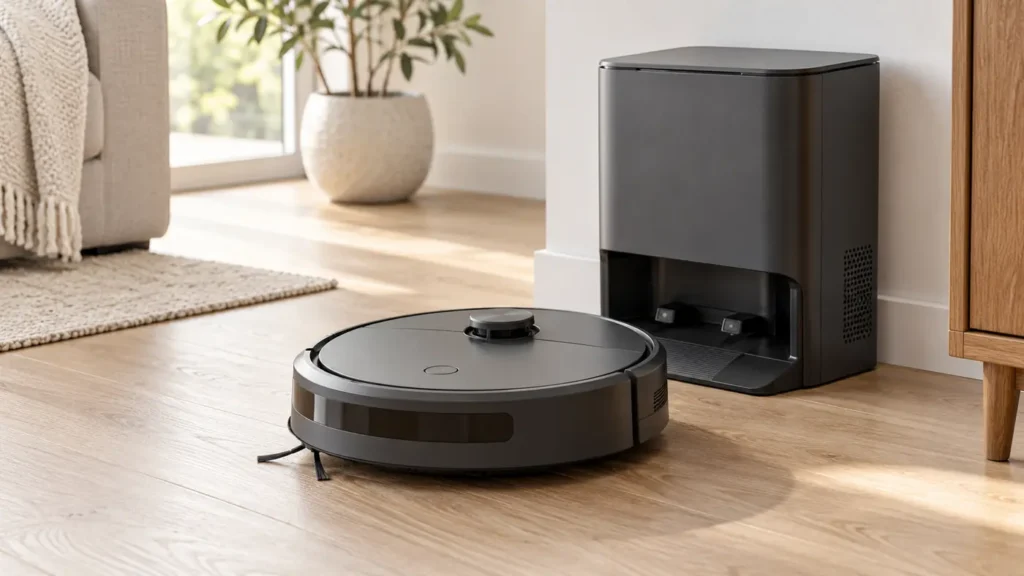
Start with the exact Roomba model and the observed behavior. Published guides cover the vacuum-only j7; guided charging checks also cover j6/j6+, Combo j5/j5+ and Combo j7+. A vacuum-only j7 and Combo j7+ are different models. Note any message in the iRobot app before resetting the robot.
Find the right next check for your robot
Choose the observed symptom and follow one diagnostic question at a time.
Routine care: Open the vacuum-only Roomba j7/j7+ maintenance schedule for brush, filter, contacts and dock upkeep. For the Roomba Combo j7+ mop, use its separate washable-pad instructions and verified pad and filter fit list. Check the exact model before using any interval.
More Roomba models: step-by-step charging checks
Choose the model printed on your robot. Vacuum-only j6/j6+, Combo j5/j5+ and Combo j7+ have separate entries; Combo j7+ is not the vacuum-only j7.
GUIDED DIAGNOSIS
Roomba Combo j5 / j5+
Not charging? Follow questions about the base, seating, contacts and observed charge change.
GUIDED DIAGNOSIS
Roomba j6 / j6+
Not charging? Follow questions about the base, seating, contacts and observed charge change.
GUIDED DIAGNOSIS
Roomba Combo j7+
Not charging? Follow questions about the base, seating, contacts and observed charge change.
Follow the manufacturer instructions linked within each route. External checks alone do not identify a failed internal part.
Roomba j7 diagnostic guides
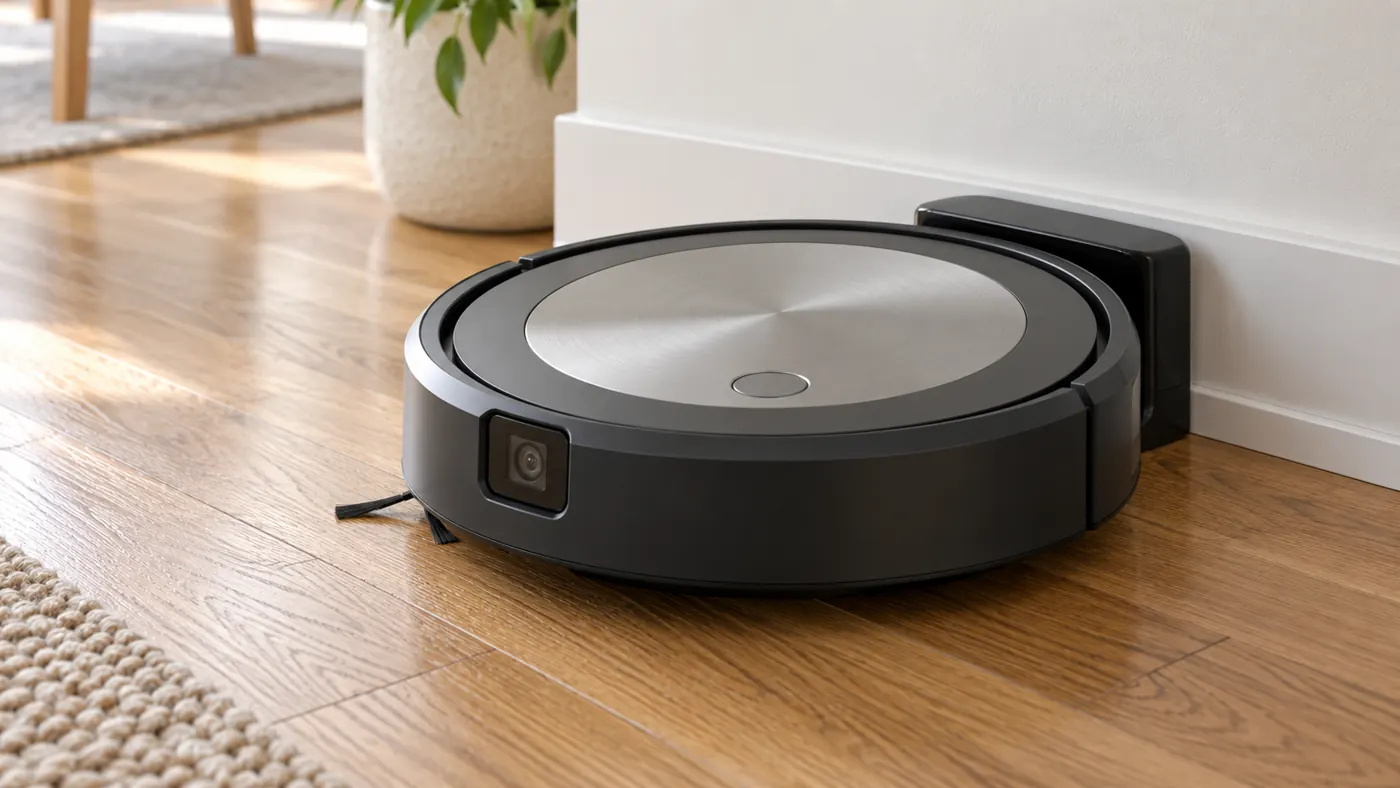
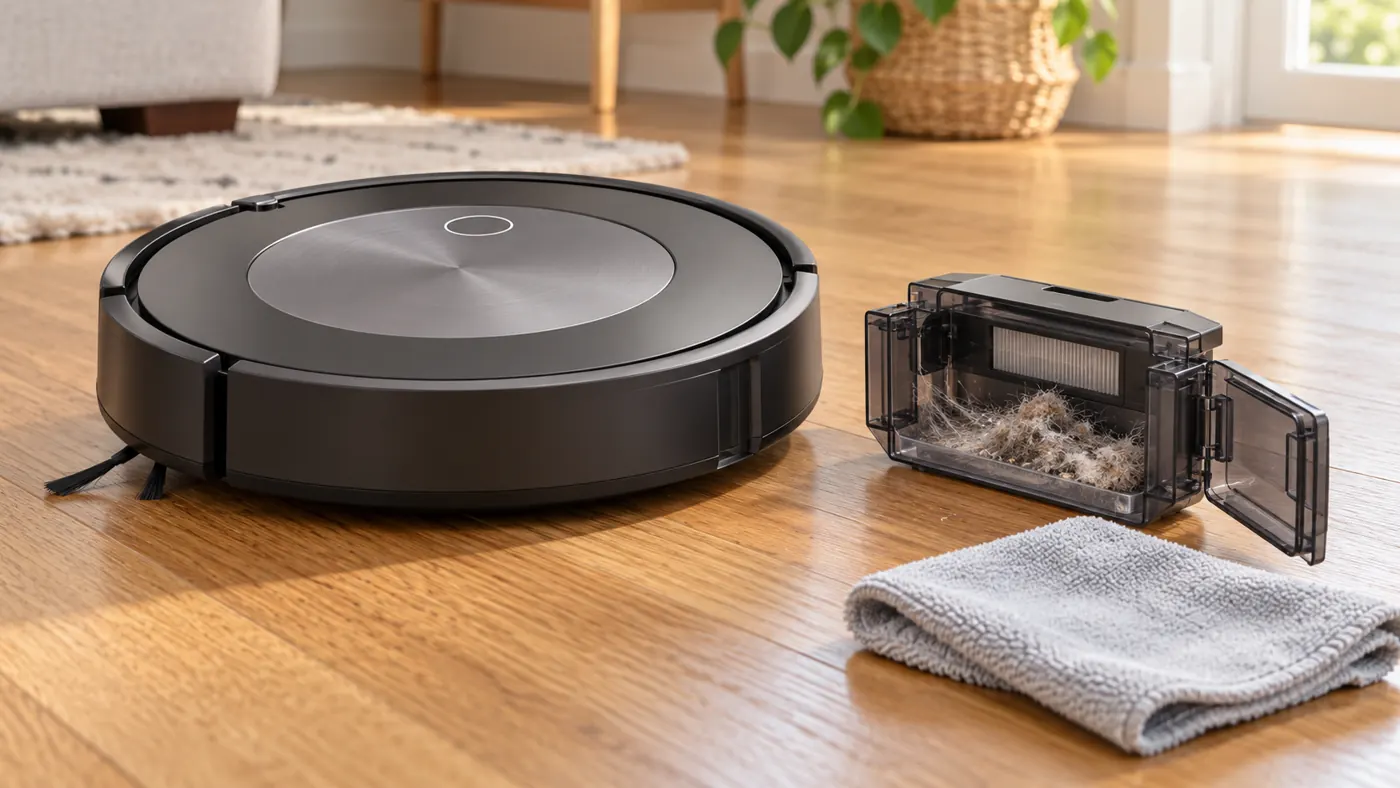
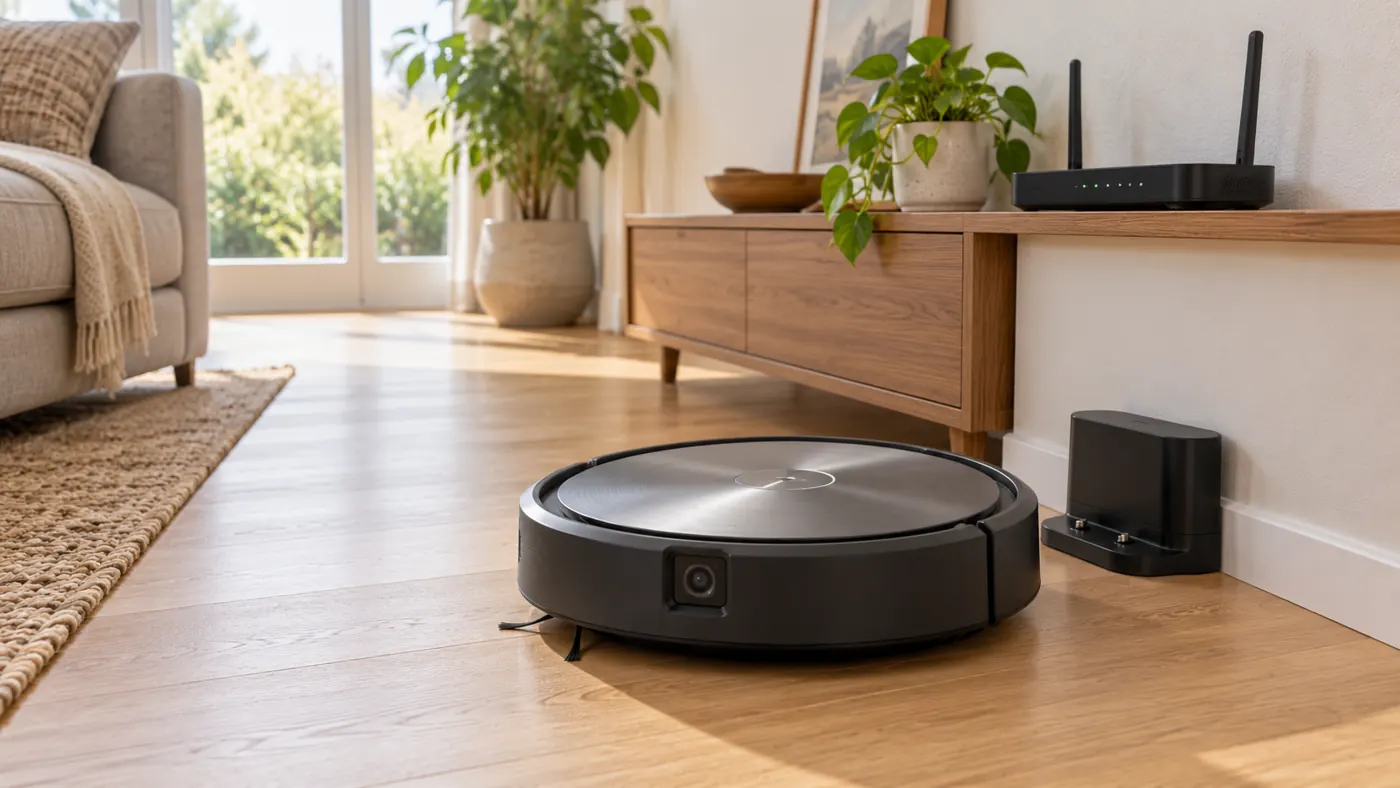
Identify the symptom first
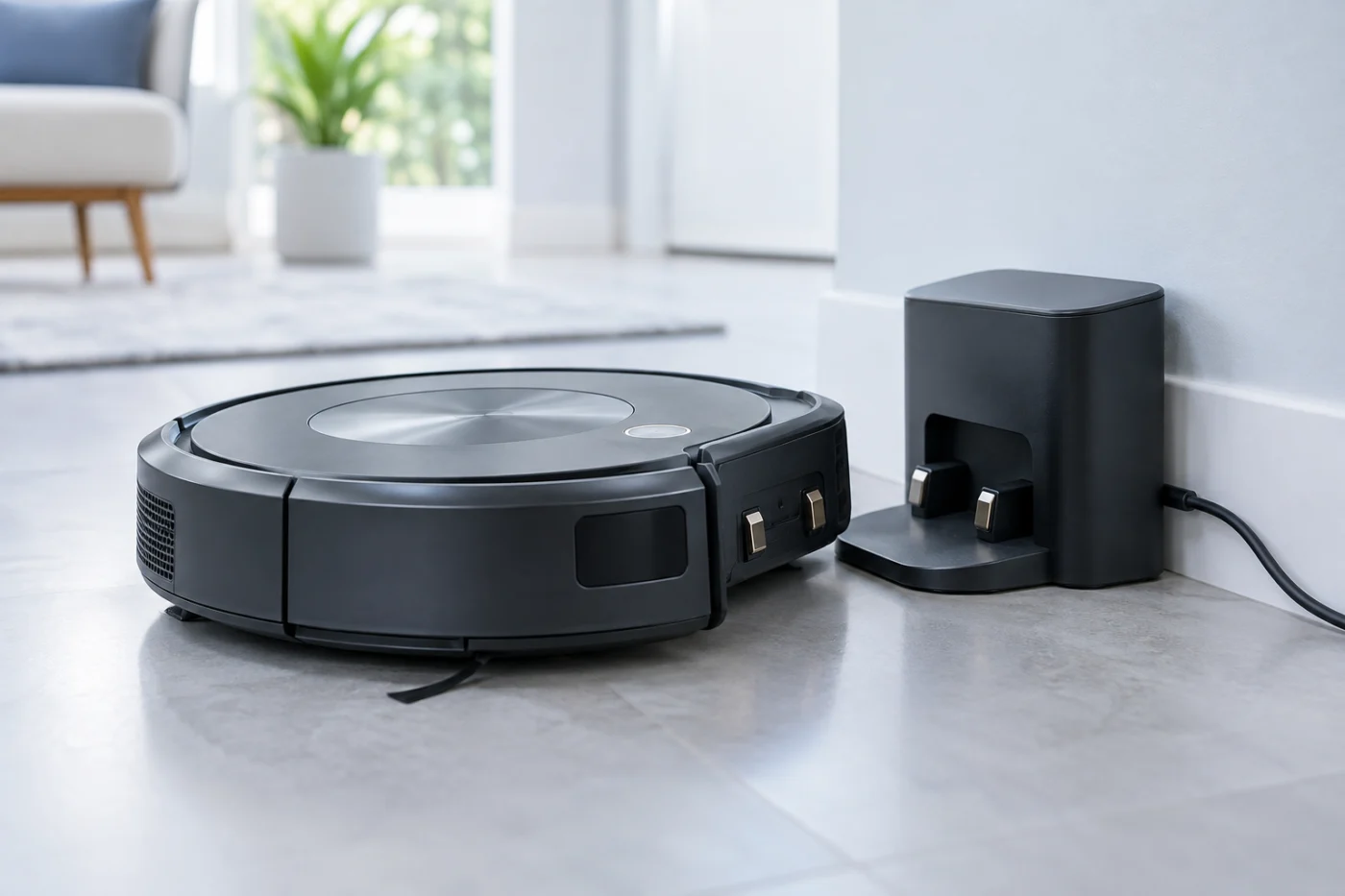
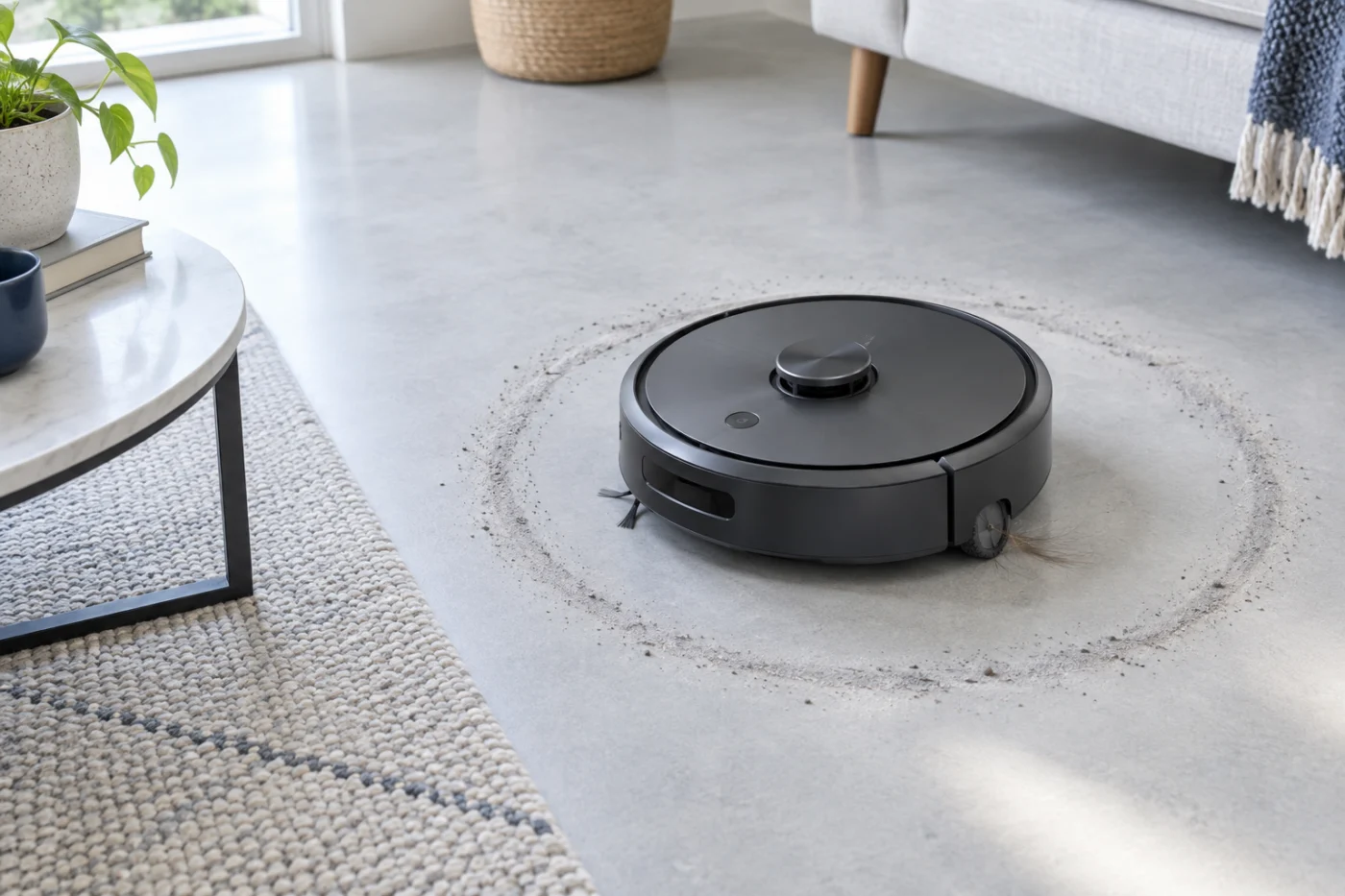
If the j7 reaches the base but does not charge, follow the charging path. If it repeatedly turns to one side while cleaning, follow the wheel and sensor checks. If the app gives a specific error message, write it down; the wording may narrow the affected system. Our Roomba error reference separates a wheel-related Cleaning Error 5 from Charging Error 5.
Switch the robot off before handling removable wheels or brushes. Disconnect the base before cleaning its accessible contacts. Stop if the battery, power cord, or dock is damaged. A replacement battery or wheel module must be checked against the exact model and official part information before purchase.
For verified j7 filters, brushes and Clean Base bags, see the parts compatibility reference. The Roomba j7 and Roomba Combo j7+ do not share every consumable.
Manuals and support
Use iRobot Home Support to confirm model-specific instructions and error messages. RoboFixGuide is independent and is not affiliated with iRobot. More guides are listed in the repair guide directory.