Begin with the quick checks. Stop if a step requires tools or experience you do not have.
Quick answer: If your Roborock Q Revo keeps getting stuck, note exactly where it stops before changing the map. Remove loose cables and rug fringe, check the clearance beneath furniture, then inspect the accessible wheels and brushes with the robot switched off. Compare that location with a short run on clear hard floor. A repeated obstacle problem and a robot that cannot move normally anywhere need different follow-up.
This guide is for the original Q Revo. Keep the exact app alert or voice message: “stuck” describes what you see, but a wheel, brush or cliff-sensor warning gives a more specific starting point.
First, record where and how it stops
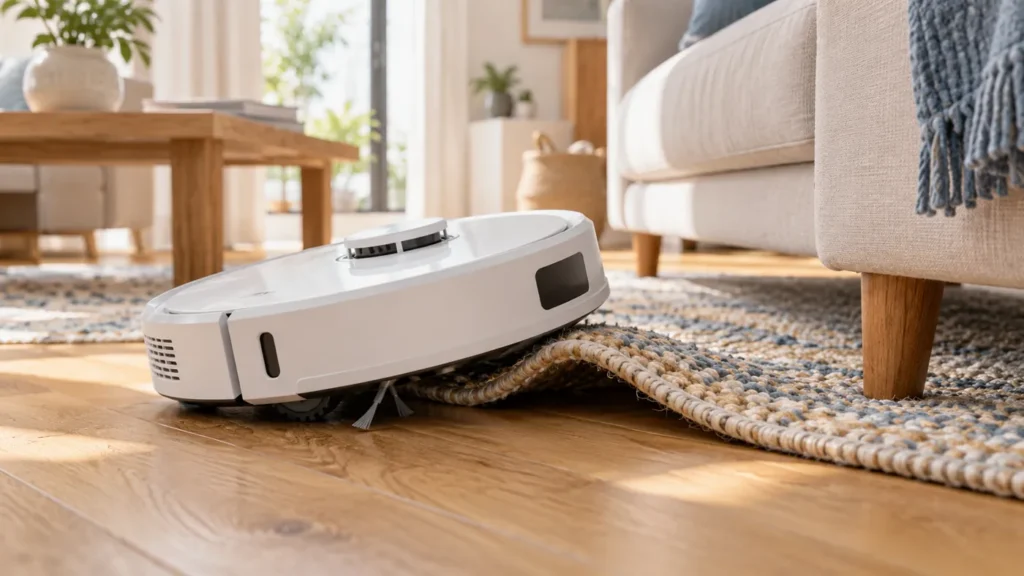
Take a photo before moving anything. Is the robot wedged beneath a sofa, sitting on a doorway ridge, pulling a cord, or standing level with no visible obstacle? Note whether it always fails in the same place.
The comparisons below are RoboFixGuide’s practical troubleshooting method. They help describe a repeatable problem; they are not a substitute for an internal hardware diagnosis.
| Where it stops | Useful next check |
|---|---|
| Under a sofa or cabinet | The lowest clearance along the whole entry and exit path |
| On a rug edge or doorway ridge | Folded material, fringe and whether the body is resting on the obstacle |
| Beside desk or chair legs | Loose cords and a passage too tight to turn in |
| On open, level floor | App warning, accessible wheel debris and dry sensor cleaning |
| Only while returning to its station | Obstacles along the return route and the station approach |
1. Free the robot without pulling on caught objects
Pause the cleaning task. Switch the robot off before removing tangles or checking underneath. If an electrical cord is caught, disconnect it safely at its supply before untangling it; do not tug the robot away by the cord.
Support the body when moving it. The Q Revo manual warns against carrying it by its bumper or top cover. If the robot is wedged beneath heavy furniture, get help moving the furniture safely rather than forcing the robot through the gap.
2. Clear cords, fringe and loose fabric
Roborock’s original Q Revo setup instructions call for clearing cables and loose items from the floor. Look beyond the obvious charging lead: curtain hems, drawstrings, thin lamp cords and rug tassels can sit directly in the cleaning path.
Secure the cord above floor level or move it out of the route. Flatten or remove the troublesome rug for a comparison run. Change one thing first: if you remove the rug and move every chair at once, you will not know which change helped.
3. Check the full space beneath furniture
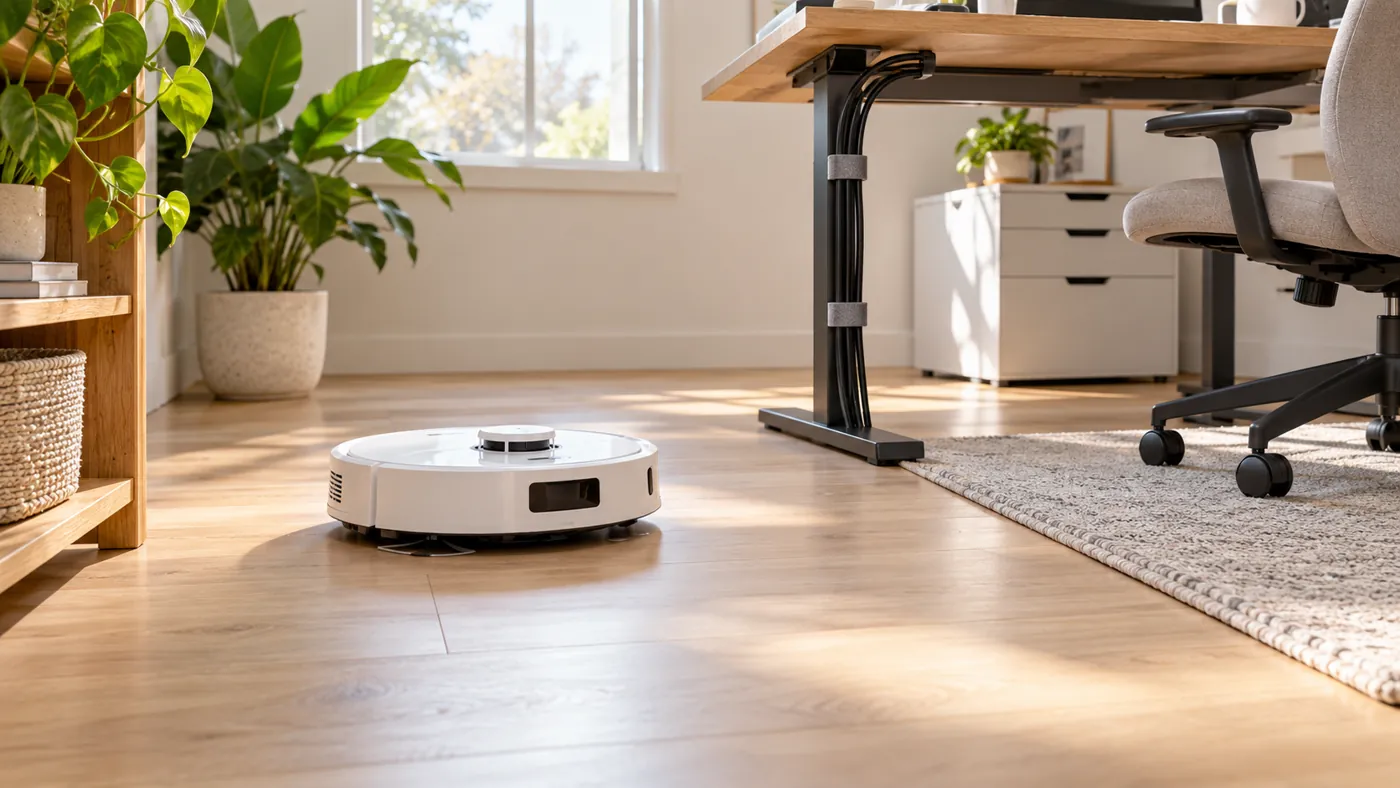
An opening can look generous at the front while a crossbar, uneven floor or lower section farther inside leaves too little room. Check the narrowest point without sending the robot in again. Allow for its highest point, not only the edge of its body.
If it repeatedly wedges in that space, block access securely or use a no-go zone in the app where available. Check the saved boundary in a supervised run. Do not treat a virtual boundary as protection against a fall: the original manual requires a secure physical barrier in raised areas.
4. Compare the doorway or rug with clear hard floor
If the robot gets stranded halfway across an edge, note whether its wheels lose contact or its body rests on the ridge. Do not keep sending it against the same obstacle. Exclude that passage temporarily and see whether the remaining room cleans normally.
A nominal obstacle-height claim would not establish whether your particular ridge is passable: its shape, approach and nearby floor matter. This guide therefore does not prescribe a universal threshold height or recommend an improvised ramp.
If a loose side brush is catching on the rug, follow the Q Revo side-brush checks. Avoid transferring a Curv-specific climbing or brush instruction to this original model.
5. Check accessible wheels, brushes and sensors
With the robot off and supported securely, look for visible debris around the drive wheels, front wheel and brushes. Keep the inspection external. For component removal, follow the diagrams in your original Q Revo manual.
The manual specifies a soft, dry cloth for the main wheels and sensors. Wipe the accessible sensor windows, including the cliff sensors; do not cover them with tape or introduce water into the robot.
Roborock’s support guidance links Error 7 to checking the wheels for obstruction and Error 4 to cliff-sensor cleaning and dark or shaggy carpet. Follow the actual alert shown on your robot. Neither message alone proves that a wheel motor or sensor needs replacement.
6. Run one controlled comparison
- Choose a clear, level hard-floor area away from stairs and loose objects.
- Place the robot upright, start a short task, and observe its movement without touching it.
- Record whether it travels normally or stops with the same warning.
- If it works there, test the original area only after removing or excluding the suspected obstacle.
Working normally in the clear area makes a location-related cause worth investigating first. Repeating the same failure on clear floor makes the saved error and video particularly useful for support. These are troubleshooting inferences, not conclusive part tests.
Do not erase a working map simply because the robot caught a cable. If the physical trap is still present, rebuilding the map does not remove it.
When the problem happens only near the dock
Separate a trapped robot from a robot that reaches the station but fails to empty or wash. For a route problem, inspect the approach for cords, chair legs and a movable mat. Use the original manual’s placement instructions for your station.
If it docks successfully but leaves dirt in its bin, use the Q Revo auto-empty guide. If the mops remain dry after a wash, use the mop pads not getting wet guide. Those symptoms need different checks.
When to contact support
Stop testing if a wheel appears damaged, there is grinding or unusual heat, or the same movement error returns on clear floor after accessible debris is removed. Send the exact model, warning, location photo and a short video. Mention whether it began after a collision or maintenance.
Do not force a stiff wheel, open its drive assembly, or repeatedly rescue the robot from the same tight gap. Have the internal mechanism assessed by qualified support.
Frequently asked questions
Why does my Q Revo get stuck in the same place?
Compare the actual contact point: a rug fold, low crossbar or loose cord may explain a repeatable trap. Remove or exclude that feature and observe another supervised run before changing several settings.
Will a no-go zone solve it?
It can help the robot avoid an unsuitable cleaning area. Verify the boundary on the correct map and watch the next run. Keep physical barriers at stairs or other fall hazards.
Should I cover the cliff sensors for a dark rug?
No. Keep the sensors unobstructed. Follow the displayed alert and compare with a different, safe floor area; do not disable fall detection.
Should I buy a wheel assembly?
Not from the symptom alone. A location comparison, visible obstruction check and exact error give support a better basis for deciding whether a part is faulty.
Find other model-specific checks in the Q Revo troubleshooting hub.
Sources and method: The original Q Revo manual supplies the setup, handling and cleaning precautions. Roborock’s Qrevo troubleshooting page supplies the Error 7 and Error 4 guidance. The location checklist and comparison method are editorial troubleshooting suggestions.
RoboFixGuide is independent of Roborock. Generated illustrations show representative situations, not exact service diagrams.