Begin with the quick checks. Stop if a step requires tools or experience you do not have.
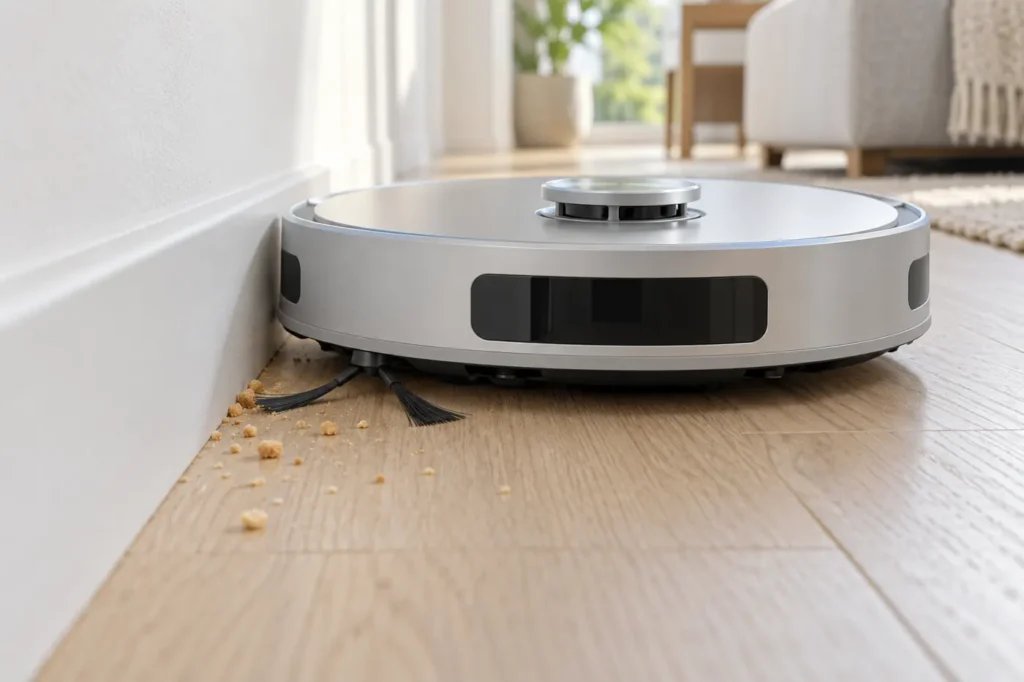
An Ecovacs T20 OMNI side brush not spinning can leave dust along walls even when the middle of the room looks clean. Before buying a replacement, observe the brush during an ordinary vacuuming pass, then check for hair around its hub and correct installation. A stationary brush in a photograph of a paused robot does not establish a fault.
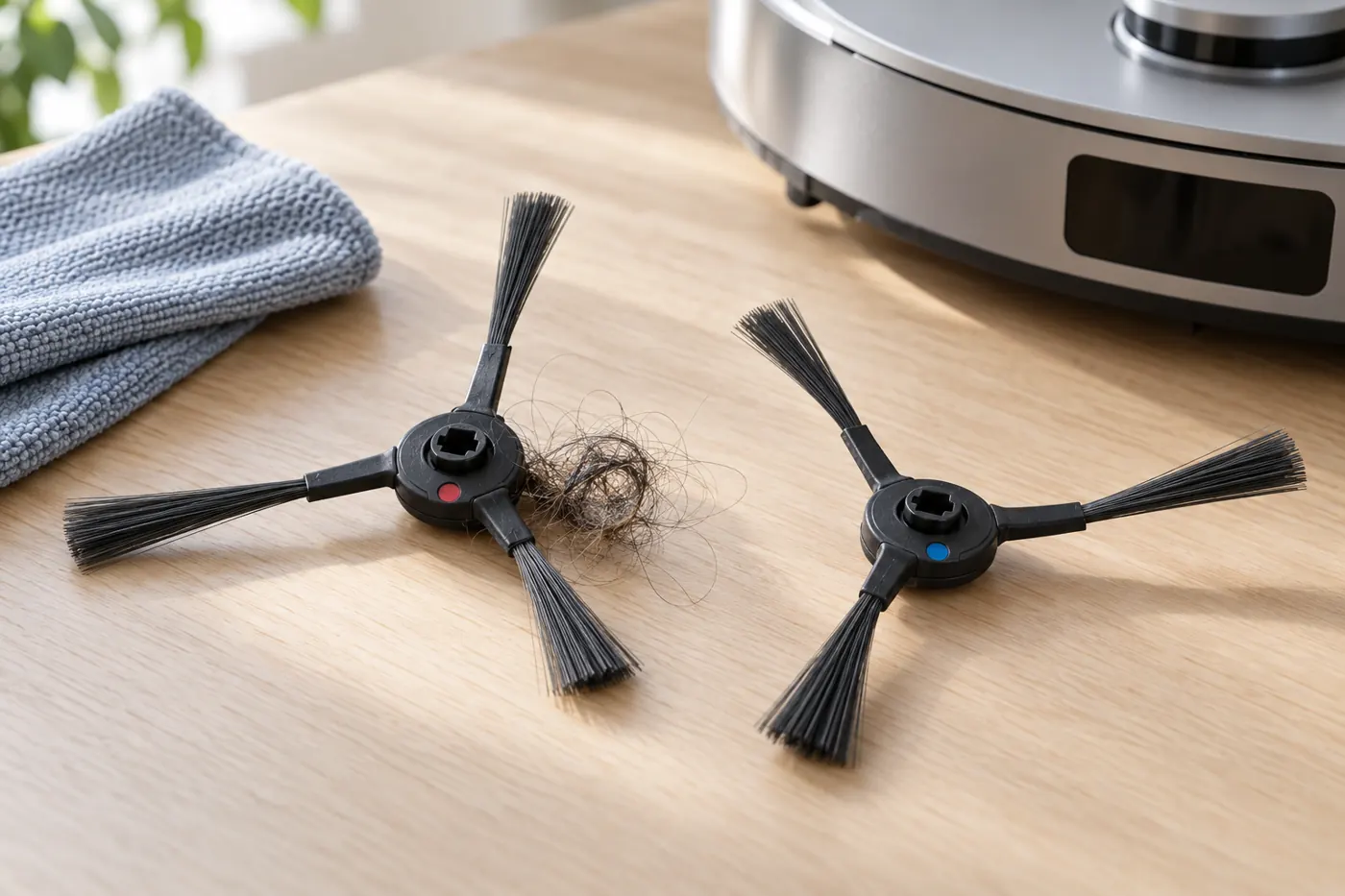
The T20 OMNI has removable side brushes with matching mounting positions. Ecovacs specifies matching each brush’s color marking to its slot. This matters after maintenance: a part that looks seated from above may still need to be removed and installed correctly.
Identify the pattern first
| What you see | Check first |
|---|---|
| One brush stays still on clear hard floor | Hair at that hub, seating and visible damage |
| The problem began after cleaning or replacement | Color-matched position and correct T20 part |
| Brush moves but scrapes or wobbles | Loose fitting, damaged hub or bent arms |
| Both brushes are still while the robot is paused | Observe an active vacuuming pass |
| Brushes turn but crumbs remain under the robot | Dustbin, filter and main-brush pickup |
1. Observe an active cleaning pass
Choose an open hard-floor area and start a task that includes vacuuming. Watch from a safe distance without putting your hand under the moving robot. Note whether one brush or both stop, whether the robot reports an alert and whether the problem happens only beside an obstacle.
Remove loose cords and move the test away from rug fringe. If the brush moves freely in the open area but catches repeatedly at the same furniture leg, photograph that location. An obstacle-related snag and a brush that remains motionless everywhere need different follow-up checks.
2. Switch off and remove the affected brush
Stop the robot, switch it off and place it upside down on a soft, stable surface. Follow Ecovacs’ T20 OMNI side-brush cleaning instructions: gently pull the side brush upward to remove it, clear entangled debris around the bearing area, then push it back into the color-matched slot until it clicks.
These instructions describe a pull-off fitting. Do not introduce a screwdriver or loosen unrelated underside screws. If the brush will not release with gentle handling, stop and consult the model instructions rather than forcing the hub.
3. Inspect the hub before reinstalling
Look closely at hair wound around the center rather than only at the ends of the bristles. Clear visible debris gently. Check the removed brush for a cracked center, missing arms or a distorted fitting. Wipe accessible dirt with a soft cloth; do not pour water into the mounting area or add lubricant as a diagnostic shortcut.
Compare the markings on the brush and robot before refitting. Keep the correct brush in its matching position instead of swapping the two sides as an experiment. After installation, check that the hub sits evenly. A brush that repeatedly falls off or cannot click into place should not be trusted for another full cleaning run.
4. Review recently fitted replacement parts
If the failure started immediately after fitting a new brush, confirm that the packaging explicitly lists T20 OMNI compatibility. Similar-looking brushes from another DEEBOT model can make visual comparison misleading. Check the T20 parts compatibility section before purchasing another set.
Keep the original part if it is available and record the replacement’s product number. A clear photo of both hubs helps support assess a fitting issue. Do not reshape the mounting hole or file the robot’s mount to make an uncertain replacement fit.
5. Repeat one controlled test
Return the robot upright, switch it on and repeat the same short vacuuming task. Keep the floor area and cleaning settings consistent. Watch for smooth movement, scraping and another stop at the same location. A brief video is more useful than a description that the brush “sometimes works.”
If the cleaned, correctly installed brush remains still on clear floor, stop repeated trials and contact Ecovacs. Supply the model, any alert message, the affected side and whether the issue began after maintenance. Visible damage or recurring scraping also warrants support advice. These observations do not, by themselves, identify a failed internal motor.
When the side brush is not the main problem
If both side brushes move but the robot leaves debris directly underneath its path, follow T20 OMNI pickup troubleshooting for the bin, filter and central brush. If it simply never reaches the dirty edge, review map and coverage checks before replacing working parts.
Frequently asked questions
Can I test it while holding the robot upside down?
Use an ordinary floor-cleaning task for observation. Keep the power off whenever you handle the underside or remove a brush.
Does a still brush always mean its motor failed?
No. Tangled hair, incorrect fitting, a damaged hub and the robot’s current task state need to be checked first.
Should I swap the brushes to test them?
Follow the manufacturer’s color-matched installation. Swapping positions makes the test harder to interpret and conflicts with that fitting instruction.
How can I reduce repeat tangles?
Check the hubs during your T20 maintenance routine, especially after collecting hair. Stop when a snag first appears rather than waiting for severe buildup.
Visit the Ecovacs troubleshooting hub for related T20 OMNI guides.