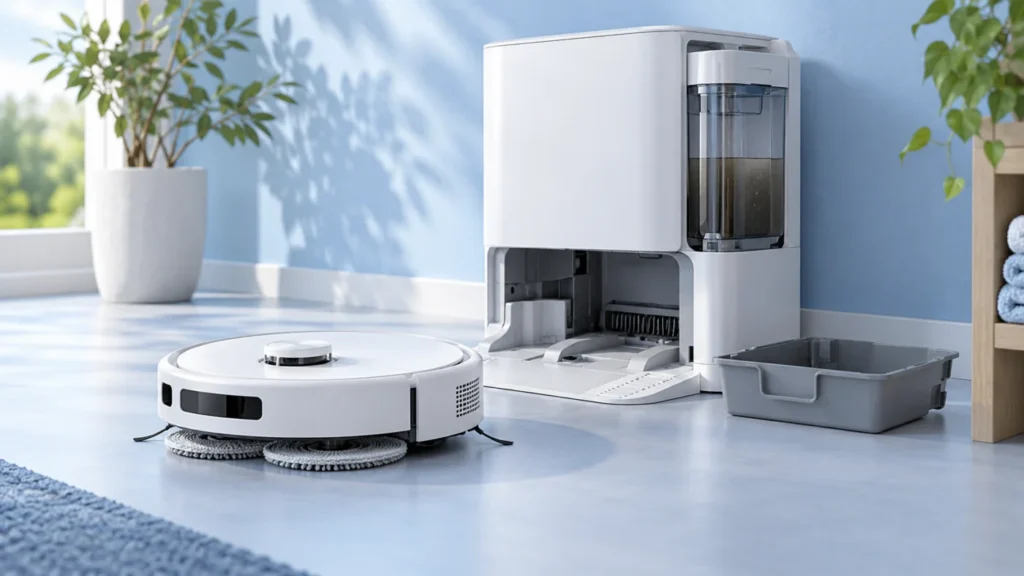
Start with the exact Ecovacs DEEBOT model and the symptom shown by the robot or OMNI station. Dock, water, brush, and app procedures can differ between models.
Find the right next check for your robot
Choose the observed symptom and follow one diagnostic question at a time.
T20 OMNI
Station reports a full cleaning sink or dirty water is not collected? Answer the T20 OMNI checks in order.
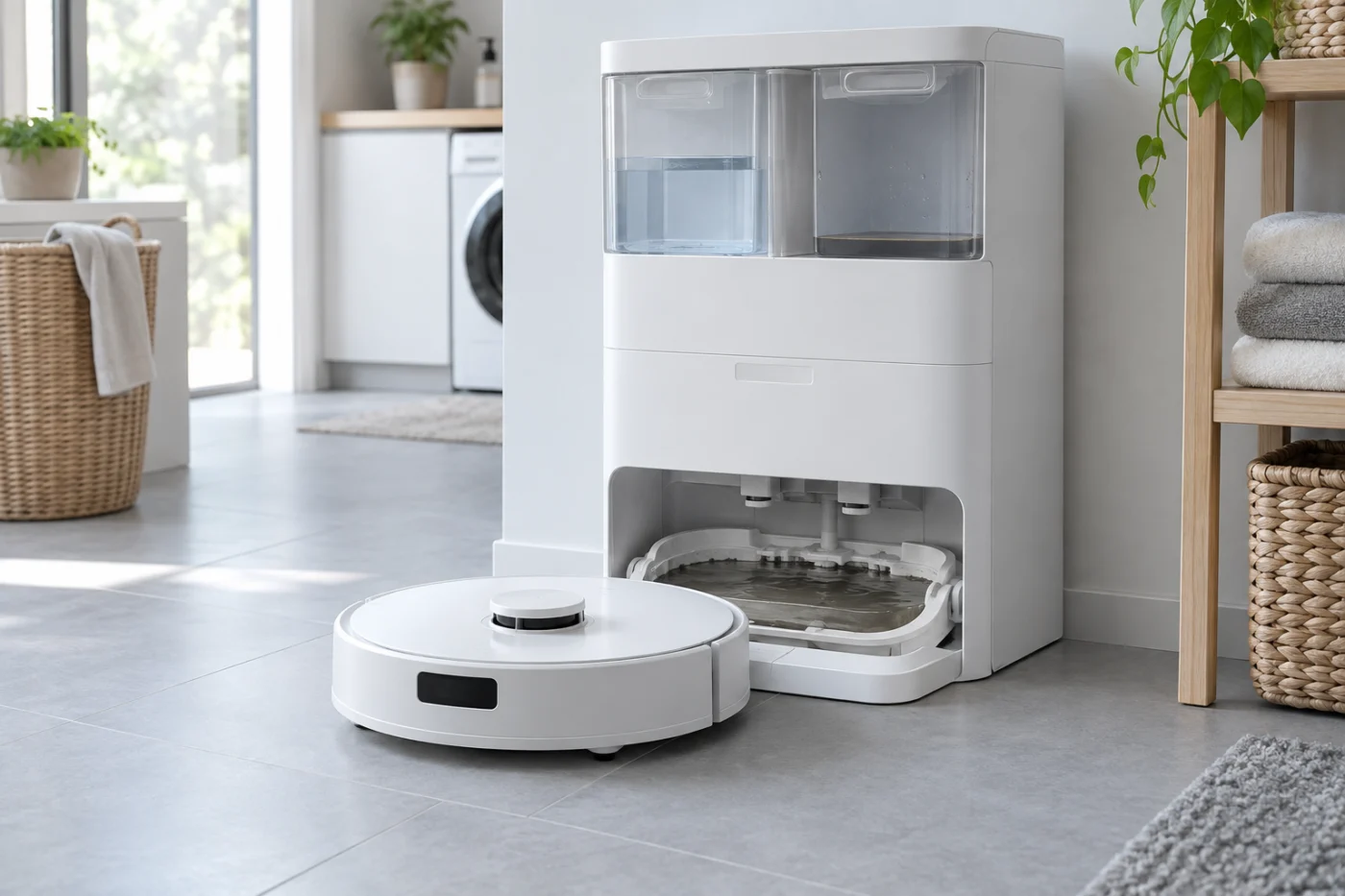
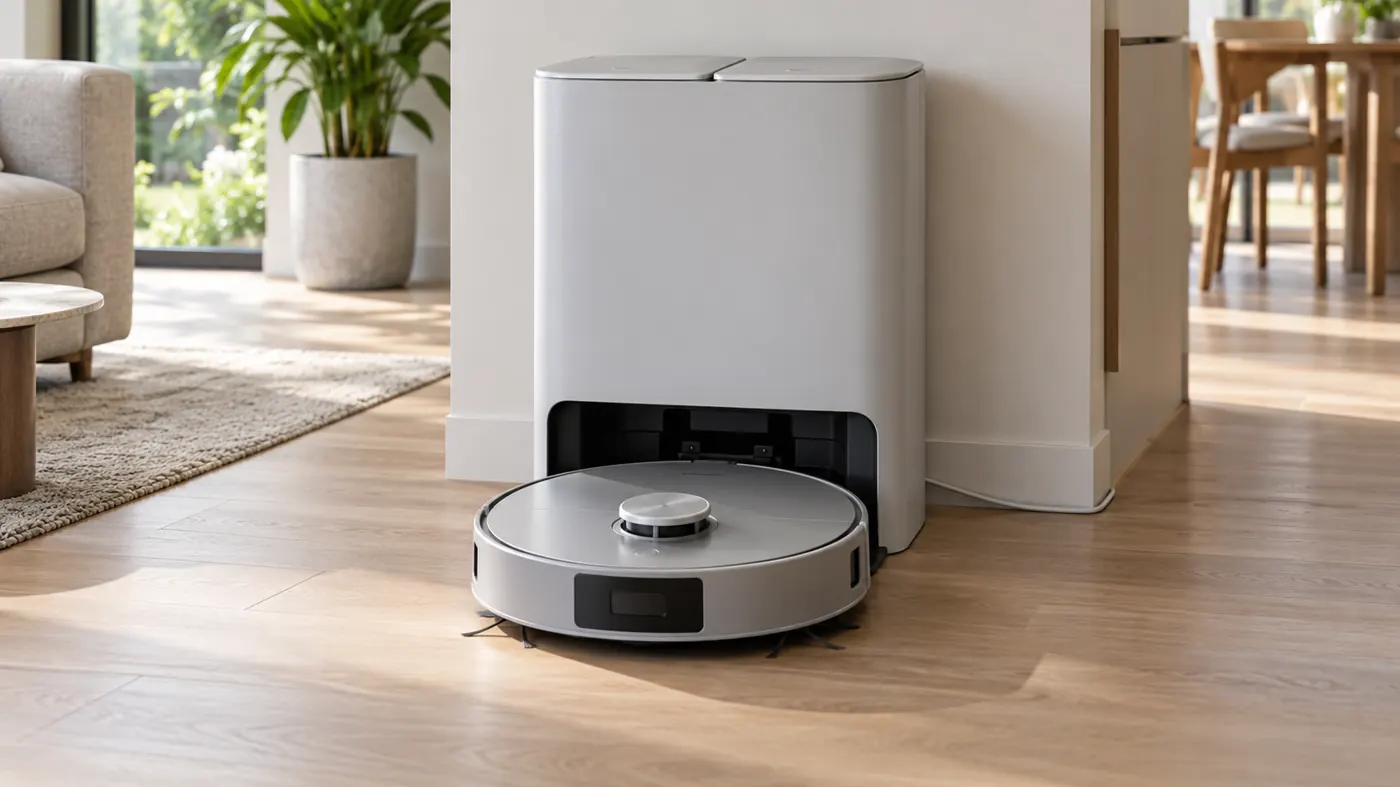
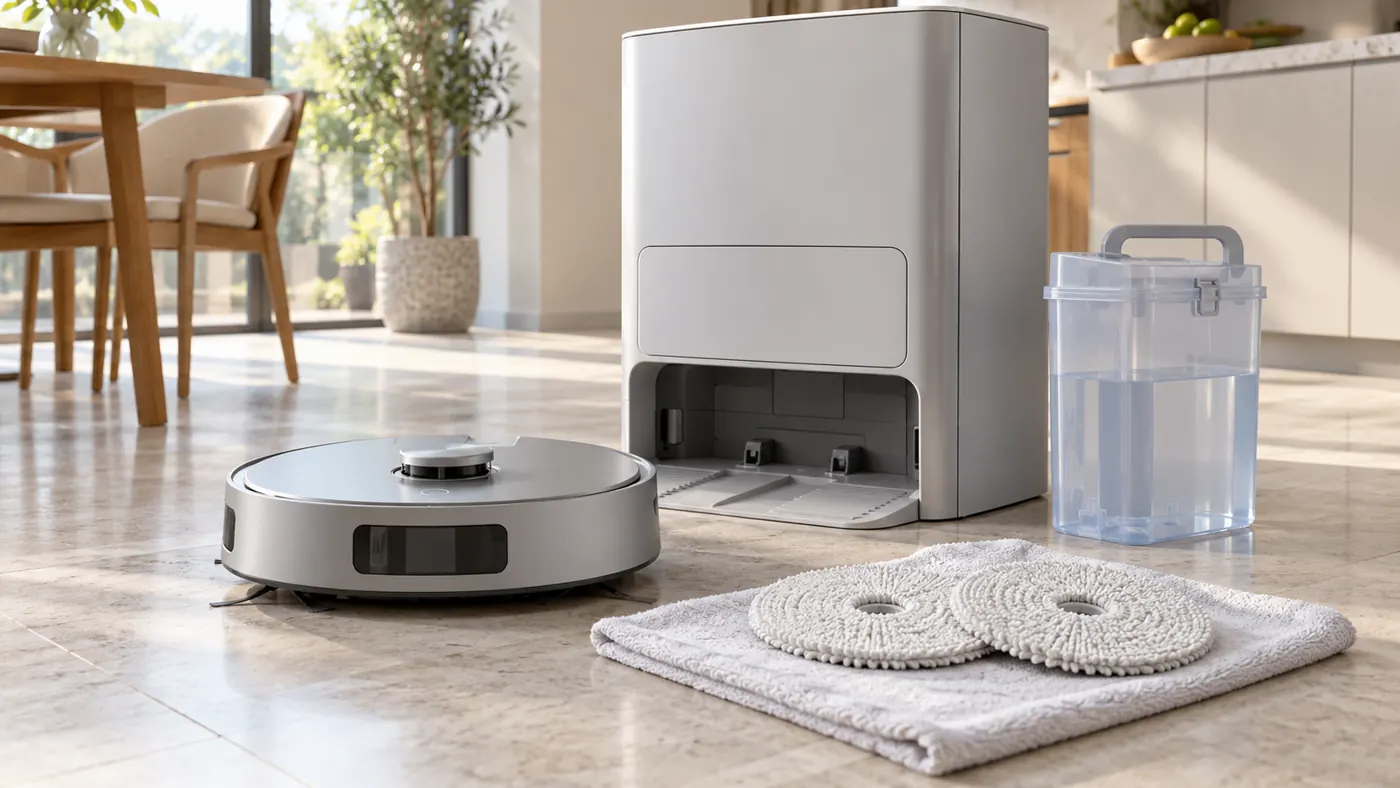
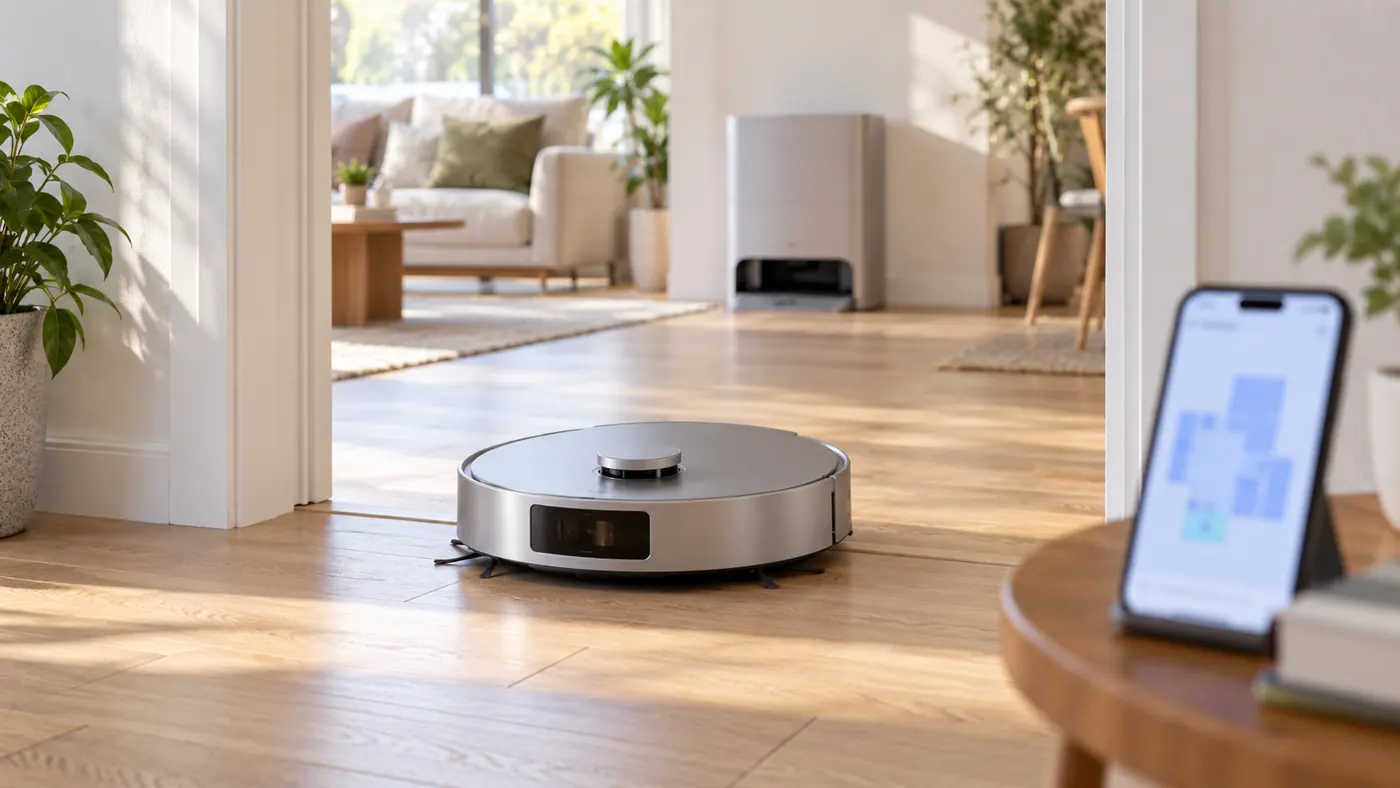
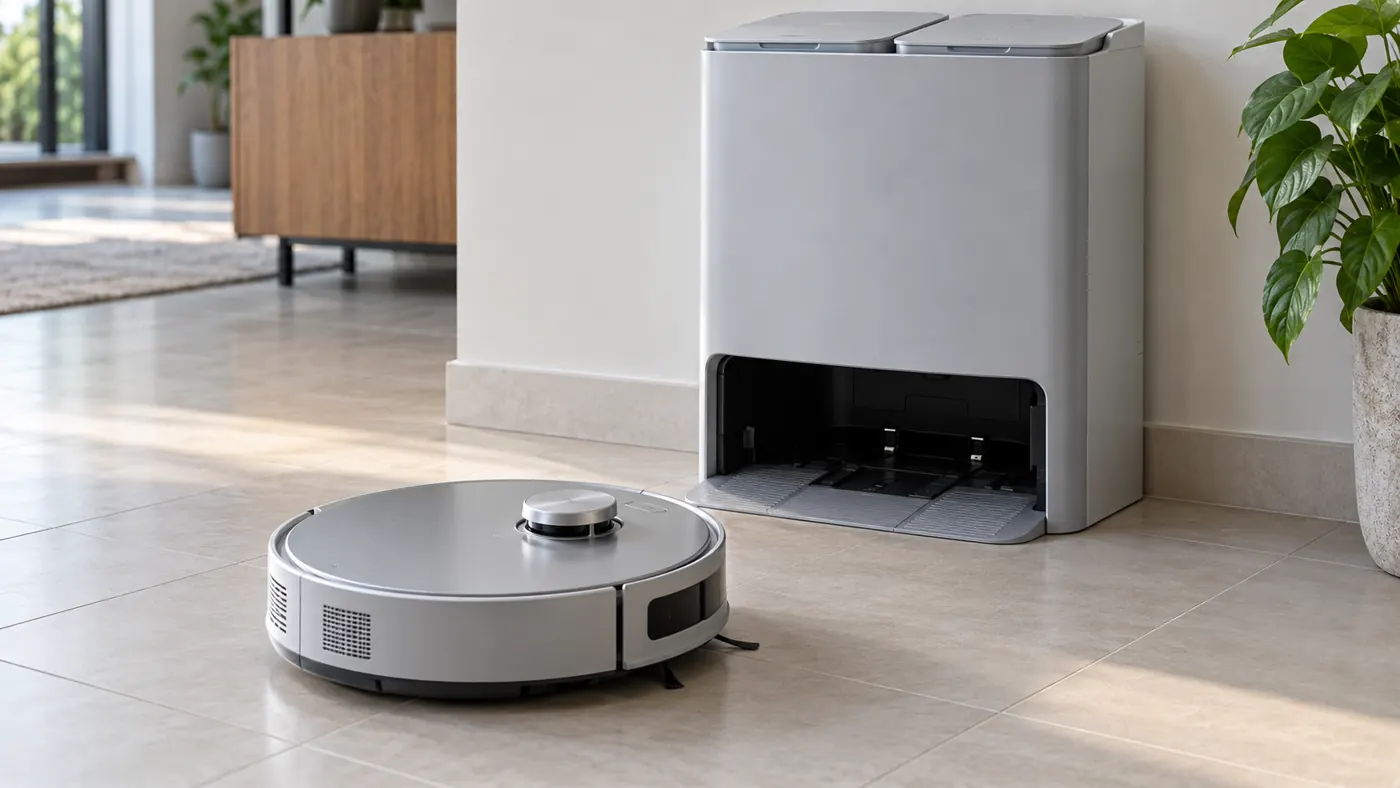
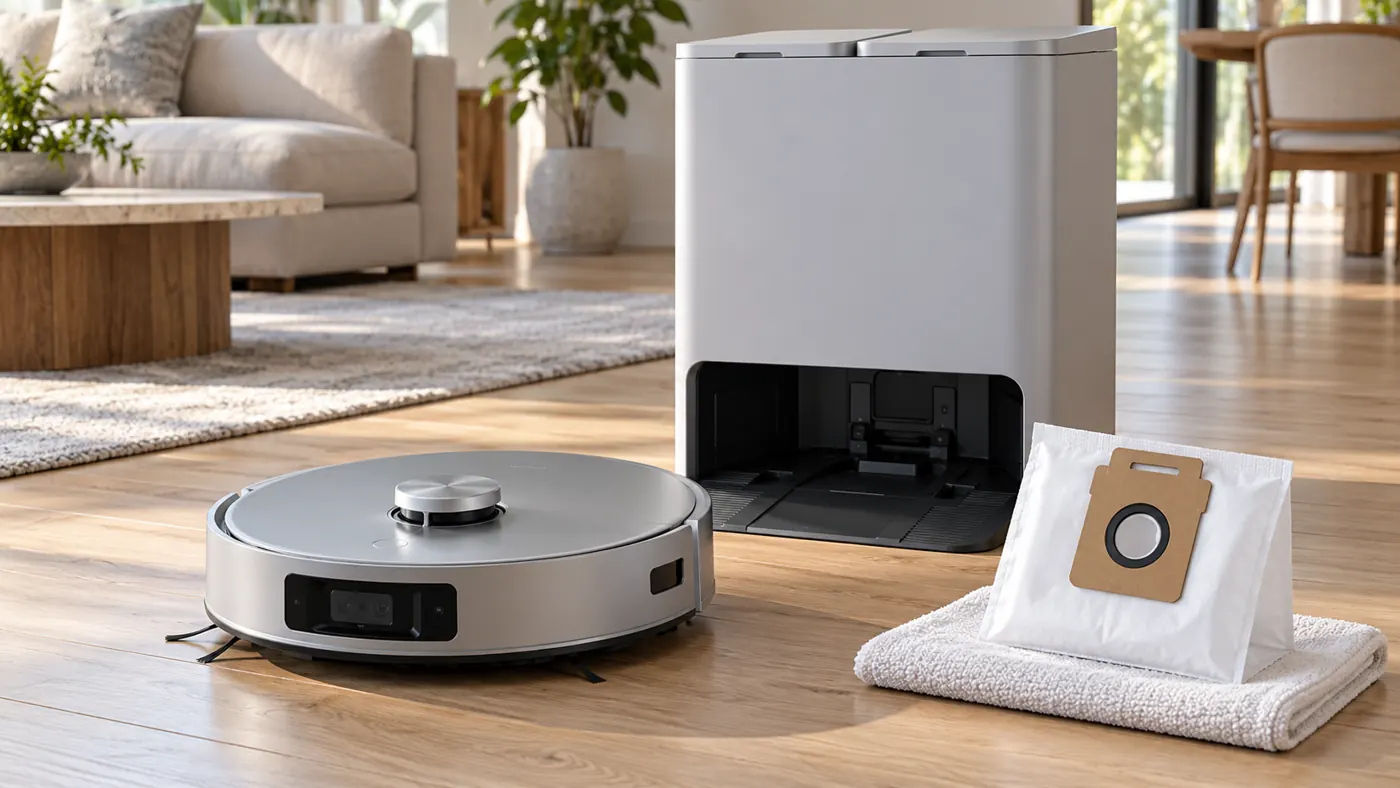
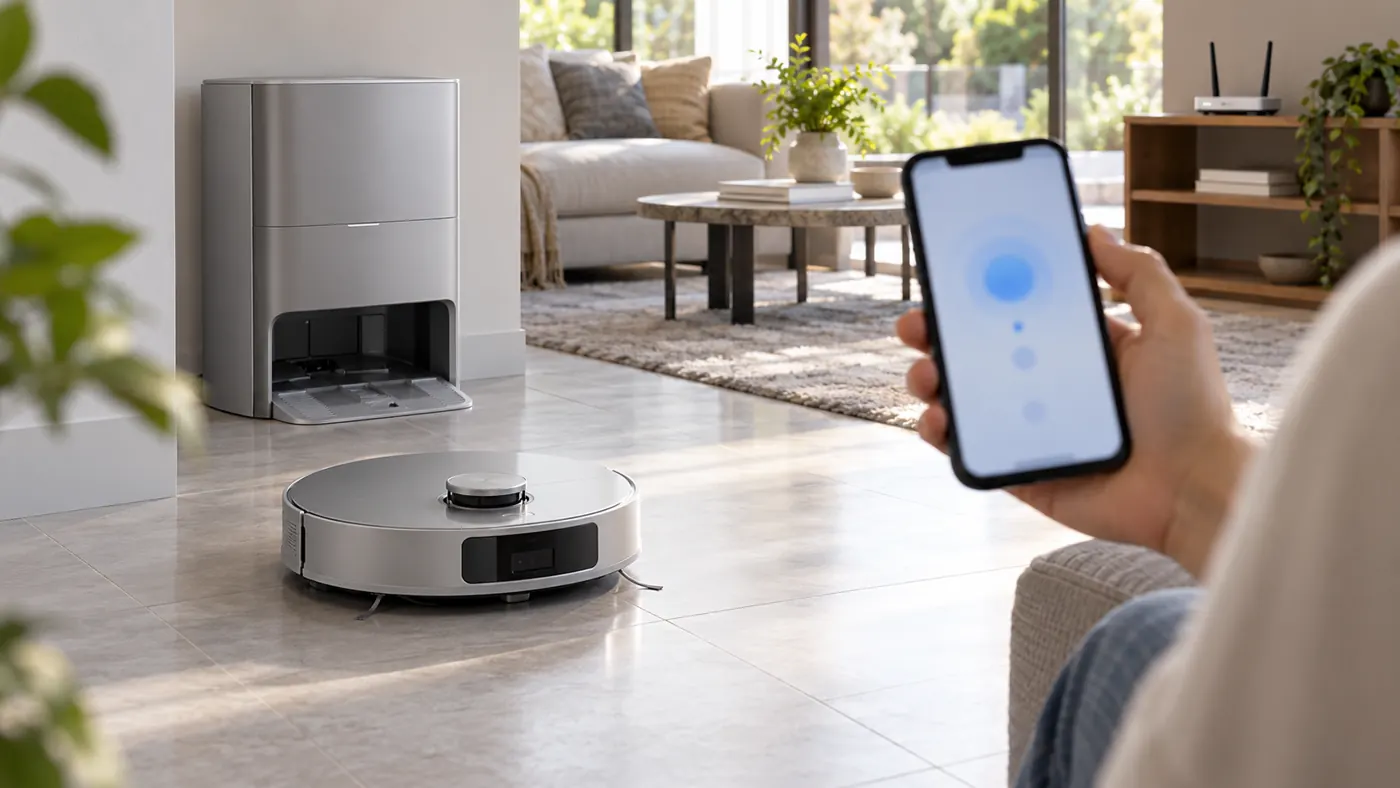
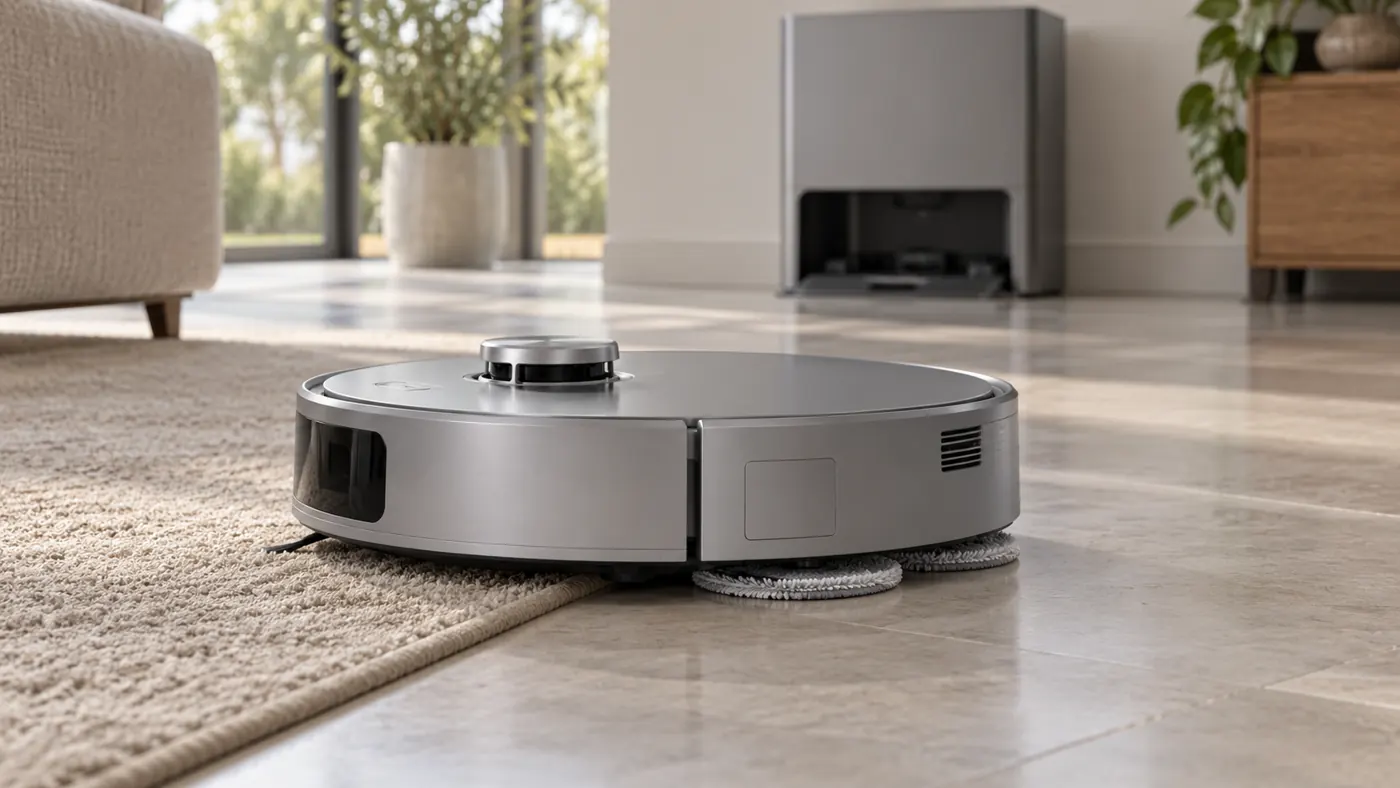
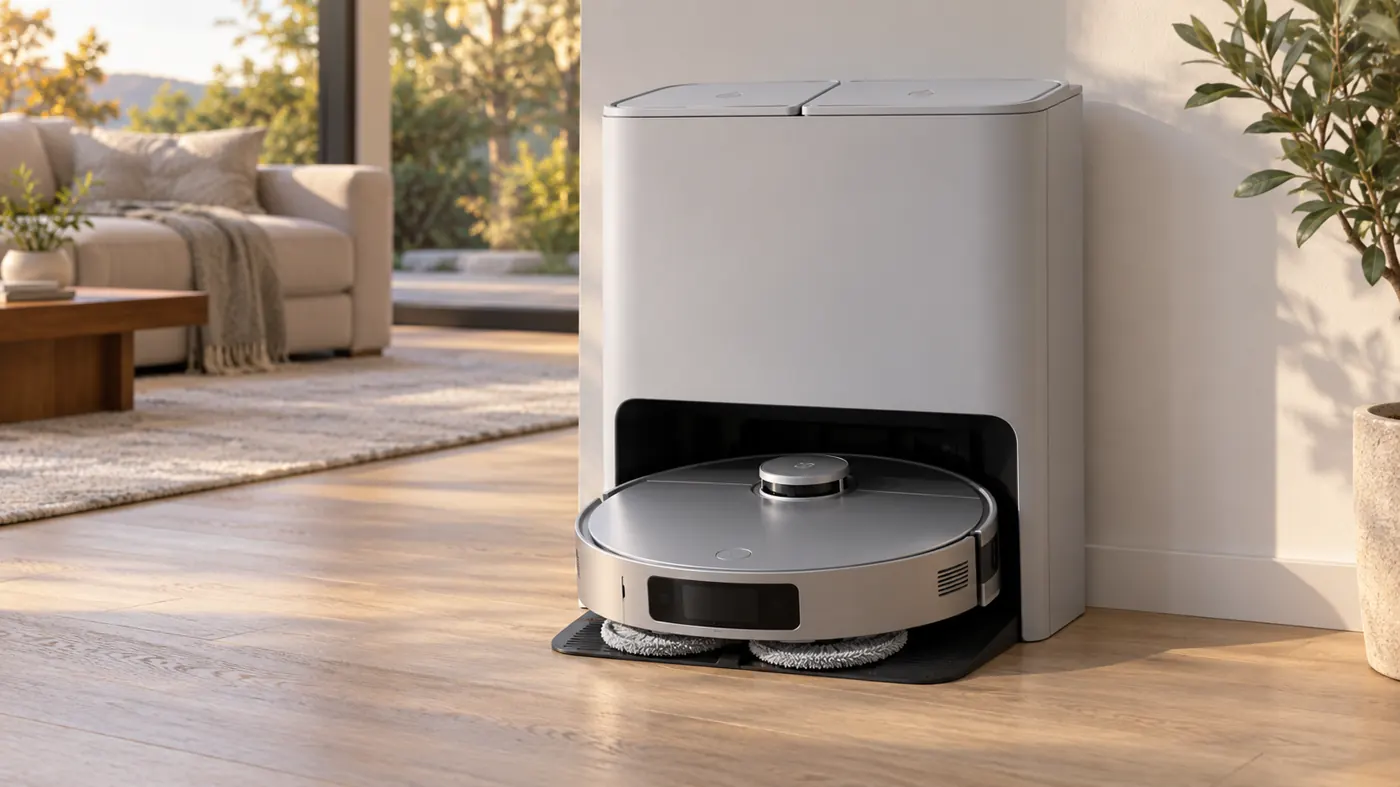
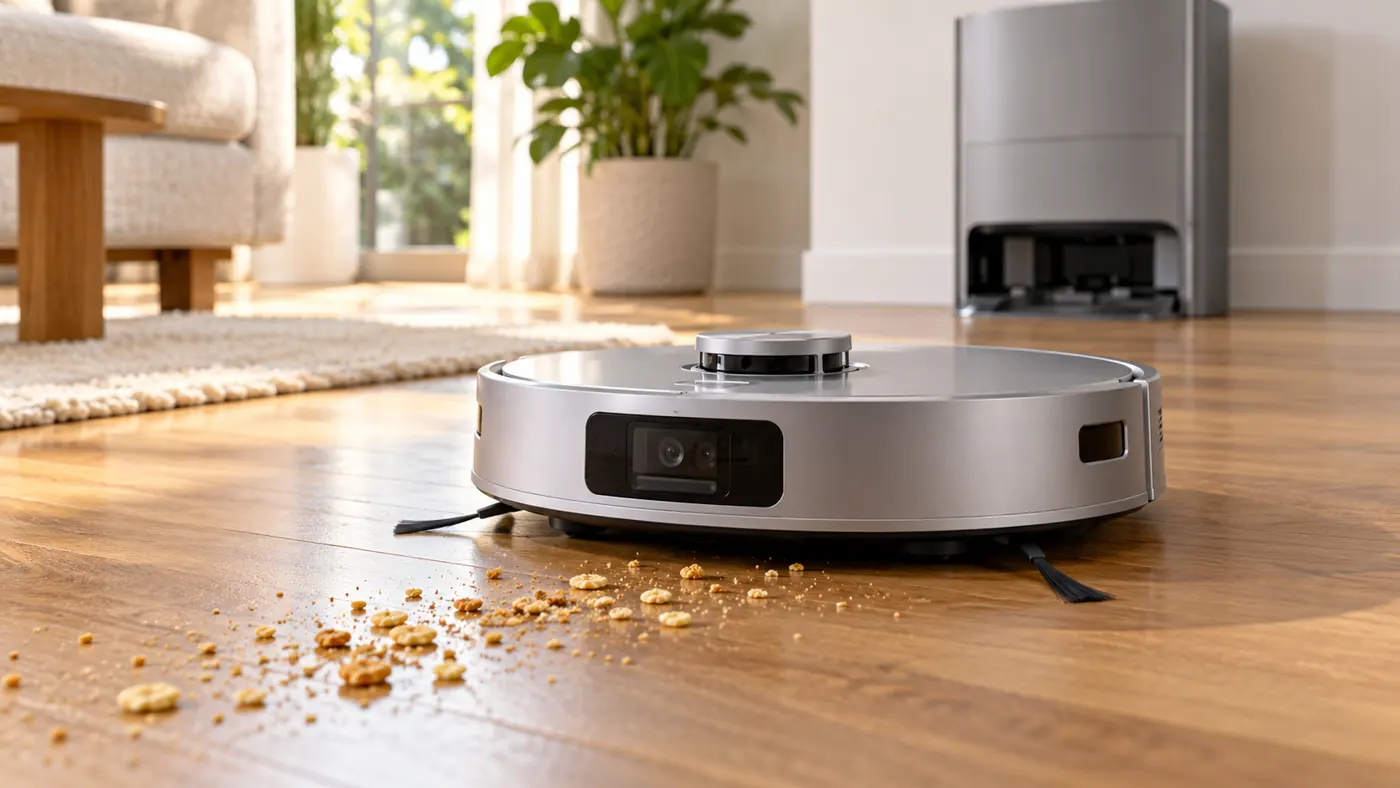
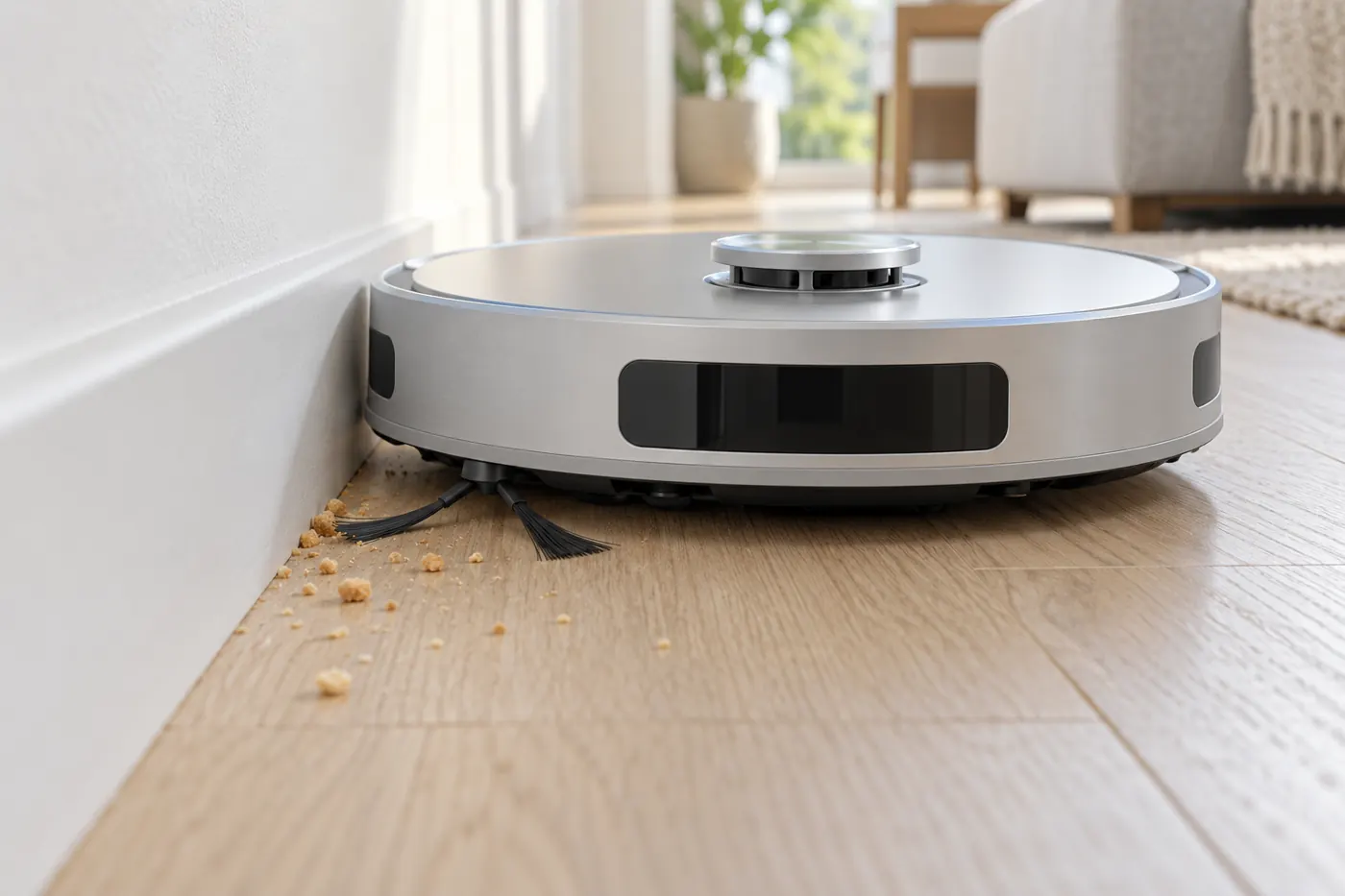
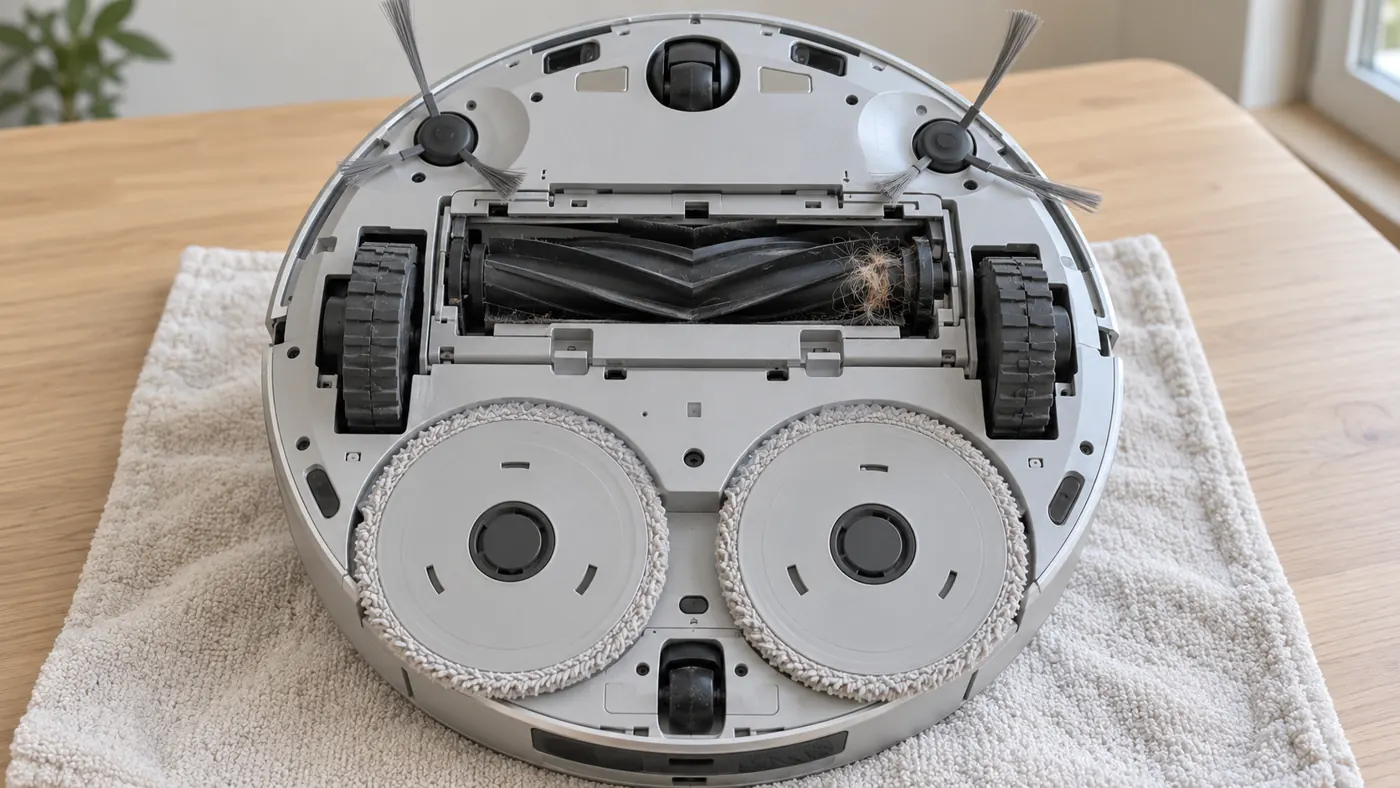
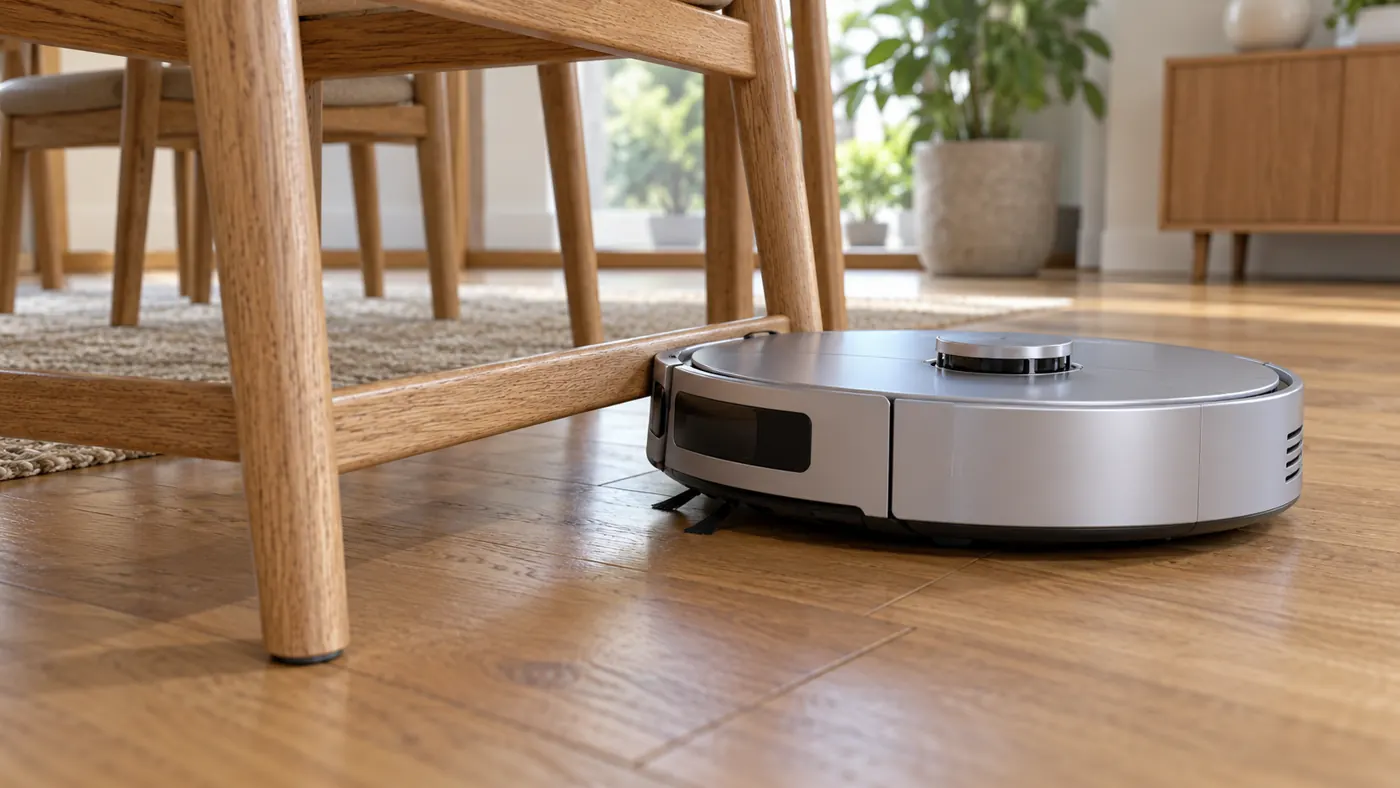
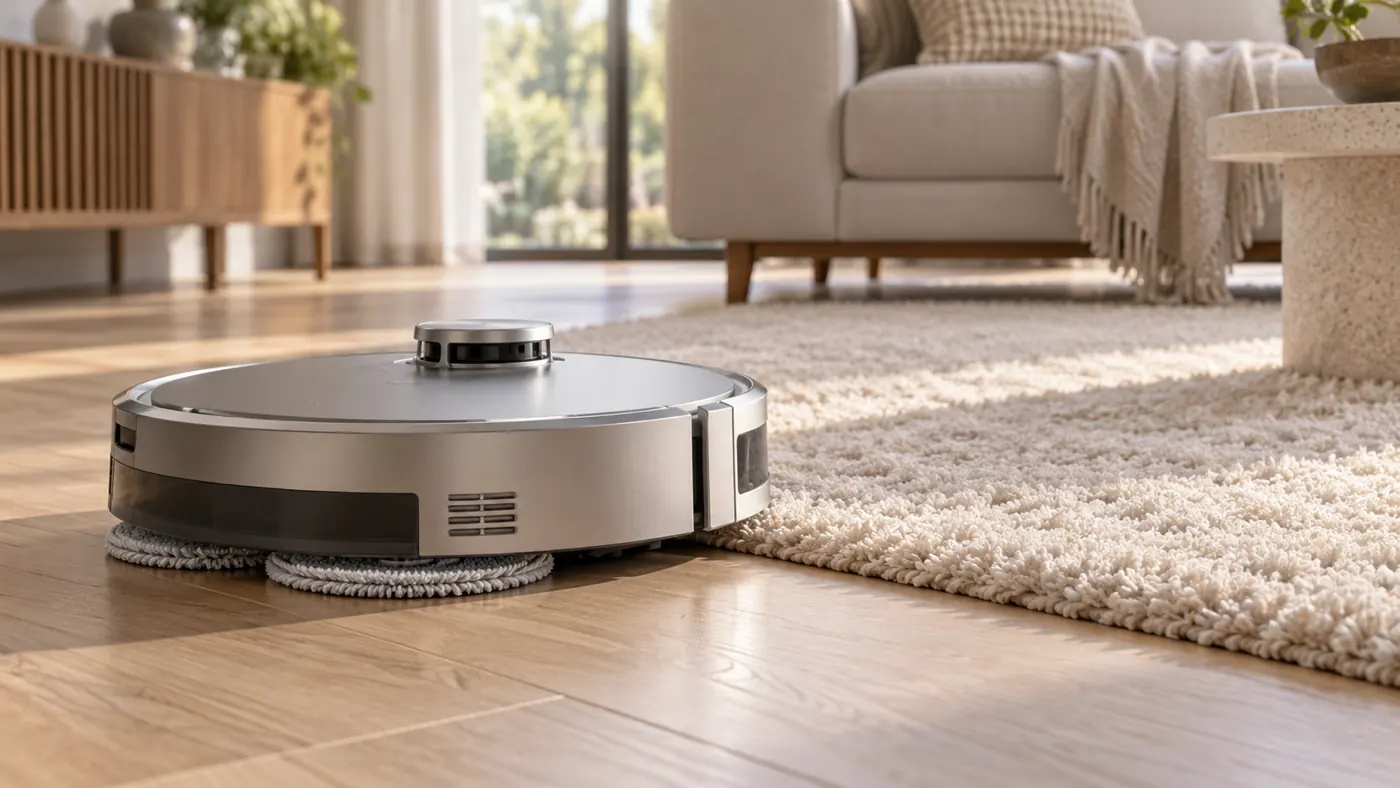
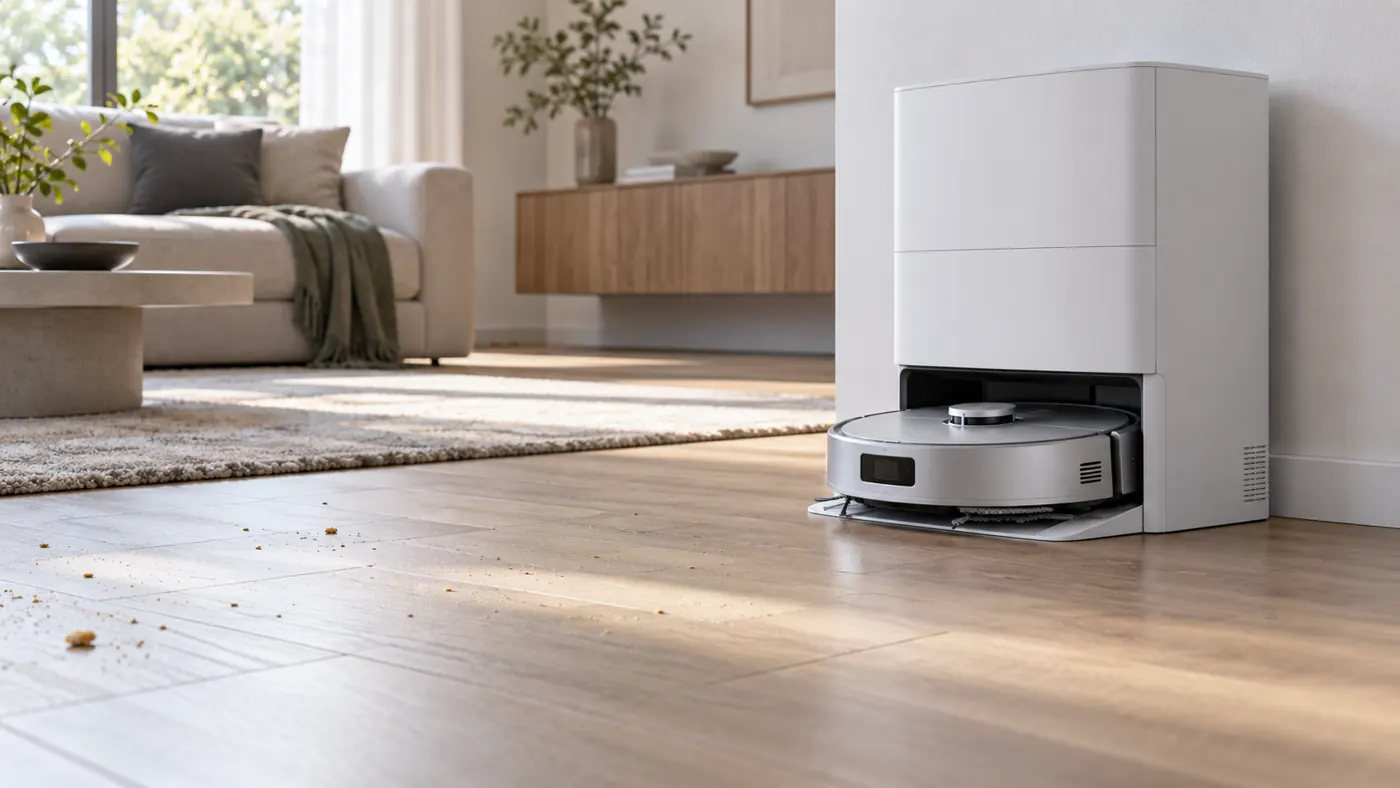
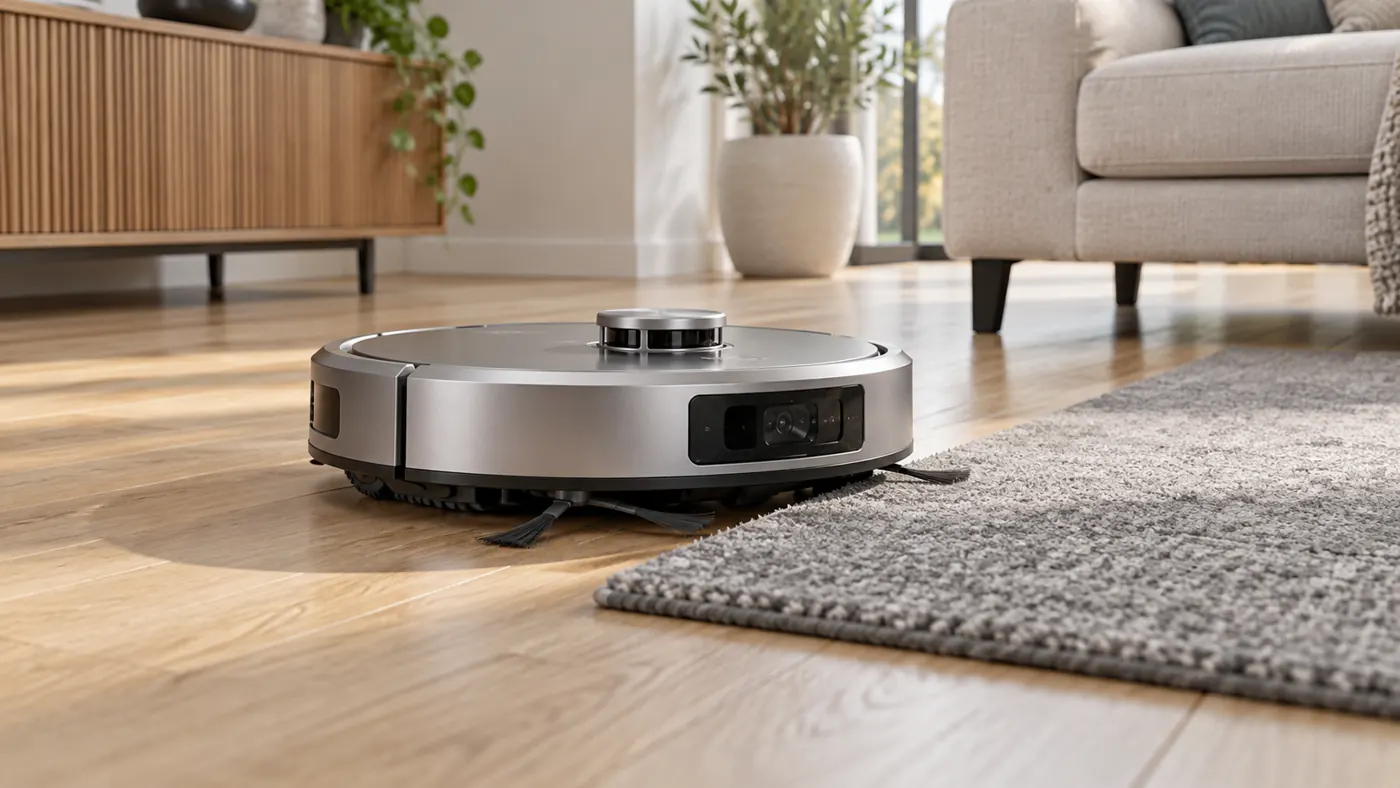
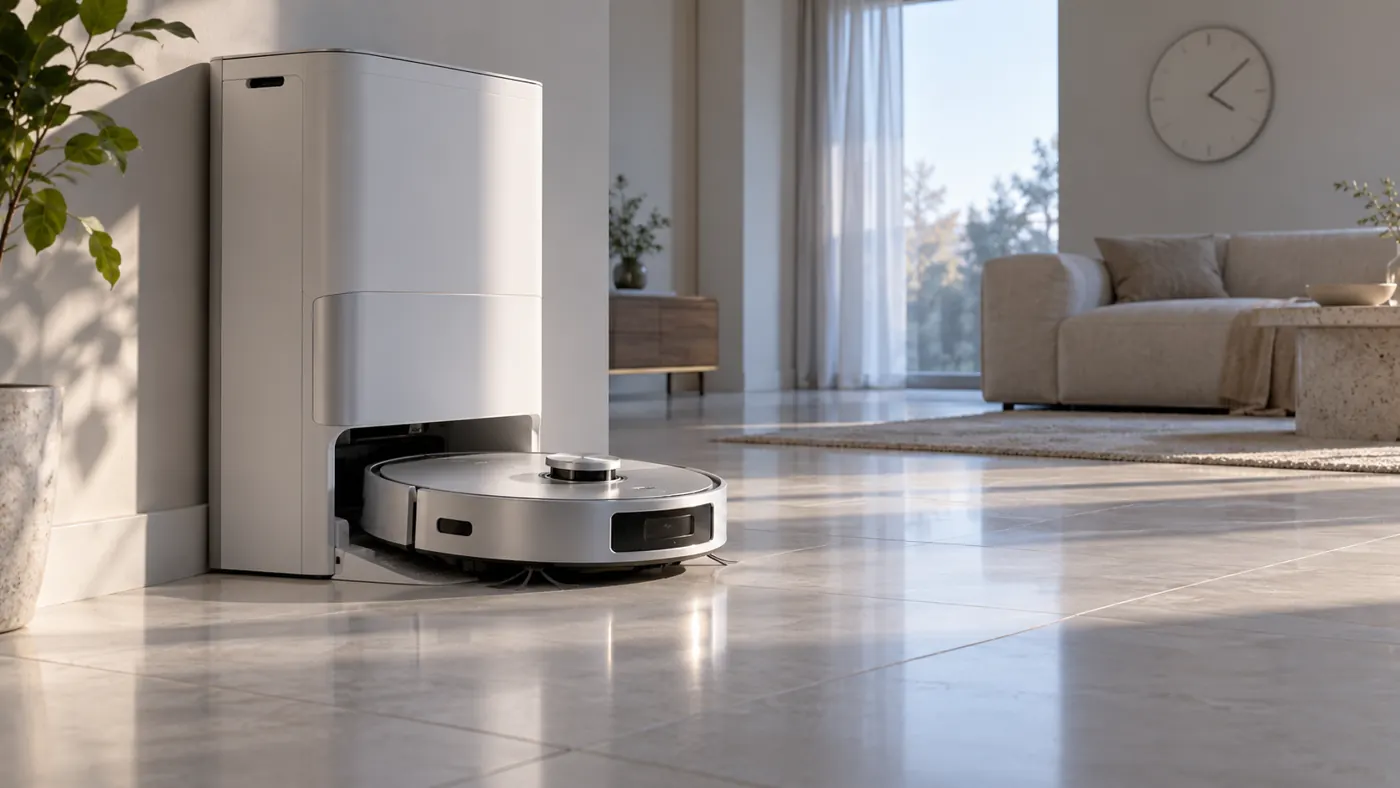
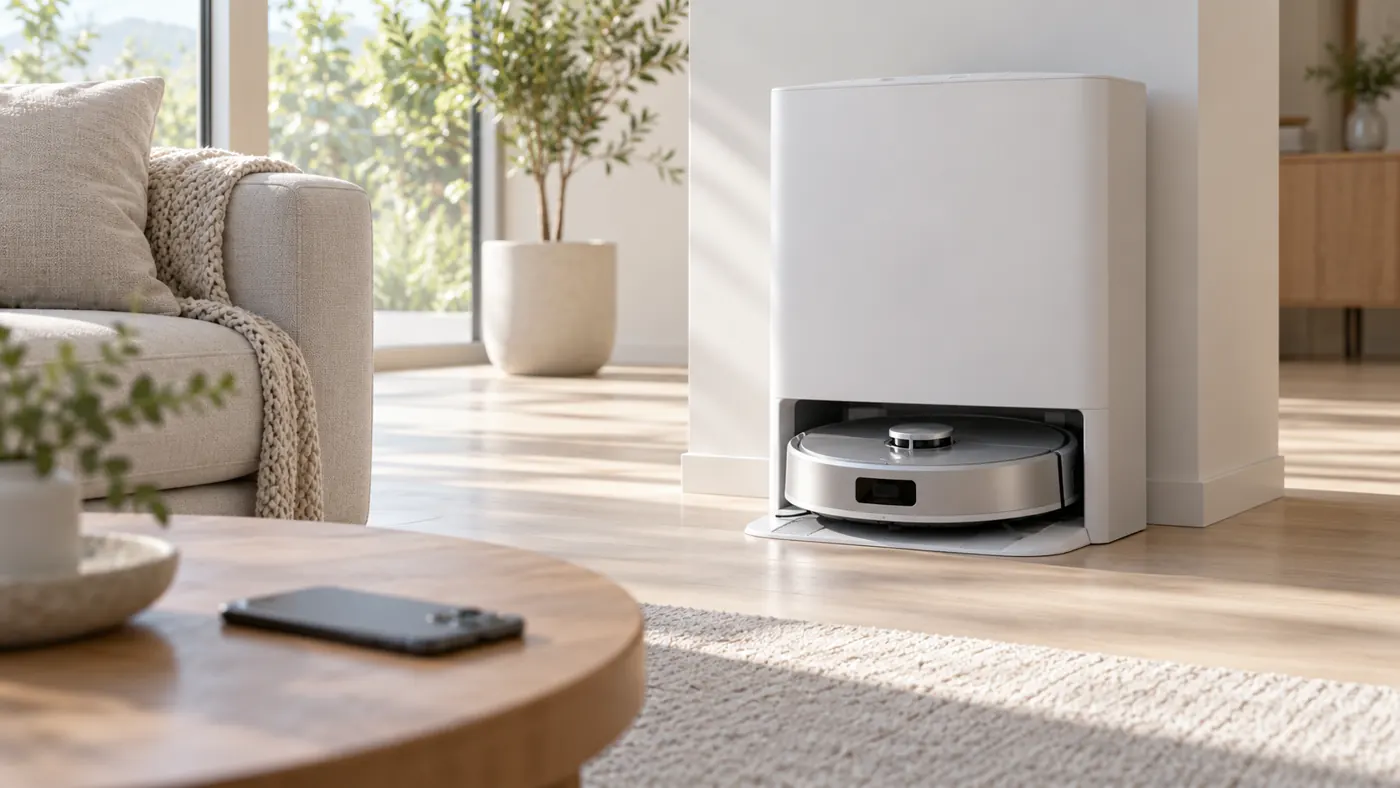
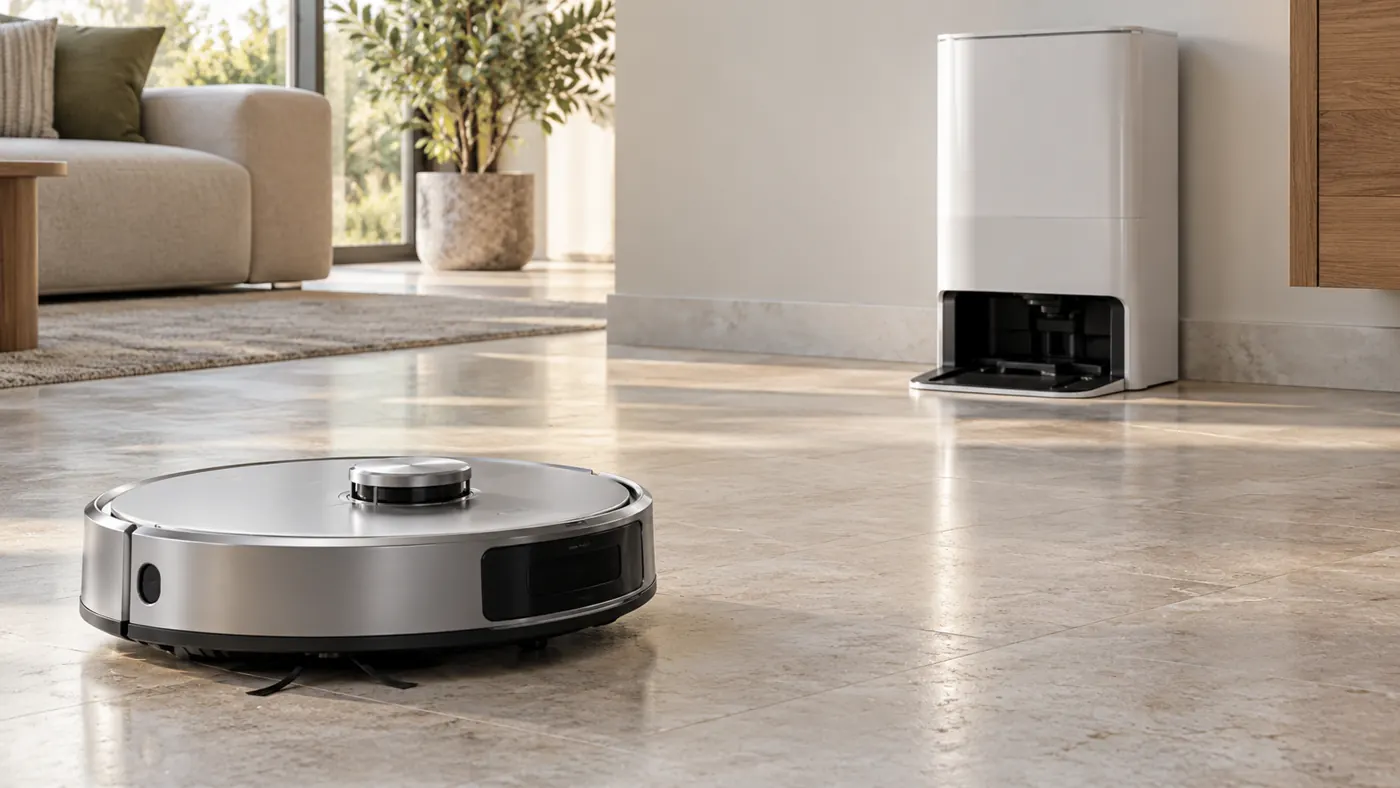

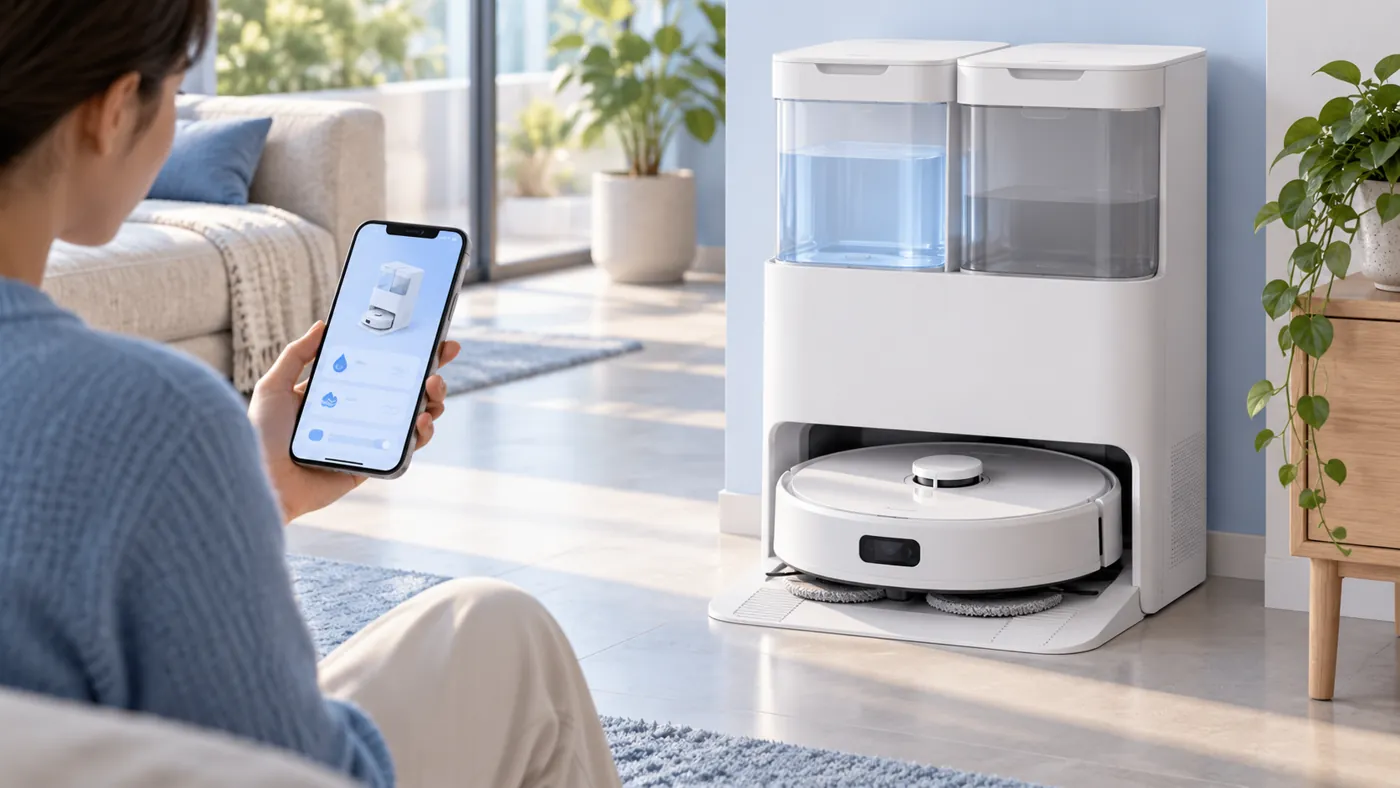
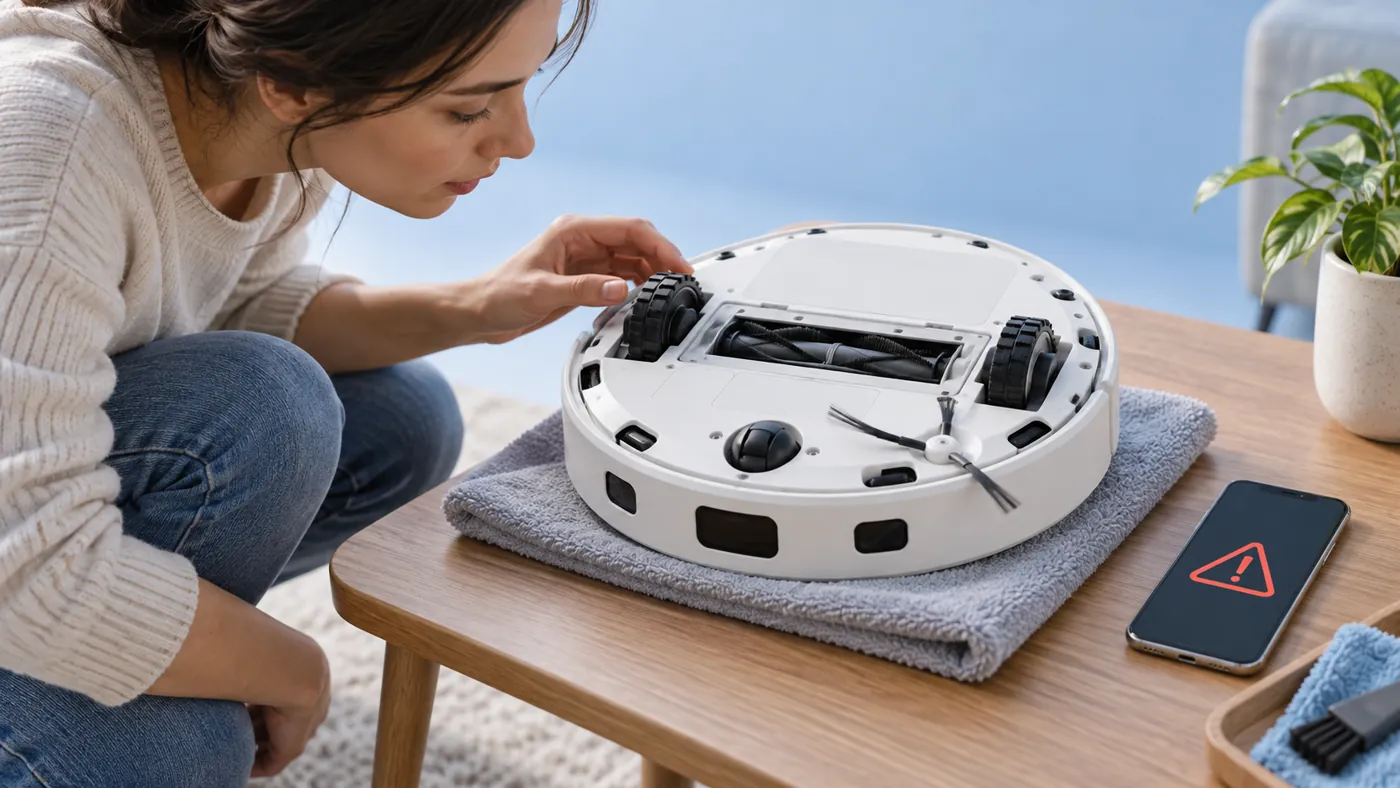

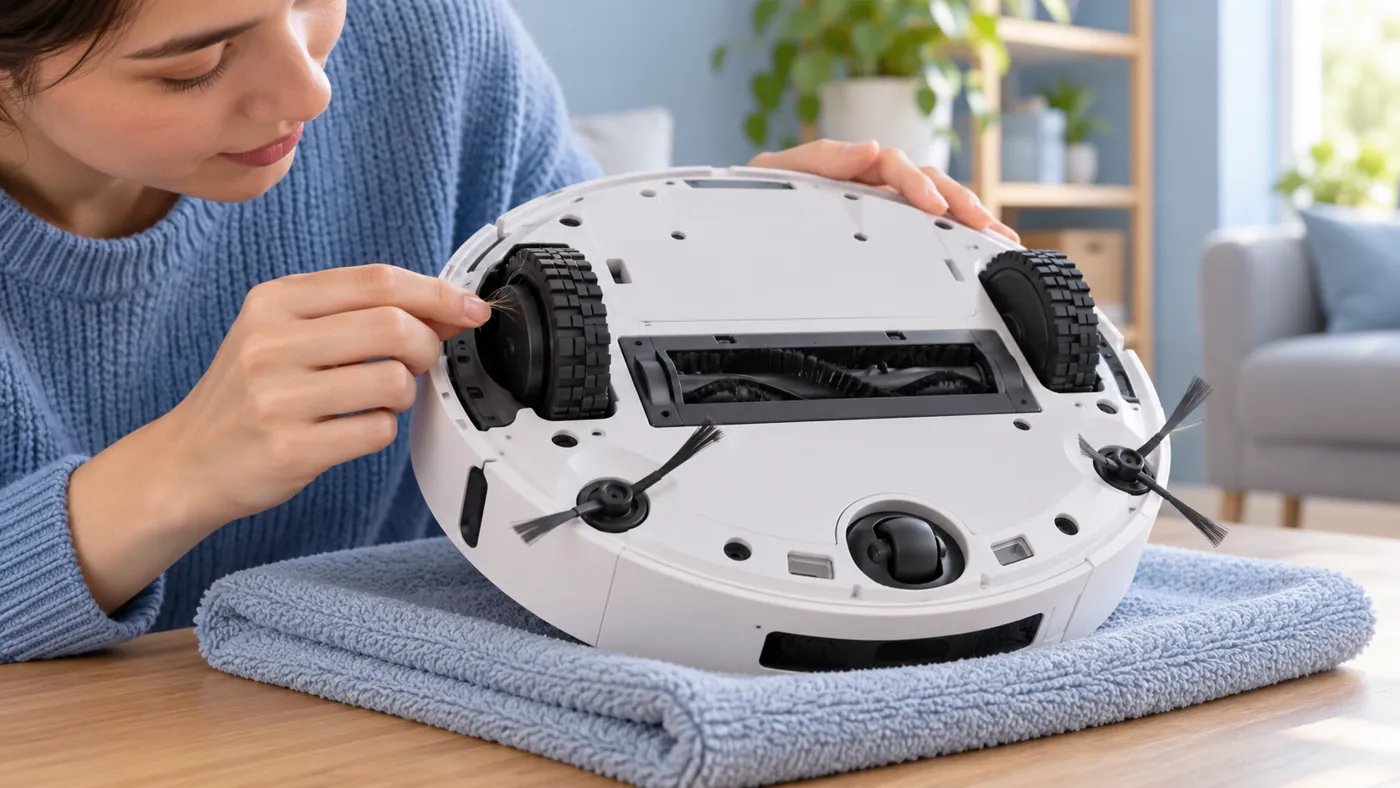
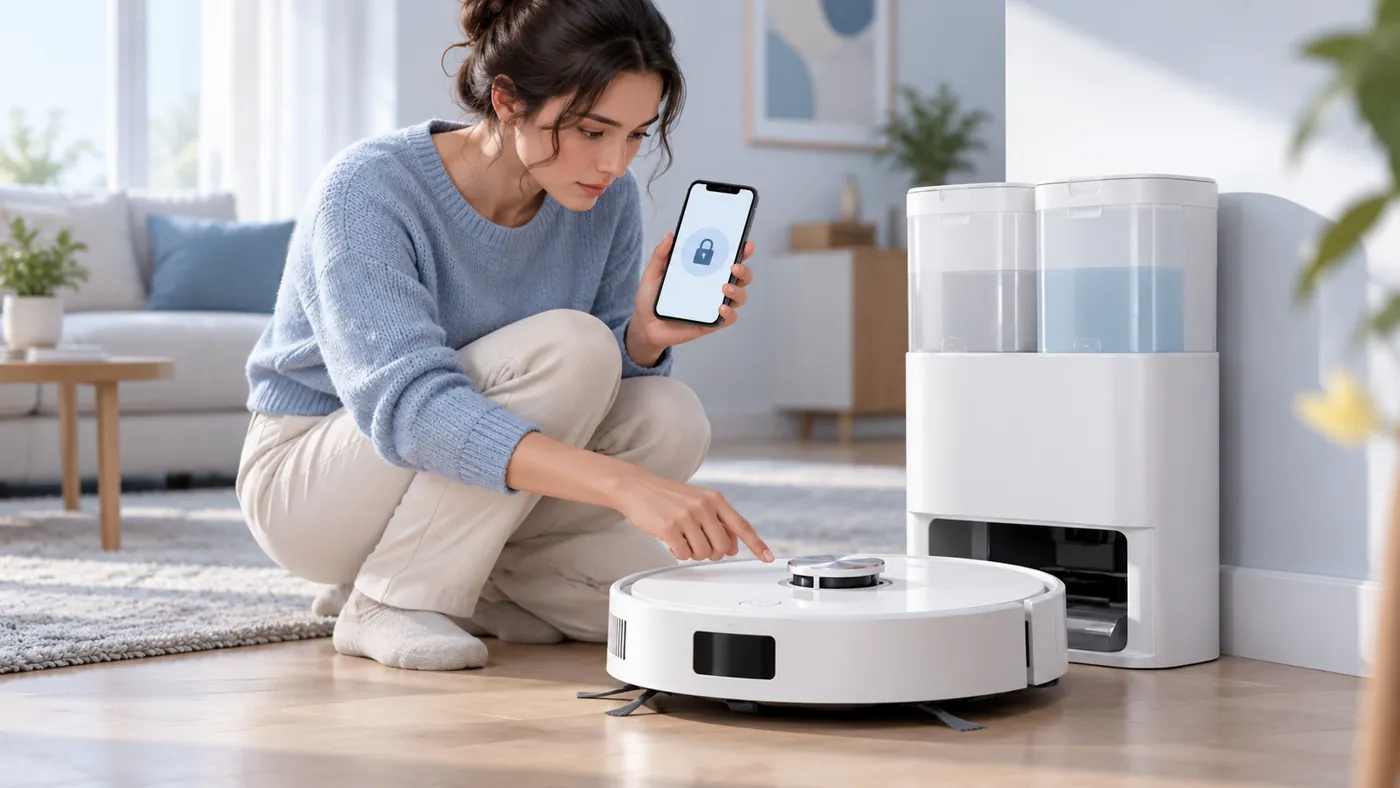
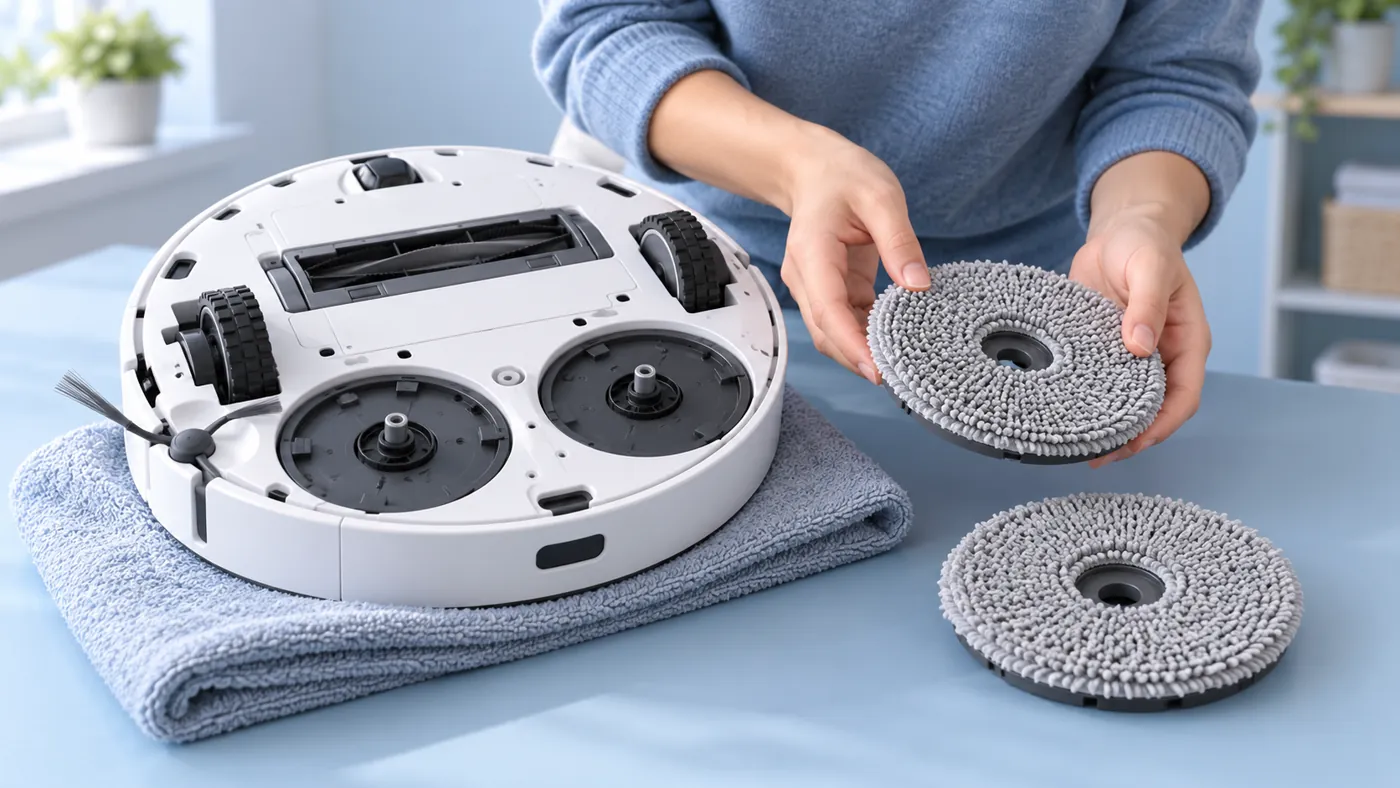

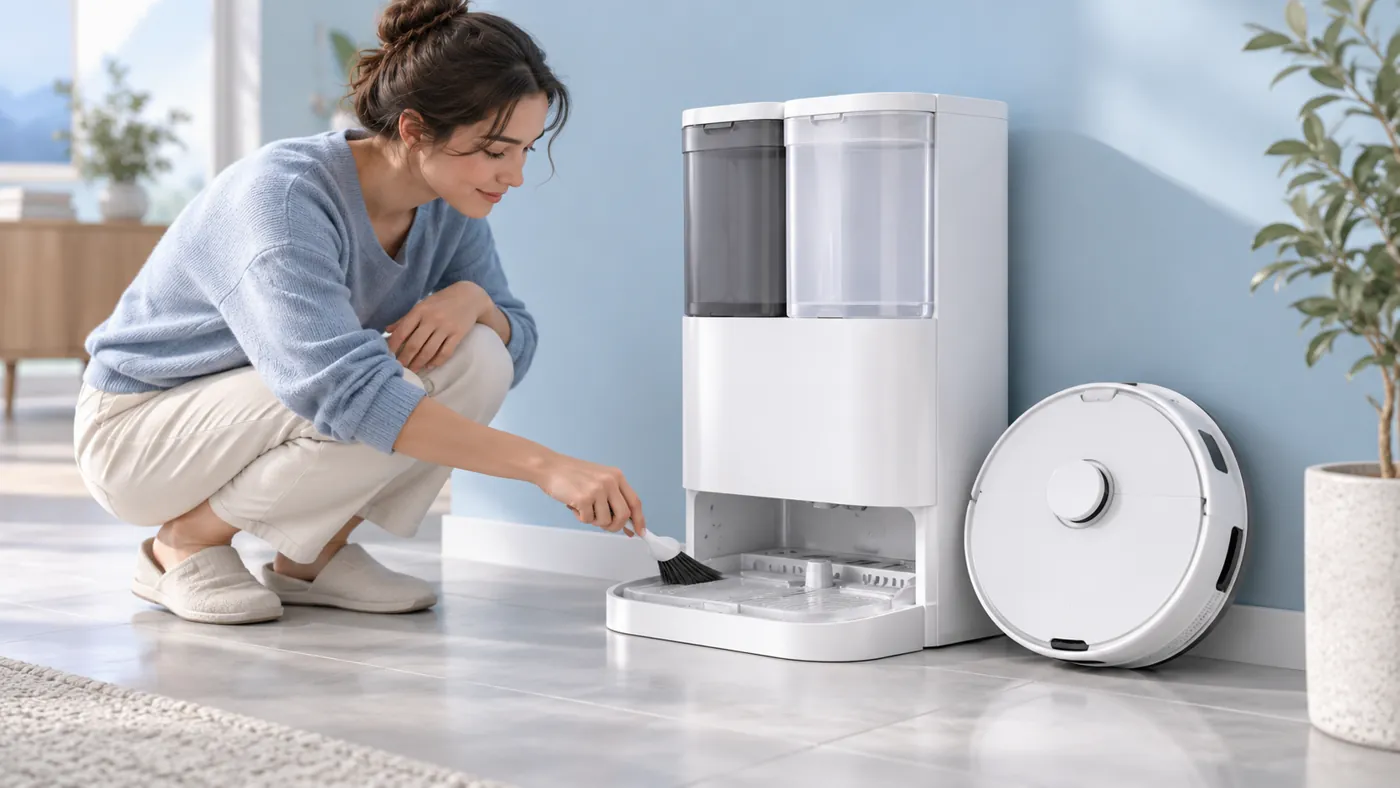
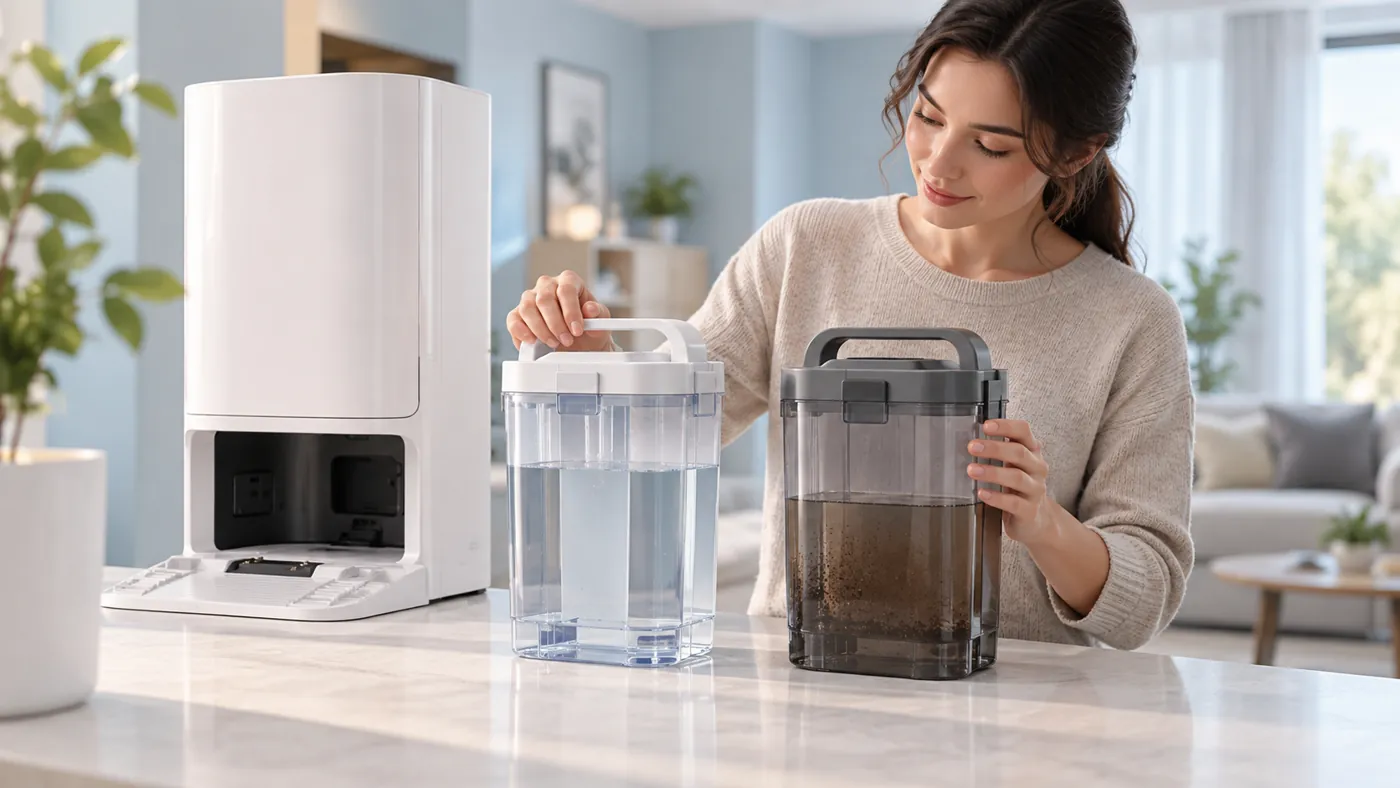
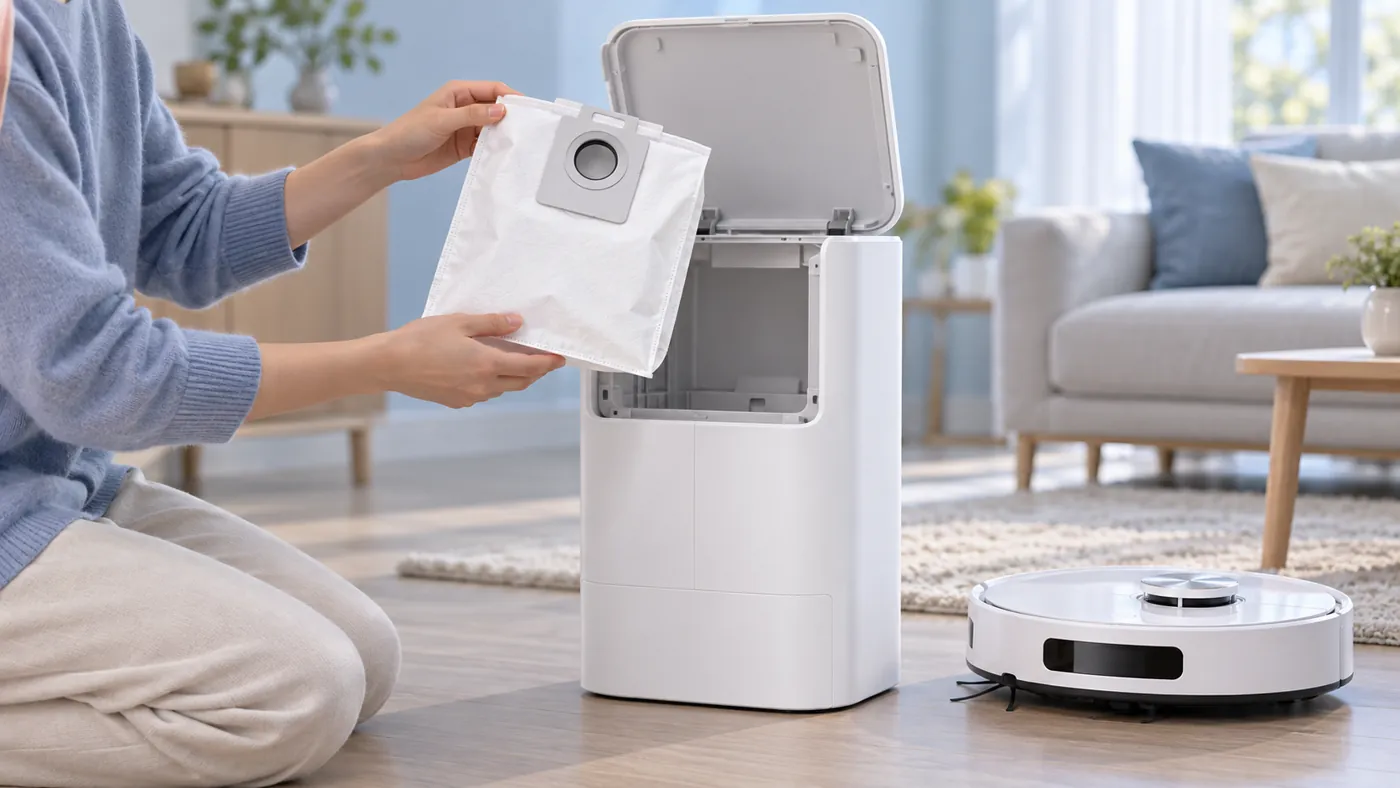
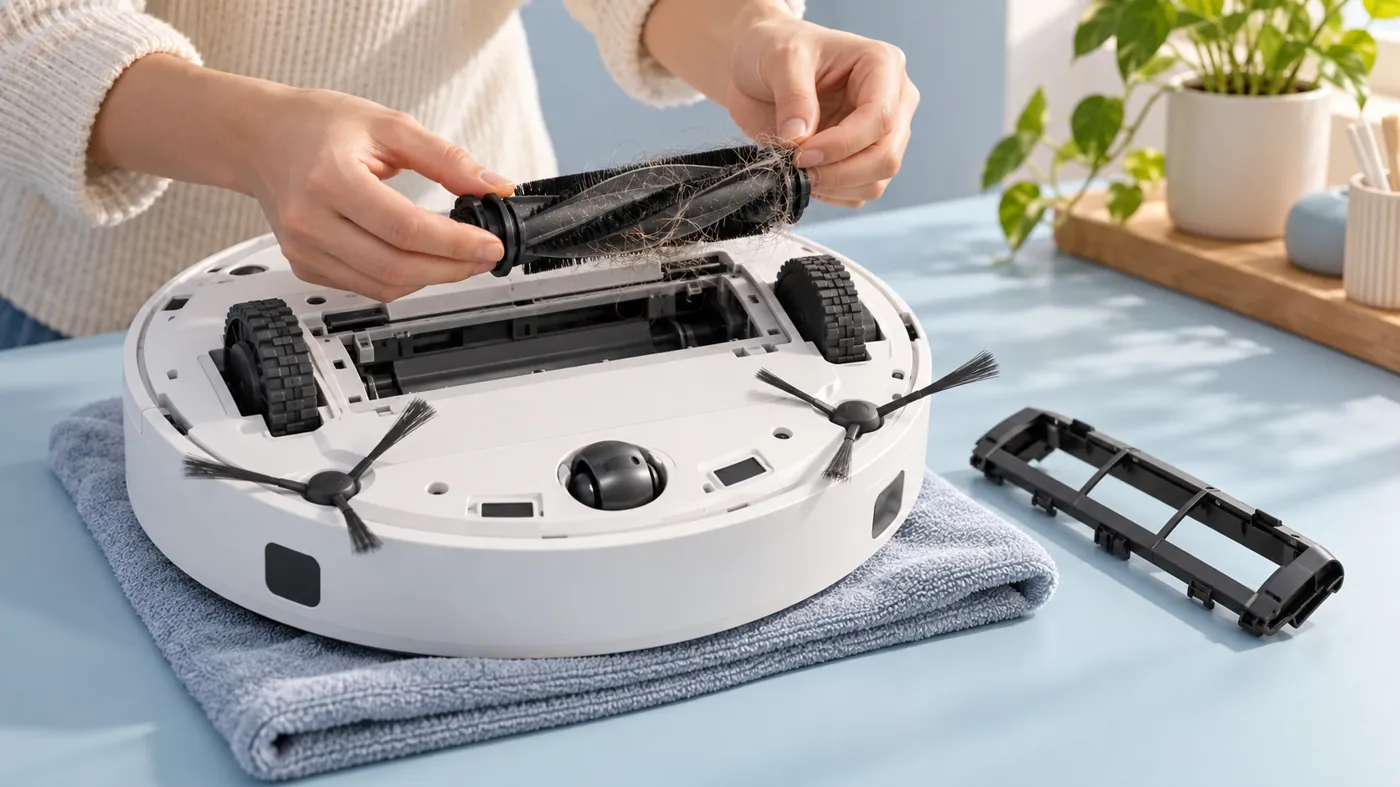
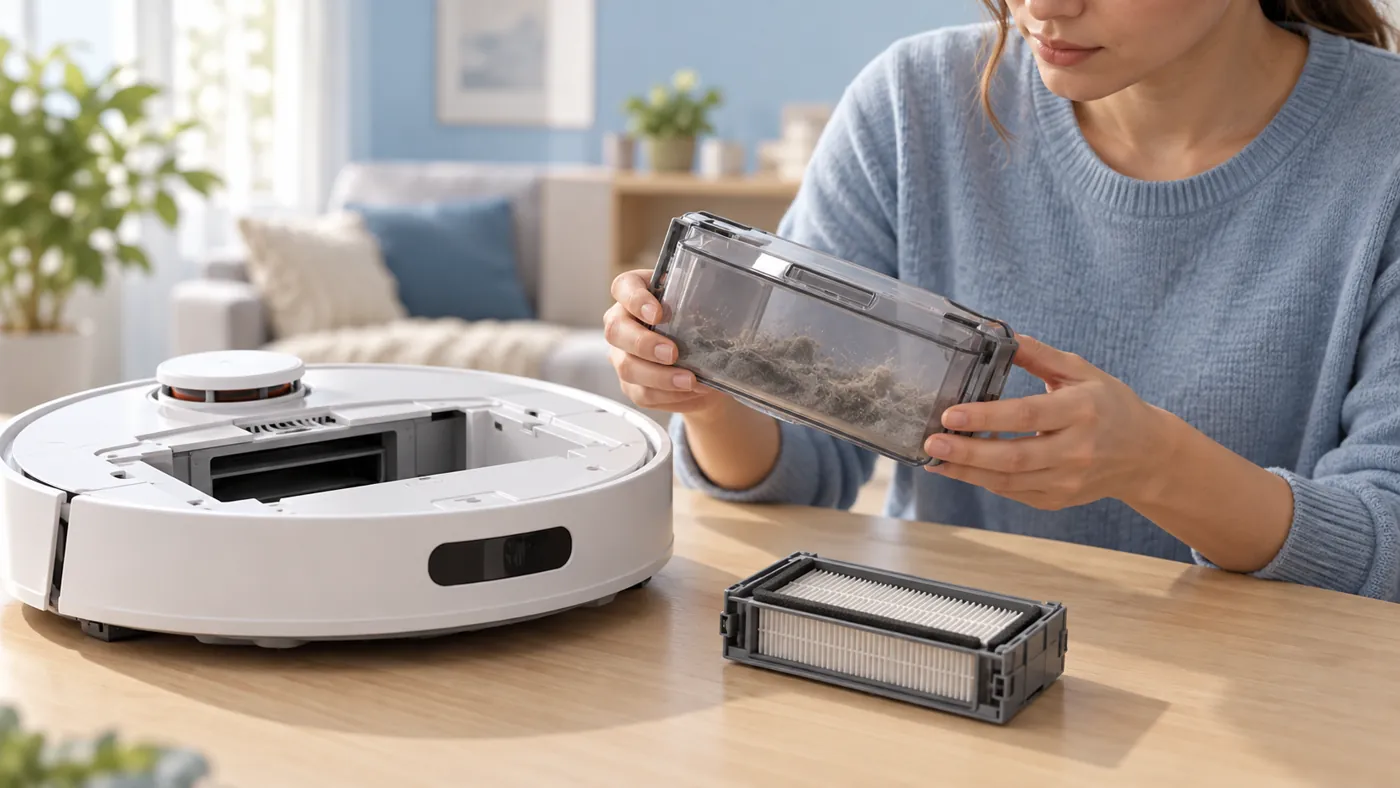
Choose the T20 OMNI guide for charging, water, mapping, docking, auto-empty, Wi-Fi, mop rotation, drying, dirt pickup, side brushes, main-brush rotation, getting stuck, wet carpets, cleaning continuation, unusual noise, unexpected starts, firmware updates, station connection, voice control, missed rooms, hot-water washing, anti-drop sensor alerts, D-ToF warnings, stuck driving wheels, unresponsive buttons, mop-plate installation alerts, scheduled cleaning, station sink maintenance, water-tank cleaning, dust-bag replacement, main-brush cleaning or dust-bin maintenance. For a full-tank alert or water left in the cleaning sink, use the T20 OMNI alert reference. For routine care and replacement intervals, use the T20 OMNI maintenance schedule. For a different fault, check the model-specific manual and Ecovacs support before trying instructions for another DEEBOT.
Browse all robot vacuum brands or see every published guide.
Replacement parts for Ecovacs T20 OMNI
Replacing a worn consumable? Check the exact model and the manufacturer fit list for brushes, filters, mop pads and dock bags.