Begin with the quick checks. Stop if a step requires tools or experience you do not have.
To clean the Ecovacs T20 OMNI main brush, power off the robot, remove the brush through its maintenance cover and clear entangled debris. Pay attention to the accessible end pieces as well as the middle of the roller. Finish with the manufacturer’s fit and smooth-rotation check before closing the cover.
This is a routine maintenance procedure. If the brush still stops after correct cleaning and refitting, keep the result and follow the separate rotation troubleshooting guide rather than forcing the roller.
Choose the relevant check
| What you find | Next check |
|---|---|
| Hair wrapped around the roller | Remove accessible entangled debris |
| Material collected at a brush end | Use the documented removable-end maintenance |
| Reinstalled brush feels resistant | Recheck fit before closing the cover |
| Cover will not close normally | Inspect assembly placement without forcing it |
| Brush warning remains during a normal task | Use rotation troubleshooting |
| Robot passes over dirt but leaves it behind | Check bin, filter and pickup separately |
1. Power off and support the robot
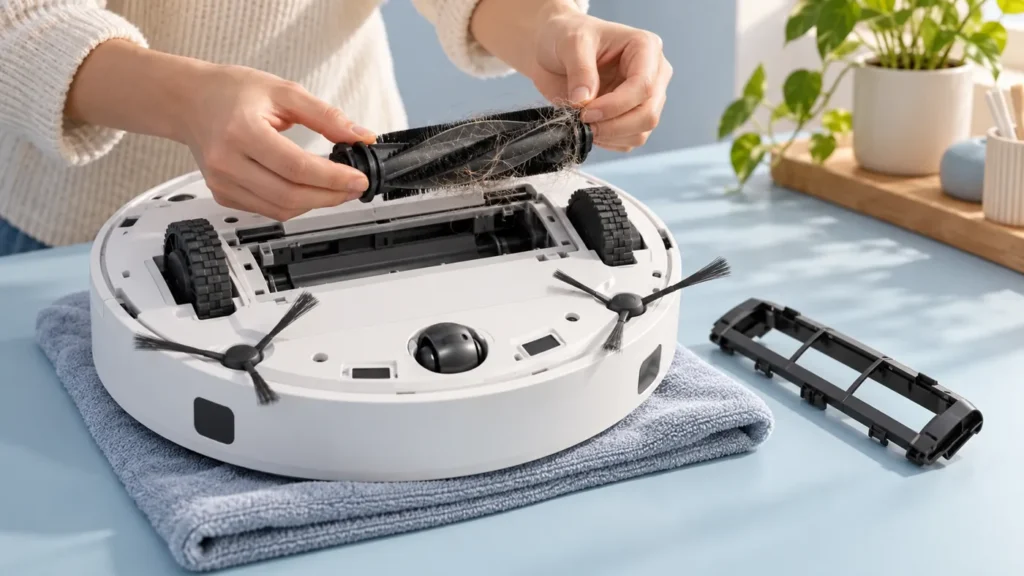
Ecovacs’ T20 main-brush maintenance instructions begin with powering off and placing the robot underside-up. They describe pressing down to remove the brush cover, then removing the brush assembly.
Stop any active task before handling the robot. Turn it over gently on a supportive soft surface and avoid pressing the upper sensor housing against a hard edge. Keep the removed cover and parts together on a clear workspace.
Identify the maintenance cover from the original model documentation. Do not loosen screws or pry an unfamiliar panel to reach it. If the release does not work through the documented action, ask support before applying more force.
2. Clear the roller and accessible ends
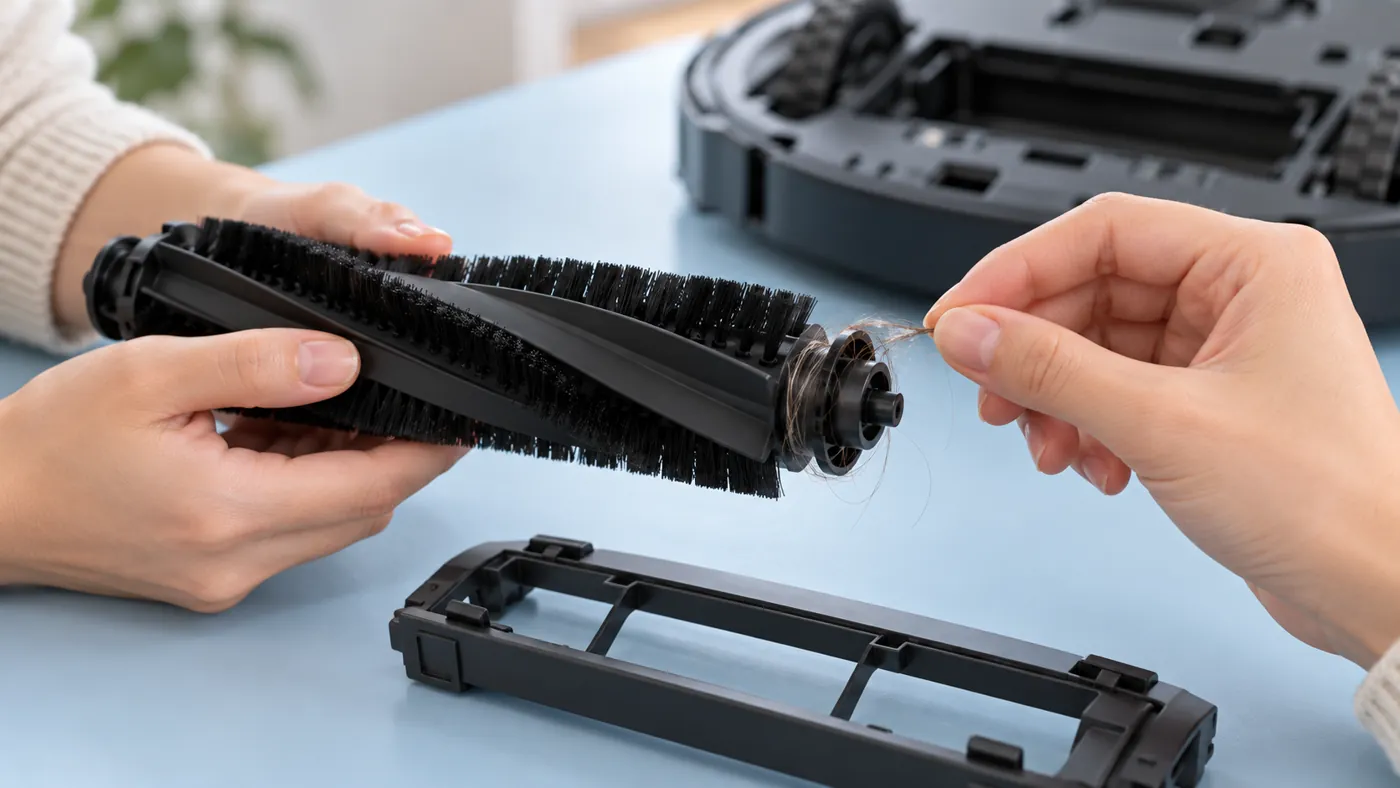
The manufacturer says to remove entangled debris and notes that the accessories at both brush ends can also be disassembled and cleaned. Use the original fitting information to identify those removable parts before taking them off.
Look along the roller and around the accessible end areas in good light. A photo before removal helps you retain the original arrangement. Remove visible loose hair gently rather than pulling hard on a strand caught in an uncertain gap.
Keep the end pieces with the roller and preserve their order. Do not assume an end cap from a similar brush is interchangeable. If you cannot identify a part’s removal direction, stop and confirm the procedure with Ecovacs.
3. Inspect without adding an improvised repair
Check for visible damage while the brush is out. Photograph a cracked end piece, deformed roller or damaged cover instead of trying to reshape it. The article illustrations are maintenance scenes, not a reference for the exact original brush construction.
The linked procedure does not prescribe oil, spray cleaner or an aggressive soak. Do not add a lubricant to make a resistant part move. Ask the manufacturer for the applicable cleaning method if ordinary debris removal is not enough.
Work only on the removable maintenance parts described in the instructions. Cleaning a brush does not require opening the motor housing or probing an unseen drive connection.
4. Refit and check rotation before closing
Ecovacs describes reinstalling the brush assembly with the installation click. It then recommends rotating the installed brush to check smooth movement before attaching the cover.
Use that manual check with the robot still powered off. If rotation requires substantial force, recheck the normal assembly position and any remaining accessible debris. Do not power the robot upside down to watch the roller run.
Refit the cover through its normal action. If it does not seat normally, inspect the brush placement rather than pressing harder. Keep any photo of an uncertain fit for support.
5. Check the next normal task
Return the robot upright after the parts and cover are correctly fitted. Observe one ordinary permitted cleaning task and save any warning. A manual smooth-rotation result does not by itself establish powered operation.
If the roller still stops, use the T20 main-brush rotation guide. If the robot travels over debris but leaves it behind, use the pickup checks and the dust-bin cleaning guide.
For unusual noise, record when it begins and follow the noise guide. Report the exact symptom instead of assuming a brush motor failure.
Frequently asked questions
Should I check only the centre of the brush?
The manufacturer also identifies the removable accessories at both ends for cleaning.
Should I run the robot with the cover removed?
No. Use the powered-off manual rotation check, then refit the cover before normal operation.
What if resistance remains after refitting?
Stop forcing it and send support photos, the fit result and any normal-task warning.
See the Ecovacs hub for related guides.