Ecovacs
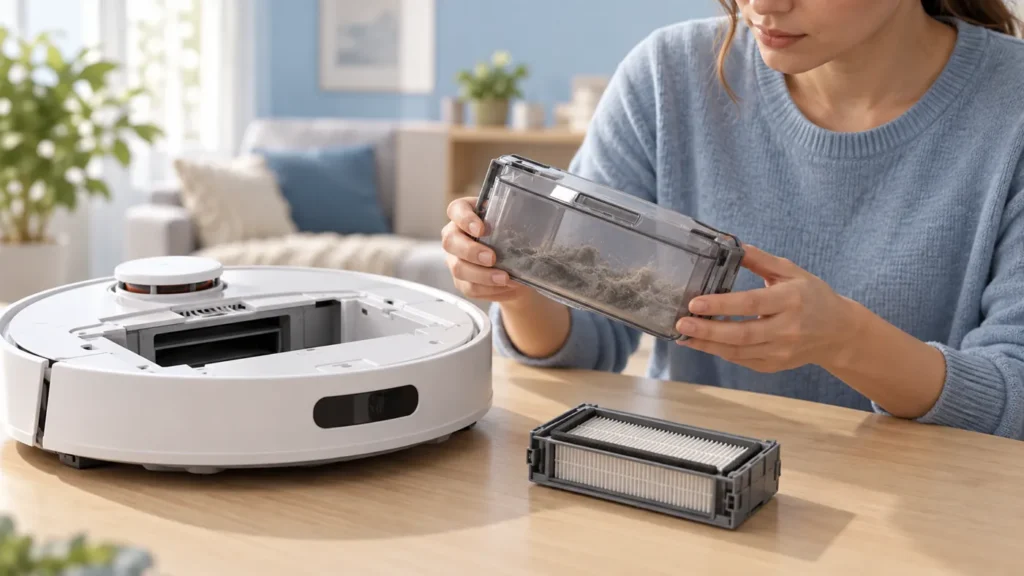
How to Clean Ecovacs T20 OMNI Dust Bin
Clean the Ecovacs T20 OMNI dust bin and follow separate filter steps. Dry water-cleaned parts, reinstall correctly and check pickup or auto-empty issues.
Brand troubleshooting
Troubleshooting guides for Ecovacs DEEBOT vacuum cleaners.
Matching guides
Start with the closest symptom. Each guide begins with safe checks before disassembly.
Clean the Ecovacs T20 OMNI dust bin and follow separate filter steps. Dry water-cleaned parts, reinstall correctly and check pickup or auto-empty issues.
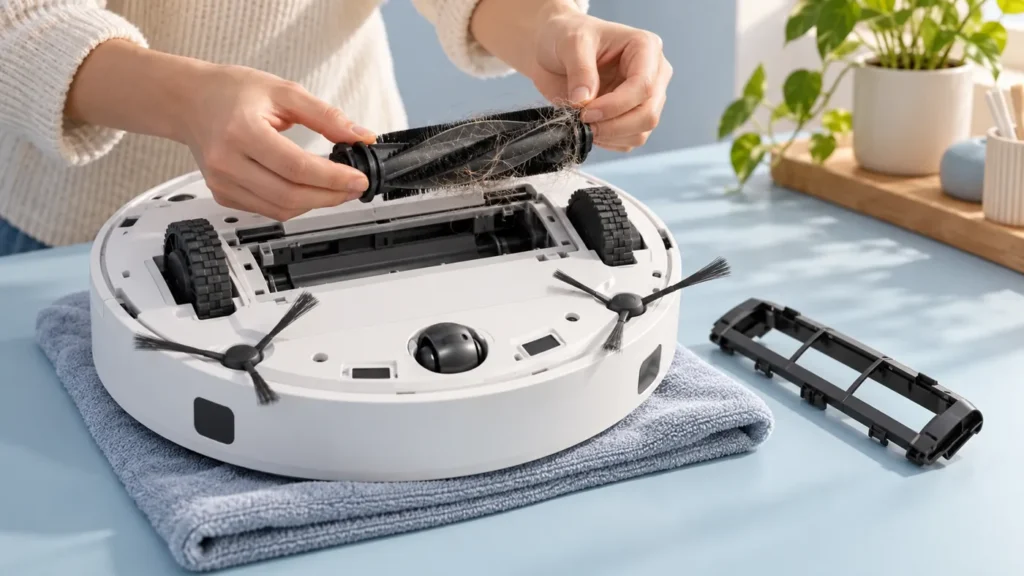
Clean the Ecovacs T20 OMNI main brush: remove entangled debris, inspect removable ends, refit correctly and check smooth rotation before closing.
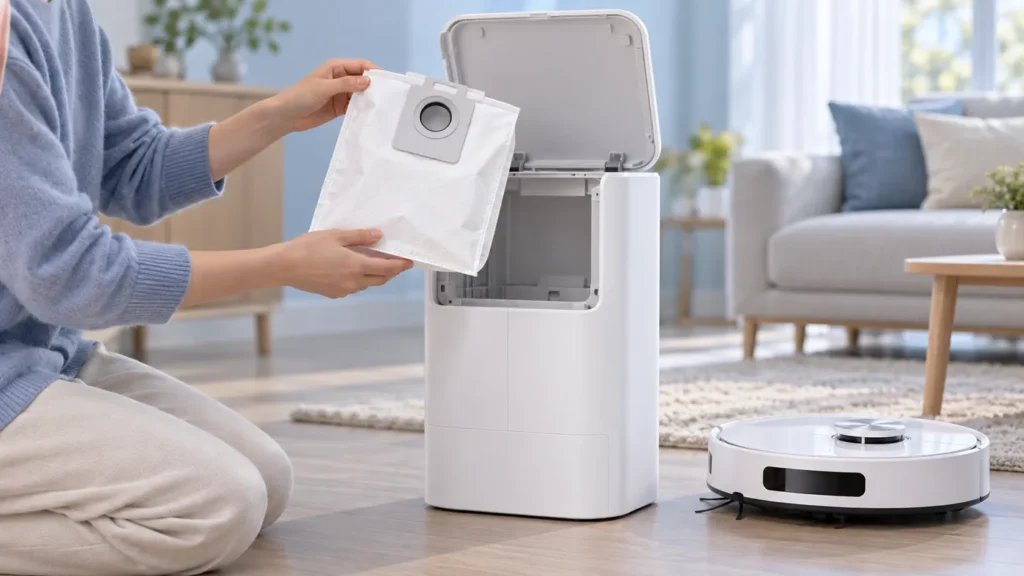
Replace the Ecovacs T20 OMNI dust bag: open the compartment, discard the used bag, wipe dry, fit a compatible replacement and check auto-emptying.
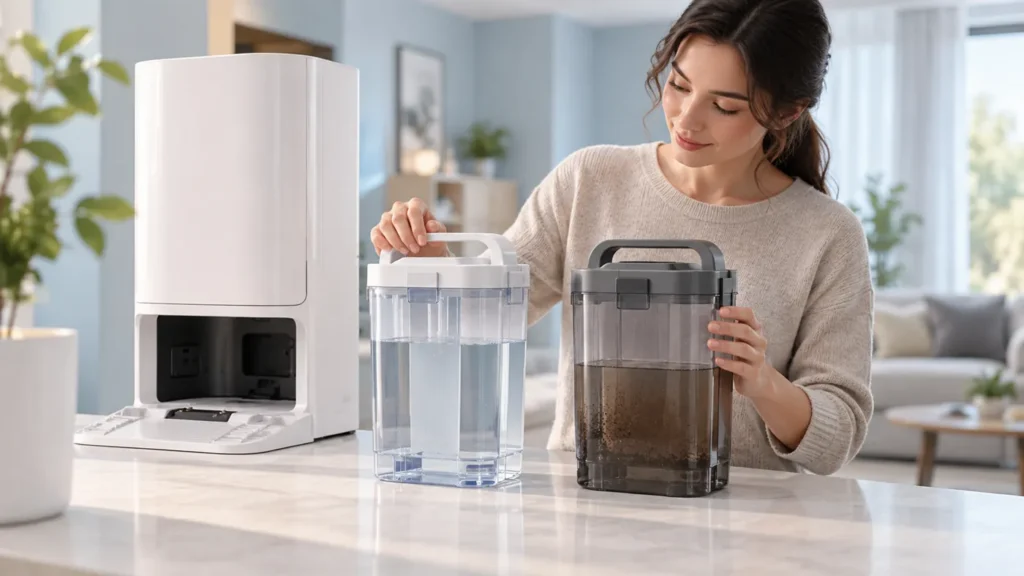
Clean Ecovacs T20 OMNI water tanks: empty the waste tank, clean the clean-water filter, reinstall parts and check remaining water alerts.
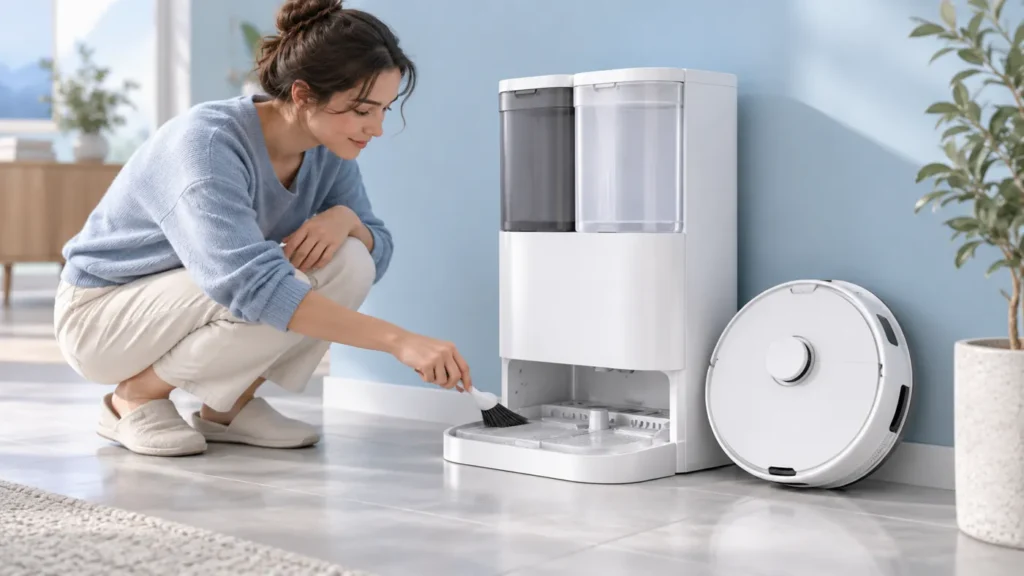
Clean the Ecovacs T20 OMNI station sink with its documented self-cleaning sequence, brush step and drainage check, then empty the waste-water tank.

Ecovacs T20 OMNI scheduled cleaning not working? Review the saved entry, compare a supervised attempt and manual task, and record alerts.
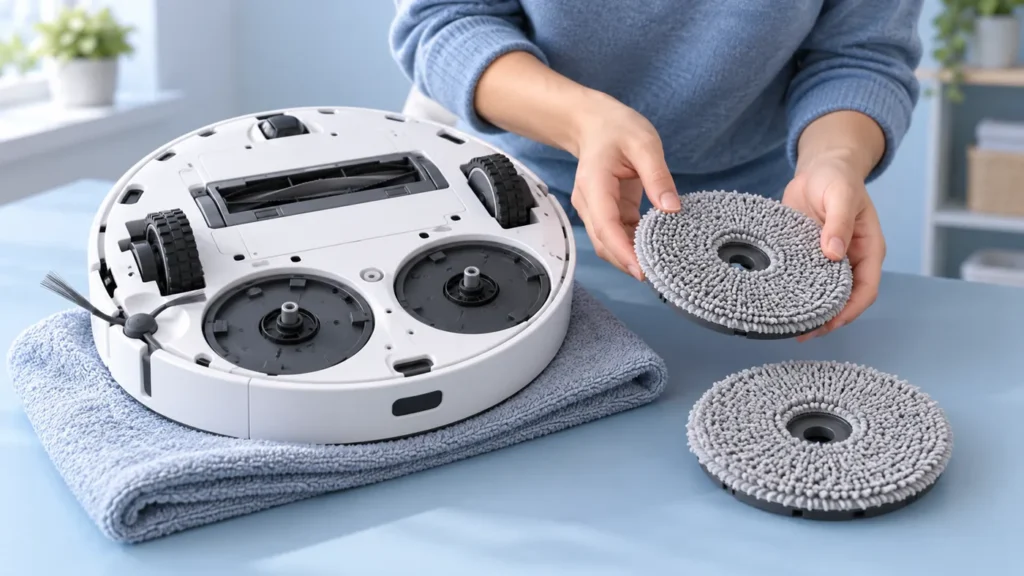
Ecovacs T20 OMNI says mop-pad plates are not fully installed? Check fit, cloth alignment, entangled debris and the result after refitting and restarting.
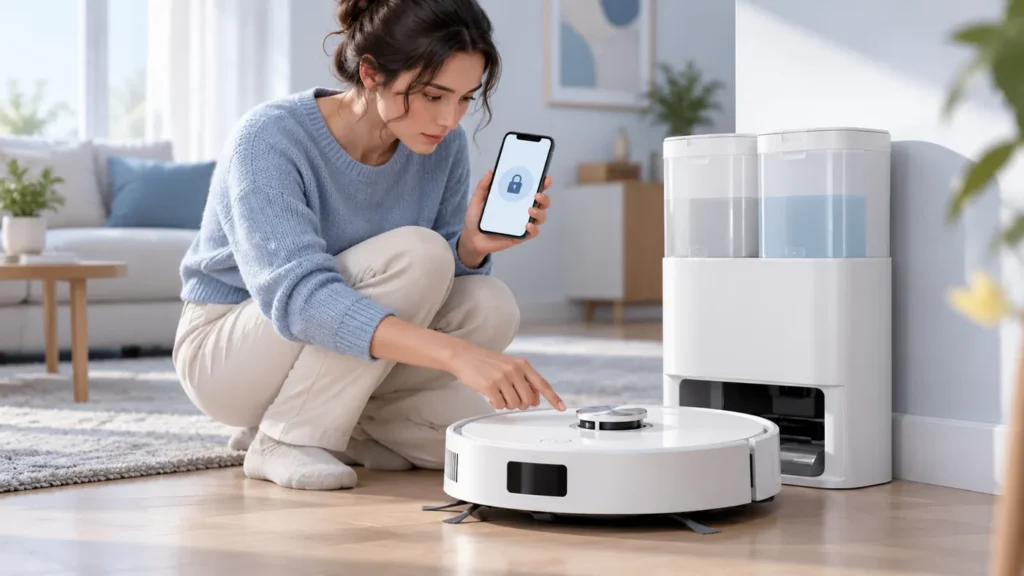
Ecovacs T20 OMNI buttons not working? Check Child Lock, compare robot and station controls, and separate no response from a task blocked by an alert.
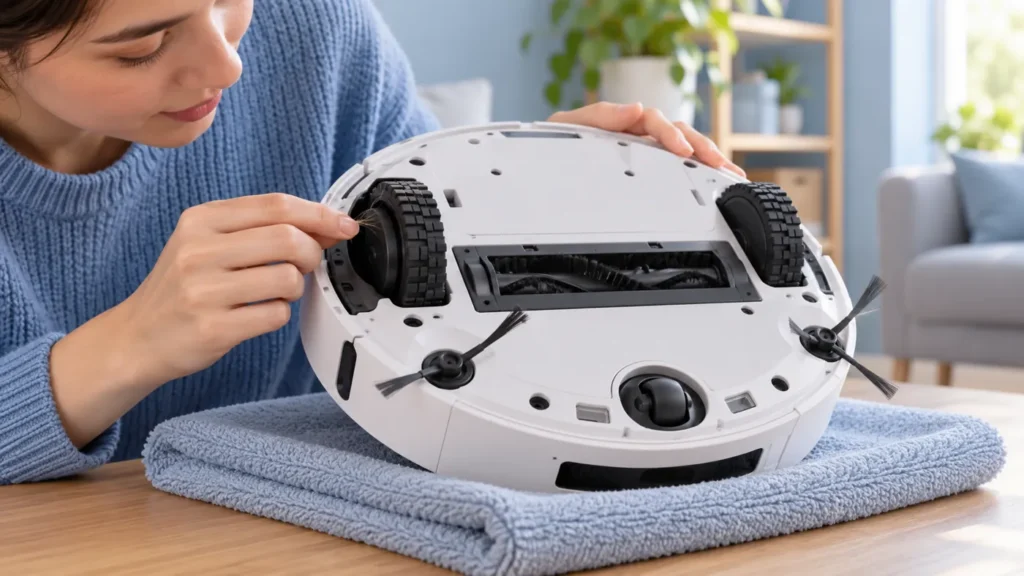
Ecovacs T20 OMNI driving wheel stuck? Check shipping protection, accessible debris and dirty tread, then compare movement on a clear floor.
Ecovacs T20 OMNI asks you to gently tap the D-ToF sensor? Follow the matching manufacturer steps, restart and record persistent alerts for support.