Begin with the quick checks. Stop if a step requires tools or experience you do not have.
To clean the Ecovacs T20 OMNI dust bin, remove it from the robot, empty it and follow the separate bin and filter steps. Keep track of what has been washed: a rinsed bin must dry before use, while the manufacturer’s filter-cleaning step describes light tapping to remove dust.
The robot’s bin and the station’s disposable dust bag are different parts. Cleaning one does not establish that the other is empty or correctly fitted. This guide covers the robot bin, with links to station emptying checks when needed.
Match the condition to the step
| What you find | Next check |
|---|---|
| Loose debris inside the robot bin | Empty it into the trash |
| Dust on the primary filter | Clean both accessible sides as documented |
| Dust in the filter assembly | Use the manufacturer’s gentle tapping step |
| Bin has been washed with water | Dry in a ventilated area before reuse |
| Parts do not refit normally | Check arrangement without forcing them |
| Station still fails to empty the bin | Use auto-empty troubleshooting |
1. Remove and empty the bin
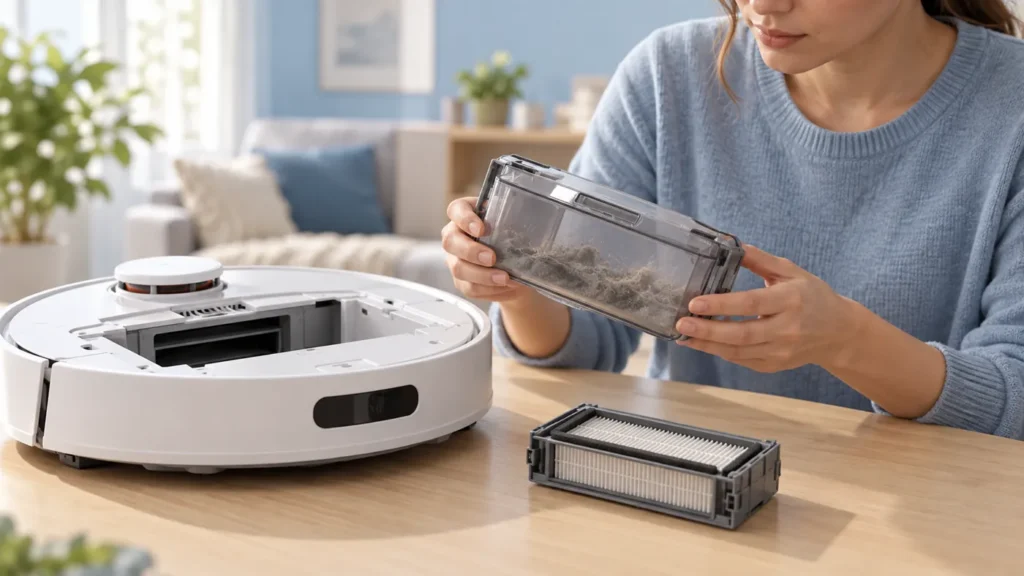
Ecovacs’ T20 dust-bin instructions describe removing the robot’s top cover, taking out the bin, opening its lock and emptying the contents into the trash.
Stop the task and power off before handling the robot for maintenance. Keep it stable and upright while removing the top cover and bin. Use the original layout rather than an illustration to identify the release and fitting position.
Carry the removed bin to the disposal area before opening it. Avoid shaking loose dust over the robot’s open compartment. Photograph the original arrangement if you want a reference for refitting.
2. Keep the filter steps separate
The manufacturer then describes removing the filter-element assembly, cleaning the primary filter inside and outside, and lightly tapping the assembly to release dust. It separately specifies washing the dust bin with water.
Lay the filter parts on a clean dry surface while working on the bin. Do not treat the bin’s wash instruction as permission to soak every filter component. Confirm any additional filter-washing method with the applicable original documentation.
Use gentle handling rather than striking the filter against a hard edge. Inspect for visible tears, cracked frames or an uncertain fit. If a filter looks damaged, record it and confirm the correct replacement instead of forcing it back.
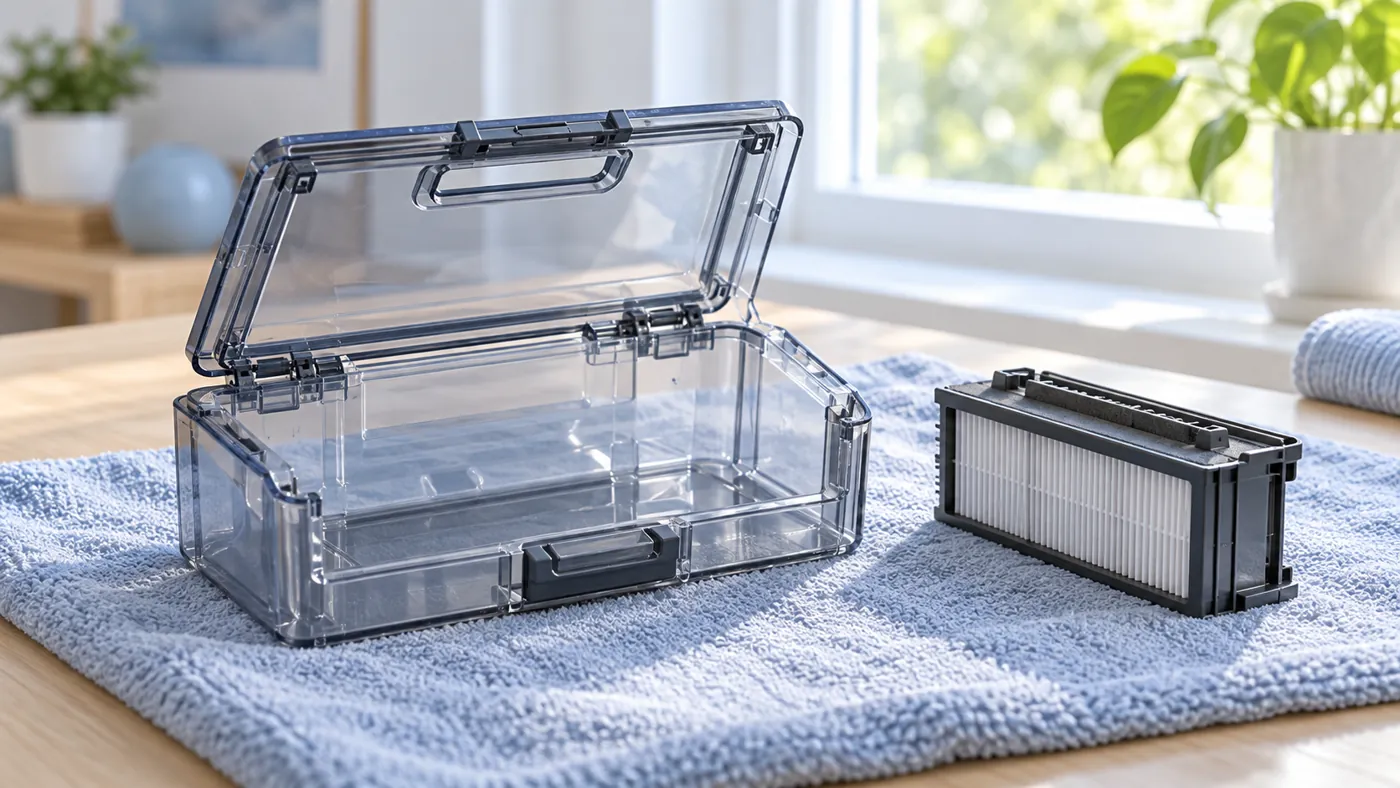
3. Wash the removable bin and let it dry
Ecovacs says that water-cleaned parts should be left in a ventilated area to dry before use. It does not give a universal drying time in that short page.
Keep water away from the robot itself. Wash only through the documented removable-bin procedure, then give the bin time to dry with airflow. Do not reinstall it merely because a chosen number of hours has passed if moisture remains.
Check accessible corners and the cover area before reassembly. Avoid adding a heat appliance or an unapproved chemical to speed the process. If residue cannot be removed through ordinary maintenance, ask Ecovacs for a suitable method.
4. Reinstall all maintenance parts
The manufacturer finishes by reinstalling the filter elements and returning the assembly to the robot. Keep the removed parts together so a filter is not accidentally left on the counter.
Follow the original fit direction for the filter, bin and top cover. If a part will not seat normally, compare its position with the documentation before pressing harder. A cover that appears closed does not establish that the bin and filter underneath are correctly fitted.
If you recently changed a filter, keep its packaging and compatibility information. The illustrations here do not establish the correct shape or fit for a replacement part.
5. Check the relevant result
After correct dry reassembly, observe an ordinary permitted cleaning task. If debris still remains where the robot travelled, use the pickup guide. The main-brush cleaning guide covers another separate maintenance check.
If the robot bin remains full after a station emptying attempt, use the auto-empty guide. For routine station bag replacement, follow the dust-bag procedure.
Save any alert after refitting. Tell support which parts you removed, which were water-cleaned and whether the issue occurs during cleaning or station emptying. Those observations are more useful than a general report of weak suction.
Frequently asked questions
Does the bin-washing step mean every filter can be soaked?
No. Keep the documented filter and bin procedures separate and confirm any additional method for your part.
Is a fixed waiting time enough after washing?
The guidance requires drying before use. Check that moisture is gone rather than relying only on a timer.
Does cleaning the robot bin replace station bag maintenance?
No. They are different parts with separate procedures.
Find related guides in the Ecovacs hub.