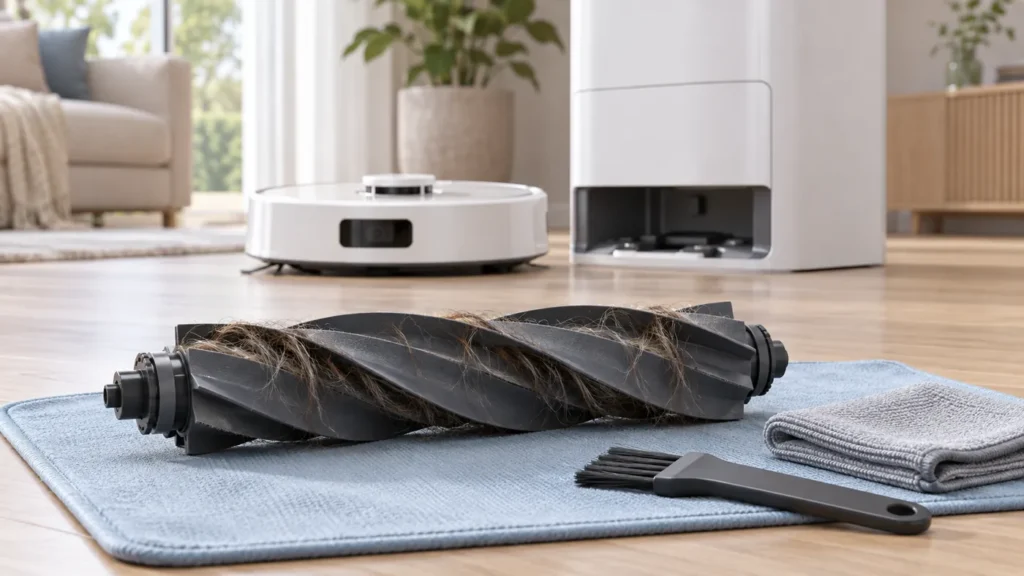
Begin with the quick checks. Stop if a step requires tools or experience you do not have.
To clean the Dreame L10s Ultra main brush, turn the robot off, release the brush guard, lift out the roller and remove wrapped hair. The original Dreame L10s Ultra user manual also shows how to remove the brush end covers. Follow that drawing before pulling at a part that looks detachable.
Hair on the roller can be easy to spot; hair wound around an end may be less obvious. Inspect both areas while the brush is out, then check the seating and guard before the next cleaning run.
What this maintenance can tell you
Cleaning the brush is a sensible first inspection when you find tangles or a caught object. It does not establish that every pickup problem comes from the roller. Note the original symptom so you can tell whether the maintenance changed it.
| Observation | Focus of the inspection |
|---|---|
| Hair wrapped around the roller | Remove the tangle without damaging the brush surface. |
| Debris around a brush end | Use the manual’s end-cover removal diagram. |
| New rubbing sound after reassembly | Stop and recheck seating and the guard. |
| Brush is clear but dirt is still left behind | Continue with the floor-pickup checks. |
1. Turn the robot off and prepare a clean surface
Remove the robot from its station and switch it off before handling the underside. Work on a clean, soft surface and position the robot carefully without putting pressure on its raised lidar housing.
Have the cleaning tool and a small waste container nearby. Take a photograph of the installed brush and guard if you are unfamiliar with the assembly. Keep removed parts together so an end cover is not misplaced while you clear the hair.
Before taking anything out, look for an obvious object caught near the brush. Record what you found. A visible tangle is a more useful starting point than an assumption that the motor has failed.
2. Release the guard and lift out the roller
Dreame instructs you to press the brush-guard clips inward, remove the guard and lift out the brush. Use the manual’s illustration to identify the clips. Do not lever the guard out by its edge.
Notice the roller’s orientation as it comes out. Set the guard aside where it will not be bent or stepped on. If a clip is cracked or a part will not release normally, stop and ask for help rather than increasing the force.
3. Clear hair from the roller and ends
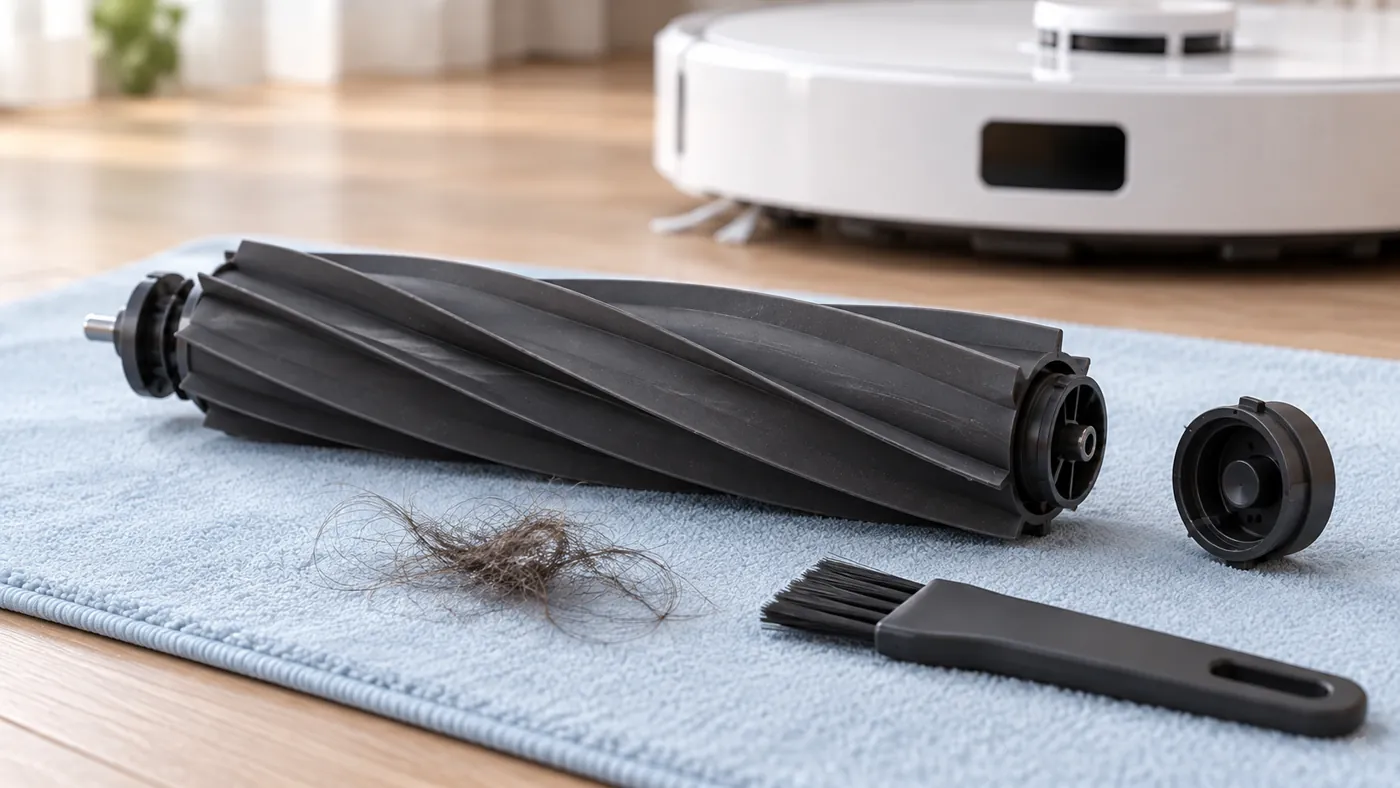
The manual shows the removable brush covers and calls for using a suitable tool to clear tangled hair. Remove only the covers identified in that diagram. Work on the hair rather than cutting into the rubber or scraping the end fittings.
Gather the removed hair into the waste container as you go. Look again around each end after clearing the obvious tangle; loose strands can remain there even when the middle looks clean. This guide uses dry debris removal and does not require soaking the brush.
Inspect the exposed brush surface while it is easy to see. Photograph tears, distortion or a damaged end fitting. Cleaning cannot restore a broken part, and a photograph helps support or a supplier confirm what needs replacement.
4. Refit the roller and guard
Put the removed covers back according to the original arrangement, seat the roller in its normal orientation and reinstall the guard. Check that the guard sits evenly and its clips engage normally. Do not run the robot with a loose guard or a missing cover.
If the guard will not settle, remove it and look for a misplaced brush end or trapped debris. Recheck the reference photograph and manual. Forcing the guard shut can hide the assembly problem instead of solving it.
5. Compare a short cleaning run
Return the robot upright, turn it on and clean a small familiar area. Use the same cleaning mode and floor surface as before where practical. Compare the original noise or pickup symptom, rather than judging only whether the robot moves.
If a new scraping or rubbing sound appears, stop the run and inspect the assembly again. If the original problem persists with a clean, correctly fitted brush, continue with L10s Ultra not picking up dirt. For repeated interruptions, see L10s Ultra keeps stopping.
For a support request, include the original symptom, what you removed, photographs of the brush ends and a brief recording of the result after reassembly. Avoid diagnosing an internal drive fault from the sound alone.
FAQ
Should I clean the side brush at the same time?
You can inspect it separately, but its removal and fitting are different from the main roller. Use the side-brush section of the original manual.
Does a clean roller rule out an airflow problem?
No. The bin and filter still need their own checks when pickup remains poor. Brush inspection covers one part of the cleaning path.
Will this fix dust remaining after auto-emptying?
If dirt reaches the robot bin but stays there after docking, check the station’s auto-empty process and dust-bag replacement procedure.
Manufacturer reference
Use the original Dreame L10s Ultra user manual, Routine Maintenance: Main Brush, for removal illustrations. Find other model-specific help in the Dreame guide library.
If unusual sounds persist after correctly refitting the brush, see Dreame L10s Ultra Making Noise.
If the brush still appears not to operate after cleaning and refitting, continue with Dreame L10s Ultra Main Brush Not Spinning.