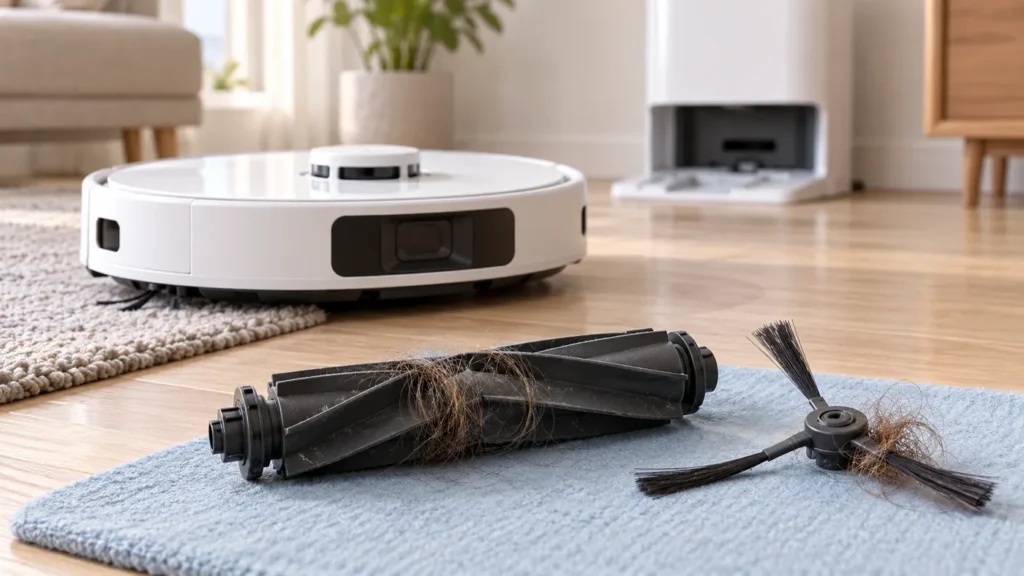
Begin with the quick checks. Stop if a step requires tools or experience you do not have.
Dreame L10s Ultra making unusual noise? First note when it happens: on carpet, during ordinary floor cleaning, after maintenance or only at the station. Increased suction can be louder without indicating a fault. A new scraping, rattling or repetitive clicking sound deserves a stopped-robot inspection.
This guide covers noise from the original L10s Ultra during cleaning. If the sound occurs only during station dust collection, use the auto-empty guide to assess that separate stage.
Record the sound before changing anything
Make a brief recording that includes the floor and robot movement, provided there is no severe grinding or visible damage. Note the cleaning mode and whether the sound began after replacing or cleaning a part. Do not keep running a robot that appears to be damaging itself or the floor.
| Pattern | First check |
|---|---|
| Louder airflow on carpet | Check suction level and carpet boost. |
| New noise after brush maintenance | Check roller ends and guard seating. |
| Noise after washing the filter | Confirm the filter is completely dry. |
| Noise appears while rolling | Inspect accessible wheels and visible debris. |
1. Compare suction settings
Dreame’s L10s Ultra noise checklist distinguishes loud operation from unusual sounds. It explains that higher suction increases working noise and that carpet boost raises suction when carpet is detected.
Check the selected setting in the app. For a useful comparison, observe a short run on the same floor at a lower supported suction level. Change only that setting and note the result. A quieter result is an observation about the setting, not proof that every component is healthy.
If the new sound is a scrape or knock rather than louder airflow, stop and inspect before doing more comparisons.
2. Inspect the brush and its cover
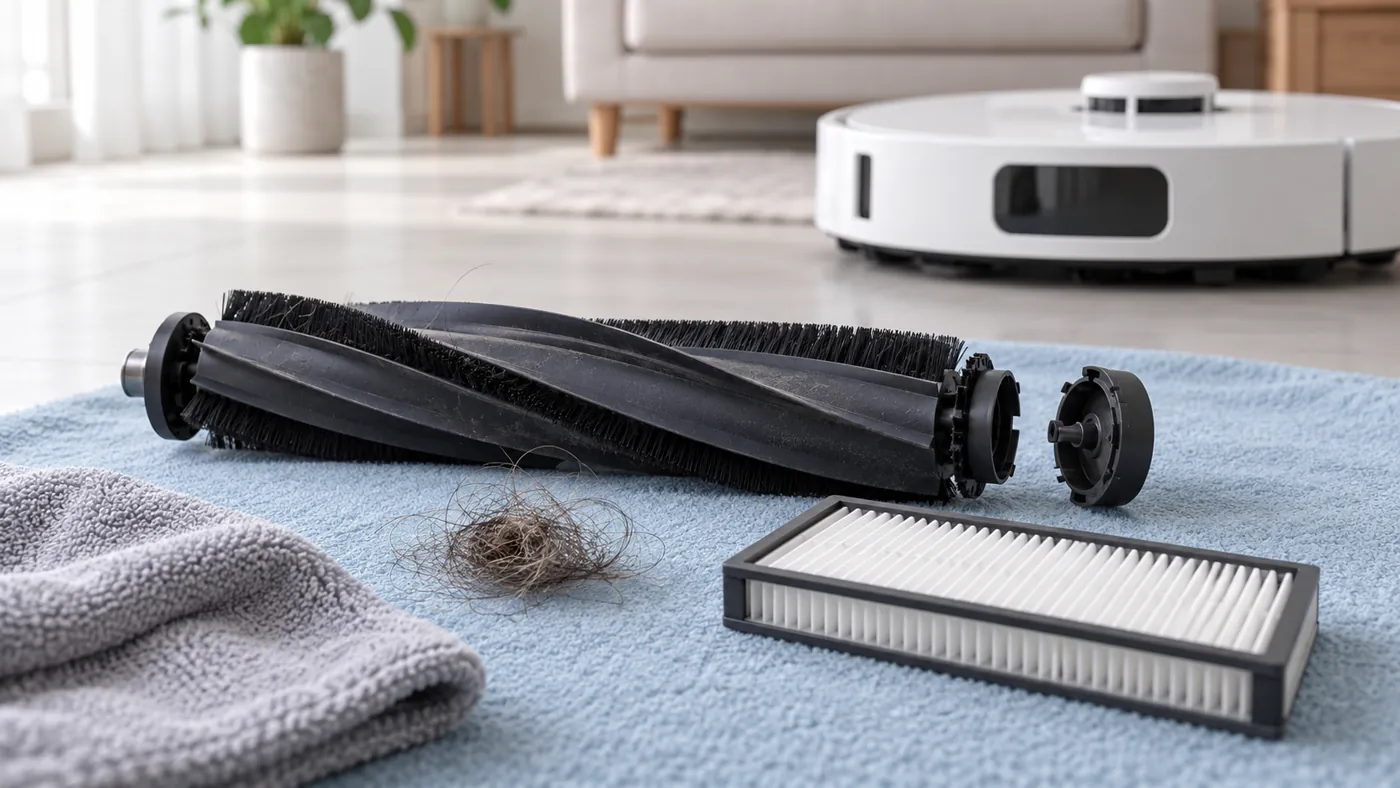
Turn the robot off and place it carefully on a clean, soft surface without loading its lidar housing. Look for a caught hard object, wrapped hair or a brush part that was not fitted normally.
Dreame points to tangles at the main-brush ends and correct installation of the cover. Use the main-brush cleaning procedure for removal and refitting. Check that the guard sits evenly and its clips engage without force.
Inspect the side brush for obvious entanglement or deformation. If replacement parts were recently fitted, confirm their original-L10s-Ultra compatibility. A part fitting into the opening does not establish that it is the correct accessory.
The manufacturer’s support article also describes tests that isolate underside accessories. Ask Dreame to guide any such test if a normal inspection does not identify the issue. The checks here use a correctly assembled robot for the comparison run.
3. Check the filter, especially after washing
Dreame warns that an undried filter can cause abnormal working noise. If yours was just rinsed, leave it out until completely dry and do not run the robot without the correct filter installed.
See dust-bin and filter cleaning for the original parts’ care procedure. The original manual also identifies a clogged filter and a hard object in the bin as checks when noise increases.
Inspect the filter’s condition without scraping or poking its material. Record any damage and confirm a compatible replacement if needed. More aggressive cleaning is not a repair for a torn filter.
4. Look at the accessible wheels
With power off, inspect visible debris around the drive wheels and universal wheel. Dreame’s checklist includes checking wheel movement and drive-wheel rebound. Use gentle movement only; stop if a wheel is jammed or damaged.
Do not dismantle the drive assembly or apply lubricant as a guessed remedy. Photograph what you can see and ask for a model-specific next step if ordinary debris removal is not enough.
5. Reassemble and make one comparison
Refit every removed part correctly before switching on. Use a small familiar area and the same floor and suction setting as in your initial recording. Listen for the original sound rather than judging only whether the robot moves.
Stop if a new rubbing or grinding sound appears after reassembly. If the original noise persists, send Dreame both recordings, photographs of the brush ends and guard, and a list of changes. A recording helps describe the fault; it does not identify an internal bearing or motor by itself.
If noise comes with poor pickup, continue with L10s Ultra not picking up dirt. For repeated pauses, see L10s Ultra keeps stopping.
FAQ
Is louder operation on carpet always a fault?
No. Check whether carpet boost or a higher suction setting explains the change.
Can a washed filter be used while slightly damp?
Wait until it is completely dry. Dreame specifically includes filter dryness in its noise checks.
Should I replace the main brush immediately?
Inspect tangles, seating and visible damage first. Confirm the need and exact compatibility before replacing a part.
Manufacturer references
- Dreame: L10s Ultra abnormal sounds during cleaning.
- Original L10s Ultra manual — noise FAQ and routine maintenance.
- More Dreame troubleshooting guides.
For the side-brush removal and refitting procedure, see How to Clean Dreame L10s Ultra Side Brush.
For visible debris or rough movement at the small front caster, follow How to Clean Dreame L10s Ultra Universal Wheel.