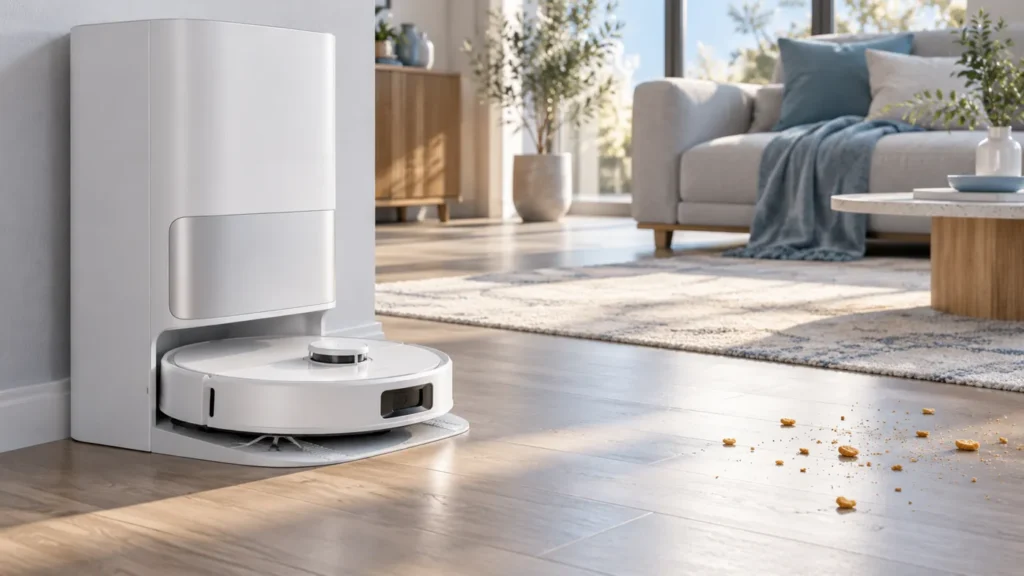
Begin with the quick checks. Stop if a step requires tools or experience you do not have.
If your Dreame L10s Ultra is not resuming cleaning after charging, first check how it returned to the dock and whether Do Not Disturb is active. A robot sent home by its owner does not behave like a robot that interrupted an unfinished run to recharge. Establish that difference before changing settings or assuming a battery fault.
This guide helps you separate expected behavior from a repeatable failure. Keep the current map and cleaning history while you investigate; they provide useful evidence about the interrupted task.
Quick checks before starting another run
| What you observe | Next check |
|---|---|
| You placed the robot on its base or sent it home | Treat the old task as interrupted by a manual return; start the desired cleaning task again. |
| It returned automatically and DND is active | Check when the DND period ends. |
| The displayed battery level is not increasing | Investigate charging before automatic continuation. |
| The history shows a completed run | Check whether the area was included in that task. |
| It stops away from the dock | Use the stopping guide for the actual interruption. |
1. Identify how the robot reached the base
Look back at the last action before charging. Did the robot announce a low battery and return itself, or did someone press the dock button, select return-to-base in the app, or lift it onto the station? Dreame lists those manual returns as situations where cleaning does not resume automatically.
If you chose a manual return to end the run, select the rooms or area still needing cleaning and launch a new task when ready. Repeatedly pressing return-to-base while waiting for continuation makes it harder to test the automatic behavior.
If the return was automatic, note the return time and whether the original task still appeared unfinished. A completed task with an unselected room is a different issue: review the room selection and map rather than waiting for a recharge to trigger more cleaning.
2. Check Do Not Disturb and its time window
DND pauses cleaning continuation until its period ends. Check the actual settings in your app, including an overnight period that crosses midnight. Do not assume a setting is inactive because you have not changed it recently.
Scheduled cleaning and resuming an interrupted run are different actions. The manual says scheduled tasks still execute during DND. A scheduled run starting does not prove that the interrupted run should resume at that same time.
For a useful comparison, observe an automatic recharge outside your configured DND window. Avoid changing the schedule, map, room selection, and other settings together: if the result changes, you want to know which condition explains it.
3. Confirm that charging is actually progressing
Being physically inside the dock is not enough evidence of a successful recharge. Compare the app’s battery reading at two times and note any charging or station error. Avoid drawing conclusions from a single stale reading.
If the charge does not progress, follow the L10s Ultra not charging guide. If the robot struggles to enter the station, use the docking failed checklist. Fix that observable problem before assessing whether the robot can continue a run.
4. Observe one uninterrupted test
- Choose a cleaning task and record the rooms selected.
- If it returns automatically to recharge before finishing, record that event.
- Leave it docked without sending another home command or manually relocating it.
- Record the battery trend, DND status, and any error message.
- Check whether it continues the unfinished task after charging and outside DND.
Do not force a low-battery condition or promise a particular restart percentage. The useful evidence is the sequence of events. If it stops elsewhere before any automatic recharge, investigate why the L10s Ultra keeps stopping instead.
When to contact Dreame support
Escalate a repeatable failure after an automatic return, with charging progressing and DND excluded. Send the exact model, app and firmware versions, cleaning-history screenshots, return time, charging observations, and the error text if present. Explain whether any manual command was issued. This record is more useful than reporting only that the robot stayed at the dock.
FAQ
Will it continue after I send it home in the app?
Do not expect automatic continuation after a manual home command. Start the cleaning you still need as a new task.
Does an overnight pause mean the battery is defective?
No. Check the task status, return method, DND window, and charging trend before making that conclusion.
Should I reset the robot first?
Keep the map and history for the initial checks. A reset removes useful context and does not explain a manual return or an active DND window.
Related Dreame guides
Find charging, navigation, and maintenance checklists in the Dreame troubleshooting hub.
Manufacturer reference: Dreame L10s Ultra user manual, English sections on DND, troubleshooting, and routine maintenance. This guide covers the original L10s Ultra; check the manual matching your exact model.
If a new timed task fails to start, rather than an interrupted run failing to continue, use Dreame L10s Ultra Scheduled Cleaning Not Working.
If the battery is still gaining charge slowly rather than a completed recharge failing to trigger continuation, use Dreame L10s Ultra Charging Slowly.