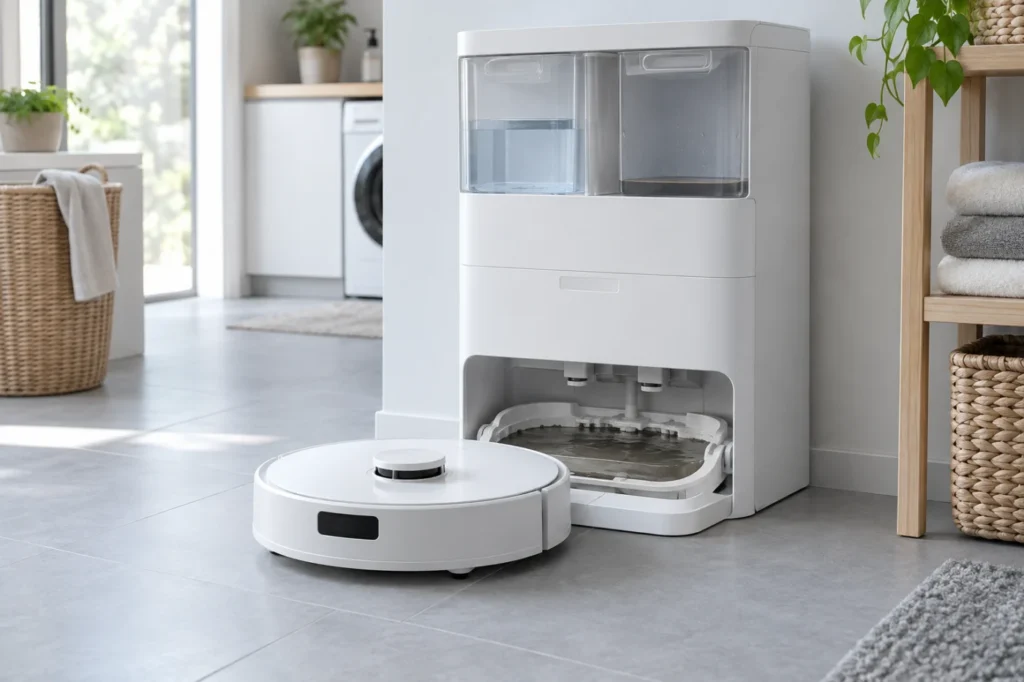
Begin with the quick checks. Stop if a step requires tools or experience you do not have.
Quick answer: If dirty water stays in the Ecovacs T20 OMNI cleaning sink, check the waste-water tank seal and seating first. Then use the station’s recovery test. If the water still does not move, clean the removable sink filter and visible suction opening. If the sink is already dry but the station still reports a full-water fault, wipe the level sensors on both sides of the sink. ECOVACS lists these as separate checks for the two symptoms.
Not sure which check to try next?
Follow guided questions and report what changes after each check.
Start step-by-step diagnosisThe station may wash the mops with hot water. Stop the cycle, let the sink cool and unplug the station before touching removable parts. If water is near the sink edge, remove the excess with a sponge or cup before any further test. Do not open the station or push a tool into its internal hose or pump.
Which problem do you see?
| Observation | Start here |
|---|---|
| Dirty water remains in the sink after washing | Waste-water tank seals, tank seating, sink filter and suction opening |
| The waste-water tank is empty, but the station says it is full | First check whether water is still in the sink; if the sink is dry, clean both level sensors |
| Water approaches the top of the sink | Stop washing and remove standing water before another recovery test |
1. Check the station light
ECOVACS says to check whether the station light is flashing. If it is, disconnect station power, reconnect it and let it start normally before continuing. Use dry hands and stop if the plug or cord is damaged. Record any voice prompt or ECOVACS HOME alert instead of treating every flashing light as the same fault.
2. Empty the waste-water tank and check its seal
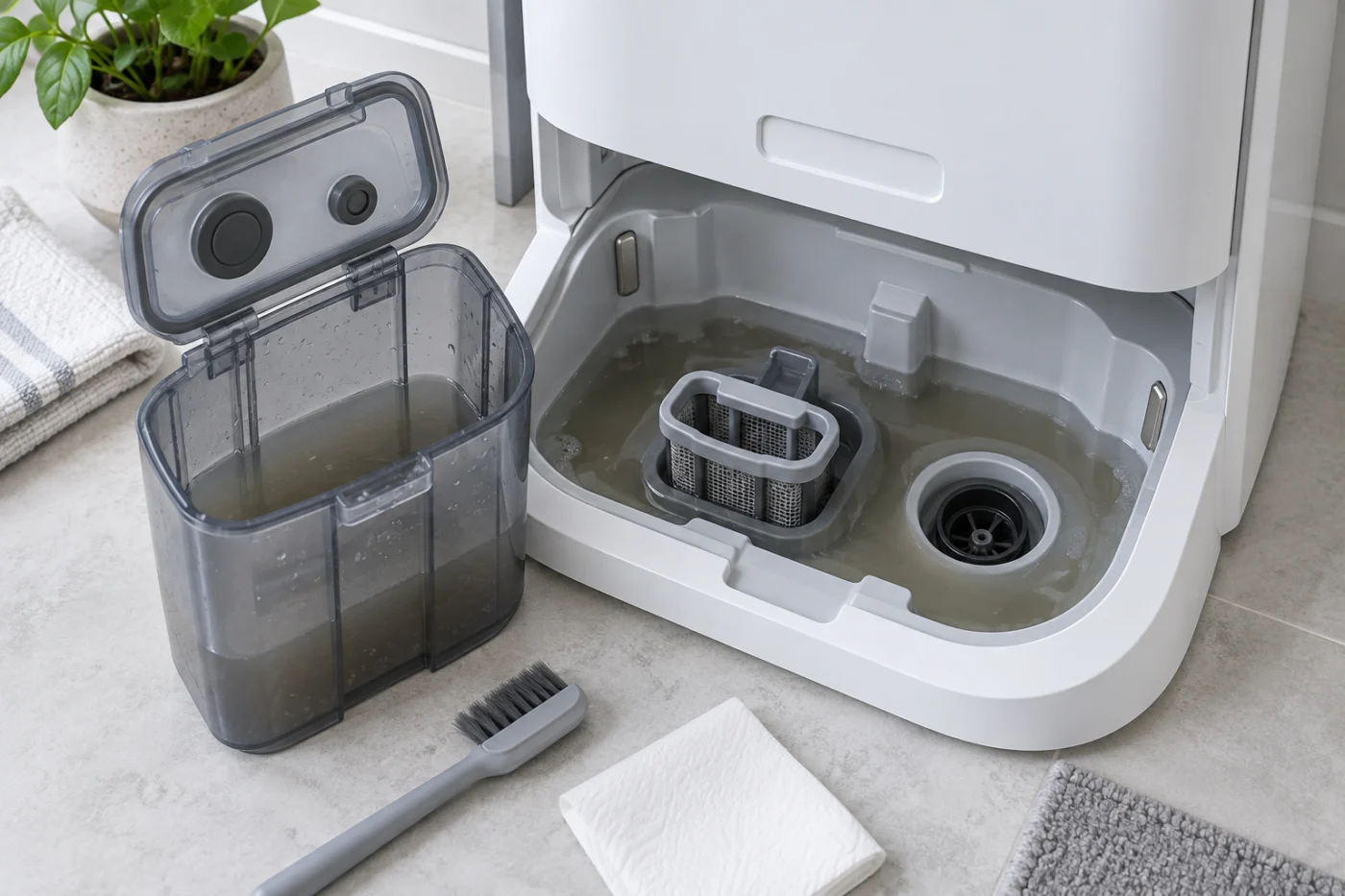
Lift out the waste-water tank and empty it. Open its cover and make sure the sealing plugs and lid seal are in place, clean and flat. ECOVACS instructs users to leave the cover open for about 10 seconds before closing it again. Do not stretch a seal or scrape it with a sharp tool. A cracked tank, lid or plug needs replacement or service.
3. Seat the tank and station plugs
Check the matching sealing plugs in the tank compartment, then reinstall the closed tank and press it down evenly. It should sit level. A tank that works only while you hold it down has a seating or sealing problem; pressure from your hand is only a clue, not a repair.
4. Test dirty-water recovery
When the tank is installed and the sink is safely below its edge, ECOVACS recommends holding the station start/stop button for about three seconds to see whether the dirty water is recovered. Watch the water level rather than relying on the motor sound alone. If the level falls and water reaches the tank, stop and check the result. If it does not fall, move to the removable sink components.
5. Clean the filter and visible suction opening
Unplug the station and remove standing water if needed. Lift out the removable cleaning-sink filter assembly. Remove hair and debris from the filter and the visible suction opening, then reinstall the assembly in its proper position. ECOVACS includes this check when recovery fails after the tank and seal test. Use a soft brush or cloth on accessible surfaces; do not insert a wire into the water passage or pour drain cleaner into the station.
Reconnect power and repeat one recovery test. If the sink still does not drain, avoid starting another mop-washing cycle that adds water.
6. Clean the sensors if the warning persists with a dry sink
A warning with no water in the sink calls for a different check. Power off the station, remove the sink filter assembly and wipe the level-sensing surfaces on both sides of the cleaning sink with a clean tissue. Reinstall the filter, reconnect power and check whether the alert returns. ECOVACS specifies this sensor check for a warning that remains when the sink is empty.
7. Decide whether to stop
Contact ECOVACS support if the sink still will not drain after the tank, seal, filter and suction-opening checks; if the tank or station leaks; or if the empty-sink alert persists after sensor cleaning. Send a photo of the tank seal and sink, the exact alert, and a short video of one recovery attempt. Do not dismantle the powered station to reach the pump or hoses.
Two common questions
Can I keep washing the mops while water remains in the sink?
Stop if water is accumulating. Remove the excess before testing recovery again so the sink does not overflow.
Does a recovery sound prove the pump is working?
No. The useful observation is whether the sink level falls and the waste-water tank gains water. A sound alone does not show where flow stops.
For more model-specific articles, see the Ecovacs troubleshooting hub or all published guides. This guide follows ECOVACS’ T20 OMNI recovery instructions and its cleaning-sink alarm guidance. RoboFixGuide is independent of ECOVACS.
If the station does not wet the pads, use the T20 OMNI clean-water checks. If the robot cannot dock and receive power, start with the T20 OMNI charging guide.
When water supply and drainage work and the sink needs routine cleaning, follow the T20 OMNI station cleaning-sink maintenance guide.